How to Update Google Chrome Browser

Learn how to update Google Chrome browser on Windows, Mac, and Android in minutes to enjoy better security, speed, and new features. Follow these clear steps.
Quick view
Dolby Digital Plus is a premium multi-channel surround sound system designed for high quality sound. Spread the sound in all directions so you can feel clear and vivid sound.
This technology is applied to most of Toshiba TVs such as 55L5450 , 47L2450 ...
The Power Bass Booster feature helps to handle the large disparity in sound frequency bands. Loud sounds (shrill noise) will be lowered, low-pitched sounds (inaudible) will be raised for harmonized sounds to make the sound more diffuse and clear. .
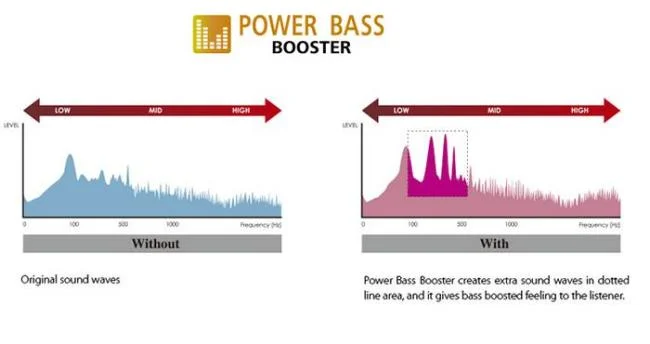
This technology is applied on Toshiba LED TVs such as 32L2450 , 32P2400 ...
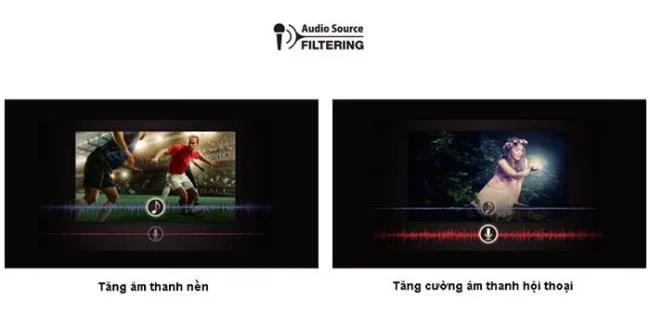
This technology helps Toshiba TVs increase the intensity of background sounds, conversations. When watching sports programs, the background sound automatically increases to give you a feeling of being in the stadium. In addition, noises will be filtered when multiple people are talking. Helping movies or reality TV shows will be clear.
Currently the Toshiba TV model L2450 has been applied to this technology to bring the most specific sound quality to the TV viewers.
Audio Distortion Control (AD Control) is a technology that helps to improve uneven (too loud or too soft) sound phenomena. This technology works by maintaining low frequency sounds and lowering high frequency sounds. Helping the output sound from jarring or distortion, giving viewers warm sound effects.
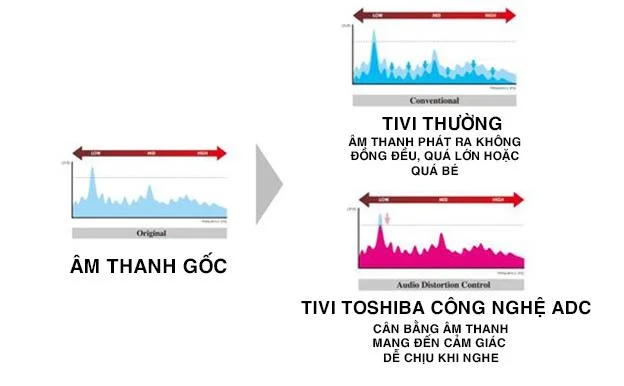
This technology is available on almost all Toshiba TVs such as: 40L2450 , 32L2450 ,
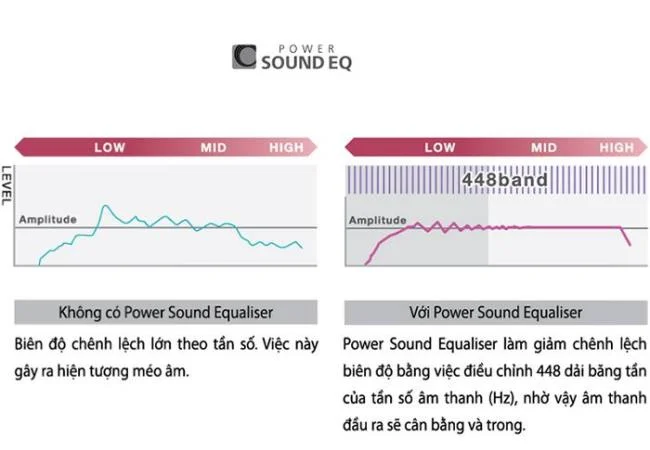
The frequency difference will cause distortion, which makes TV viewers uncomfortable. Understanding that, Toshiba TV has been added to the Power Sound Equaliser technology to help reduce the difference in sound, to help the sound emit clearer as well as more resonant.
Toshiba TVs also have this technology such as: 32P1303 , 24P1300 , 39L4300
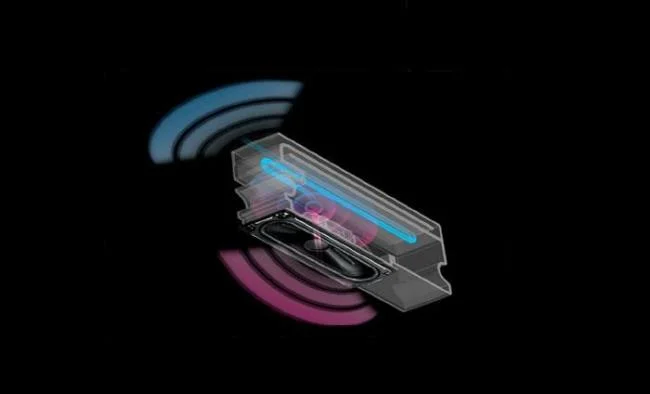
The Labyringth speaker system was born to deliver clear, powerful sound performance. With the improved design of the speaker, inside the speaker duct, the sound frequencies will be resonated and lowered to create better, more powerful bass.
This speaker system is available on models from 55 inches and above such as 55L2450 or 55L5450 .
It can be said that with advanced technology and rigorous testing from Toshiba, the Toshiba TVs come with perfection in accordance with the criteria set forth by this Japanese electronics company. .
Learn how to update Google Chrome browser on Windows, Mac, and Android in minutes to enjoy better security, speed, and new features. Follow these clear steps.
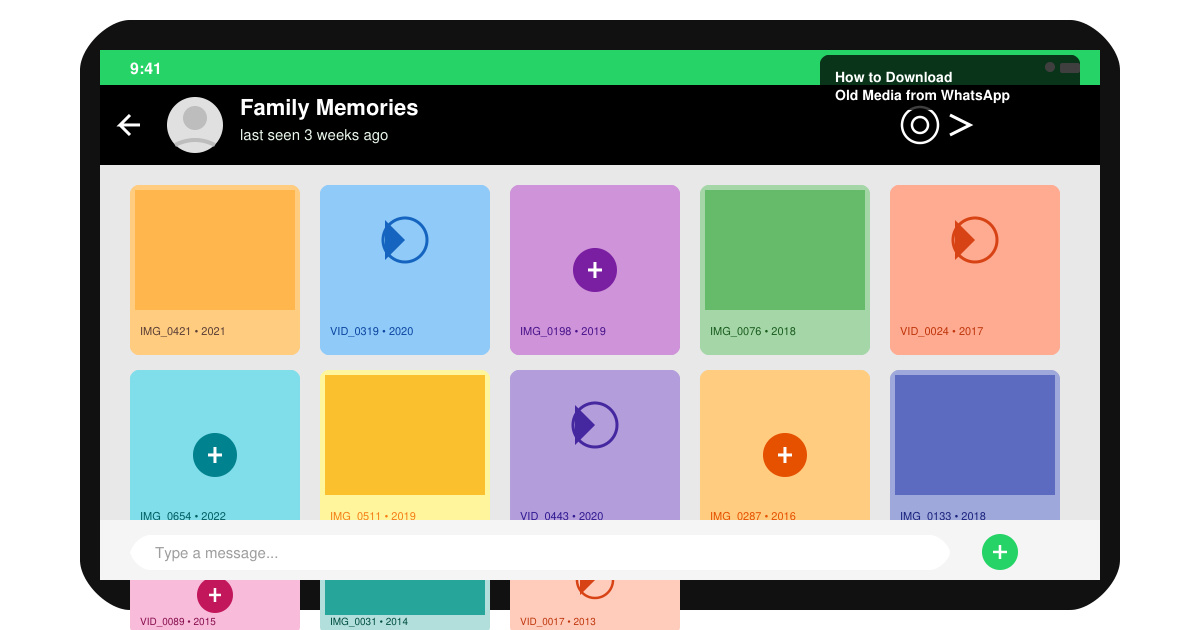
Learn how to download old media from WhatsApp and recover photos or videos from past chats. Follow these clear steps to save files that no longer appear in your gallery.
Facebook Messenger Isn T Working on your device? Use these exact troubleshooting steps to restore chats, calls, and notifications fast on Android, iOS, or desktop.
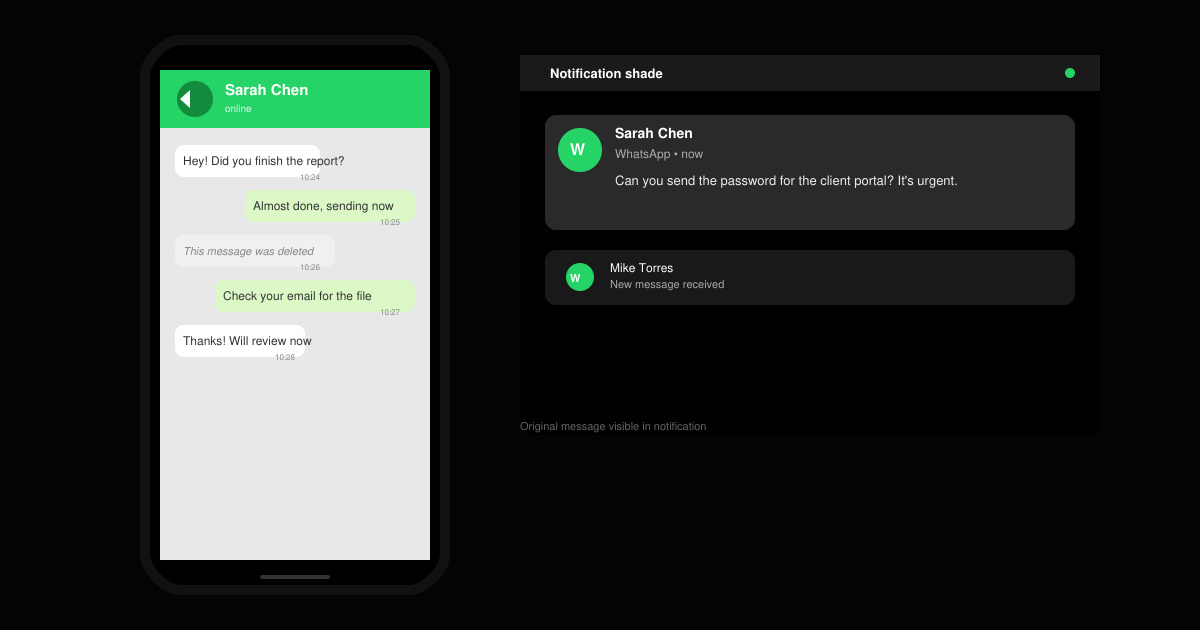
How to See Deleted WhatsApp Messages using your phone's built-in tools. Follow these exact steps to recover messages that contacts have deleted from chats.
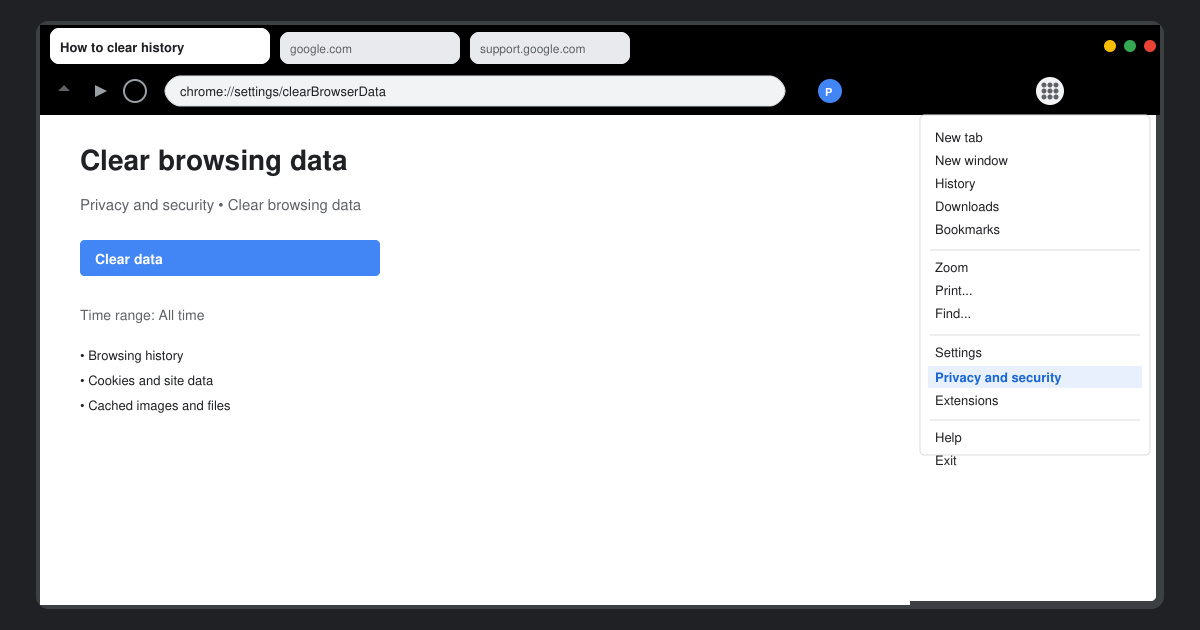
Learn how to clear browser history in Chrome on desktop and Android with this exact step-by-step process. Keep your browsing private and free up storage space quickly.
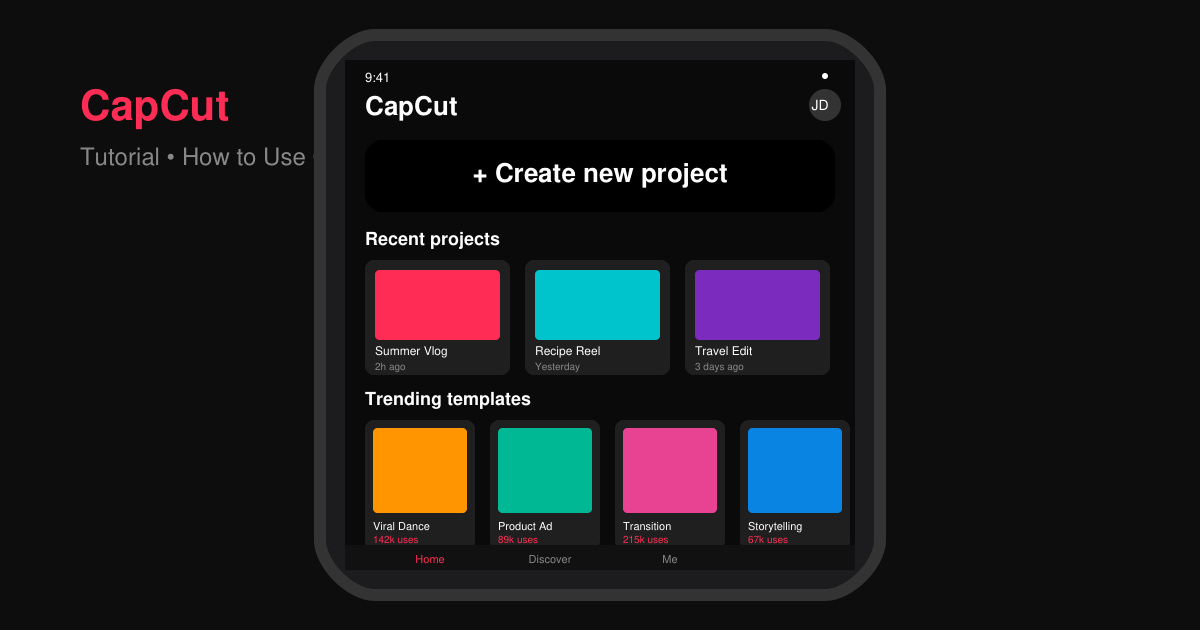
Master how to use CapCut with this practical walkthrough covering project setup, editing tools, effects, and export options for high-quality video results.
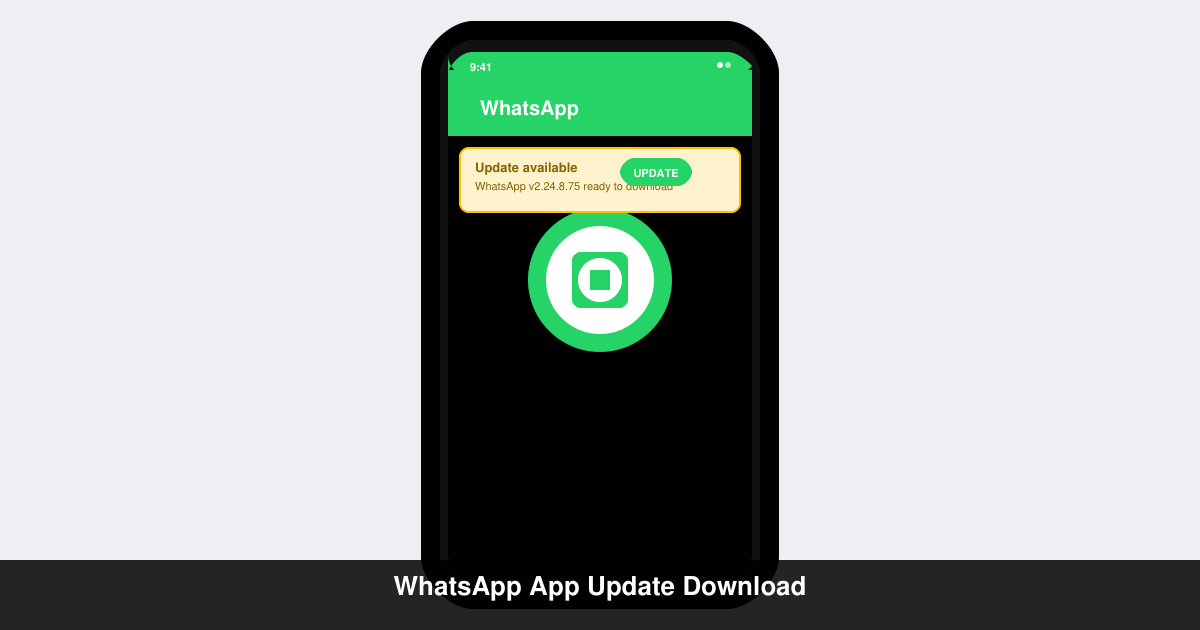
Get the latest WhatsApp App Update Download from official sources to access new features and security improvements. Follow these clear steps for Android and iOS devices.
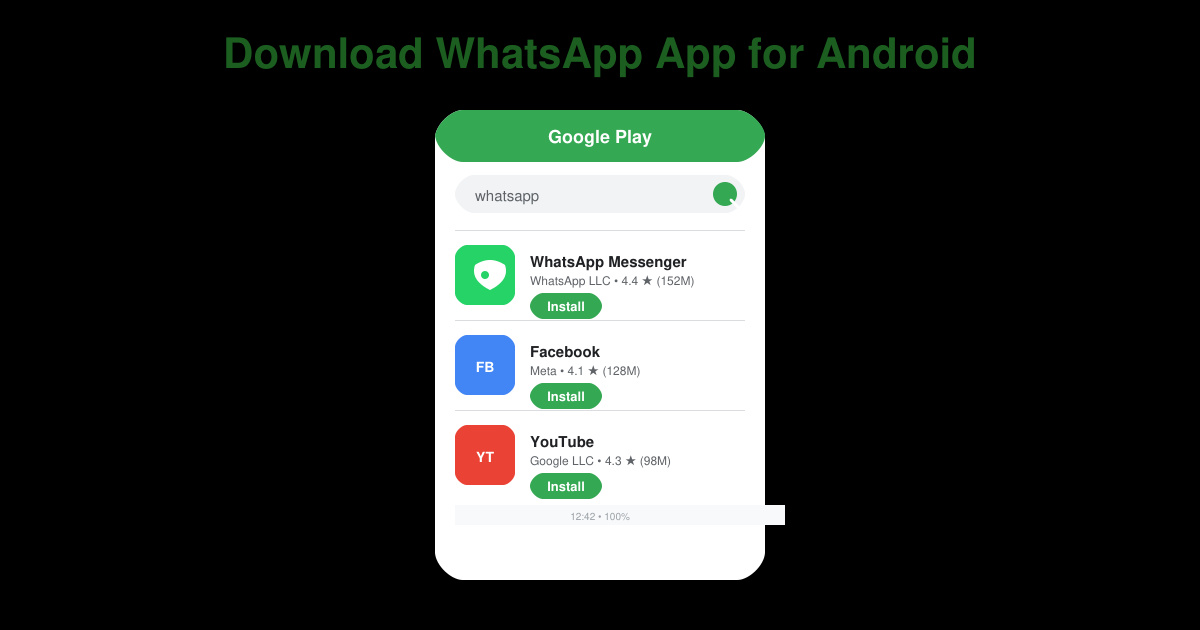
Learn how to safely Download WhatsApp App for Android from the official Google Play Store. Follow our clear step-by-step instructions to install the latest version quickly and securely.
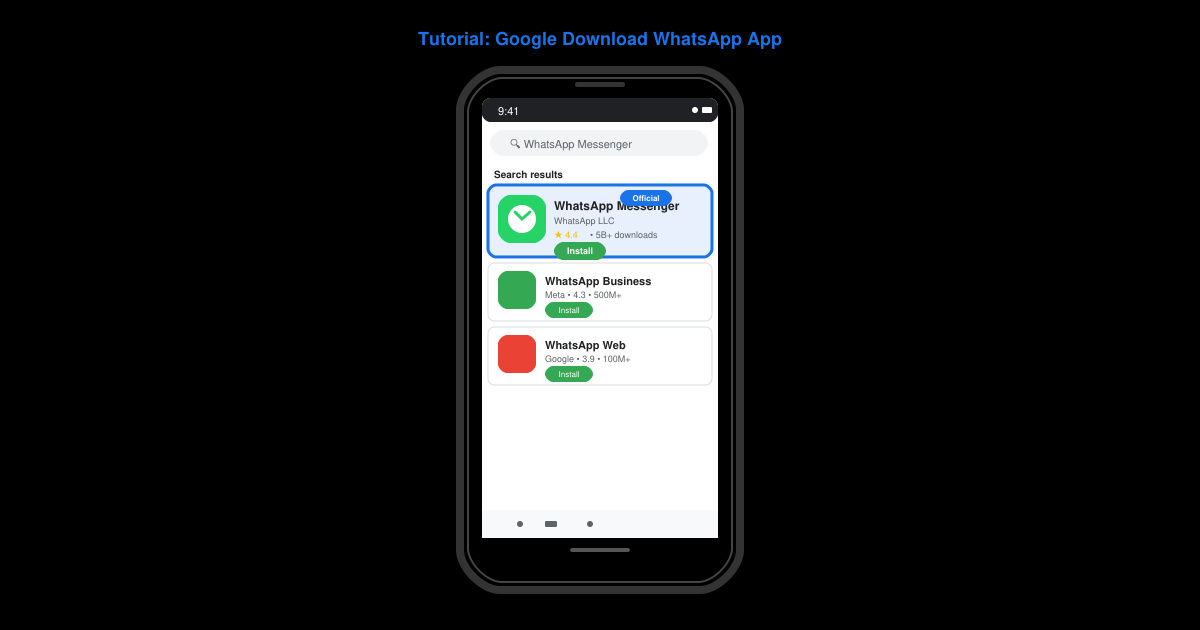
Google Download WhatsApp App safely through the Google Play Store with this clear guide. Get the official version on your Android device quickly and avoid fake downloads.
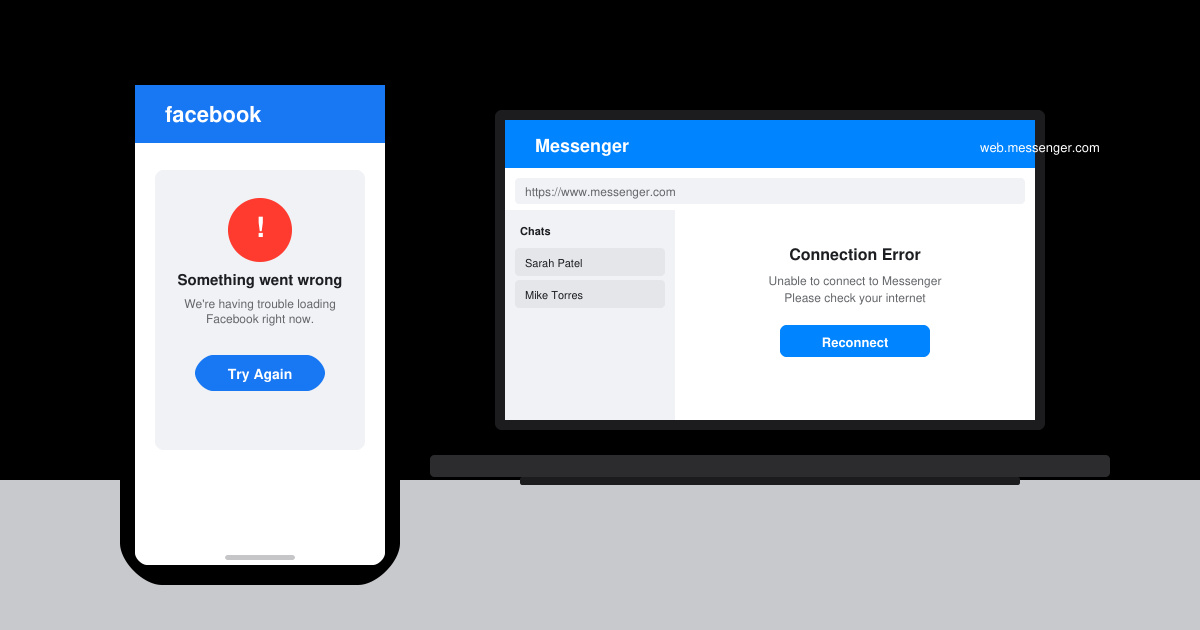
Facebook and Messenger not working can disrupt your day. Follow these targeted fixes to restore access quickly on mobile and desktop.