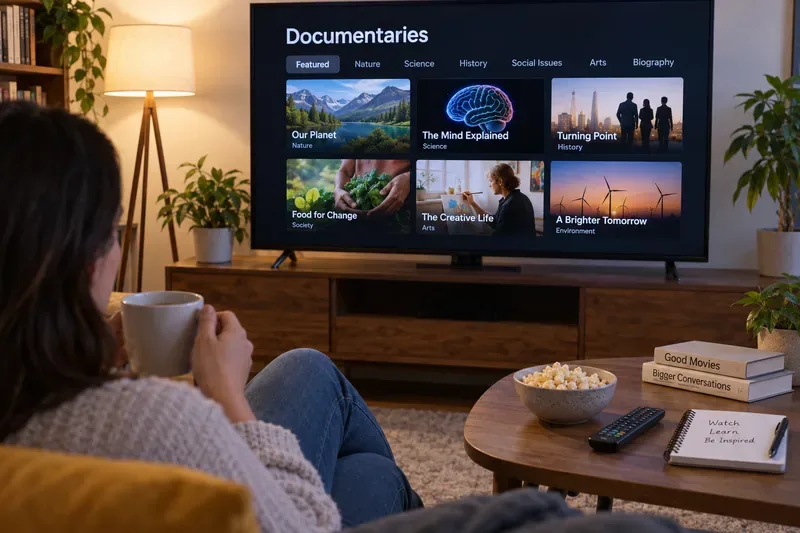
If you’ve ever been to an electronics store, you may have noticed the TVs on display show similar visual content. Majestic mountains, glistening seas, colorful balloons – images designed to show off the technical attributes of the set. This is known as Store Demo Mode and it’s displayed on many TVs including Hisense.

While the option is useful for displaying the Hisense TV output, you don’t need it on at home. If you’re at home your Hisense TV is displaying Store Demo Mode and want to turn it off, read on and learn how to disconnect this mode.
Turning Off Store Mode on Hisense Android TV
Demo mode is very important when you are purchasing a new TV. You can learn about basic settings and additional features. However, you don’t need the Store or Demo Mode when your TV is finally home and you understand all the features. So let’s learn how to turn it off.
The Hisense smart TV Demo Mode can be turned off with or without a remote. Here’s how:
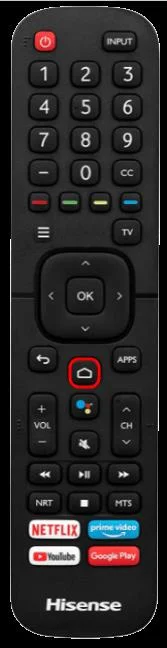
- Power up the TV and ensure you have the remote at hand.
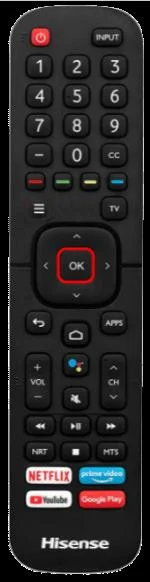
- On the TV remote, hit the “Home” button.

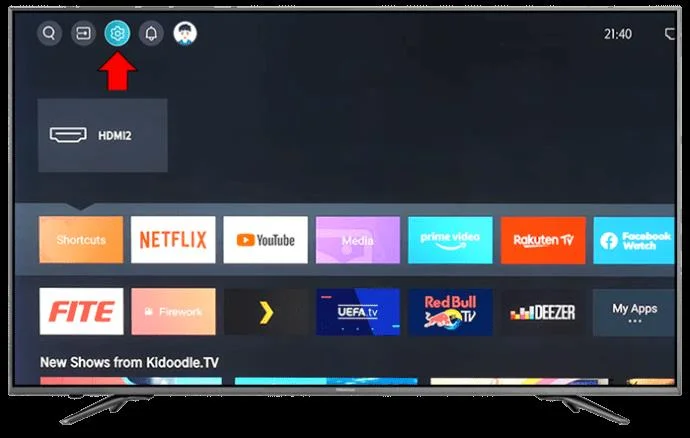
- Select Settings.

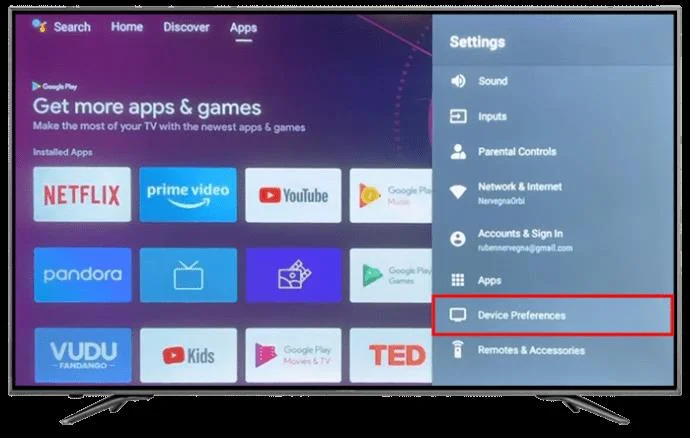
- Navigate to Device Preferences under Settings and select.

- Here, you’ll see Usage Mode. On some devices, you may see Retail Mode or Demo Mode.

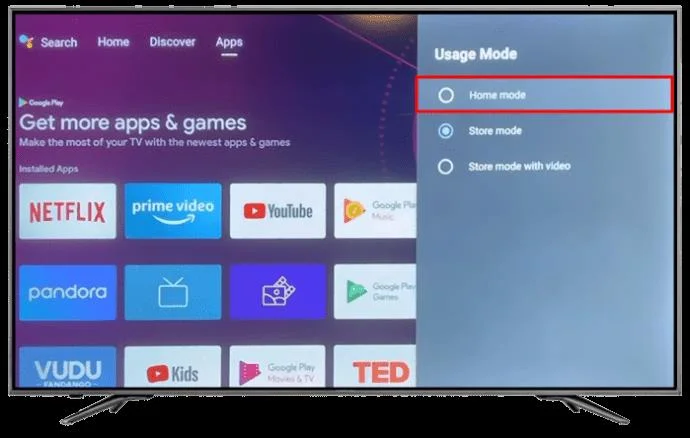
- Select Home Mode under Usage Mode or Disable Retail Mode.

These steps should turn off the Store Mode on your Hisense TV.
Google TV
On Hisense Google TV, you can turn off Store Mode by performing the following:
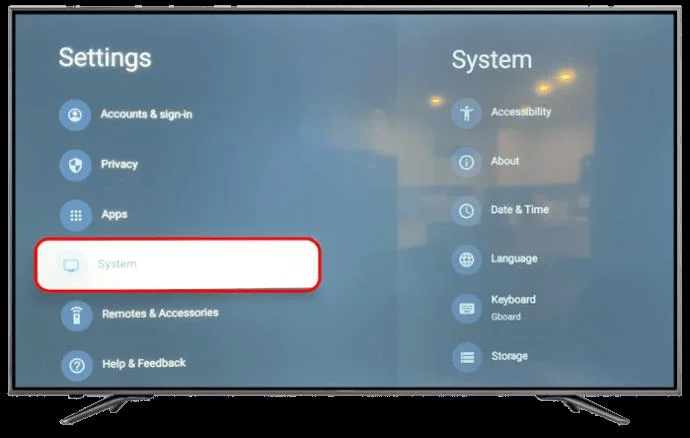
- On your remote, press Settings. If the remote does not have a settings-only button, select the Settings icon by scrolling to the upper corner of your screen.

- Open the System category in the Settings menu.

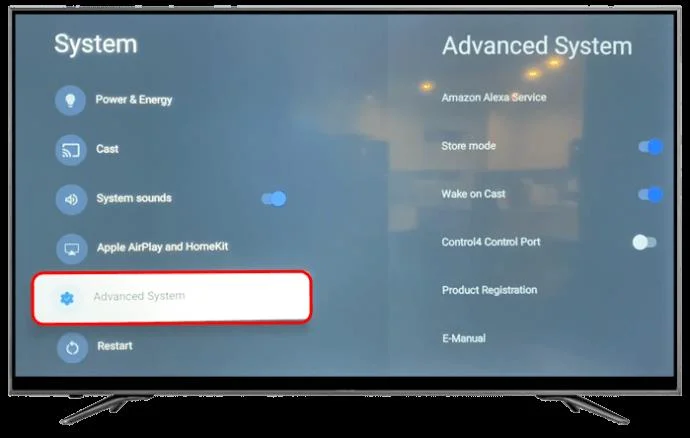
- Select Advanced system to find more system settings.

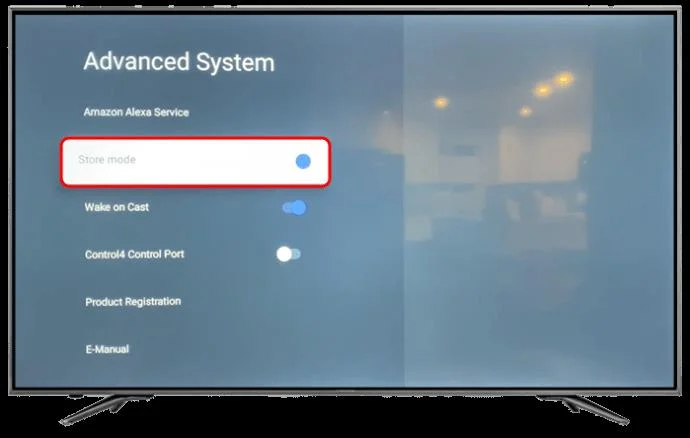
- Find an option to enable or disable Store Mode.

Turn Store Mode Off Without a Remote
If you don’t have a remote or you prefer not to use one for any reason, follow these steps:
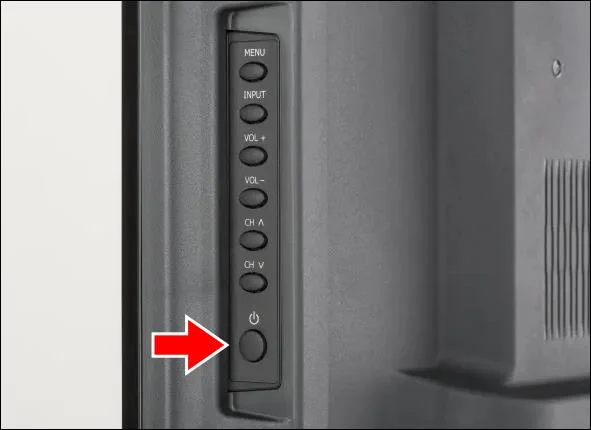
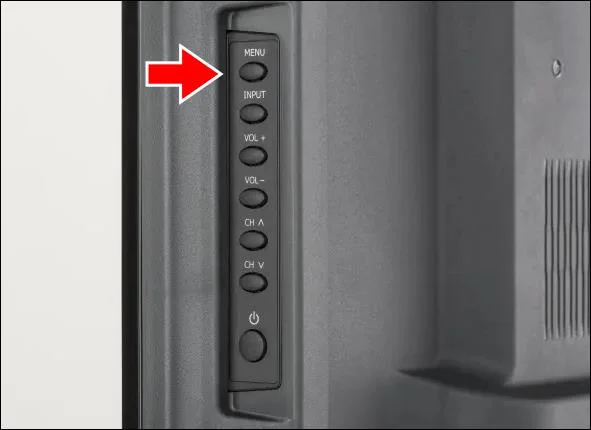
- Find the Hisense TV power button at the back or side panel

- Press the Menu button.

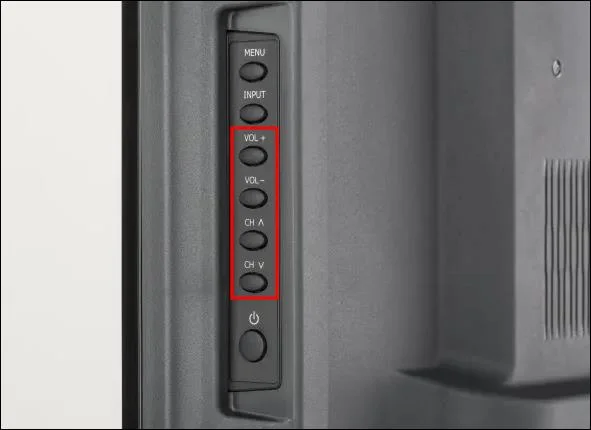
- Use the volume and channel up and down buttons to scroll through the settings.

- Navigate to Device Preferences using the buttons.

- Navigate to Usage Mode and select it.

- Disable Store Mode by choosing Home mode.

Additional Ways to Turn Off Demo Mode
As we mentioned, the main reason for Demo Mode is to show high-quality pictures that demonstrate the quality of the television. But Demo Mode also affects the sound quality through the speakers. This is another reason you need to pick the Home Mode instead of the Demo Mode. Here are additional ways to prevent Demo Mode from reappearing.
Power Cycle the TV
There are chances that you could successfully remove Demo Mode but realize that the TV keeps on reverting to that mode. This can be a frustrating situation. To prevent it, you should power cycle the TV to see whether this solves the issue permanently. To do so:
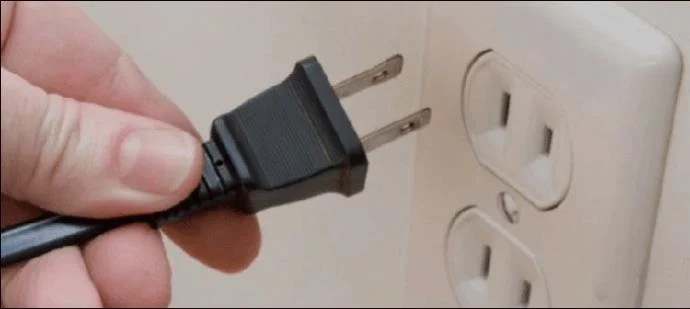
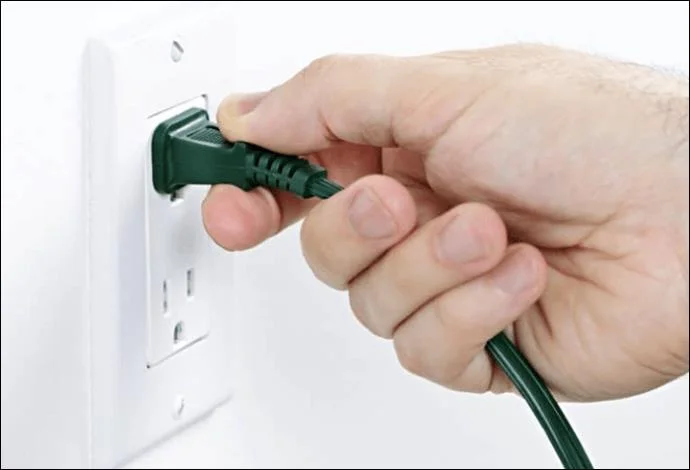
- Unplug the TV from power.

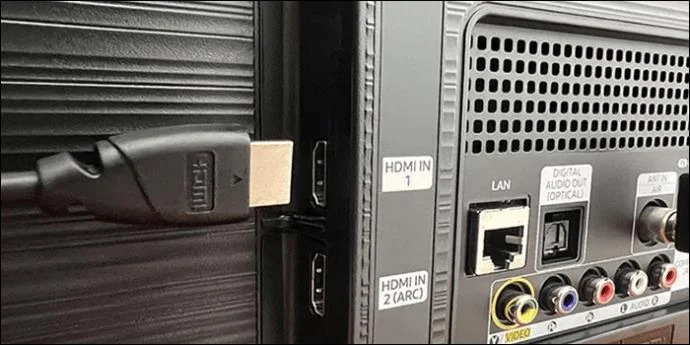
- Make sure that the TV is disconnected from all other devices.

- Leave the Hisense TV off for a few minutes.
- Plug the TV back into the power source.

- Power the TV on and check whether it is still in Demo Mode.
These steps should successfully remove Demo Mode since it resets the TV.
Factory Reset the TV
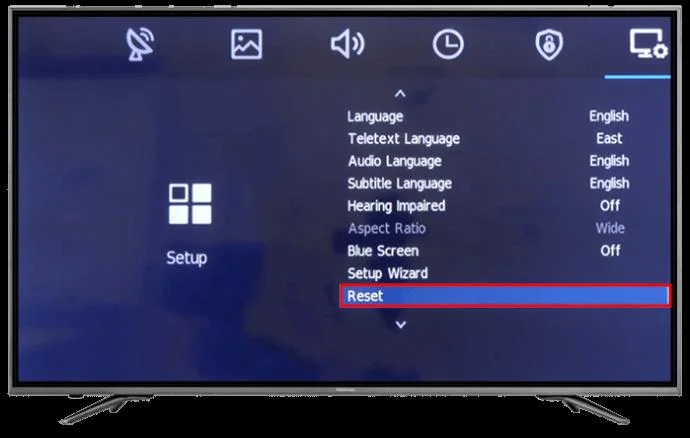
Sometimes, the TV continues to display Store or Demo Mode even after it’s been powered cycled. In this situation, you may have to do a factory reset. This restores the TV to the default settings and returns to Home Mode.
- Navigate to “Settings” on the TV using the TV buttons or your remote.

- Choose the “Restore” option.

- Tap “OK.”

Once the factory reset is done, the TV restores to the default settings and hopefully gets rid of the demo mode. Check the screen to ensure the demo mode is inactive.
If Demo Mode isn’t on your screen, the process worked. You can now set up the TV all over again. Ensure you select Home Mode instead of Store Mode if you see these options again.
Talk to Hisense Customer Support
Removing Demo Mode is relatively straightforward in many cases and takes very little time. However, sometimes it can be troublesome to get out of that mode. If this is the case, there could be another issue. The best option now would be to contact Hisense for further support.
If the TV giving is new, it is better to return it to the store for one without issues.
FAQs
Why does the Store Mode seem to be better than the Home Mode?
Usually, TV sellers fine-tune the TV settings to highlight the contrast and brightness. This makes the picture vivid and clear, which also makes the television bright and attractive to potential clients.
Can the Home Mode picture be tuned to look like it does on Store Mode?
Yes. In such a case, you need to navigate to the TV settings and then change the picture mode. Choose vivid. You should also adjust the brightness for the best effect. However, you need to consider the lighting in the room where the TV is placed.
Enjoy a Seamless Watching Experience on Hisense TV
Turning off the Store Mode on your Hisense TV should be easy. With the steps above, you should be able to get your TV to normal working conditions. If the steps fail, there could be an issue with the system itself, and you may need to contact the manufacturer or dealer for further action.
Were you able to turn off the Store Mode on your Hisense TV? Let us know in the comments section below.