If you are updating Windows 10 and find that there are a lot of problems such as whether the version you choose is right for your needs, is there a difference for each version of Windows 10, and why does the company split it up? such version? WebTech360 will advise you which version of Windows 10 should you install . Follow along!
Brief overview of Windows 10
It can be said that Win 10 is the most developed operating system with nearly 10 versions. In each line, Microsoft has different regulations on use and price. The size of each type will have its own characteristics to serve each specific feature.
Windows 10 has been released for a relatively long time, so far it is more perfect after many updates to fix bugs of the provider. However, the win 10 lines are mostly heavy in capacity and size when placed on the balance sheet with the original operating systems. This is not too difficult to understand when Windows 10 contains diverse features.
Introducing the current Win 10 series
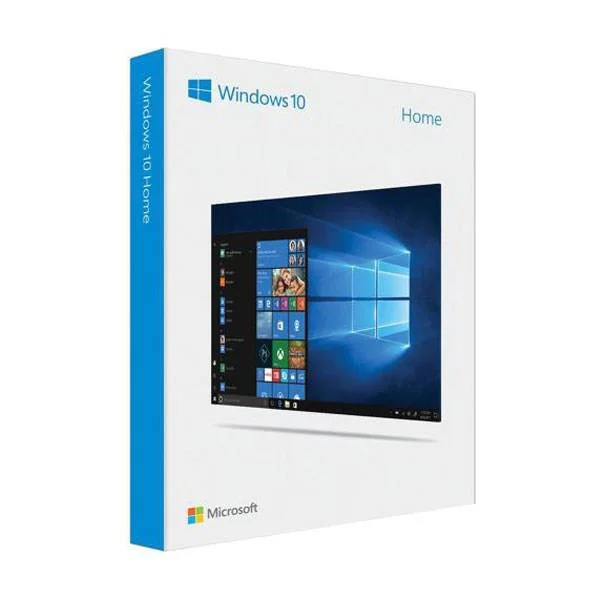
Windows 10 Home
Windows 10 Home is the most popular version of Win 10. Dubbed as if it contains essential features suitable for individual users, including Cortana, Xbox connectivity, running apps from the Store and touch screen app...
Laptops outside the store will usually have this Windows pre-installed. This version is easy to install and is the lightest of its kind. With the question of which version of Windows 10 should be installed on weak computers, Home will be the answer.
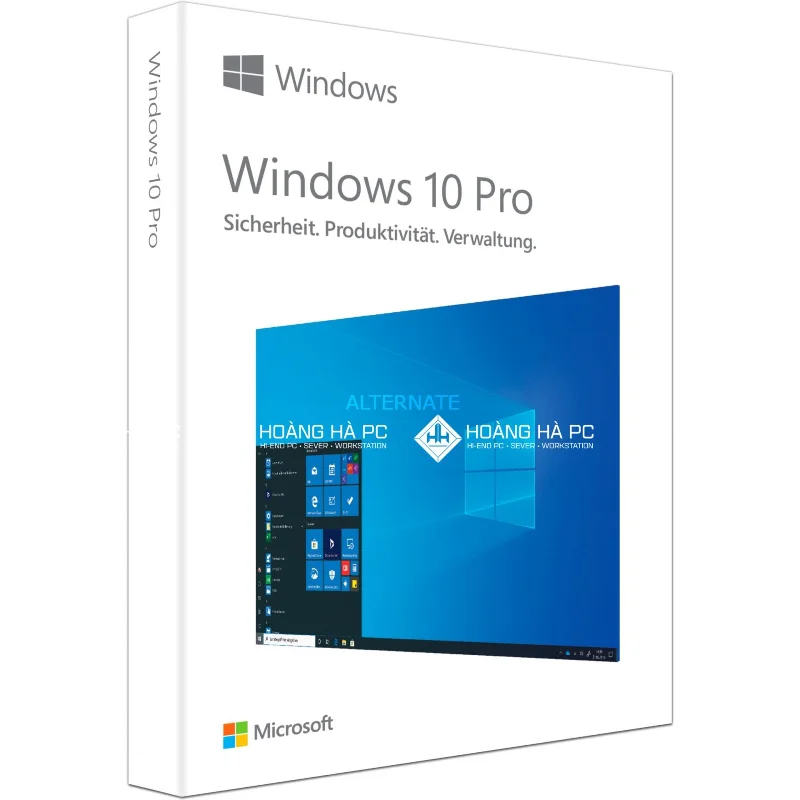
Windows 10 Pro
Basically, Windows 10 Pro is integrated with the features of the Home version and some extras, to meet the needs of advanced users or small and medium businesses. It will be easier for IT staff to configure the system. Windows 10 Pro features the ability to join domains, support for system changes via Group Policy on a large scale, and support for BitLocker encryption…
This version is also suitable for general users - those with a decent amount of knowledge about Windows. You can quickly change system settings via Group Policy Editor compared to the traditional Registry.

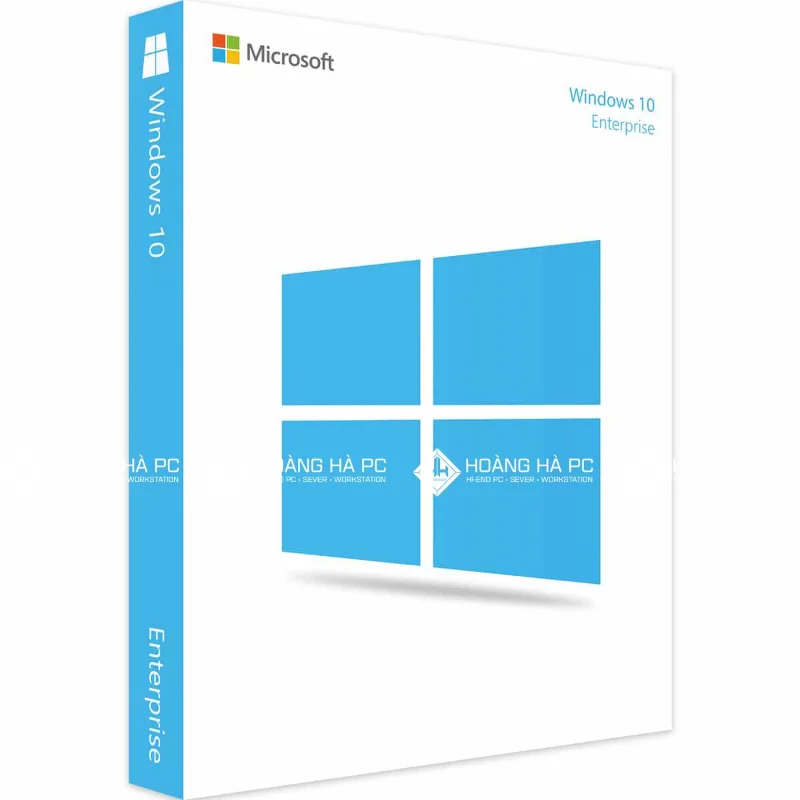
Windows 10 Enterprise
Nowadays, Enterprise offers many advanced functions. Through this version, IT staff can remotely access the company intranet, with a connection similar to VPN but more secure. Professionals can also install sync on thousands of Windows computers easily. This version also features AppLocker - a feature that allows administrators to lock some applications on the user's computer.
Home users do not need to own this version because Windows 10 Enterprise contains many features that you do not use as well as high costs.

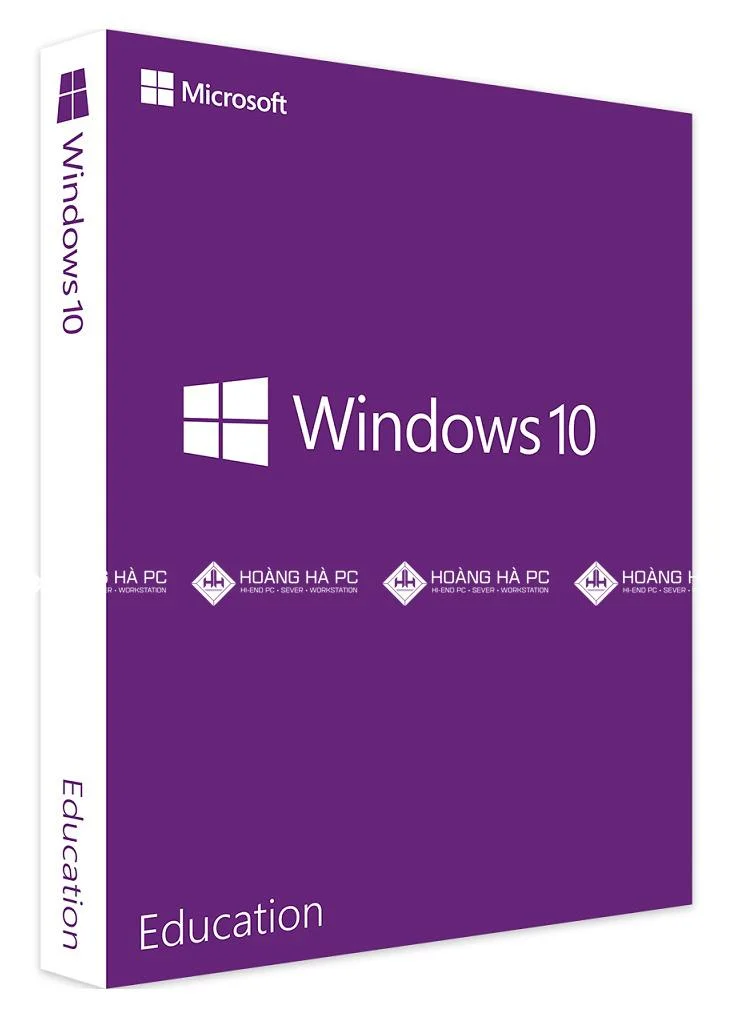
Windows 10 Education
This version has just been added by Microsoft to the Cortana personal assistant. With the same amount of features as Enterprise, Education is equipped with the right configuration for the educational environment.
To help education institutions get an affordable operating system with full features, Microsoft prices Windows 10 Education much lower when compared to Enterprise. You can still block game or other content that is not educational.
If Enterprise can only upgrade from Pro version, Education can upgrade from Home. This is also a big plus for this version.

Windows 10 WILL
Famous for its intelligent simplification of features, this version is suitable for machines with weak configuration. It is usually installed on popular machines outside the store. However, this version can be upgraded to Pro when you spend 50 USD.
If you want to buy for work, study or simply want to use a lot of software, this is not the ideal version. Windows 10 S can only install applications on the Windows Store, but cannot use another web browser as the default instead of Edge. Also, its search engine defaults to Bing, you can't switch to Google.
Which Windows 10 is the most expensive today?
As mentioned, each version of Win 10 will have a different price. And depending on the selling address, each version may differ a little. With its features and configuration, Windows 10 Enterprise deserves to be the most expensive line when it costs 6 million. Followed by Pro with 4 million, 10 SL with 3 million 3 . The lowest is the Home line when the price is only 2 million 4.
Quality always goes hand in hand with price, Microsoft always sets a reasonable price based on quantity as well as advanced level of features. Although Enterprise is the most expensive, but when put on the table the price and the effect it brings to businesses is extremely large.
Which Windows 10 version should I install for my computer?
To choose a version of Windows 10, you should consider 2 factors, needs and financial levels. If you want to equip a large enterprise or inside a large company, the Enterprise version will be the ideal choice. Although the cost to buy Enterprise is higher, the results it brings will help businesses reduce costs as well as increase work efficiency.
For students or working people who are wondering which version of Windows 10 should be installed? According to the experience that WebTech360 brings to you, the Pro or Home version will be a reasonable choice. And if you need it for educational research, you should choose Windows 10 Education .
WebTech360 hopes that with the analysis of Windows versions, you will have the best choice about which is the best and lightest version of Windows 10 for your computer. If you have more questions, please contact us to resolve the question.