Clear Nextcloud’s Missing Database Indexes Warning
Run Nextcloud’s OCC repair safely, preview the database changes, and check why the warning might remain.
Clear the Nextcloud “Database missing some indexes” warning by running occ db:add-missing-indices as the web server user from the correct Nextcloud installation. The command adds indexes defined by Nextcloud or installed apps but missing from the database; on current Nextcloud 35 documentation, --dry-run previews the SQL before it runs.
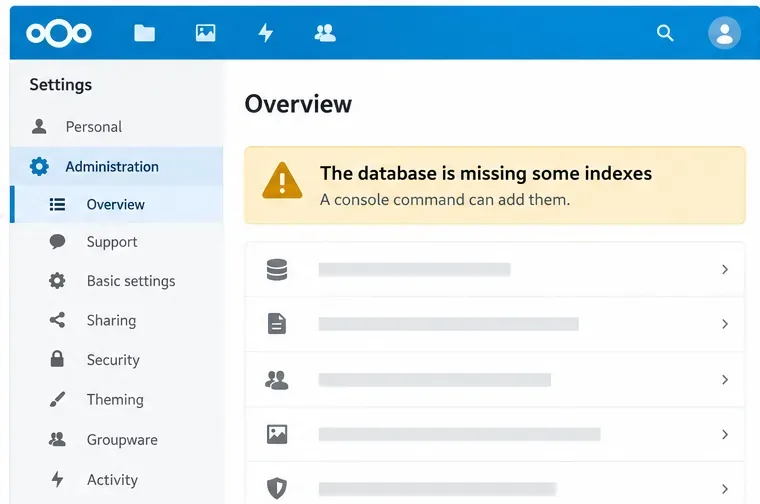
A database index is a lookup structure that helps the database find rows without scanning an entire table. Nextcloud and its apps sometimes add indexes to improve queries. An upgrade may leave that work for an administrator because creating an index on a large table can take time and affect performance while it runs. The missing-index warning is usually a maintenance prompt, not proof that files or database records are damaged.
Nextcloud’s current database command reference describes db:add-missing-indices as adding indexes that are in the expected schema but absent from the current installation. The current manual also documents --dry-run for previewing SQL statements. The exact indexes depend on your Nextcloud version and installed apps.
www-data on Debian or Ubuntu, apache on Fedora or CentOS, and http on Arch Linux.Nextcloud’s OCC guide explains that occ is the server’s command-line interface and must run as the HTTP user so file ownership and permissions remain consistent. Do not use www-data blindly if your installation uses a different account.
For a standard archive installation on Debian or Ubuntu, open a shell on the Nextcloud server and change to the directory containing the occ file. This example uses /var/www/nextcloud; your path may differ.
cd /var/www/nextcloud
sudo -E -u www-data php occ db:add-missing-indices --dry-run
The dry run prints the SQL it would execute without changing the database. Read the output and confirm that it is the expected maintenance operation. The --dry-run option is documented in the current Nextcloud 35 manual; if an older release rejects it, check that release’s command help rather than removing options at random.
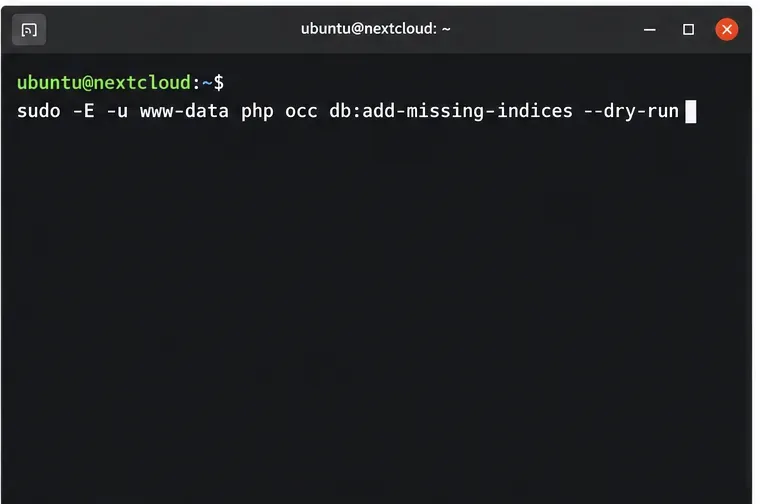
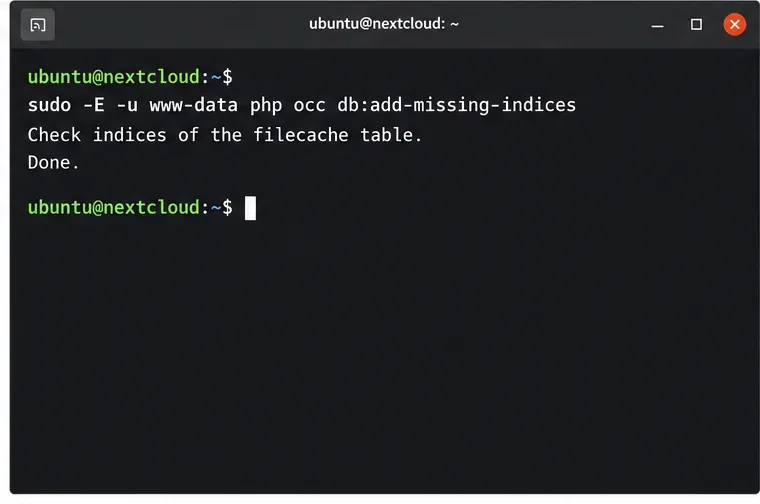
When you are ready to apply the change, run the command without --dry-run:
sudo -E -u www-data php occ db:add-missing-indicesNextcloud checks the relevant tables and reports progress. Let it finish; do not interrupt the process just because a large table takes longer than expected. The upgrade manual lists this command among the longer schema tasks that can run while the instance stays online, so you normally do not need to enable maintenance mode for this repair. Avoid concurrent database maintenance while it is running.
Run occ in the Nextcloud application container, not in the separate database container. For a container named nextcloud with the usual www-data account, the command is commonly:
docker exec --user www-data -it nextcloud php occ db:add-missing-indicesReplace nextcloud with your application container’s actual name. If your image or deployment uses a different container user, PHP binary, or command wrapper, follow that image’s documentation and keep the command running as the HTTP user.
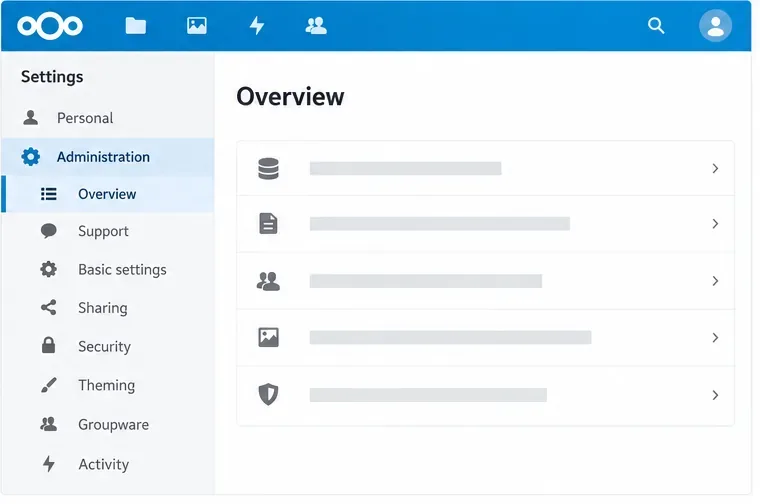
After the command completes, refresh Administration settings > Overview. The missing-index message should disappear once Nextcloud’s check recognizes the indexes. You can also rerun the command; it should finish without needing to add the same missing indexes again. This confirms the schema check has caught up, though it does not measure overall database performance.
occ errors.sudo -E -u www-data php occ db:schema:check to inspect schema differences. The current reference identifies this check as added in version 35. On earlier releases, use the diagnostics documented for that release.CREATE INDEX statements unless the app or database maintainer provides them for your exact schema.For a production server, keep the database backup until the warning is cleared and the application is operating normally. Nextcloud’s upgrade guidance covers the online maintenance task and the optional dry run.
Run Nextcloud’s OCC repair safely, preview the database changes, and check why the warning might remain.
Allow larger Nextcloud browser uploads by aligning PHP, Nginx or Apache, temporary storage, and timeout settings—and verify which limit is blocking the file.
Set the PHP memory limit Nextcloud actually uses, restart the right service, and confirm the 512 MB setting in Admin Overview.
Mount a compatible object-storage bucket in Nextcloud using its S3 backend, with the right endpoint, credentials, access scope, and verification steps.
Safely move a Linux Nextcloud data directory to an external drive using a persistent UUID mount, maintenance mode, a verified copy, and the original-path symlink.
Restore Nextcloud access after an update by diagnosing SQL errors, checking database connectivity, and safely completing interrupted migrations.
Use Nextcloud’s OCC command to reset an administrator password from the server shell, with guidance for usernames, permissions, and external login providers.
Clear Nextcloud’s HSTS warning by setting the header at Apache, NGINX, or your TLS proxy, then verify the public HTTPS response safely.
Trace App Store installation failures to DNS, HTTPS, proxy, TLS, or configuration issues from the Nextcloud server itself.
Move thumbnail work to a controlled background schedule, trim unused preview sizes, and verify the queue without overwhelming your Nextcloud server.