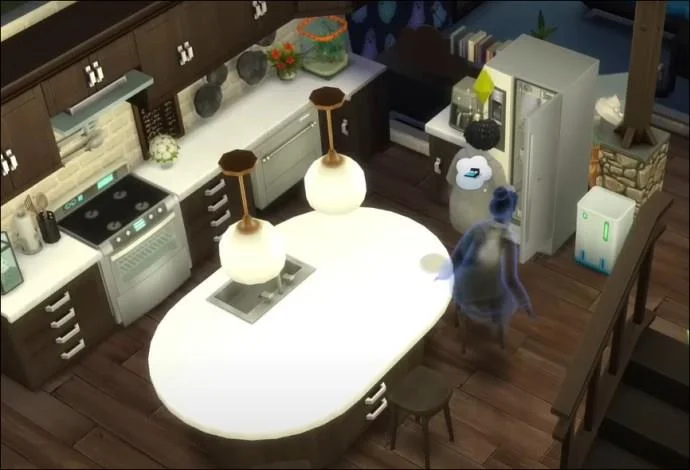
As in the real world, your creations in Sims 4 will eventually grow old and die.

Sims age naturally through seven life stages: Baby, Toddler, Child, Teen, Young Adult, Adult, and Elder. The entire process lasts 66, 132, or 528 in-game days, depending on the game’s lifespan settings. As they get older, a Sim will change physically, and their needs and abilities will evolve. Many players grow attached to their Sims and want them to live forever once they reach the Young Adult or Adult stage (which have the most gameplay options).
Fortunately, there are ways to stop the aging process. This article will detail a few of the methods you can use to go beyond their intended lifespan so you can spend as much time with them as possible.
Sims 4 – Turn Off Aging in Game Options on PC
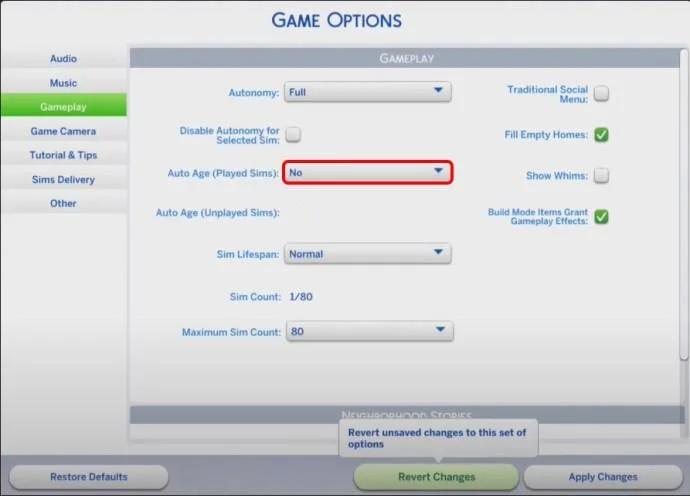
Within the game itself, and if you’re using a Windows or Mac PC, you can just turn off the aging process through the game options.
Change the game options by:
- Pressing Pause.
- Going to the Gameplay menu.

- Then, adjust the settings for “Auto Age (Played Sims)” and “Auto Age (Unplayed Sims)” to “Off.”

Note, this option isn’t available within the console ports of the game so you’ll have to use one of the options below if you’re on a gaming console.
Aging-off Cheat
Another way to turn off aging for your Sims is to use the cheat menu. The Aging-off cheat can be activated by following these steps:
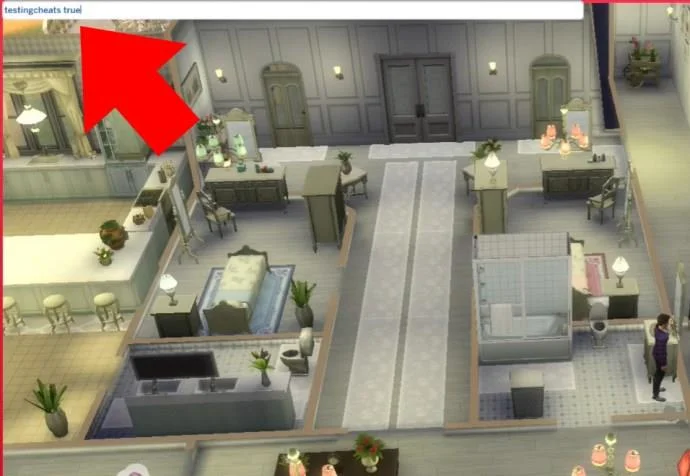
- Open the cheat console by pressing Ctrl + Shift + C (or Cmd + Shift + C on Mac).
- Type “
testingcheats true” and press Enter to bring up the cheat menu.

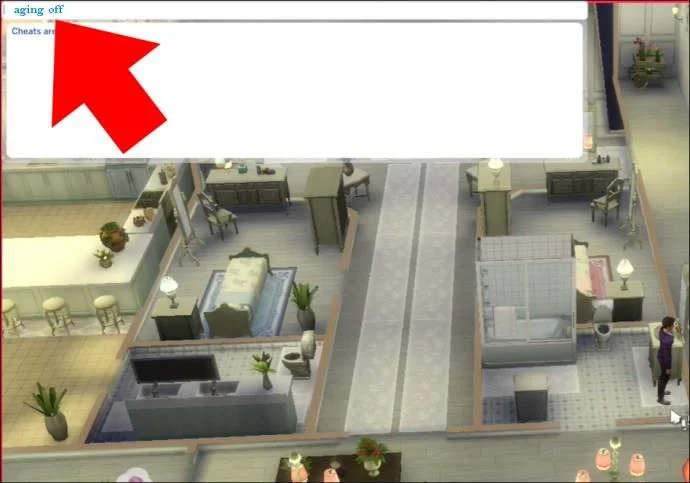
- Type “
aging-off” and press Enter to apply changes.

- This will effectively turn off aging for all Sims in your game.
The Age Controller Cheat
If your character has grown too old for your liking, the Age Controller is a handy tool that allows you to manipulate their aging process.
This is also handy for if you only want to have one single Sim’s age manipulated.
To access it, follow these steps:
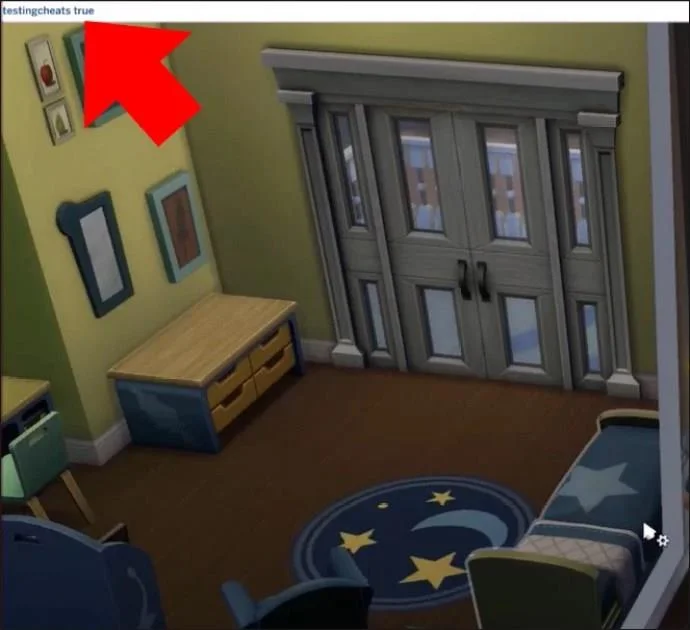
- Open the cheat console by pressing Ctrl + Shift + C (or Cmd + Shift + C on Mac).
- Type “
testingcheats true” and press Enter to bring up the cheat menu.

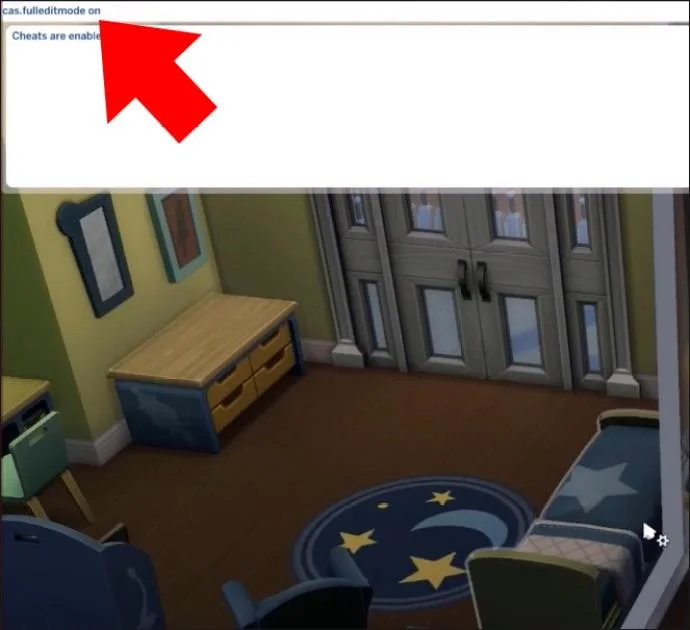
- To stop a specific Sim from aging, select them, then enter the command “
sims.modify_career_outfit_in_cas” and press Enter.

- You’ll be taken to the Create-a-Sim (CAS) screen, where you can change your Sim’s age category to any life stage you desire.

- Once you’ve made the change, save your Sim’s appearance, and they will remain at that age indefinitely.

Potion of Youth
A Potion of Youth is a powerful consumable that can be purchased from the Rewards Store for 1,500 Satisfaction Points. You get points by fulfilling your Sims’ wishes and wants.
Drinking the Potion of Youth reverts a Sim to the start of their current life stage. Regular uses (before the Sim ages up) can effectively stop their aging process. However, this can be quite costly and require you to continuously play around the Sims’ desires.
Immortality Potion
The Immortality Potion is another method to halt aging in The Sims 4. It’s available with the Realm of Magic DLC.
To craft an Immortality Potion, your Sim will need to achieve level 10 in both the Herbalism and Alchemy skills. Once you’ve got to this point, follow these steps:
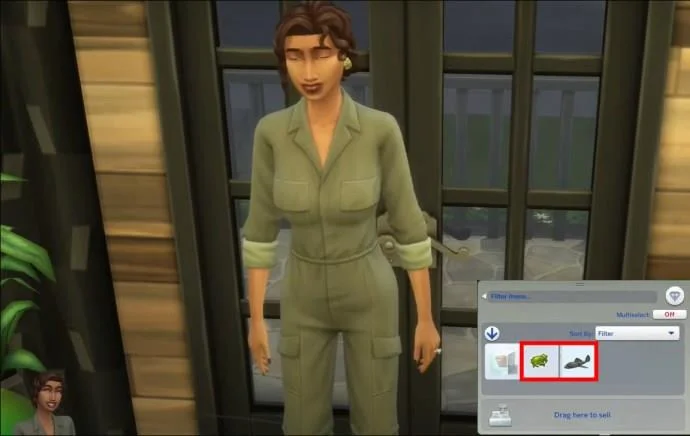
- Use a Frog and a Vampire Fish to create a Rare Sixam Mosquito Trap.

- Capture a Sixam Mosquito by placing the trap in Sixam, which is accessible through a portal in The Sims 4: Get to Work expansion pack.

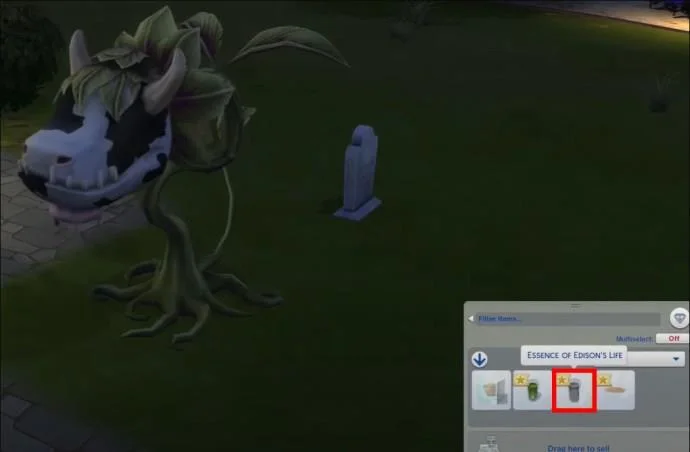
- Extract the Essence of Life from the captured Sixam Mosquito.

- Use the Essence of Life to create an Immortality Potion.

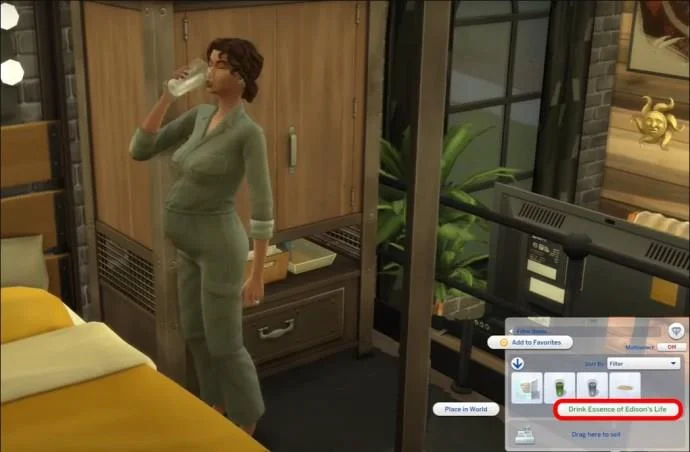
- When a Sim drinks the Immortality Potion, they will stop aging, meaning they will stay in their current life stage for as long as you play the game.

Resurrect Your Sims
Although not inherently stopping the aging process, resurrecting a dead Sim can give you the opportunity to use the other methods mentioned in this article to give them eternal life.
Here are a few of the ways you can bring your favorite Sims back from the grave for another chance at life.
Plead with the Grim Reaper
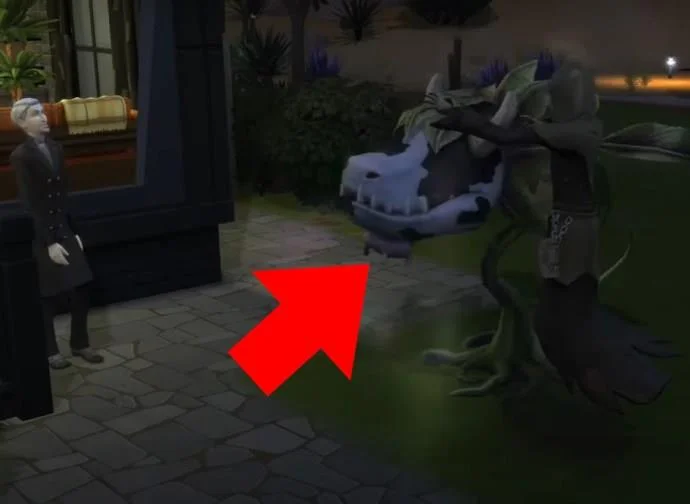
A staple in the Sims universe, you can always try to plead with the Grim Reaper for your loved one’s life.
Although not always successful, it does give you a chance to resurrect one of your Sims for some more game time.
Write the Book of Life
If your Sim reaches level 10 in the writing skill, they can compose the Book of Life.
If a ghost of a passed away Sim reads this book, they’ll be resurrected to life again, giving them a second chance.
Use Ambrosia
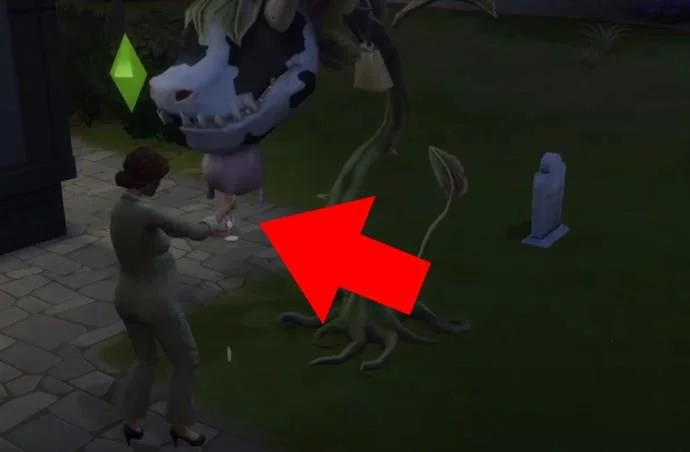
Ambrosia is a magical dish that can reverse aging and revive a ghost. To prepare it, you’ll need the following:
- Angelfish (catchable while fishing, higher Fishing skill makes it more likely to catch)
- Potion of Youth (purchased from the Rewards Store for 1,500 Points)
- Death Flower (growing a Death Flower requires grafting a Pomegranate and an Orchid together, which requires level 5 Gardening)
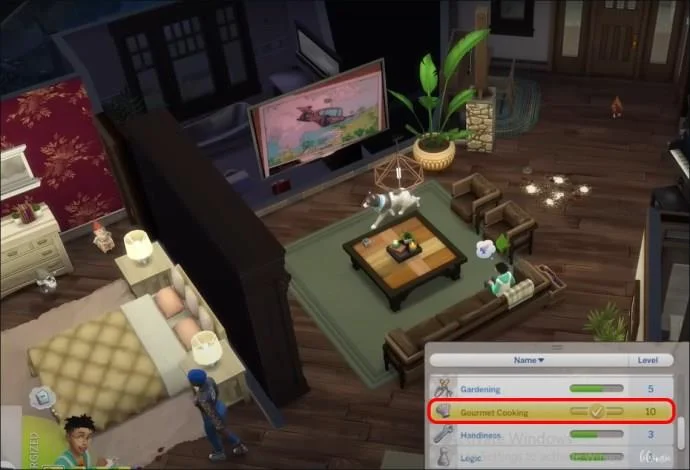
- Sim with level 10 Cooking and Gourmet Cooking skills
With the Realm of Magic DLC, you can purchase the Angelfish and the Death Flower at an alchemy stall in the magic realm.
Once you have all the ingredients, follow these steps:
- Get a Sim to level 10 Cooking and Gourmet Cooking skills.

- Put the three ingredients into their inventory.
- Select the Sim.

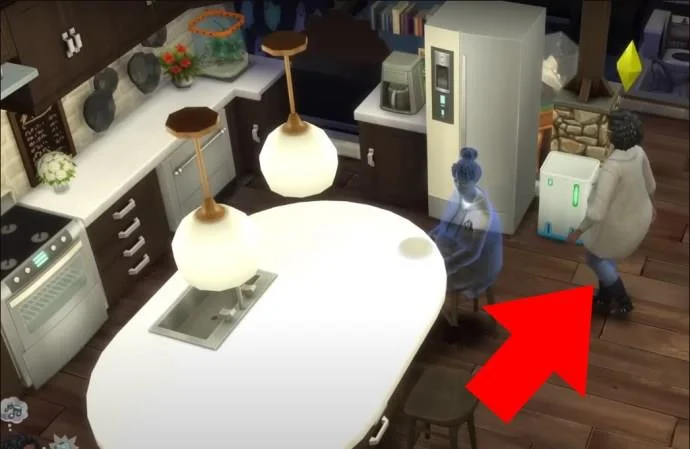
- Have them interact with fridge.

- Select “Cook Gourmet Meal,” followed by “Ambrosia” in the recipe list.

- After it’s cooked, place it in the refrigerator for safekeeping.

When a Sim eats Ambrosia, they will revert to the start of their current life stage. Regular uses can effectively stop their aging process. However, since Ambrosia needs a Potion of Youth while being equally effective, it’s not ideal for this use.
However, when a ghost eats Ambrosia, they are brought back to the living.
Try the Wishing Well
Make a wish at the wishing well for the chance to resurrect a passed away sim and give them some more time in game.
Become a Vampire
If you want a character to live forever without cheating, you can create or make a sim a vampire.
There are a few ways to make your sim a vampire:
Create a Vampire Sim in the CAS Menu
By assigning the vampire trait to your Sim in the creation screen, you can start your game with your Sim as a vampire.
Get Bitten by a Vampire
Getting bitten by a vampire is easy but finding one can be the tricky part. To begin with, you need to have the Vampire game pack DLC.
There are a couple of ways to come across a vampire:
- Set Vampire Nexus as one of your home lot traits to attract vampire neighbors.
- Visit the social areas of Forgotten Hollow to find a vampire.
Once you have been introduced to a vampire, build a positive relationship with them, then ask them to turn your Sim.
This process will take up to three days after you have been bitten, but once complete, your Sim will have gained immortality and will stay the age they are forever.
Sims 4 Turn Off Aging Mods
If you’re open to using custom content, you can use age defying mods to stop aging within your game.
These include the “No More Aging” or “Ageless and Immortal” mods and can be downloaded from modding websites.
Just be careful of the fact that these mods are not part of the official game and therefore there is a small risk involved when downloading them.
Make sure you download your mods from a trusted website to make sure you keep yourself and your computer safe online.
Defying Time: The Secret to Halting Aging
In The Sims 4, you no longer need to worry about watching your favorite character grow old and die.
With the right tools and knowledge, you can use cheat codes, in-game strategies, and mods to create a longer lifetime for your Sims.
This will allow you to be able to focus on enjoying other parts of the game without worrying about the aging process taking your favorite sims away.
Have you used any of these methods to stop the aging process in The Sims 4? If so, what did you do with the extra time with your Sim? Let us know in the comment section below.