20 Easy College Halloween Costumes You Can Make from Your Closet

Need a last-minute college Halloween costume? Try 20 easy, budget-friendly looks built from closet staples, plus quick styling and safety tips.
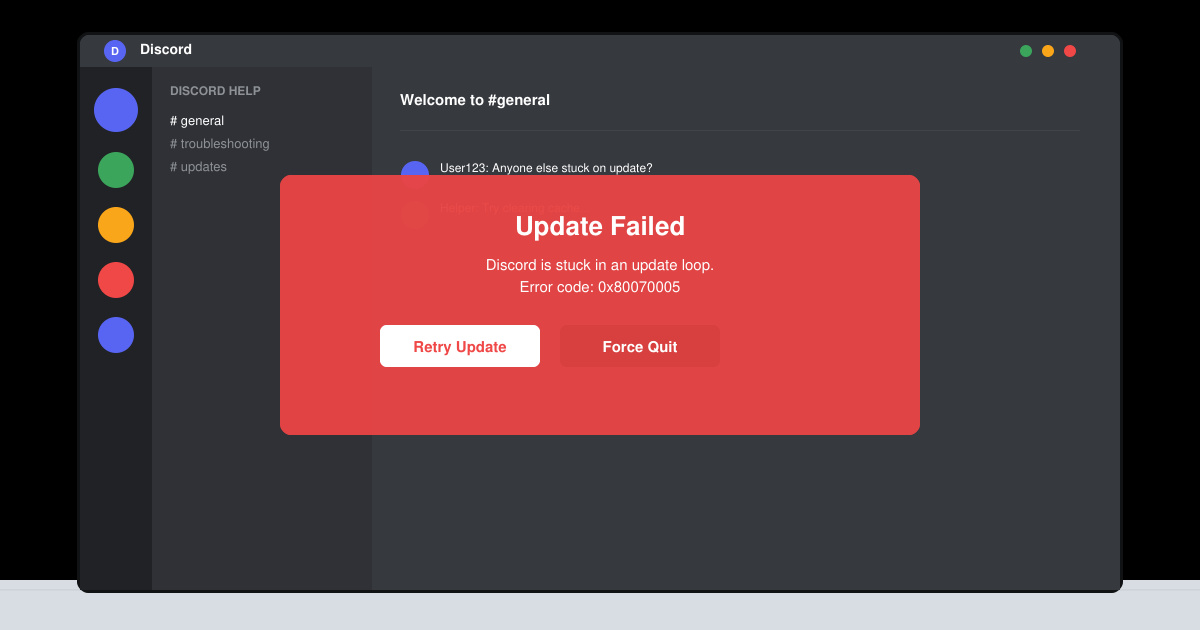
The Discord Update Failed Loop typically starts after a partial download or when temporary files become corrupted. Users see the progress bar reach a certain point then reset, creating an endless cycle. Before starting fixes, close all Discord processes in Task Manager and note your current app version from the login screen if accessible. This prevents interference during repairs.
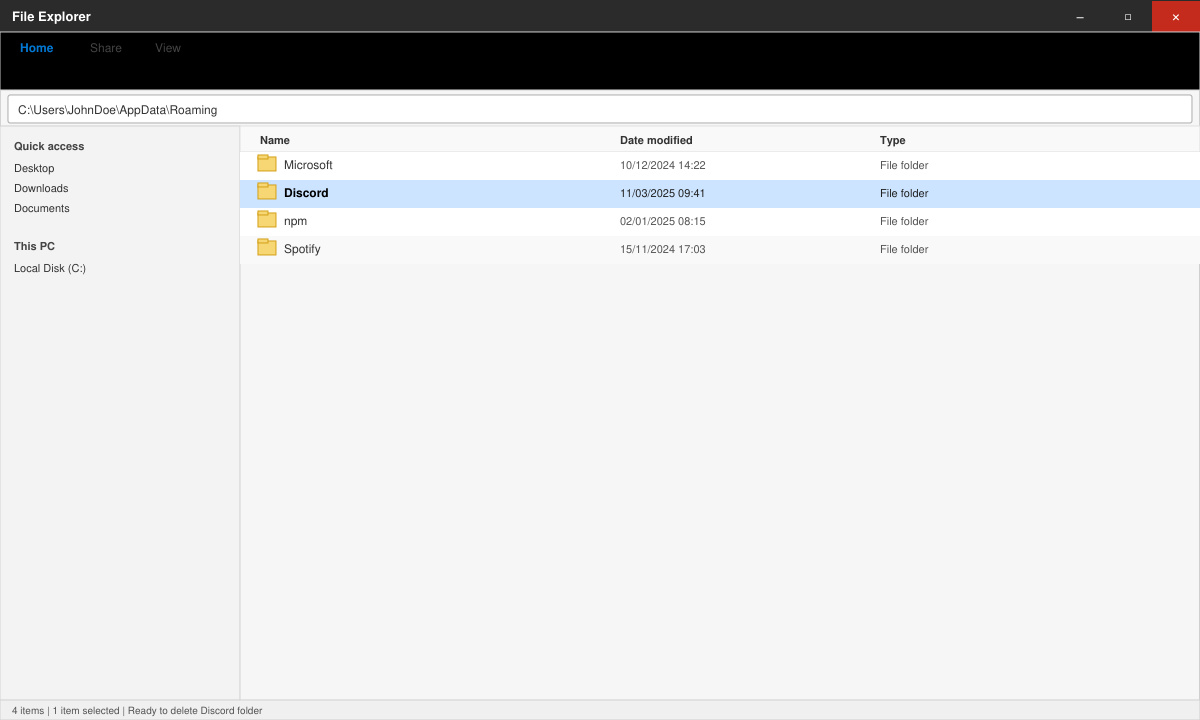
Press Windows key + R, type %appdata% and press Enter. Locate the Discord folder, right-click it and choose Delete. This removes corrupted update files without affecting your account data, as settings sync from the cloud.
Navigate to C:\Users\YourName\AppData\Local\Discord, right-click Discord.exe, select Properties, go to the Compatibility tab, check Run this program as an administrator and also enable Windows 8 compatibility mode. Click Apply then launch the app.
If you use a VPN, turn it off completely via its system tray icon. Open Settings > Network & Internet > Proxy and ensure all proxy settings are disabled. Restart your router if the loop continues after these changes.
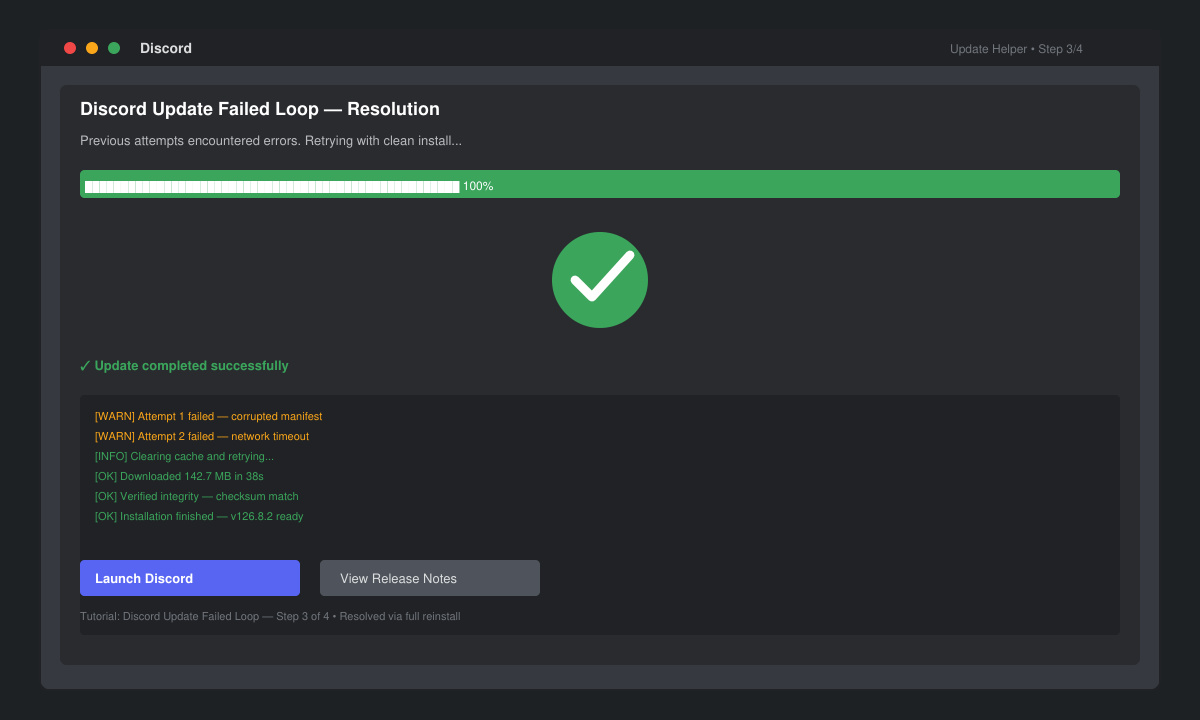
Visit the official Discord website and download the standalone Windows installer. Run it directly instead of letting the app auto-update. This bypasses the broken updater entirely.
Check your antivirus software and add Discord.exe to the exclusions list, as real-time scanning often blocks update files. If the loop returns after a successful update, repeat the AppData deletion step every few weeks. For users on Windows 11, ensure the latest cumulative update from Microsoft is installed first.
No. The loop only affects local update files. Your servers, messages, and settings remain safe on Discord's servers and reappear once the app launches successfully.
Yes. Delete the Discord folder inside ~/Library/Application Support, empty the Trash, then reinstall from the official site. The same administrator-style permission adjustments apply via Terminal if needed.
Persistent failures usually point to a deeper network issue or corrupted Windows system files. Run the SFC /scannow command in an elevated Command Prompt as a final troubleshooting measure.
Applying the AppData deletion and administrator launch steps resolves the Discord Update Failed Loop for most users. Once successful, enable automatic updates again and monitor for recurrence after major version releases.
Need a last-minute college Halloween costume? Try 20 easy, budget-friendly looks built from closet staples, plus quick styling and safety tips.
Learn what the Teal Pumpkin Project means in 2026, how hosts can offer separate non-food treats, and how families can plan routes and review candy safely.
See what the latest 2026 Halloween survey says about trick-or-treating, community events, and practical ways to plan a safer neighborhood outing.
Plan a thoughtful Halloween moon party with optional reflection, simple stargazing, accurate 2026 sky notes, respectful spiritual framing, and safe lighting.
Build a comfortable cottagecore witch costume with beginner-friendly layers, thrifted pieces, simple makeup, practical accessories, and Halloween safety checks.
Explore BookTok-inspired horror books and Halloween decor, comparing gothic, cozy, and slasher styles with practical tips for a safe reading nook.
See the biggest Halloween 2026 trends in costumes, décor, shopping, pets, and party planning—with survey data, dates, and practical ways to choose.
Host an affordable Halloween party with a clear spending cap, DIY decorations, simple food, free games, and practical safety tips.
Choose Halloween party games by group size, experience, and mood, with simple ways to make tarot and mahjong welcoming for every guest.
Compare 2026 dog Halloween costume trends by search interest, fit, comfort, and mobility—from hot dog and shark looks to simple bandanas.