Desk Decorating Ideas for a Spooky Office Cubicle

Create a spooky office cubicle with Halloween desk decor ideas that keep your workspace usable, tidy, and mindful of workplace safety.
Recently, Chinese robot vacuum cleaner company Ecovacs Robotics announced a security issue related to some of its robot vacuum cleaner models, which could allow these devices to be remotely controlled.
Ecovacs Robotics has now released a software update to patch the vulnerability for all of its robot vacuum models, with the exception of the Deebot X2, which was updated in August 2024 to block the issue entirely. Another update is expected in November 2024 to completely fix the Deebot X2 issue.
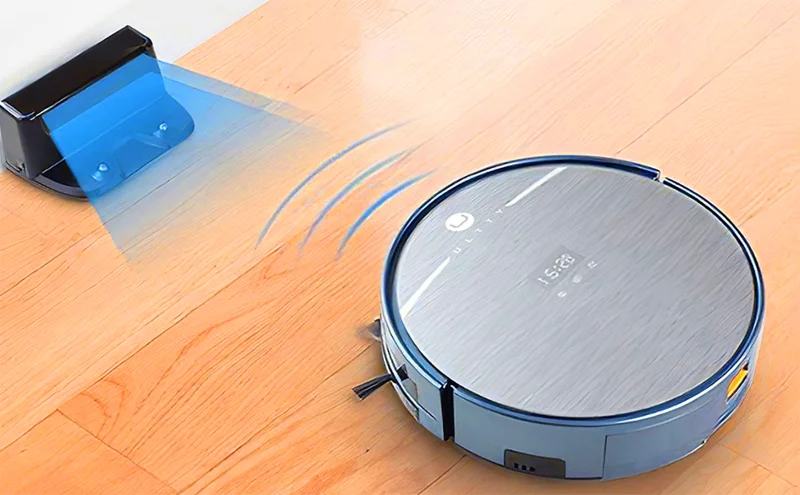
The company also recommends that users quickly update the software via the Ecovacs application to ensure that the user's device operates stably and optimizes security. In addition, Ecovacs also encourages users to set up separate passwords for each account and change passwords regularly.
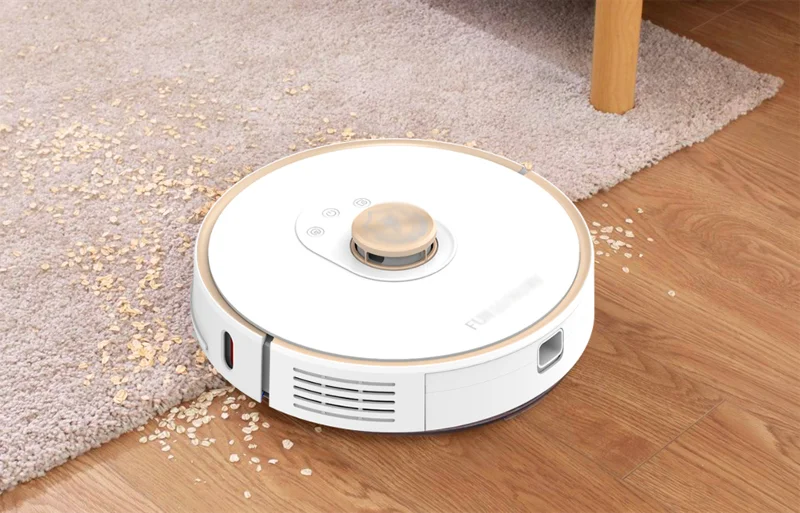
Using the Ecovacs app, Swenson discovered that an intruder was trying to access the robot’s camera and remote control features. He then changed the password and restarted the device.
The Swensons’ robot vacuum cleaner is located on the same floor as the family’s shared bathroom. Swenson said the situation could have been worse if hackers had hacked into the device to spy on the family without uttering a single curse word.
Concerned for his family's safety and privacy, he decided to put the robot in the garage and not use it again.
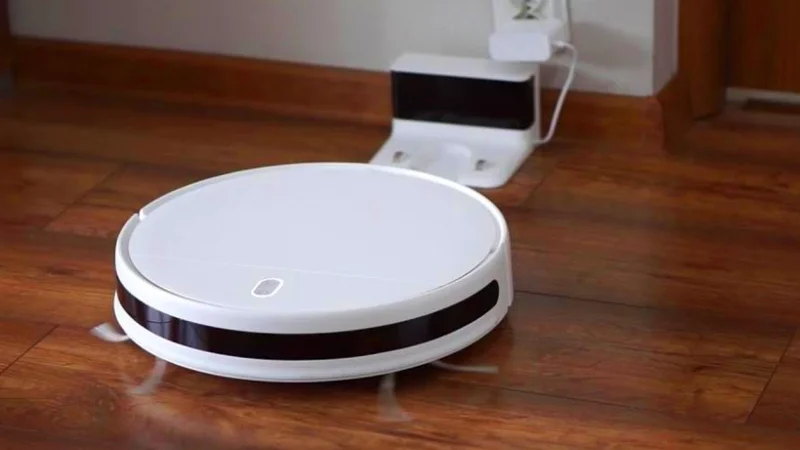
At the same time, another Deebot X2 was hijacked and began chasing a family’s dog in Los Angeles, while also hurling insults.
Similar incidents occurred in several cities across the United States in May, when hackers repeatedly took control of robot vacuum cleaners and continuously broadcast offensive words through the built-in speakers on the robots. All of the attacked devices were Deebot X2 robot vacuum cleaners from Ecovacs Robotics.
Many security experts have warned Ecovacs Robotics about security vulnerabilities in the robot and its smartphone control application. The most serious of these is the Bluetooth connection issue that allows strangers to control the robot within a range of up to 100 meters.
Create a spooky office cubicle with Halloween desk decor ideas that keep your workspace usable, tidy, and mindful of workplace safety.
Plan a recognizable Halloween 2026 look with pop culture costumes inspired by Spider-Man, Supergirl, Toy Story 5, Moana, Mario, and Wednesday.
Sort leftover Halloween candy safely, share or repurpose sealed treats, and choose food use or compost for pumpkins based on their condition.
Compare workplace Halloween costume choices by respect, dress code, mobility, and safety—and learn when a subtle accessory or a policy check is the better option.
Find a couples costume that fits your style, budget, and comfort level, from Addams Family classics to original inside-joke duos.
Need a last-minute high school Halloween costume? Compare 10 easy closet-based ideas by prep time, comfort, school-day practicality, and simple safety checks.
Use a simple 2026 Halloween decorating timeline for indoor décor, outdoor displays, and fresh pumpkins, with practical adjustments for weather and events.
Mix five vivid, approachable Halloween cocktails with measured recipes, simple prep tips, and an alcohol-free option for your party guests.
Find 15 office-friendly Halloween costume ideas for 2026, with practical checks for dress codes, respectful themes, comfort, and workplace safety.
Plan a fun elementary school Halloween party with easy crafts, games, inclusive treats, costume tips, and a sample 75-minute classroom schedule.








