How to clean the best hand blender

In order for the hand blender to be free from dirt, food residue accumulation, odors and ineffective performance should be cleaned immediately after use. But how to clean the hand blender completely? This article will guide you through how to quickly, best and complete hand blender cleaning.

How to clean the best hand blender

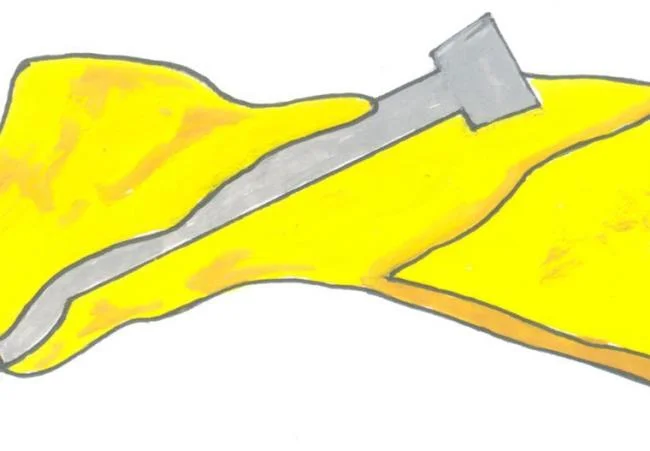
First, you need to unplug the hand blender from the power outlet before cleaning for safety.

How to clean the best hand blender

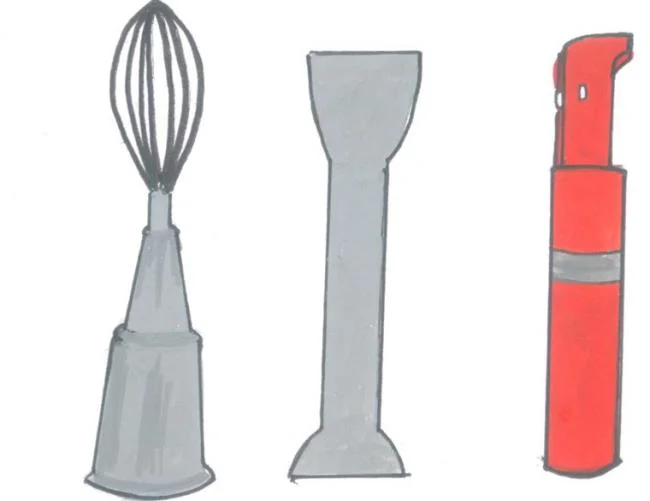
Remove the blade holder, the egg whisk body ... from the hand blender body. The meat grinder, the used blender cup, you also separate the parts for easy cleaning.

How to clean the best hand blender

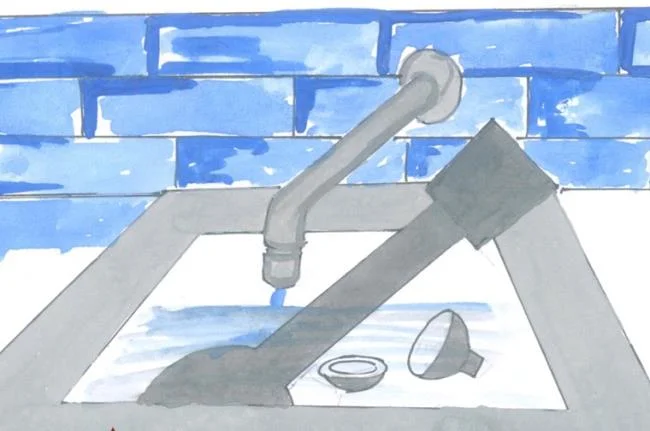
For the body with the blade, the body attached to the whisk, the blender cup, the meat grinder ... except for the motorized hand blender body, soak in hot water for a few minutes to allow food residues to dissolve.

How to clean the best hand blender

Soak a soft cloth or a sponge dishwasher sponge in warm water with a few drops of dishwashing liquid, then squeeze the cloth to drain and use it to wipe the hand blender parts you just soaked in hot water earlier. Wipe off, you rinse with cold water.

How to clean the best hand blender

In case food scum dries up, stick to the body attached to the blade, the body is attached with an egg whisk, it is difficult to clean. You reconnect these parts to the body of a hand blender, then pinch the body contaminated with food residues in a bowl of warm water solution, dishwashing liquid, start the machine at low speed to remove the hard residue. this head. You can replace the dishwashing liquid with white vinegar, which also makes cleaning easy.

How to clean the best hand blender

After cleaning the hand blender parts, you want to dry quickly, you can use a hair dryer to dry or keep on the shelf to drain. Next, you take a dry soft cloth to wipe the parts.

How to clean the best hand blender

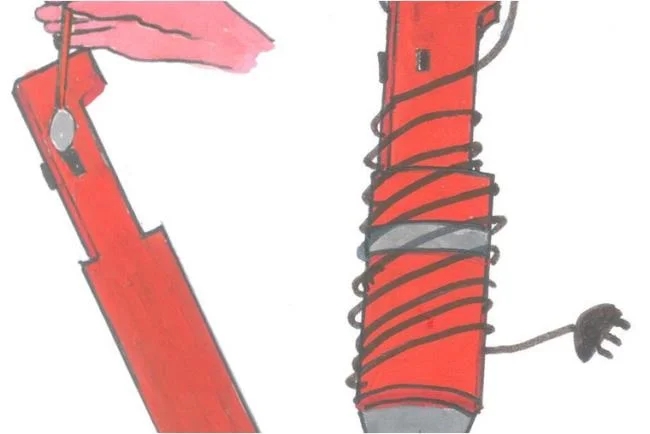
With the hand blender body attached to a motor for cleaning, you cannot put it in the water tap to wash it because it can cause water to fall inside the machine, causing a short circuit, dangerous for the user. You clean it simply by dipping a soft cloth in a white cloth and wiping away any stains from the hand blender body.

How to clean the best hand blender

If there is dirt around the buttons, dip a cotton swab in alcohol and wipe them clean. You can also use a cotton swab to remove food residues that are stuck in the hard-to-reach corners of the hand blender unit.

Finally, wind the power cord around the hand blender body and store it in a cool, dry place, to avoid hook moisture.

Do not wash the hand blender in the dishwasher as it can make the blender blade less sharp. You also should not use sharp objects or strong detergents to clean the machine, this may affect the quality of the machine.

Thoroughly clean the hand blender to use the product that is durable, tastes good, will not degrade and ensures your hygiene. In your experience, is there an easier way to clean a hand blender? Share with us now! 

WebTech360
Leave a Comment

How to Transfer Microsoft Edge Bookmarks to a New Computer

How to Transfer Microsoft Edge Bookmarks to a New Computer

Master how to transfer Microsoft Edge bookmarks to a new computer with foolproof methods: sync via Microsoft account, export/import HTML, or cloud backups. Quick, safe steps for seamless migration.

Solving Microsoft Edge Microphone Background Noise

Solving Microsoft Edge Microphone Background Noise

Tired of annoying Microsoft Edge microphone background noise ruining your calls? Discover step-by-step solutions to solve Microsoft Edge microphone background noise for flawless video conferences and recordings in Edge.

How to Fix Microsoft Edge Extensions Crashing 2026

How to Fix Microsoft Edge Extensions Crashing 2026

Tired of Microsoft Edge extensions crashing? This step-by-step 2026 guide delivers quick, proven fixes to restore stability. Update, reset, and troubleshoot like a pro—no tech skills needed!

Solving Microsoft Edge Error 404: Page Not Found Troubleshooting

Solving Microsoft Edge Error 404: Page Not Found Troubleshooting

Stuck with Microsoft Edge Error 404 Page Not Found? Follow our proven step-by-step troubleshooting guide to fix it fast, clear cache, reset settings, and browse without interruptions. Get back online now!

Solving Microsoft Edge HTTP Error 500: Internal Server Problem

Solving Microsoft Edge HTTP Error 500: Internal Server Problem

Struggling with Microsoft Edge HTTP Error 500? Discover step-by-step fixes for Internal Server Problems, from cache clearing to advanced troubleshooting. Get back online fast!

Troubleshooting Microsoft Edge DirectX Runtime Compatibility Errors

Troubleshooting Microsoft Edge DirectX Runtime Compatibility Errors

Struggling with Microsoft Edge "DirectX Runtime" compatibility errors? Discover step-by-step fixes to resolve crashes, video glitches, and performance issues in Edge. Get back to smooth browsing today!

Troubleshooting Microsoft Edge SSL Protocol Errors (ERR_SSL_PROTOCOL_ERROR)

Troubleshooting Microsoft Edge SSL Protocol Errors (ERR_SSL_PROTOCOL_ERROR)

Struggling with ERR_SSL_PROTOCOL_ERROR in Microsoft Edge? Discover step-by-step fixes for SSL protocol errors, from clearing cache to advanced resets. Get back online fast with our ultimate guide.

How to Fix Microsoft Edge Script Error When Printing

How to Fix Microsoft Edge Script Error When Printing

Tired of Microsoft Edge "Script Error" ruining your prints? Follow our proven, step-by-step guide to fix it quickly—no tech expertise required. Works on the latest Edge versions for seamless printing.

How to Disable Microsoft Edge WebView2 Runtime Permanently

How to Disable Microsoft Edge WebView2 Runtime Permanently

Master how to disable Microsoft Edge WebView2 Runtime permanently and reclaim your PC resources for epic gaming. Step-by-step methods to stop background drain, boost FPS, and keep it gone forever – perfect for gamers!

How to Fix Microsoft Edge Too Many Redirects Error

How to Fix Microsoft Edge Too Many Redirects Error

Struggling with Microsoft Edge "Too Many Redirects" error? Discover step-by-step fixes to resolve ERR_TOO_MANY_REDIRECTS instantly. Clear cache, reset settings, and more for smooth browsing. Updated for latest Edge versions.