Skype Free Phone Calls

Skype Free Phone Calls let you connect with friends and family worldwide at no cost. Follow this guide to set up and start making free calls quickly and easily.
Encountering the dreaded Microsoft Teams "For Linux" installation error? You're not alone! 😩 This preview version of Microsoft Teams for Linux packs powerful features like native notifications and screen sharing, but pesky setup glitches can halt your workflow. Don't worry—our concise guide delivers quick, reliable fixes tailored for Ubuntu, Debian, Fedora, and beyond. Follow these steps, and you'll be chatting in no time. Let's dive in! 🚀
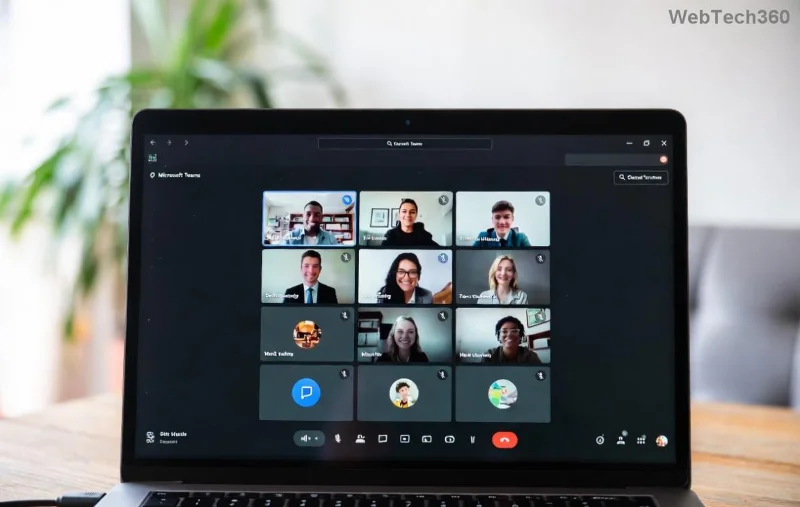
Before troubleshooting, pinpoint the issue:
Pro tip: Always run sudo apt update && sudo apt upgrade (Debian-based) first. Ready for fixes? 👇
The gold standard for stability. This bypasses most Microsoft Teams for Linux installation errors.
sudo apt remove teams && sudo apt autoremovecurl -fsSL https://packages.microsoft.com/keys/msopentech.asc | gpg --dearmor | sudo tee /etc/apt/trusted.gpg.d/microsoft.gpg > /dev/null
sudo sh -c 'echo "deb [arch=amd64,arm64,armhf signed-by=/etc/apt/trusted.gpg.d/microsoft.gpg] https://packages.microsoft.com/repos/ms-teams stable main" > /etc/apt/sources.list.d/teams_for_linux.list'
sudo apt update && sudo apt install teamsIf GPG errors persist: wget -qO - https://packages.microsoft.com/keys/msopentech.asc | sudo apt-key add - (legacy fallback).
⭐ Flatpak shines for cross-distro compatibility, dodging repo headaches entirely.
sudo apt install flatpak (Debian/Ubuntu) or sudo dnf install flatpak (Fedora).flatpak remote-add --if-not-exists flathub https://flathub.org/repo/flathub.flatpakrepoflatpak install flathub com.microsoft.Teamsflatpak run com.microsoft.TeamsBonus: Sandboxed for security! If permissions glitch, flatpak override --user --filesystem=home com.microsoft.Teams.
For RPM distros facing Teams Linux install error:
sudo rpm --import https://packages.microsoft.com/keys/msopentech.asc/etc/yum.repos.d/teams_for_linux.repo with:
[teams_for_linux]
name=Teams for Linux repository
baseurl=https://packages.microsoft.com/yumrepos/ms-teams
enabled=1
gpgcheck=1
gpgkey=https://packages.microsoft.com/keys/msopentech.asc
sudo dnf check-update && sudo dnf install teams| Error Message | Quick Fix |
|---|---|
| "E: Unable to locate package teams" | Run sudo apt update after adding repo. Check architecture match. |
| "GPG error: NO_PUBKEY" | Re-import key: curl -fsSL https://packages.microsoft.com/keys/msopentech.asc | sudo gpg --dearmor -o /etc/apt/trusted.gpg.d/microsoft.gpg |
| "libicu72 dependency missing" | sudo apt install libicu72 libnss3 libasound2 (adjust version). |
| "AppImage/Flatpak won't launch" | Grant exec perms: chmod +x ~/Downloads/teams*.AppImage or Flatpak overrides. |
sudo apt install unattended-upgrades for seamless patches.sudo snap install teams-for-linux – isolated and simple.journalctl -u snap.teams-for-linux.teams-for-linux.service for clues.Still stuck? Share your error in comments—we're here to help! 🎉
Congrats! You've conquered the Microsoft Teams "For Linux" installation error. Now enjoy native Linux perks like Wayland support and zero crashes. Share this guide if it saved your day—your fellow Linux warriors will thank you. What's your go-to distro? Drop it below! 👇 Stay tuned for more fixes. Happy teaming! 🥳
Skype Free Phone Calls let you connect with friends and family worldwide at no cost. Follow this guide to set up and start making free calls quickly and easily.
Stuck in the Discord Update Failed Loop? Follow these targeted fixes to break the cycle and complete the update without repeated failures or reinstalls.
Travel planning used to mean folders full of printed confirmations, handwritten notes, guidebooks, and a slightly terrifying number of browser tabs. Now, pretty much everything you need for a trip can live on the device already in your pocket.
Discover how Canva Free for Teachers gives educators full access to premium design tools at no cost. Verify your status and start creating classroom materials in minutes.
Skype How to Call International is simple and cost-effective once you set up credit and use the right country codes. Follow this guide to place clear calls from anywhere.
Make Skype to Skype Calls Free in minutes with this clear guide. Set up your account, add contacts, and start unlimited voice and video calls at no cost.
Fix the Your Connection is Not Private Chrome error quickly with these exact steps. Restore secure browsing by addressing certificate and settings issues in minutes.
Record heat has lifted air-conditioning demand while gas-market shocks have returned volatility to power prices. That creates a real risk of painful bills—but not a guaranteed, Europe-wide price explosion.
Large format printing has long faced criticism for its environmental impact. Traditional substrates, solvent-based inks, and short-lived promotional campaigns have all contributed to the perception that eye-catching graphics come at a high environmental cost.
Long-distance travel can involve heavy traffic, changing weather conditions, and rider fatigue. If you are also dealing with the responsibilities of moving home, such as packing belongings or coordinating accommodation, a long ride may add unnecessary pressure to an already busy schedule.





