How to Fix Microsoft Teams Guest Login Error

Encountering the frustrating Microsoft Teams "Guest Login" Error? You're not alone. This common issue blocks external collaborators from joining your team, disrupting workflows and meetings. But don't worry—with our focused guide, you'll learn how to fix Microsoft Teams "Guest Login" Error quickly and effectively. We've distilled the most reliable, up-to-date methods to get you back on track. Let's dive in! 👇

🕵️‍♂️ What Causes the "Guest Login" Error in Microsoft Teams?

Understanding the root causes helps you target the right fix. The Microsoft Teams guest login error typically stems from:

  • Disabled guest access in your organization's settings.
  • Browser cache or cookie issues blocking authentication.
  • Outdated Teams app or browser versions.
  • Account restrictions, like expired invitations or domain blocks.
  • Network/firewall policies interfering with guest federation.

Spot the error message like "Guest access is disabled" or "Something went wrong"? Time for action. Ready for quick wins? ⭐
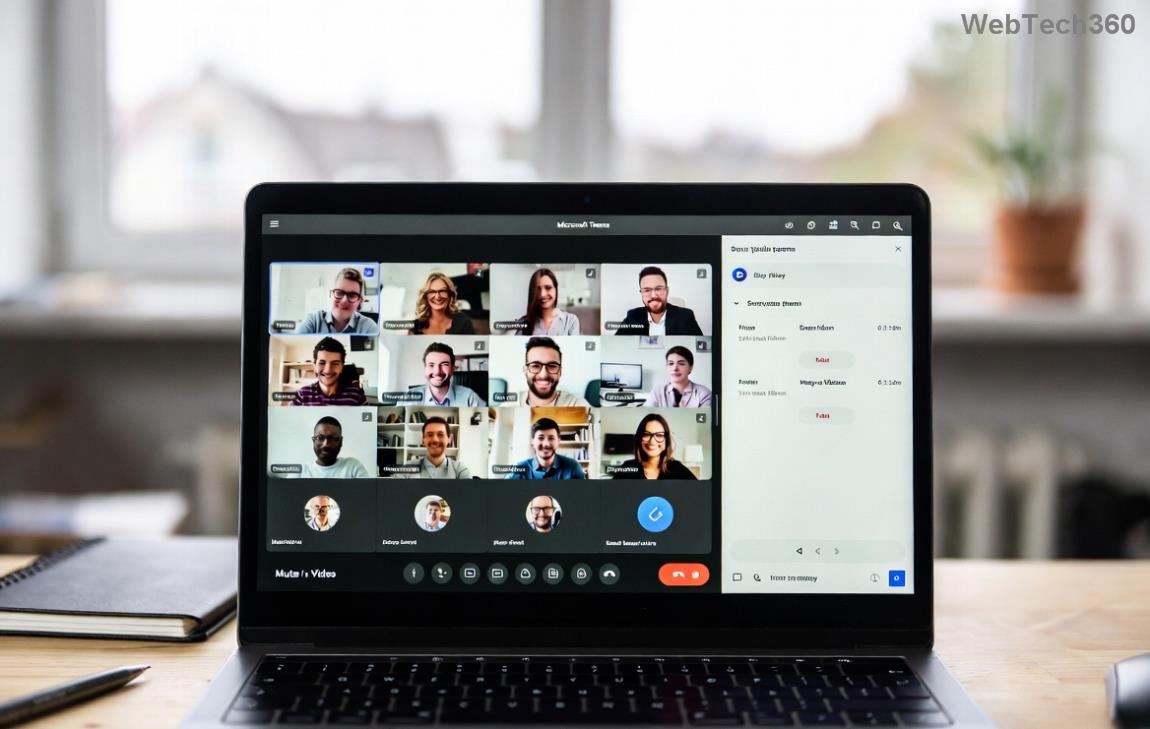
Microsoft Teams Guest Login Error Screen

⚡ Quick Fixes to Try First (Under 2 Minutes!)

Start here for 80% of cases. These no-fuss steps often resolve Teams guest login failed instantly:

  1. 👉 Clear Browser Cache and Cookies: In Chrome/Edge, go to Settings > Privacy > Clear browsing data. Select "Cookies" and "Cached images." Restart and retry login.
  2. Incognito Mode Test: Open Teams in a private window (Ctrl+Shift+N). If it works, cache was the culprit.
  3. Update Teams App: Check for updates via profile icon > Check for updates. Restart the app.
  4. Switch Devices/Browsers: Try desktop app vs. web, or Edge vs. Chrome.

Still stuck? These resolve most fix Teams guest access hiccups. If not, proceed to admin-level solutions. Keep reading for the full guide! 😊

🔧 Step-by-Step Guide: How to Fix Microsoft Teams "Guest Login" Error Permanently

Follow these precise steps for lasting results. Tailored for both users and admins.

Step 1: Enable Guest Access in Teams Admin Center (Admin Only)

The #1 cause? Guest access toggled off. As an admin:

  1. Log into Teams Admin Center.
  2. Navigate to Org-wide settings > Guest access.
  3. Toggle "Allow guest access in Teams" to ON.
  4. Save and wait 15-30 minutes for propagation.

Pro Tip: Also check "Guest upload files" and federation settings for full access.
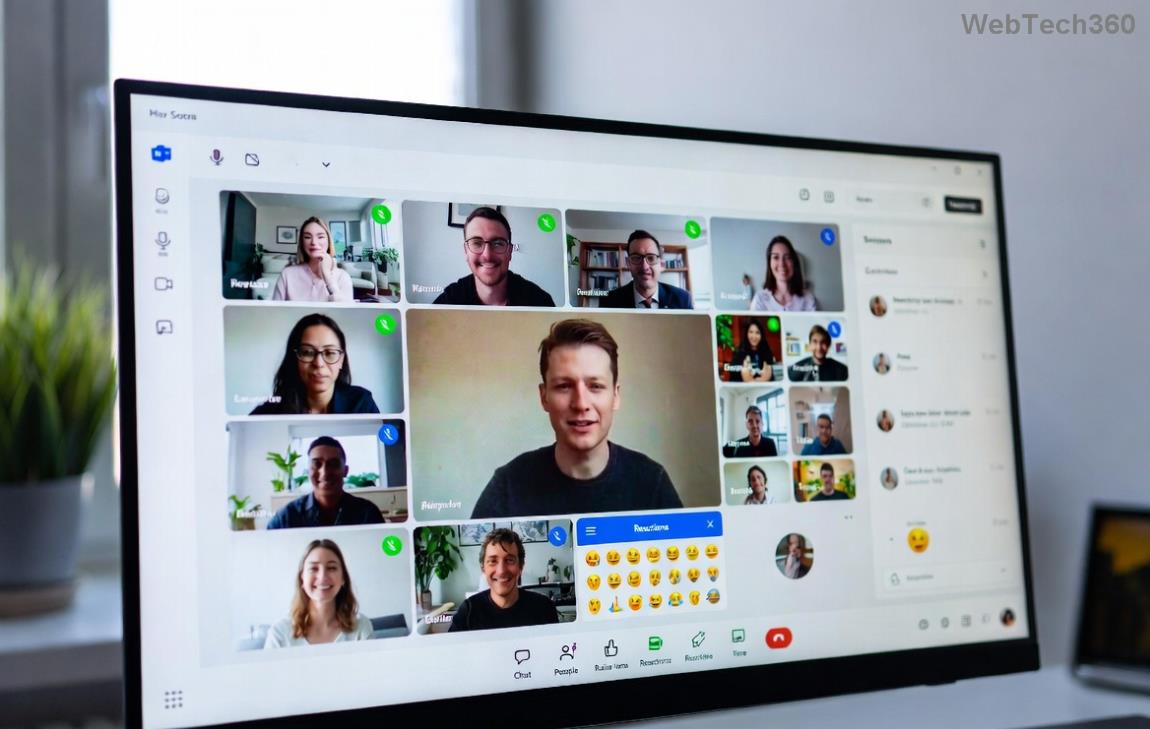
Teams Admin Center Guest Access Settings

Step 2: Reinvite the Guest User

Expired or malformed invites trigger errors:

  1. Go to your Team > Manage team > Add member.
  2. Enter guest email and select "Add as guest."
  3. Guest accepts via email link in their browser.

Step 3: Verify Azure AD Guest Permissions

Ensure guests can authenticate:

  1. In Azure Portal, search for the guest user.
  2. Under Properties, confirm "Account enabled" and proper roles.
  3. Reset password if needed via User > Reset password.
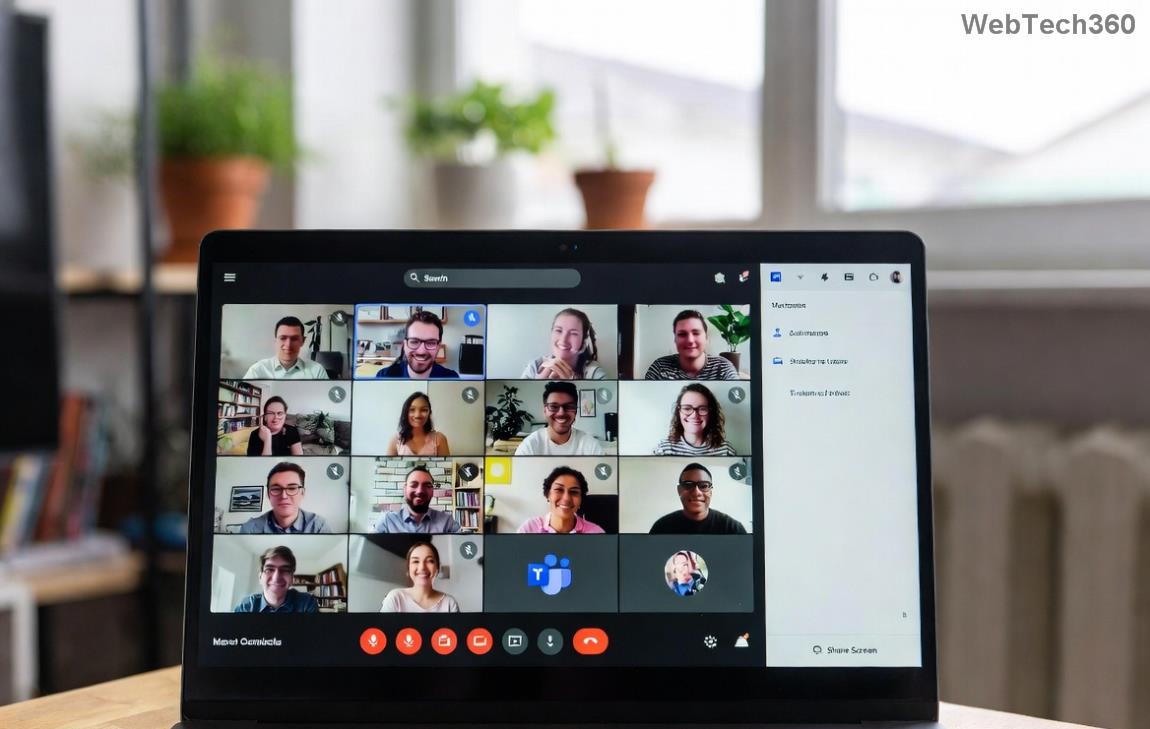
Successful Guest Login in Microsoft Teams

Step 4: Troubleshoot Network and Policies

Corporate firewalls? Whitelist Teams URLs like *.teams.microsoft.com. Test via mobile hotspot.

📊 Common "Guest Login" Errors and Fixes Table

Error Message Likely Cause Quick Fix
"Guest access is not permitted" Admin setting disabled Enable in Teams Admin Center
"AADSTS65001: Guest user doesn't exist" Invalid invite Reinvite via Teams
"Something went wrong" (Code 403) Cache/Permissions Clear cache + check Azure AD
"Federation denied" Domain block Allow external federation

This table is your cheat sheet for resolve Microsoft Teams guest error. Match your issue and fix it fast! 👏

🚀 Advanced Tips to Prevent Future Guest Login Errors

  • Regular Audits: Monthly check guest settings in Admin Center.
  • MFA for Guests: Enforce but allow alternatives for smooth onboarding.
  • Teams Templates: Use pre-configured templates with guest access baked in.
  • Monitor Logs: In Microsoft 365 Defender, review sign-in logs for patterns.

For official guidance, see Microsoft's Guest Access in Teams docs.

🎉 You're All Set! Next Steps

Congrats! You've mastered how to fix Microsoft Teams "Guest Login" Error. Test with a sample guest now. If issues persist, share your exact error code in comments below—we'll help refine. Share this guide to save your team's day! 🌟

Collaborate without borders. Happy Teaming! 🚀

Leave a Comment

How to Fix Microsoft Teams Guest Login Error

How to Fix Microsoft Teams Guest Login Error

Struggling with Microsoft Teams "Guest Login" Error? Discover step-by-step fixes, from quick cache clears to admin settings, to resolve guest access issues fast and collaborate seamlessly. Updated with the latest tips!

How to Fix Microsoft Teams For PC Download Error

How to Fix Microsoft Teams For PC Download Error

Tired of the Microsoft Teams "For PC" download error blocking your work? Follow our proven, step-by-step guide to resolve it quickly and get Teams running smoothly on your PC today.

Solving Microsoft Teams Windows 7 Login Error

Solving Microsoft Teams Windows 7 Login Error

Struggling with Microsoft Teams "Windows 7" login error? Discover step-by-step fixes for this frustrating issue on Windows 10/11. Clear cache, edit registry, and more – get back to seamless collaboration today!

How to Fix Microsoft Teams Error Code 0x80070005 (2026 Guide)

How to Fix Microsoft Teams Error Code 0x80070005 (2026 Guide)

Tired of Microsoft Teams Error Code 0x80070005 blocking your meetings? Follow this 2026 guide with step-by-step fixes for access denied issues. Get Teams running smoothly in minutes!

How to Install the Microsoft Teams Add-in for Outlook 2026

How to Install the Microsoft Teams Add-in for Outlook 2026

Master the installation of the Microsoft Teams Add-in for Outlook 2026 effortlessly. Boost your productivity with seamless scheduling and meetings. Follow our proven, up-to-date steps for instant success!

How to Fix Microsoft Teams License Error 2026

How to Fix Microsoft Teams License Error 2026

Struggling with Microsoft Teams "License Error" 2026? Discover proven, step-by-step solutions to resolve it fast. Clear cache, check licenses, and get back to seamless collaboration—no IT help needed!

The Best Exercises for 50+

The Best Exercises for 50+

Whether youre in your 50s, 60s, or even 70s, its not too late to prioritize your health and put yourself first. Here are the best exercises for people 50 and older.

Solving Microsoft Teams Error Caa50024 on Windows 10/11

Solving Microsoft Teams Error Caa50024 on Windows 10/11

Struggling with Microsoft Teams Error Caa50024 on Windows 10/11? Follow our step-by-step fixes to resolve crashes and launch issues quickly. Latest proven solutions for seamless teamwork.

How to Fix Microsoft Teams Login Error AADSTS50011

How to Fix Microsoft Teams Login Error AADSTS50011

Stuck with Microsoft Teams login error AADSTS50011? Discover proven, step-by-step fixes to resolve the reply URL mismatch issue and log in seamlessly. No tech skills needed!

How to Fix Microsoft Teams Win 7 Compatibility Error

How to Fix Microsoft Teams Win 7 Compatibility Error

Tired of the frustrating Microsoft Teams "Win 7" Compatibility Error blocking your meetings? Get instant fixes with our step-by-step guide, including workarounds for older Windows versions. Resolve it now and stay connected!

Solving Microsoft Teams Error R Restart

Solving Microsoft Teams Error R Restart

Tired of the endless Microsoft Teams "Error R" restart loop? Get step-by-step fixes to solve Microsoft Teams Error R quickly. Clear cache, reset, reinstall & more for smooth collaboration. Works on Windows, Mac & web.

Solving Microsoft Teams Bị lỗi Troubleshooting Guide

Solving Microsoft Teams Bị lỗi Troubleshooting Guide

Struggling with Microsoft Teams "Bị lỗi" issues? Discover proven fixes for crashes, sign-in errors, and more in this comprehensive troubleshooting guide. Get back to seamless collaboration!

Troubleshooting Microsoft Teams How Download Error

Troubleshooting Microsoft Teams How Download Error

Struggling with the Microsoft Teams "How Download" error? Discover step-by-step fixes for smooth file downloads, app updates, and more. Get back to collaborating without frustration!

How to Fix Microsoft Teams Error Code 2603 (2026)

How to Fix Microsoft Teams Error Code 2603 (2026)

Frustrated by Microsoft Teams Error Code 2603? Get instant relief with our step-by-step guide to fix installation failures, crashes, and more in the latest 2026 updates. Works for all users!

Solving Microsoft Teams Wiki in Teams Error Loading

Solving Microsoft Teams Wiki in Teams Error Loading

Tired of the frustrating Microsoft Teams "Wiki in Teams" error loading? Get step-by-step fixes for Wiki not loading in Teams, clear cache, reset settings, and more. Resolve it fast with our expert guide.