Kawaii Halloween Decor Without Gore or Jump Scares

Create a gentle Halloween look with pastel colors, friendly ghosts, easy no-carve accents, and practical safety tips for your home.
Zero waste is the current beauty trend. Here are some tips to help you build a zero waste beauty routine .
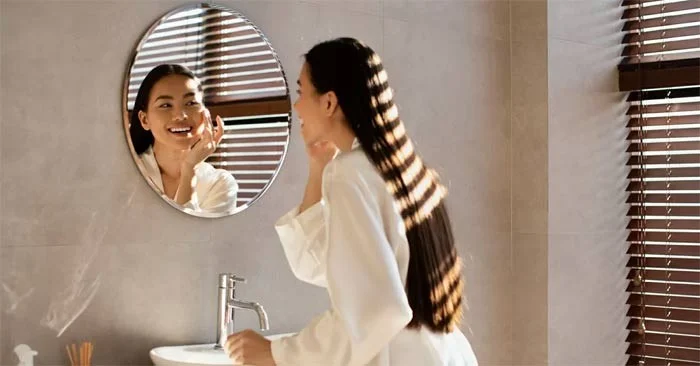
In a world of big shopping sprees and PR-driven unboxings, zero-waste beauty practices are taking center stage. Are you tired of seeing your money go down the drain after buying the latest beauty product that’s been making the news?
Zero waste could be the answer. There are plenty of easy ways to go zero waste beauty, from being more proactive with the products you buy to ditching high-waste items that are hard to recycle, and here are some great ways to get started.
Zero waste beauty
Disposable makeup wipes are easy to grab after a long day at work, and they’re also convenient to keep in your carry-on. Unfortunately, they’re wasteful and not good for the environment. The easiest place to start with a zero-waste beauty routine is to ditch disposable cotton pads and switch to micellar water or oils and reusable cloths.
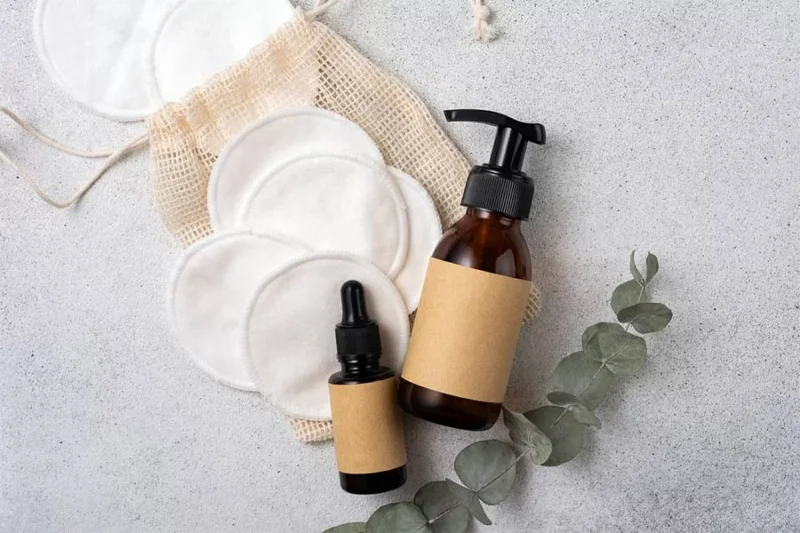
When shopping online, it’s hard to predict how a company will package its products. But if you’re shopping in stores, look for products with recyclable packaging. It’s easy to be lured by flashy branding, but fancy packaging doesn’t always mean less waste.
Not sure if something is recyclable? Check the packaging for the standard three-arrow recycling symbol before you buy.
Both non-sustainable and ultra-sustainable brands can offer refillable packaging. There are countless refillable products on the market, from YSL perfumes to Bésame Cosmetics pressed powders...
When it comes time to replace something in your kit, look for refillable products. And if you like something that isn't refillable, try to find ways to make it more environmentally friendly. For example, instead of buying a large eyeshadow palette of a single color, order individual boxes and refill the refills yourself.
Cosmetics run out, and it’s inevitable. Take a moment before clicking add to cart. Instead of replacing what you just used up, consider finding a multipurpose alternative. For example, you could use Axiology’s Balmie Color Pencils for your eyes, lips, and cheeks. The fewer beauty products in your cart, the less waste you’ll have and the more money you’ll save during these pricey times.
Your instincts may tell you to throw out all the products you already own and buy a whole new batch of products that will produce less waste. Even though your purchases are well-intentioned, you’re still sending perfectly usable products to landfill.
Instead, embrace the zero waste spirit by not letting your current products go to waste. Join thousands of others in saving the environment.
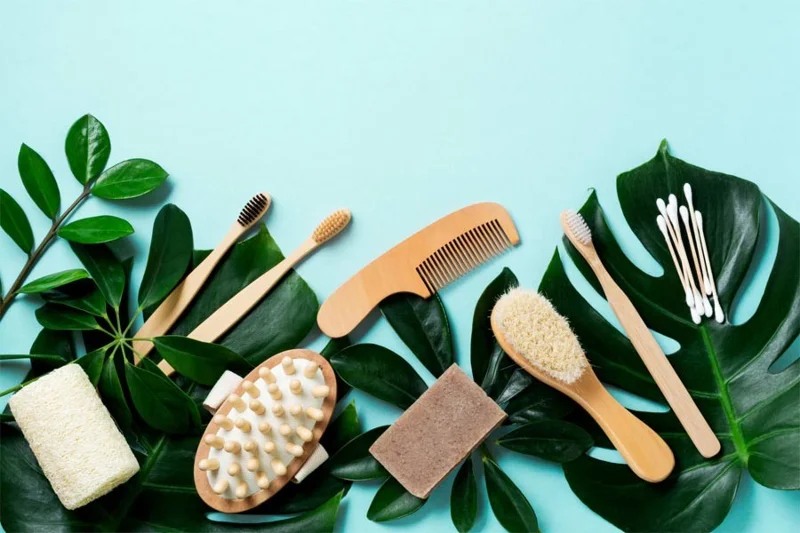
There’s always room for improvement on your zero waste journey. Making sure you recycle your products and reduce single-use items is a great start, but buying from sustainable brands can make a bigger impact.
Of course, not everyone can switch products right away. Depending on your allergies and skin, you may not be able to switch from your usual, more wasteful products—and that’s okay. But if you want to raise your zero-waste bar, try these eco-friendly brands:
Create a gentle Halloween look with pastel colors, friendly ghosts, easy no-carve accents, and practical safety tips for your home.
Create a spooky office cubicle with Halloween desk decor ideas that keep your workspace usable, tidy, and mindful of workplace safety.
Plan a recognizable Halloween 2026 look with pop culture costumes inspired by Spider-Man, Supergirl, Toy Story 5, Moana, Mario, and Wednesday.
Sort leftover Halloween candy safely, share or repurpose sealed treats, and choose food use or compost for pumpkins based on their condition.
Compare workplace Halloween costume choices by respect, dress code, mobility, and safety—and learn when a subtle accessory or a policy check is the better option.
Find a couples costume that fits your style, budget, and comfort level, from Addams Family classics to original inside-joke duos.
Need a last-minute high school Halloween costume? Compare 10 easy closet-based ideas by prep time, comfort, school-day practicality, and simple safety checks.
Use a simple 2026 Halloween decorating timeline for indoor décor, outdoor displays, and fresh pumpkins, with practical adjustments for weather and events.
Mix five vivid, approachable Halloween cocktails with measured recipes, simple prep tips, and an alcohol-free option for your party guests.
Find 15 office-friendly Halloween costume ideas for 2026, with practical checks for dress codes, respectful themes, comfort, and workplace safety.








