Troubleshooting Microsoft Teams Group Chat Not Loading

😩 Frustrated because your Microsoft Teams group chat is stuck on "Loading..." forever? You're not alone—this common glitch disrupts workflows, meetings, and quick team huddles. But don't worry! We've got your back with a focused, battle-tested troubleshooting Microsoft Teams group chat not loading playbook. Follow these steps in order, and you'll be chatting seamlessly in no time. Let's dive in and reclaim your productivity! 🚀

Quick First Checks: Rule Out the Basics

Before deep dives, start here—80% of Teams group chat not loading issues vanish with these simple actions:
  1. 🔄 Refresh or Restart Teams: Hit Ctrl+R (Windows) or Cmd+R (Mac) in the web app, or fully quit and relaunch the desktop/mobile version. Simple, but it works wonders!
  2. 🌐 Verify Your Internet Connection: Run a speed test at speedtest.net. Teams needs at least 1.5 Mbps upload/download. Switch to wired if on Wi-Fi.
  3. 📱 Check Device Sync: Ensure Teams is updated via your app store or Microsoft Store. Outdated versions cause loading hangs.
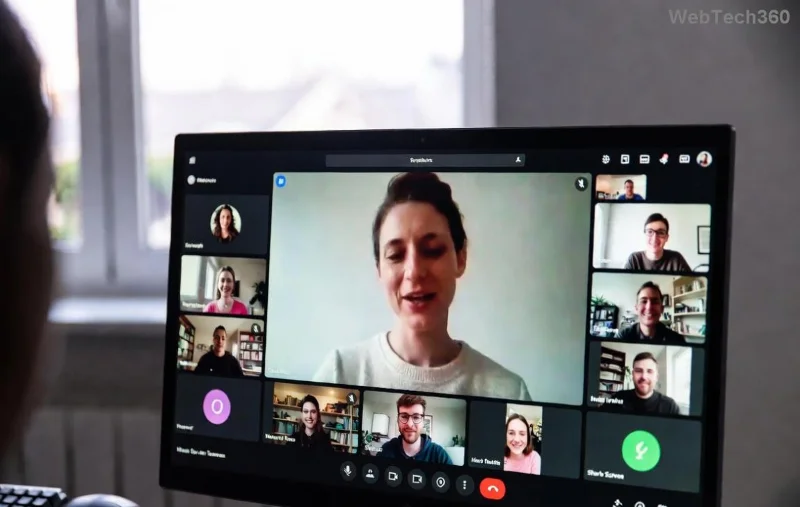
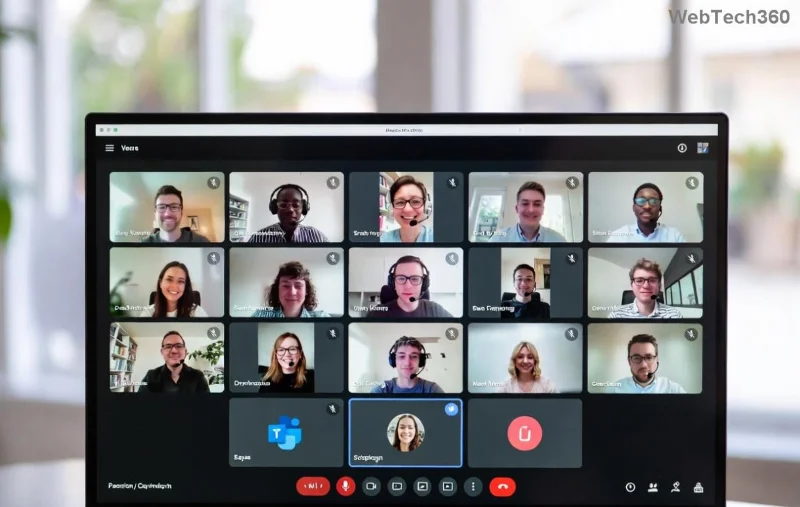
Microsoft Teams interface showing group chat loading screen

Step-by-Step Troubleshooting Microsoft Teams Group Chat Not Loading Fixes

Ready for targeted solutions? Tackle these in sequence for the fastest resolution. We've prioritized based on real user reports and Microsoft diagnostics.

1️⃣ Clear Cache and Cookies (Top Fix for Web/Desktop)

Corrupted cache is the #1 culprit for Teams group chat not loading. Here's how:

  • Desktop App: Go to %appdata%\Microsoft\Teams → Delete contents of folders like "blob_storage", "Cache", "databases", "GPUCache", "IndexedDB", "Local Storage", "tmp". Relaunch.
  • Web Browser: In Edge/Chrome, press Ctrl+Shift+Delete → Clear "Cached images/files" and "Cookies" for teams.microsoft.com (last 7 days). Log back in.
  • Mobile: Settings → Apps → Teams → Storage → Clear Cache/Data.

Pro tip: ⭐ Sign out/in after clearing—syncs everything fresh!

2️⃣ Update or Reinstall Teams

Recent Teams updates (like version 24124.x series) patched loading bugs. Check Help → Check for updates. If stuck:

Steps to clear Teams cache on desktop

3️⃣ Network and Firewall Tweaks

VPNs, proxies, or firewalls block Teams' WebRTC traffic:

  • Disable VPN temporarily—Teams hates aggressive ones.
  • Add exceptions: Ports 80, 443, 3478-3481 (UDP/TCP).
  • Corporate network? Contact IT for Teams network requirements.

4️⃣ Permissions and Account Fixes

Group chat access revoked?

  • Leave/rejoin the chat: Right-click chat → Leave → Ask owner to re-add.
  • Switch accounts: Profile icon → Sign out all → Re-sign in.
  • Check org policies via Teams Admin Center (admins only).
Microsoft Teams settings menu for troubleshooting

Common Errors and Quick Solutions Table

For at-a-glance fixes, here's a handy table of frequent troubleshooting Microsoft Teams group chat not loading scenarios:

Error/Symptom Likely Cause Fix
Endless "Loading..." spinner Cache buildup Clear cache (Step 1)
"Something went wrong" popup Network/proxy block Disable VPN, check ports (Step 3)
Chat loads for others, not you Permissions glitch Leave/rejoin (Step 4)
Slow load on mobile App outdated Update/reinstall (Step 2)
Blank chat window Browser incompatibility Switch to Edge/Chrome latest

Advanced Tips: When Basic Fixes Fail

Still stuck? Escalate smartly:

  • 🛠️ Run Teams Diagnostics: In-app, Help → Give feedback → "My issue isn't listed" → Recreation → Submit logs.
  • 💻 Safe Mode Test: Hold Shift while launching Teams to bypass add-ins.
  • 🔍 Microsoft Troubleshooter: Download from Microsoft Support and Recovery Assistant—auto-detects chat issues.
  • Community help: Post on Microsoft Tech Community with screenshots.

Prevent Future Teams Group Chat Not Loading Headaches

Stay ahead: Enable auto-updates, use wired connections for big meetings, and bookmark this guide! Regular maintenance keeps Teams humming. 👏

If these steps revived your chats, drop a comment below—what fixed it for you? Share to help others. Back to productive teaming! 🎉

Based on latest Microsoft guidance and user fixes as of 2026. Always verify with official sources.

Leave a Comment

How to Fix Microsoft Teams Free Subscription Error

How to Fix Microsoft Teams Free Subscription Error

Tired of the frustrating Microsoft Teams "Free" Subscription Error blocking your meetings? Discover proven, step-by-step solutions to resolve it fast and restore smooth teamwork. Works on latest versions!

How to Fix Microsoft Teams Web App Browser Error

How to Fix Microsoft Teams Web App Browser Error

Struggling with Microsoft Teams "Web App" Browser Error? Discover proven, step-by-step solutions to resolve it fast. Clear cache, update browser, and more for seamless Teams web app access. Works on latest browsers!

Troubleshooting Microsoft Teams Group Chat Not Loading

Troubleshooting Microsoft Teams Group Chat Not Loading

Struggling with Troubleshooting Microsoft Teams Group Chat Not Loading? Discover proven, step-by-step fixes for the most common issues to get your chats loading smoothly again. Quick wins for desktop, web, and mobile.

How to Fix Microsoft Teams Proxy Error Connection

How to Fix Microsoft Teams Proxy Error Connection

Tired of Microsoft Teams proxy error blocking your calls? Discover simple, step-by-step fixes to resolve proxy connection issues instantly. No tech expertise required – get back to seamless teamwork!

How to Fix Microsoft Teams Time Limit Error

How to Fix Microsoft Teams Time Limit Error

Tired of Microsoft Teams "Time Limit" Error crashing your meetings? Follow our proven, step-by-step guide to fix it quickly—update app, clear cache, and more for seamless collaboration. Works on latest versions!

How to Fix Microsoft Teams Layout Error After Update

How to Fix Microsoft Teams Layout Error After Update

Facing Microsoft Teams Layout Error after the latest update? Discover proven step-by-step fixes to resolve layout glitches, restore perfect UI, and boost productivity fast. No tech skills needed!

How to Fix Microsoft Teams Error K Security

How to Fix Microsoft Teams Error K Security

Struggling with Microsoft Teams "Error K" Security? Follow our step-by-step guide to fix it quickly—no tech expertise needed. Get back to seamless collaboration today!

How to Fix Microsoft Teams Update Error 0x80070002

How to Fix Microsoft Teams Update Error 0x80070002

Struggling with Microsoft Teams Update Error 0x80070002? Discover step-by-step fixes to resolve it quickly. Clear cache, repair files, and get back to seamless updates today!

Solving Microsoft Teams Web Error Browser Login

Solving Microsoft Teams Web Error Browser Login

Tired of Microsoft Teams "Web Error" blocking your browser login? Follow our step-by-step guide with proven fixes to resolve Teams web login issues fast and securely. Get back to work!

How to Fix Microsoft Teams Error O Offline

How to Fix Microsoft Teams Error O Offline

Stuck with Microsoft Teams "Error O" Offline? Discover proven, step-by-step fixes to get back online fast. Clear cache, restart, and more – no tech skills needed!

Where is Microsoft Teams in Outlook? Locating the Missing Icon

Where is Microsoft Teams in Outlook? Locating the Missing Icon

Frustrated by the missing Microsoft Teams icon in Outlook? Learn exactly where to find it, why it disappears, and proven steps to restore it for effortless meetings. Updated for the latest versions!

Solving Microsoft Teams Windows 10 Error Login Issues

Solving Microsoft Teams Windows 10 Error Login Issues

Struggling with Microsoft Teams "Windows 10 Error" login issues? Get instant fixes for cache clears, updates, and more. Step-by-step solutions to solve Microsoft Teams login error on Windows 10 fast and frustration-free.

Solving Microsoft Teams Website Error Tab Not Loading

Solving Microsoft Teams Website Error Tab Not Loading

Tired of the frustrating Microsoft Teams "Website Error" where tabs won’t load? Get step-by-step fixes to resolve it quickly and boost your productivity. Essential troubleshooting for seamless Teams experience.

How to Fix Microsoft Teams Web Error 503 Service Unavailable

How to Fix Microsoft Teams Web Error 503 Service Unavailable

Tired of the frustrating Microsoft Teams "Web Error" 503 Service Unavailable? Discover proven, step-by-step fixes for Teams 503 error on web. Get back online fast with our expert guide. Works on all browsers!

How to Fix Microsoft Teams Win 7 Error Compatibility

How to Fix Microsoft Teams Win 7 Error Compatibility

Struggling with Microsoft Teams "Win 7 Error" compatibility? Discover step-by-step fixes to restore seamless video calls and chats on unsupported Windows versions. Quick, reliable solutions inside!






