How to Join a Microsoft Teams Meeting as a Guest (2026 Guide)

Ever received a Microsoft Teams invite but don't have an account? No worries! 😊 Joining a Microsoft Teams meeting as a guest is simpler than ever in 2026. Whether you're on desktop, mobile, or web, you can hop in without signing up. This guide walks you through every step, fixes common hiccups, and shares pro tips to make you look like a pro. Let's dive in and get you connected seamlessly!

✅ Prerequisites: What You Need Before Joining Teams as a Guest

  • 👆 A meeting link or 9-10 digit code from the host (usually in email or chat).
  • ⭐ Stable internet connection.
  • ✅ Modern browser (Chrome, Edge, Firefox) or Teams app (optional but recommended).
  • 😊 Microphone/speakers/camera for full experience—no downloads required for basics.

Pro tip: Hosts must enable guest access in meeting settings. If not, ask them to toggle it on via Microsoft's external access guide.

📱 Method 1: Join Microsoft Teams Meeting as Guest on Mobile (iOS/Android)

The fastest way for on-the-go users. Download the free Teams app or use your browser.

  1. Tap the meeting link from your email/text.
  2. Select "Join as guest" (skip sign-in).
  3. Enter your name 👤 and customize video/audio settings.
  4. Hit Join—you're in! 🎉

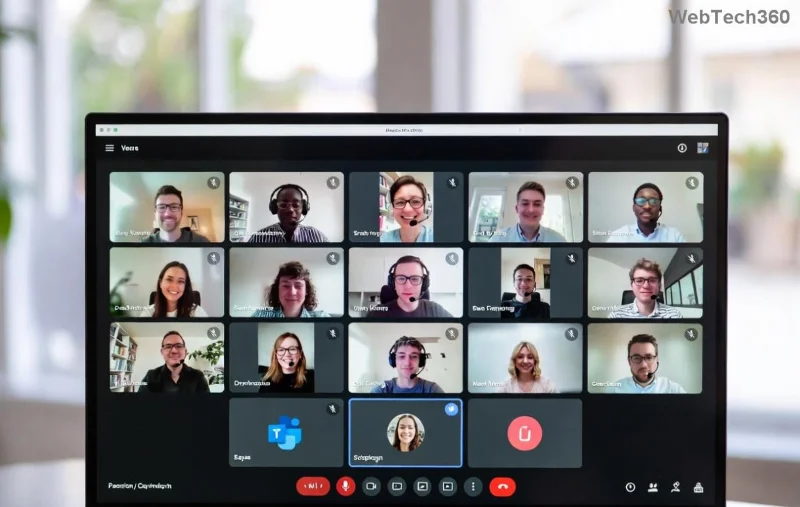
Microsoft Teams mobile guest join screen

Bonus: Enable live captions for accessibility—tap More options (⋯) > Turn on captions.

💻 Method 2: Guest Join Teams Meeting on Desktop/Web

Perfect for work setups. No app? Use browser directly.

  1. Paste the meeting link into teams.microsoft.com or click from invite.
  2. Click "Join now" > Choose guest mode.
  3. Type your display name and adjust mic/camera 🔊📹.
  4. Click Join to enter the meeting room.
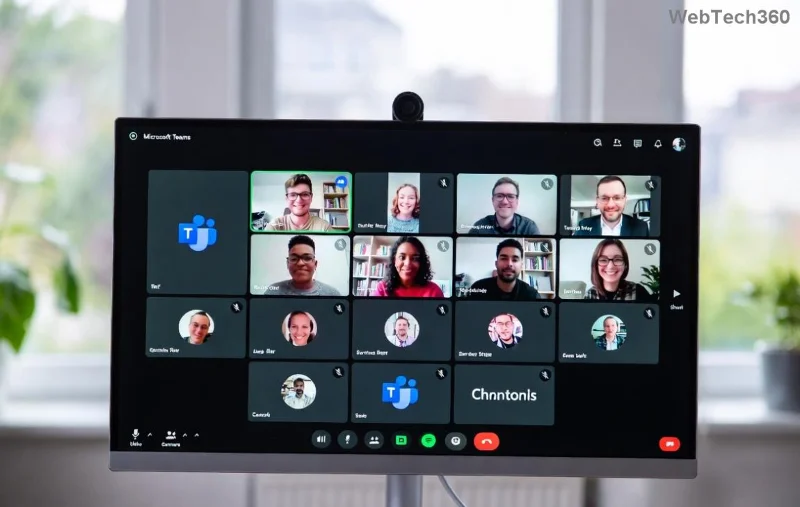
Desktop view of joining Microsoft Teams as guest

Download the Teams desktop app for better performance post-join (prompt appears automatically).

🔢 Method 3: Join Using Meeting ID/Code (No Link?)

Platform Steps
Web/Desktop Go to teams.microsoft.com > "Join or start meeting" > Enter code > Guest join.
Mobile App Open Teams > Use +Join > Input code > Proceed as guest.

❌ Common Issues & Quick Fixes for Teams Guest Join

Stuck? Here's your troubleshooting toolkit:

  • 🚫 "Guest access disabled": Host needs to enable it—remind them politely.
  • 🔒 Browser blocks: Allow pop-ups/camera/mic permissions.
  • 📱 App crashes: Update to latest version or switch to web.
  • 😵 No audio: Check device settings > Teams > More (⋯) > Device settings.
  • ⭐ Pro fix: Clear browser cache or try incognito mode.

For official troubleshooting, check Microsoft Teams support.

⭐ Pro Tips to Shine in Your Guest Teams Meeting

  1. 👆 Use reactions (👍❤️) to engage without interrupting.
  2. 📝 Raise hand for questions—visible to all.
  3. 🎥 Blur background for privacy: Pre-join screen > Effects.
  4. 📱 Share screen seamlessly: Presenter mode > Share content.
  5. 😊 Record with host permission (guests can't initiate).

Want more? Explore Teams channels post-meeting if invited—seamless collaboration awaits!

🤔 FAQ: How to Join Microsoft Teams as Guest Answered

Q: Do I need a Microsoft account?
A: Nope! Pure guest mode works perfectly. ⭐

Q: Can guests chat or share files?
A: Yes, during the meeting—host controls permissions.

Q: What's new in 2026 for guests?
A: Enhanced AI noise suppression and one-click joins. 🚀

Ready to jump in? Grab that link and join your Microsoft Teams meeting as a guest today. Share this guide if it helped—happy meeting! 🎉


Leave a Comment

How to Fix Microsoft Teams Media Error for Videos

How to Fix Microsoft Teams Media Error for Videos

Tired of Microsoft Teams "Media Error" ruining your video shares? Follow our step-by-step guide with the latest fixes to get videos playing smoothly again – no restarts needed!

Troubleshooting Microsoft Teams Code Error Redemption

Troubleshooting Microsoft Teams Code Error Redemption

Tired of Microsoft Teams "Code Error" blocking your redemption? Get proven, step-by-step Troubleshooting Microsoft Teams "Code Error" Redemption solutions. Clear cache, update, and redeem successfully—fast and easy!

How to Fix Microsoft Teams Error QSP During Installation

How to Fix Microsoft Teams Error QSP During Installation

Stuck with Microsoft Teams "Error QSP" during installation? Follow our step-by-step guide with quick fixes to resolve the issue fast. Updated for the latest Teams versions—no tech skills needed!

Troubleshooting Microsoft Teams Offline Error Status

Troubleshooting Microsoft Teams Offline Error Status

Encountering Microsoft Teams "Offline Error" status? Discover proven, step-by-step troubleshooting tips to resolve it fast and get back to seamless collaboration. Updated with the latest fixes.

How to Fix Microsoft Teams Test Call Error 2026

How to Fix Microsoft Teams Test Call Error 2026

Tired of Microsoft Teams Test Call Error 2026 ruining your meetings? Discover simple, effective fixes to restore audio instantly. Step-by-step guide with expert tips for seamless Teams calls.

Where is My Teams Calendar? Troubleshooting Syncing Issues

Where is My Teams Calendar? Troubleshooting Syncing Issues

Frustrated with "Where is My Teams Calendar?" Troubleshoot syncing issues in Microsoft Teams step-by-step. Restore your calendar view and sync effortlessly—expert tips inside!

Solving Microsoft Teams Error 4vt9f Microphone Not Detected

Solving Microsoft Teams Error 4vt9f Microphone Not Detected

Struggling with Microsoft Teams Error 4vt9f Microphone Not Detected? Discover step-by-step fixes, from quick checks to advanced troubleshooting. Get your mic working instantly for seamless calls!

How to Fix Microsoft Teams Wiki Tab Not Loading Error

How to Fix Microsoft Teams Wiki Tab Not Loading Error

Struggling with Microsoft Teams Wiki Tab not loading error? Discover proven step-by-step fixes to resolve the issue quickly, restore your Wiki tabs, and boost team productivity without hassle.

How to Join a Microsoft Teams Meeting as a Guest (2026 Guide)

How to Join a Microsoft Teams Meeting as a Guest (2026 Guide)

Master how to join a Microsoft Teams meeting as a guest with our step-by-step 2026 guide. No account needed! Works on web, desktop, mobile—troubleshoot issues & pro tips included.

Solving Microsoft Teams Error AADSTS50020: Guest Account Conflict

Solving Microsoft Teams Error AADSTS50020: Guest Account Conflict

Struggling with Microsoft Teams Error AADSTS50020? Discover proven steps to solve Guest Account Conflict issues quickly. Expert fixes for seamless collaboration in Teams and Azure AD. Updated with the latest solutions!

How to Fix Microsoft Teams Error I Profiles

How to Fix Microsoft Teams Error I Profiles

Frustrated by Microsoft Teams "Error I" Profiles? Follow our proven, step-by-step guide to fix it fast. Clear cache, update, reset profiles & more for seamless teamwork. Works on latest versions!

Troubleshooting Microsoft Teams Error 7ita9

Troubleshooting Microsoft Teams Error 7ita9

Struggling with Microsoft Teams Error 7ita9? Discover proven, step-by-step troubleshooting solutions for connection failures, sign-in issues, and more. Fix it quickly and resume seamless teamwork today!

How to Fix Microsoft Teams Proxy Error Settings

How to Fix Microsoft Teams Proxy Error Settings

Tired of Microsoft Teams Proxy Error blocking your meetings? Discover proven steps to fix proxy settings fast. Get seamless Teams experience with our ultimate guide. Works on Windows, Mac & latest versions!

How to Fix Microsoft Teams Whiteboard Not Syncing Properly

How to Fix Microsoft Teams Whiteboard Not Syncing Properly

Struggling with Microsoft Teams Whiteboard not syncing properly? Discover step-by-step fixes for sync issues, from cache clearing to updates. Get your collaborative whiteboard working seamlessly today!

How to Change Microsoft Teams Recording Location

How to Change Microsoft Teams Recording Location

Discover the ultimate guide on how to change Microsoft Teams recording location. Step-by-step instructions to move recordings from OneDrive or SharePoint to your desired folder, perfect for users and admins.