What Are the Biggest Halloween Trends for 2026?

See the biggest Halloween 2026 trends in costumes, décor, shopping, pets, and party planning—with survey data, dates, and practical ways to choose.
Camera360 Ultimate is one of the leading "selfie" photography apps on mobile devices. Besides PhotoWonder , this is a photography tool with an extremely effective direct filter, helping you own perfect portrait photos to every detail. Download.com.vn will introduce to readers an overview article on how to use Camera360 on iPhone and iPad.
Camera360 for iOS Camera360 for Android
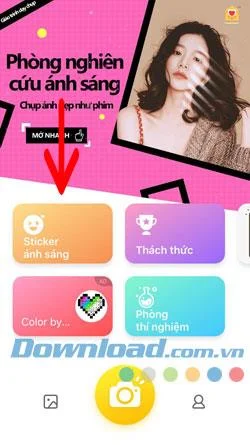
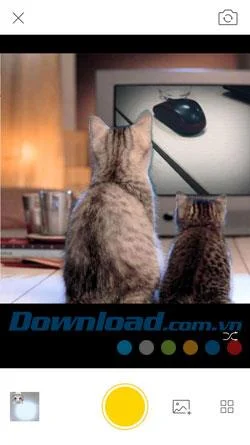
Step 1: First, launch the app, select the camera icon in the middle of the bottom, Camera360 will access your camera, the default is the front camera, if you want to switch to the Rear Camera, press the change icon at upper right corner of the screen.
Then you just need to select the effect and click on it to capture, the effects here will automatically change the skin color, add some of the facial animations if you choose the front camera ...
If you want to check the images you have taken, go outside the main screen, select the icon to the left of the camera icon, the right is the login and settings icon.
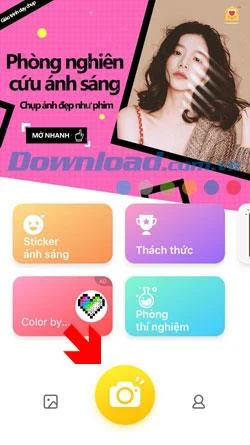
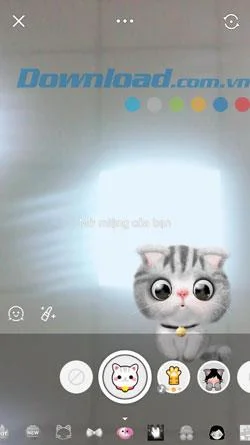
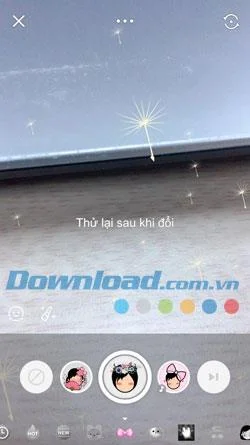
After shooting, you can share with friends via social networks like Facebook or Twitter with the icon near the bottom right, or save with the yellow key in the middle.
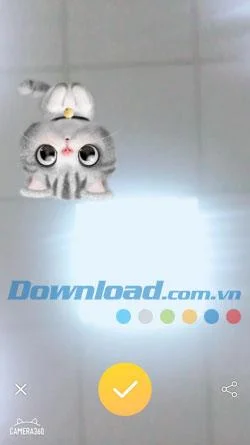
Step 2: If you want to choose animation effects, go out and choose Light Sticker, these are color effects, motion effects, lighting ... of many different types of Sticker.
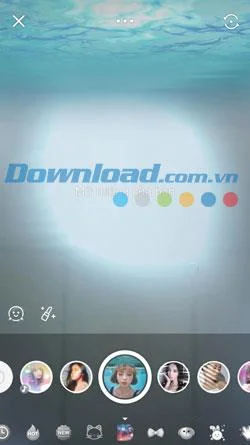
You can adjust your skin color with the lipstick tool below, to make skin color correction you have to turn off the Sticker effect.
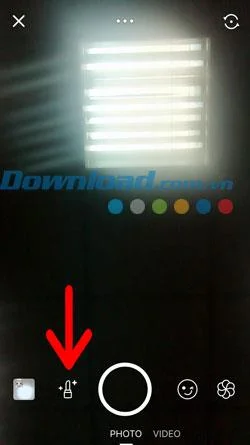
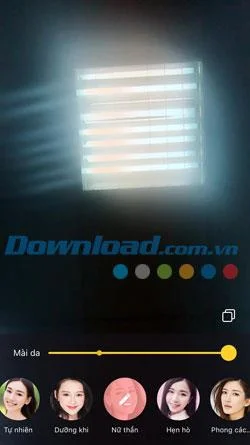
And the icon on the right is for photo effects, the effects here are the same.
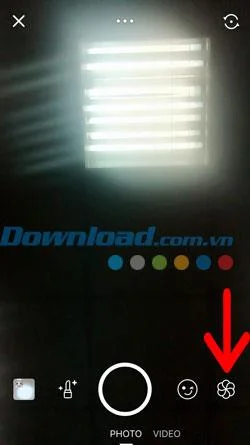
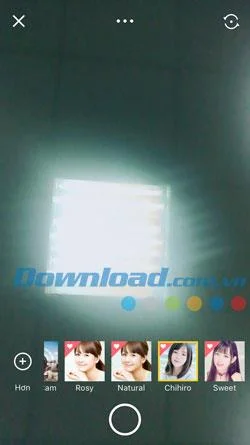
Step 3: The lab icon here will let you use the poster camera, the camera model will be displayed as in the image below, besides the applications related to photo stitching, photo editing. .
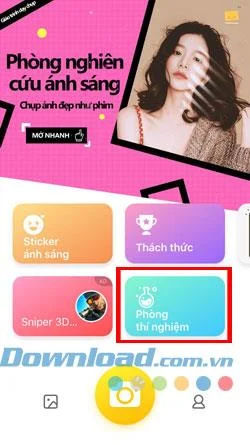
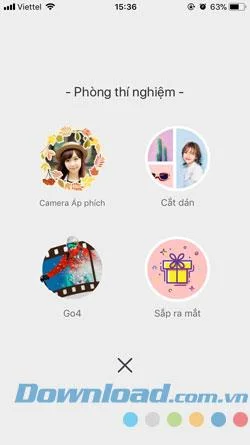
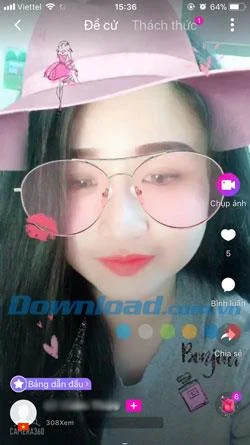
Step 4: The Challenge will be short videos shared by Camera360 user community, it's like in Tik Tok app , you can take photos, like, comment on videos and share videos. via Facebook and Twitter .
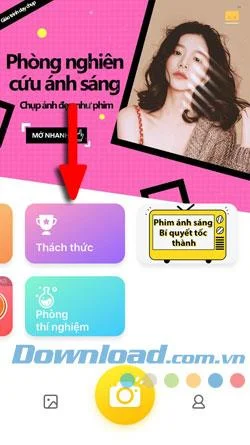
The last item is Light Film , which is still the effect on the Light Sticker, but will separate the lighting effects for those who like to take photos with light effects as the main.


These are the features that Camera360 is having, mainly still the main features of photo effects, attaching motion sticker to users, besides Camera360 also incorporates another interesting feature that helps users can Watch short videos with effects of Camera360.
Obviously Camera360 is combining and upgrading many applications related to editing photo effects, giving users extremely interesting experiences. Besides the default effects in Camera360 app for iPhone, iPad, Camera360 also has effects that users know little, to learn more, please refer to the article Photography features that you may not know about. Camera360.
See the biggest Halloween 2026 trends in costumes, décor, shopping, pets, and party planning—with survey data, dates, and practical ways to choose.
Host an affordable Halloween party with a clear spending cap, DIY decorations, simple food, free games, and practical safety tips.
Choose Halloween party games by group size, experience, and mood, with simple ways to make tarot and mahjong welcoming for every guest.
Compare 2026 dog Halloween costume trends by search interest, fit, comfort, and mobility—from hot dog and shark looks to simple bandanas.
Learn how the Gravity Falls-inspired summer Halloween works, choose a date and celebration style, and plan a low-stress Summerween party.
Plan an inclusive virtual Halloween party for remote teams with time-zone-friendly scheduling, simple games, accessible options, and a practical hosting checklist.
Explore seven Halloween team building games for the workplace, with quick rules, hybrid-friendly options, accessibility tips, and practical safety guidance.
Mix a glossy prop-only fake blood batch, choose safer products for skin and costumes, and test cleanup before Halloween night.
Create a gentle Halloween look with pastel colors, friendly ghosts, easy no-carve accents, and practical safety tips for your home.
Create a spooky office cubicle with Halloween desk decor ideas that keep your workspace usable, tidy, and mindful of workplace safety.








