Skype Free Phone Calls
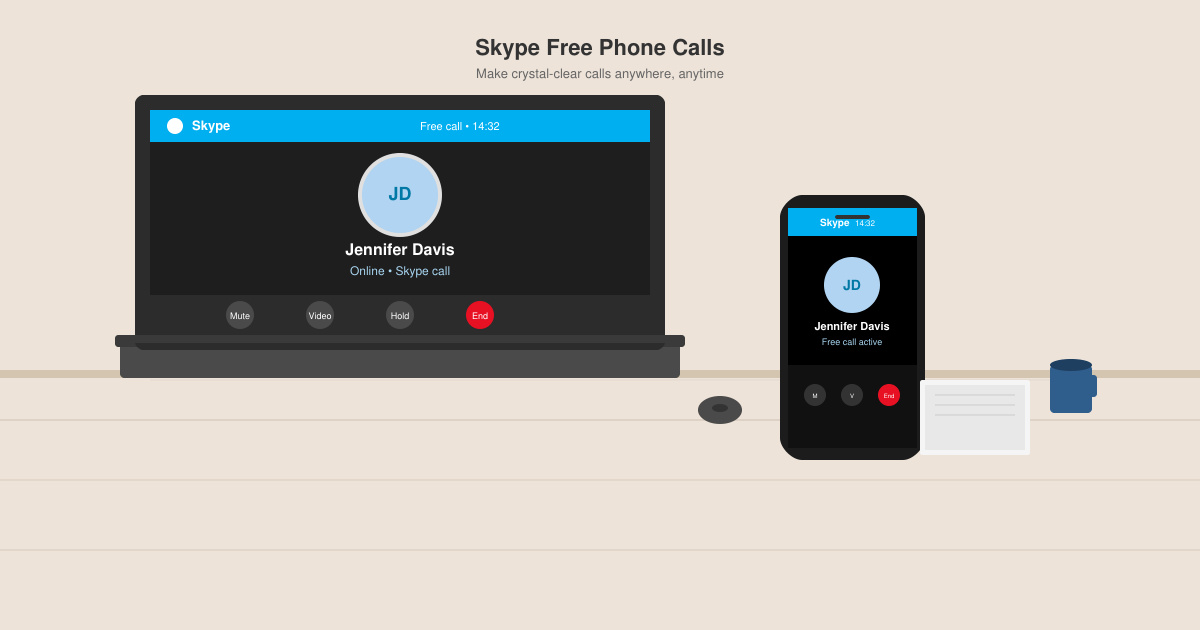
Skype Free Phone Calls let you connect with friends and family worldwide at no cost. Follow this guide to set up and start making free calls quickly and easily.
Instagram is amongst the most used social media apps today. You can share images as well as small and large videos using the IGTV feature of Instagram. It allows you to stay connected with your friends and family. Sometimes, you may see a pop-up notification like “_username added you to a group“. It means that someone with that “username” has added you to a group. If it is done by your friends & family, you may not mind. But, if it is done by an unknown user, you may feel frustrated. By default, Instagram allows anyone to add you to a group. However, this becomes a nuisance for people who avoid unknowns on their accounts. Many users have complained about getting added to groups they either don’t belong to or do not wish to join.
If you are someone looking for tips on how to stop people from adding you to a group on Instagram, we have compiled a useful guide to help you with it. Read till the end & save yourself from such hassles in the future.
Contents
Even though Instagram allows anyone to add you to a group, it also provides options to stop such unknown group invites from your DMs. You can do this either by simply leaving the unwanted group chat or by changing the privacy settings of your Instagram account.
You can stop unknown group invites by switching the “privacy settings” of your Instagram account. This option will restrict unknown users from adding you to group chats. Moreover, your followers will not be able to add you to groups. The detailed steps are explained below:
Note: Only people you are following will be able to add you to group chats.
1. Launch the Instagram app and log-in to your account.
2. Now, tap on your “Profile picture” available on the bottom menu. You will access your profile on the next screen.
3. Tap on the three-dashed menu on the top right corner of your screen.
4. Tap on the “Settings” option available at the bottom of the screen.
5. From the given list, select the “Privacy” option.
6. Next, tap on the “Messages” option under the “Interactions” section.
7. From the given list, tap on the “Who can Add You to Groups” option.
8. Finally, select the “Only People You Follow on Instagram” option.
Also Read: How to Extract WhatsApp Group Contacts
By default, Instagram does not display unknown group invites in your DMs; these messages are stored separately in the “Requests” folder. But you do get notified each time you receive invites from such groups. The detailed steps to avoid ‘Notifications’ about getting added to groups are as follows:
1. Launch the Instagram app and log-in to your account.
2. Now, tap on your “Profile picture” available on the bottom menu. You will access your profile on the next screen.
3. Tap on the three-dashed menu on the top right corner of your screen.
4. Tap on the “Settings” option available at the bottom of the screen.
5. From the given list, you must select the “Notifications” option.
6. Next, tap on the “Messages” option.
7. Finally, select the “Group Requests” option and turn it “Off”.
Also Read: How To Fix Instagram Won’t Let Me Post Error
You may want to leave the groups that are either irrelevant or you didn’t wish to be a part of, in the first place.
Note: You can’t leave a group chat made by your close friends or family.
You can leave a group chat on Instagram by following these simple steps:
1. Open Instagram and open the “Group chat” you wish to leave.
2. Tap on the “Information” icon available on the top right corner of your chat window.
3. Finally, tap on the “Leave Chat” option to exit the group.
The best way to get rid of constant notifications from group chats, popping-up on your screen, is to mute these. The detailed steps for muting a group chat on Instagram are:
1. Open Instagram and open the “Group chat” you wish to mute.
2. Tap on the “Information” icon available on the top right corner of your chat window.
3. Tap on the switch adjacent to the “Mute Messages” option to turn it “On”. This option will disable notifications for the particular group.
Frequently Asked Questions (FAQs)
Q1. What does it mean that ‘you are added to a group’ on Instagram?
This means that you are now a part of the ‘group conversation’ on Instagram. You can check the group participants to ensure that you are not added to the wrong group.
Q2. How do I stop being added to a group on Instagram?
You can stop people from adding you to group chats on Instagram by changing your privacy settings to the “Only People You Follow on Instagram” option under the “Who can Add You to Groups” option.
Recommended:
We hope that this guide was helpful and you were able to stop people from adding you to the Instagram group. If you still have any queries regarding this article, then feel free to ask them in the comments section.
Skype Free Phone Calls let you connect with friends and family worldwide at no cost. Follow this guide to set up and start making free calls quickly and easily.
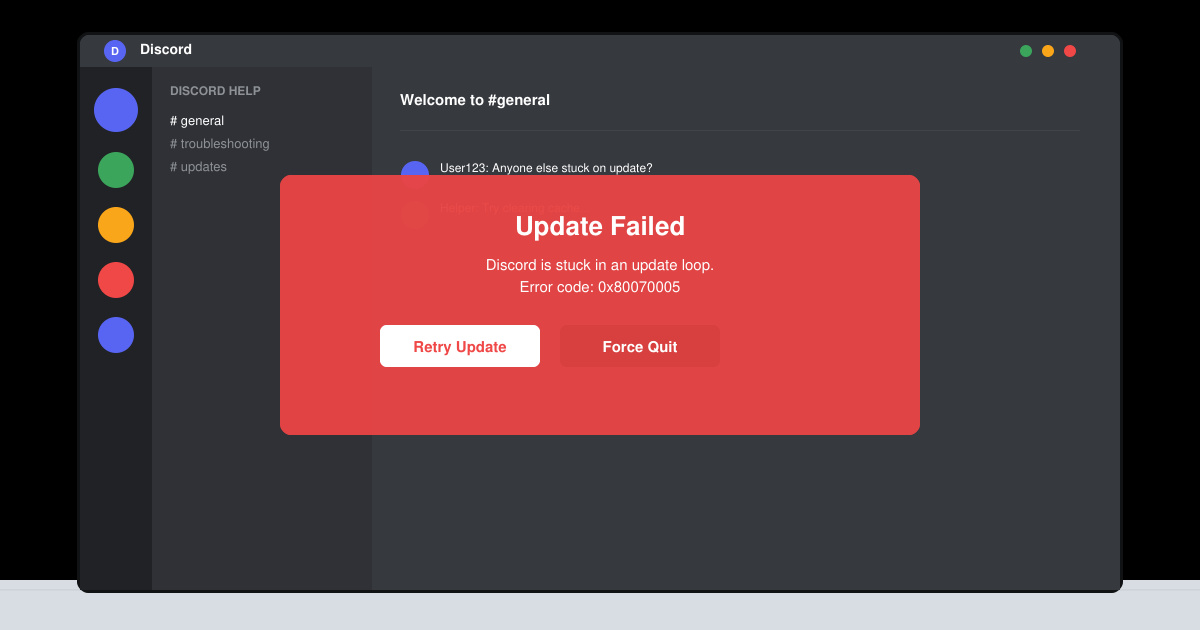
Stuck in the Discord Update Failed Loop? Follow these targeted fixes to break the cycle and complete the update without repeated failures or reinstalls.
Travel planning used to mean folders full of printed confirmations, handwritten notes, guidebooks, and a slightly terrifying number of browser tabs. Now, pretty much everything you need for a trip can live on the device already in your pocket.
Discover how Canva Free for Teachers gives educators full access to premium design tools at no cost. Verify your status and start creating classroom materials in minutes.
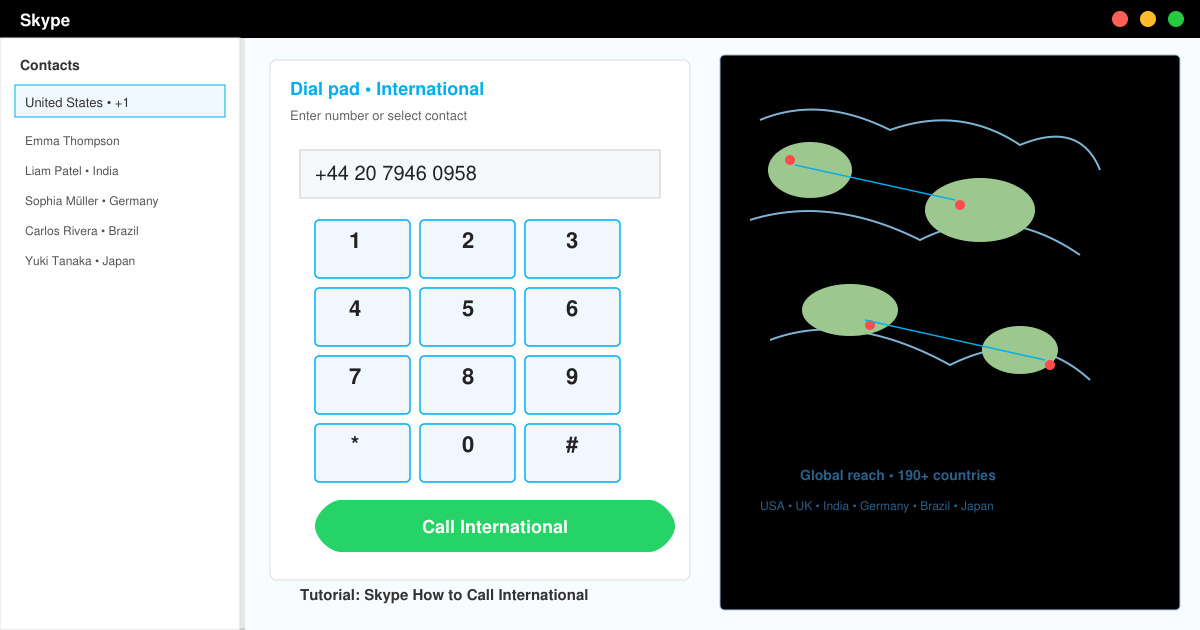
Skype How to Call International is simple and cost-effective once you set up credit and use the right country codes. Follow this guide to place clear calls from anywhere.
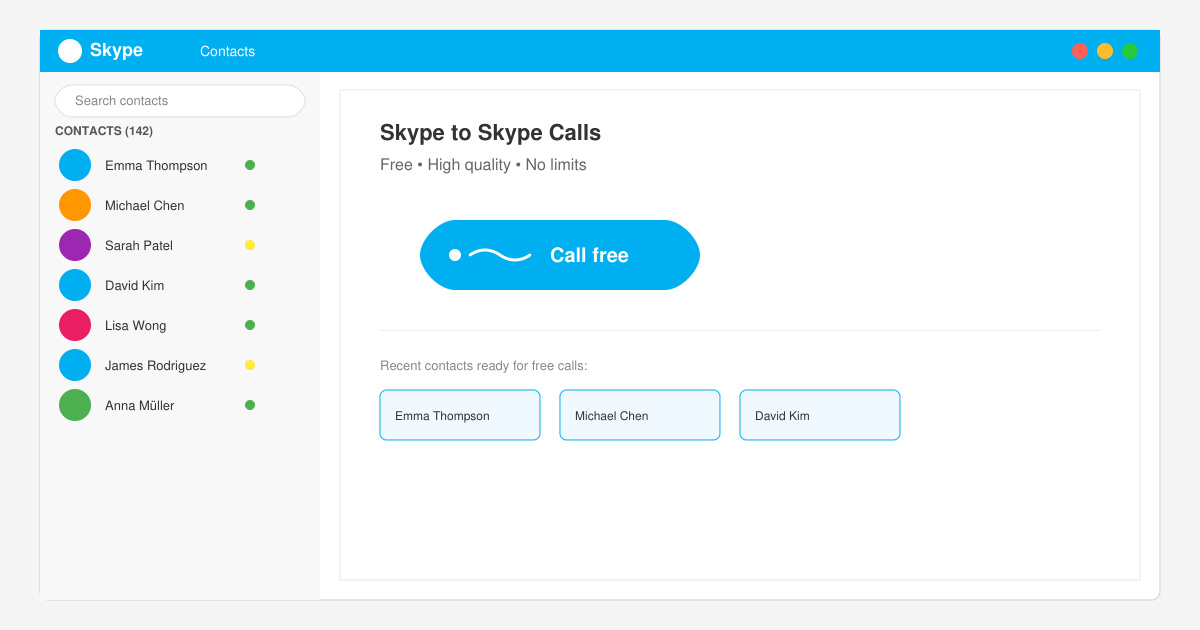
Make Skype to Skype Calls Free in minutes with this clear guide. Set up your account, add contacts, and start unlimited voice and video calls at no cost.
Fix the Your Connection is Not Private Chrome error quickly with these exact steps. Restore secure browsing by addressing certificate and settings issues in minutes.
Record heat has lifted air-conditioning demand while gas-market shocks have returned volatility to power prices. That creates a real risk of painful bills—but not a guaranteed, Europe-wide price explosion.
Large format printing has long faced criticism for its environmental impact. Traditional substrates, solvent-based inks, and short-lived promotional campaigns have all contributed to the perception that eye-catching graphics come at a high environmental cost.
Long-distance travel can involve heavy traffic, changing weather conditions, and rider fatigue. If you are also dealing with the responsibilities of moving home, such as packing belongings or coordinating accommodation, a long ride may add unnecessary pressure to an already busy schedule.