20 Easy College Halloween Costumes You Can Make from Your Closet

Need a last-minute college Halloween costume? Try 20 easy, budget-friendly looks built from closet staples, plus quick styling and safety tips.
Chrome shows this message when it cannot verify the website's security certificate. Common triggers include an incorrect system clock, cached data conflicts, interfering extensions, or VPN interference. Understanding these causes helps you choose the right fix instead of guessing.
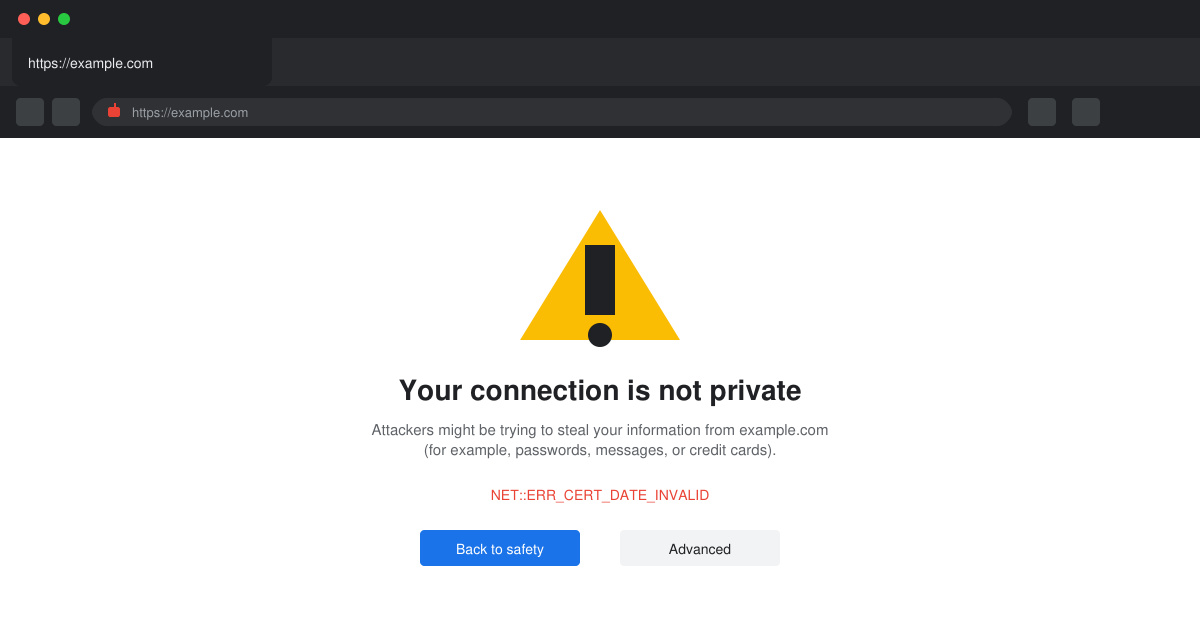
Open Windows Settings by pressing Windows key + I. Navigate to Time & language, then Date & time. Toggle "Set time automatically" on, or click the Sync now button. On macOS, go to System Settings > General > Date & Time and enable automatic time zone and time settings.
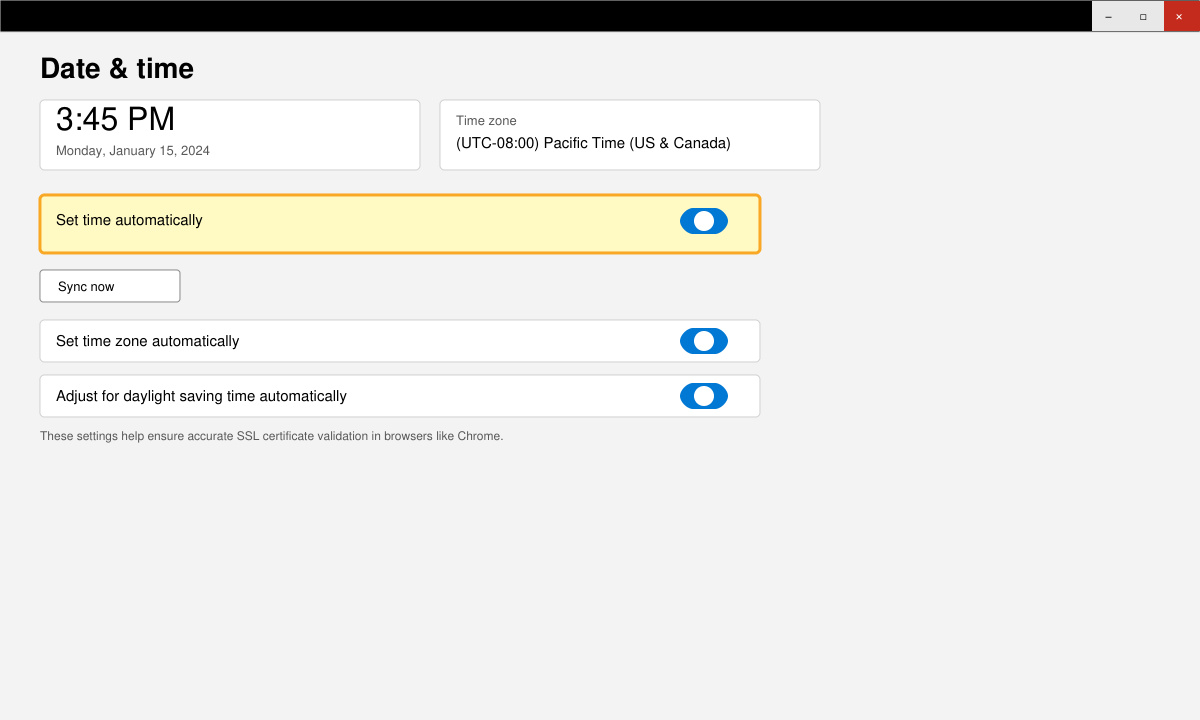
Type chrome://settings/clearBrowserData in the address bar and press Enter. Select the Advanced tab, set the time range to All time, check Cookies and other site data plus Cached images and files, then click Clear data. Restart Chrome afterward.
Open your VPN app and disconnect the current server. In Chrome, go to Settings > System > Open your computer's proxy settings and ensure no manual proxy is active. Temporarily disable third-party antivirus real-time scanning through its system tray icon to test if the site loads.
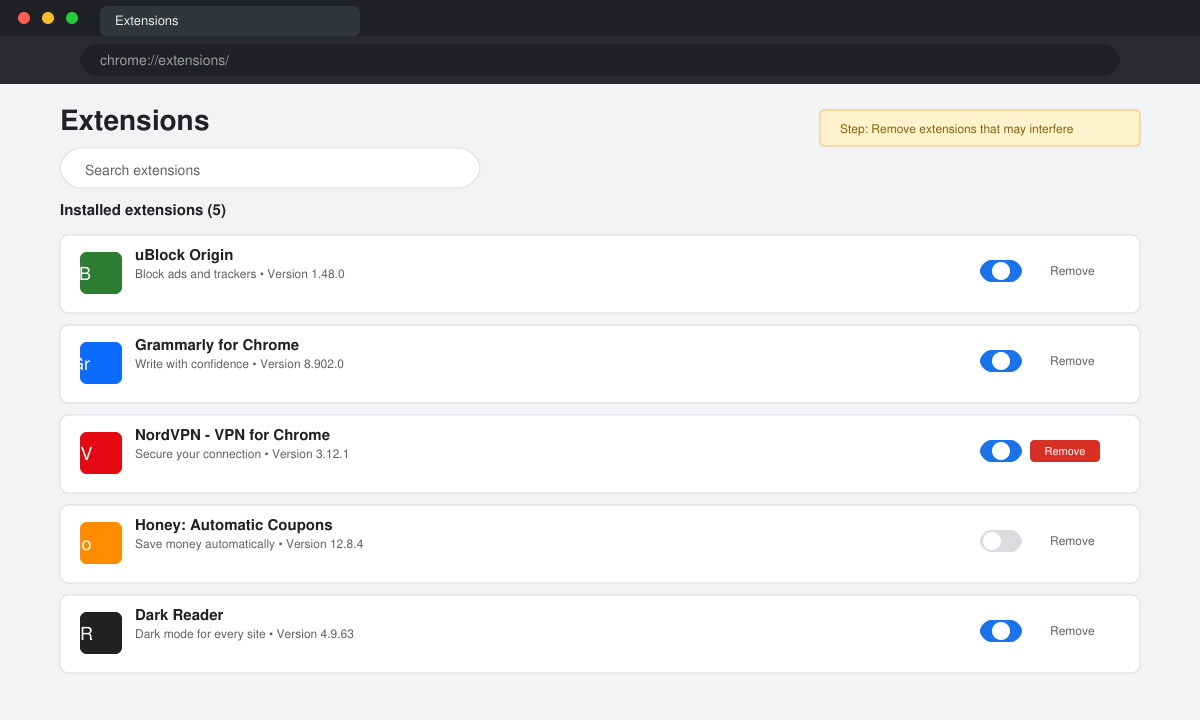
Enter chrome://extensions in the address bar. Toggle off each extension one by one, then reload the problematic website after each change. Remove any extension that resolves the error.
Never click "Advanced" and proceed on banking or login pages, as this exposes credentials to potential interception. If the error appears only on one site, contact the site owner. Persistent issues after these steps often point to a malware infection; run a full scan with Windows Defender or Malwarebytes. For corporate devices, check with your IT department before changing network settings.
Not always. It most often stems from date settings or cache problems, but repeated occurrences across many sites can indicate malware or a compromised network.
Yes. Open Chrome, tap the three dots, go to Settings > Privacy and security, then clear browsing data. Also check your phone's date and time settings under System > Date & time.
No. In that case the site owner must renew the certificate. The fixes above only address issues on your device or network.
Following the ordered steps above resolves the Your Connection is Not Private Chrome error in the vast majority of cases. Always prioritize security and only bypass the warning on trusted sites when absolutely necessary.
Need a last-minute college Halloween costume? Try 20 easy, budget-friendly looks built from closet staples, plus quick styling and safety tips.
Learn what the Teal Pumpkin Project means in 2026, how hosts can offer separate non-food treats, and how families can plan routes and review candy safely.
See what the latest 2026 Halloween survey says about trick-or-treating, community events, and practical ways to plan a safer neighborhood outing.
Plan a thoughtful Halloween moon party with optional reflection, simple stargazing, accurate 2026 sky notes, respectful spiritual framing, and safe lighting.
Build a comfortable cottagecore witch costume with beginner-friendly layers, thrifted pieces, simple makeup, practical accessories, and Halloween safety checks.
Explore BookTok-inspired horror books and Halloween decor, comparing gothic, cozy, and slasher styles with practical tips for a safe reading nook.
See the biggest Halloween 2026 trends in costumes, décor, shopping, pets, and party planning—with survey data, dates, and practical ways to choose.
Host an affordable Halloween party with a clear spending cap, DIY decorations, simple food, free games, and practical safety tips.
Choose Halloween party games by group size, experience, and mood, with simple ways to make tarot and mahjong welcoming for every guest.
Compare 2026 dog Halloween costume trends by search interest, fit, comfort, and mobility—from hot dog and shark looks to simple bandanas.