Device Links
There’s no doubt that when words fail, emojis, gifs, or stickers are great substitutes. As the age-old saying goes: “a picture speaks a thousand words.” In the case of Telegram, one more option was added to the list: Animated stickers. These fun-moving images are far more expressive than their static counterparts. What’s more, you now have the option of making these fun stickers yourself.

In this article, we’ll show you how to make your very own animated stickers on Telegram. The process differs depending on your device, so read on to find out which options work best for you.
How to Make Animated Stickers on Telegram on a PC
If you’re using tools to create animated stickers for Telegram, then you’re best off working from a PC. One way of making animated stickers for Telegram is to use Adobe After Effects. Navigating certain tools from smartphones can be a little fiddly. The tools you will need include any vector graphics editor that supports exporting the vector objects to Adobe After Effects.
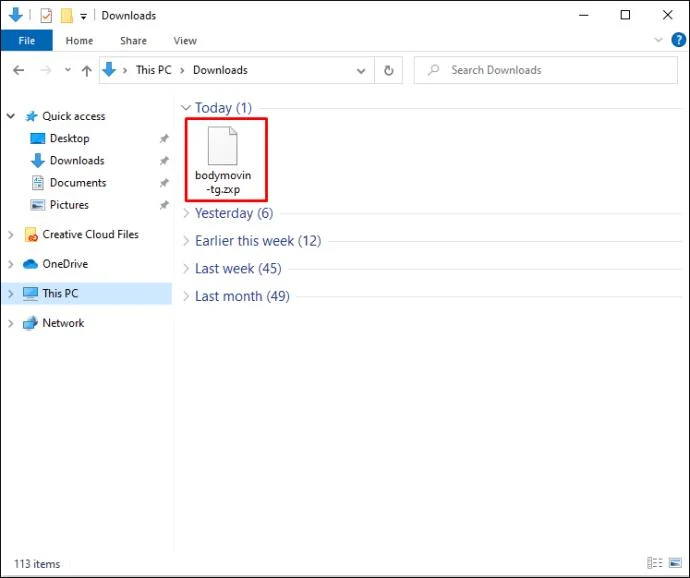
You will also need the Bodymovin-TG plugin. This plugin is what will let you export your animations to the required format for Telegraph.
Once you’re equipped with all the right tools, here’s a step-by-step guide on how to create animated stickers for Telegram:
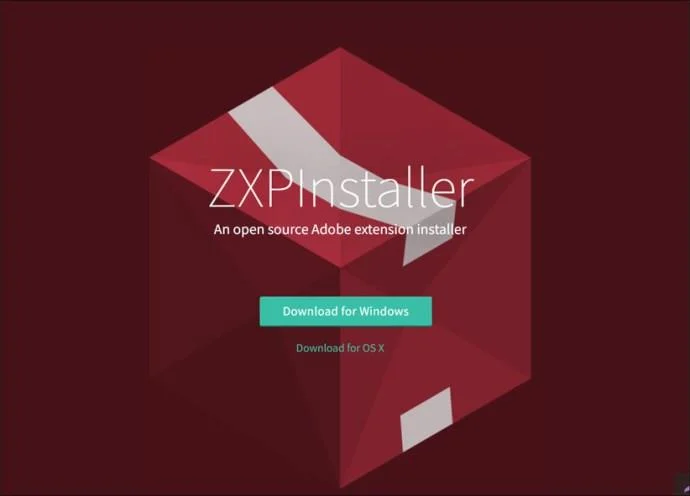
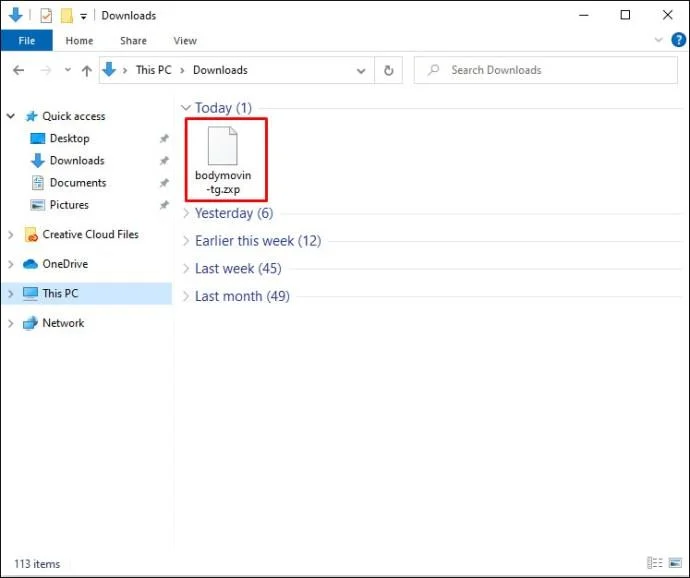
- Download zxpinstaller and the bodymovin-tg.zxp plugin file and run them.


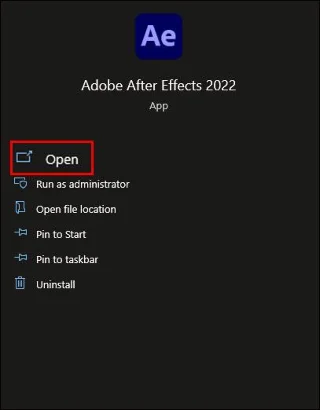
- Open Adobe After Effects.

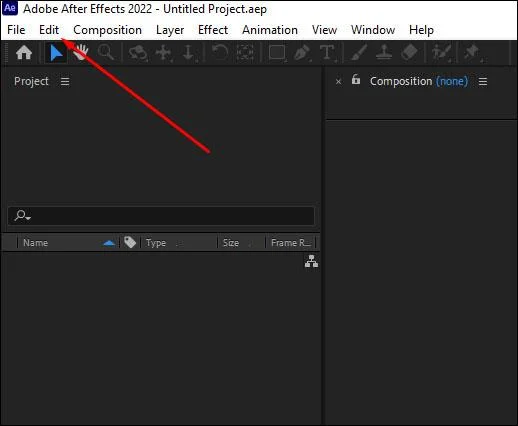
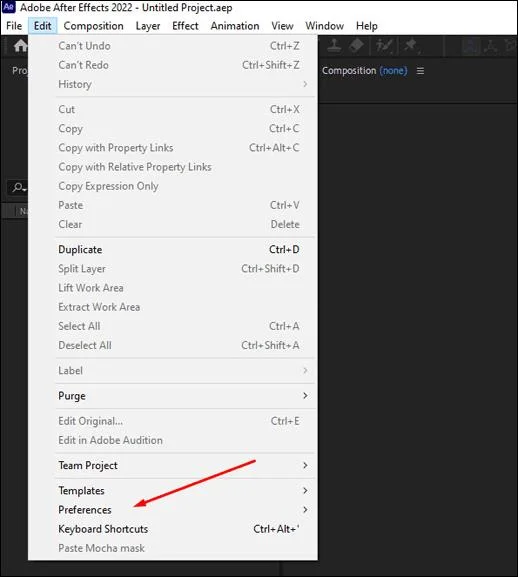
- From the top of the page, select “Edit.”

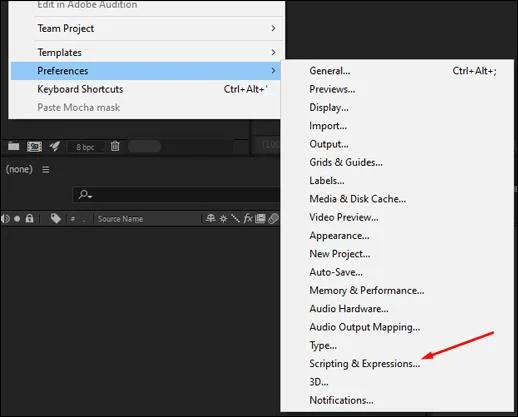
- Head to “Preferences.”

- From the options you’re presented with, click on “Scripts and Expressions.”

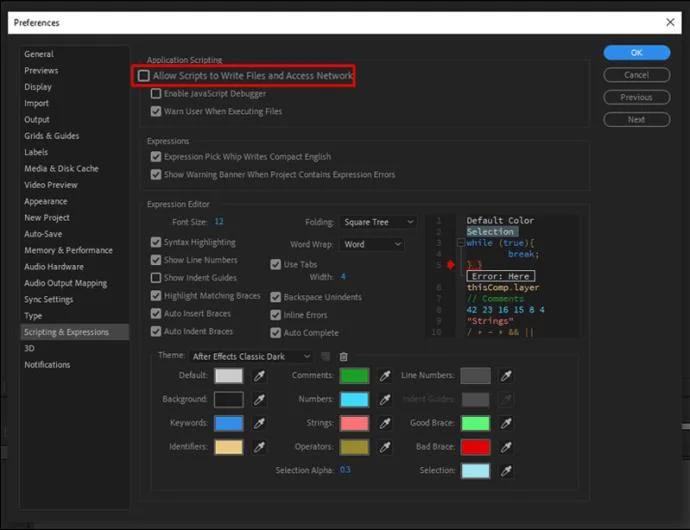
- Now, choose “Allow Script to Write Files…”

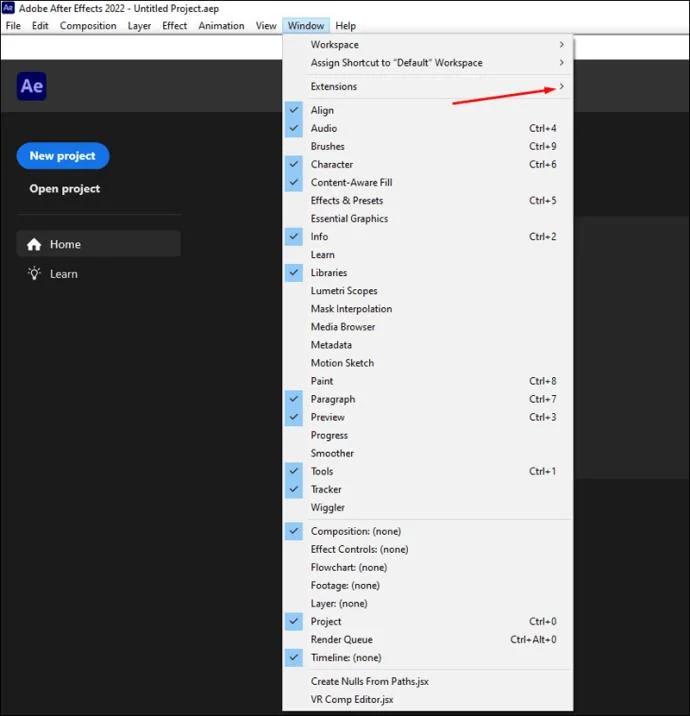
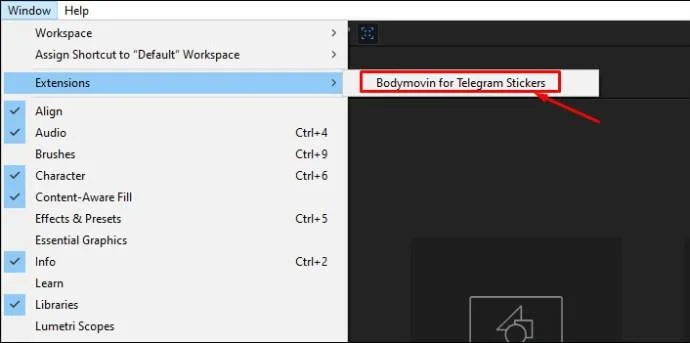
- In the upper-left corner of your page, select “Window,” then “Extensions.”

- Check the plugin name.

So, you’ve created your sticker. Now it’s time to upload it to Telegram. Here’s how to do so from your PC:
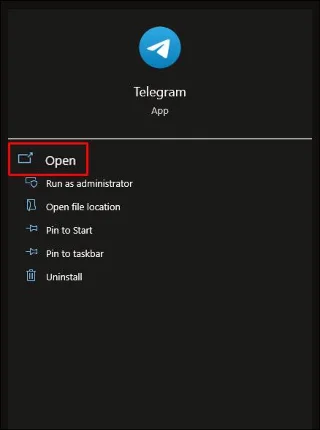
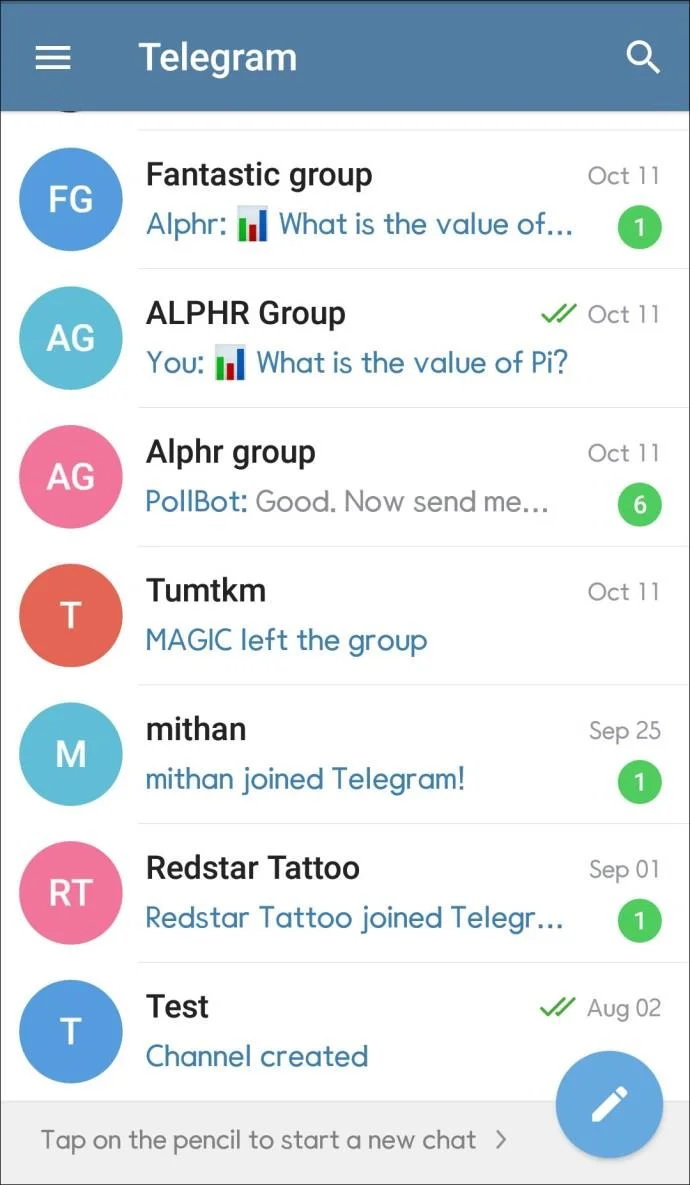
- From your PC, open Telegram Desktop.

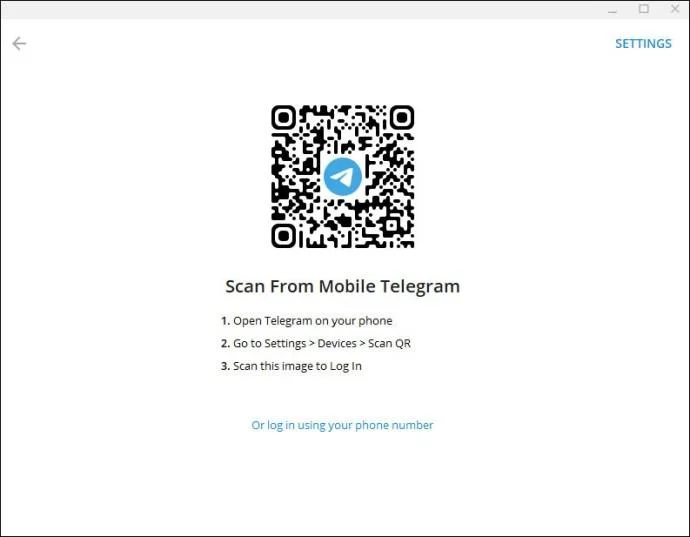
- Log in using your credentials.

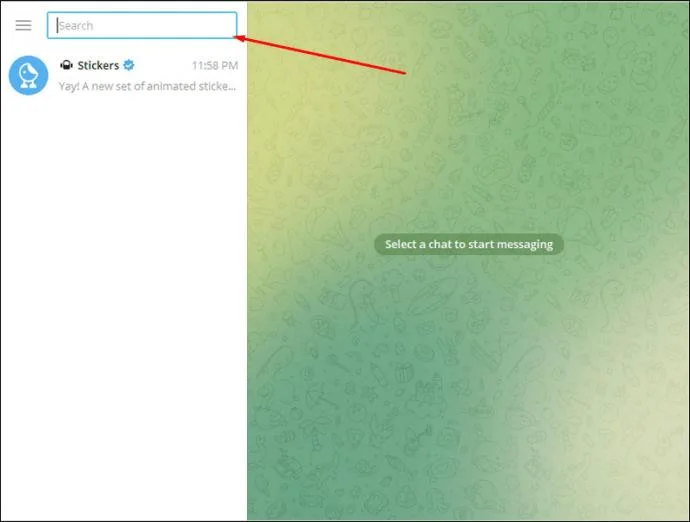
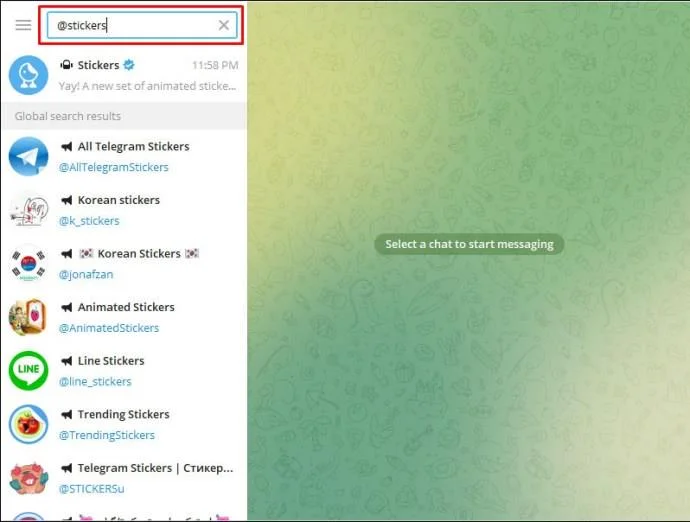
- Once you’re in, navigate your way to the “Search” icon.

- Type “
@Stickers.”

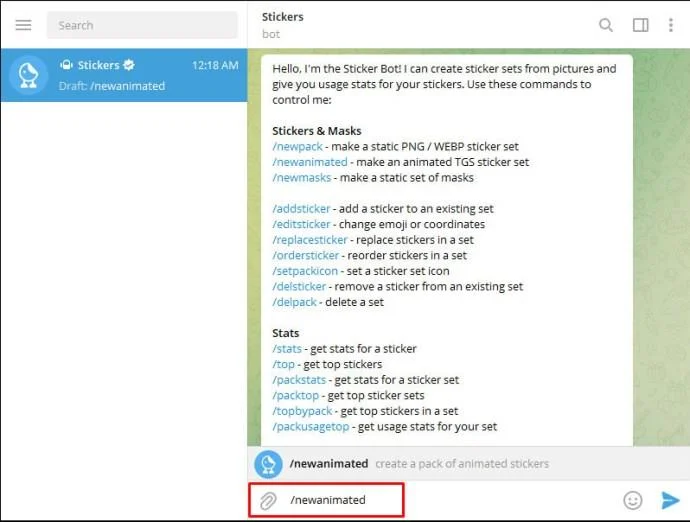
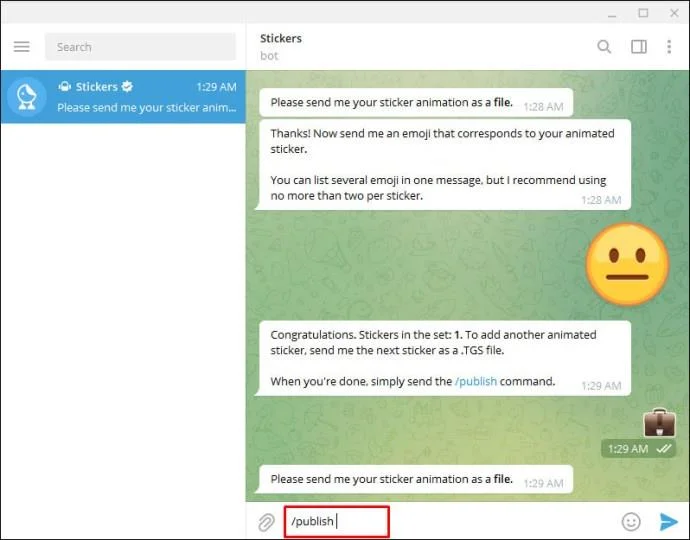
- Next, send this command: “
/newanimated” and type your sticker pack’s name.

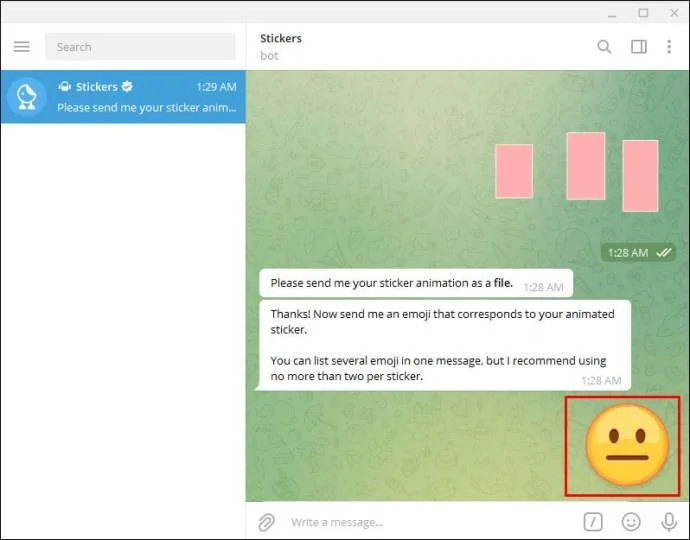
- Upload your sticker creation in the .TGS format.

- Send an emoji that fits your sticker.

- Select “Publish.”

When the upload is complete, you’ll be given a separate URL so that you can share your creation with other people. Unlike other messaging apps, Telegram doesn’t have its own sticker store. For that reason, you’ll need to share your sticker pack on your own.

In order to do so, you will first need to select your pack’s URL. You will then be presented with two options when it comes to sharing your animated sticker on Telegram.
- By hitting “Share” you’ll be able to forward your URL link straight to a chosen contact or group on your Telegram account.
- By selecting “Add Stickers” you can add your pack straight to your personal collection. That way, you’ll be able to send your sticker individually to your chosen contacts or groups. Eventually, this can help your personal sticker pack grow.
How to Make Animated Stickers on Telegram on an iPhone
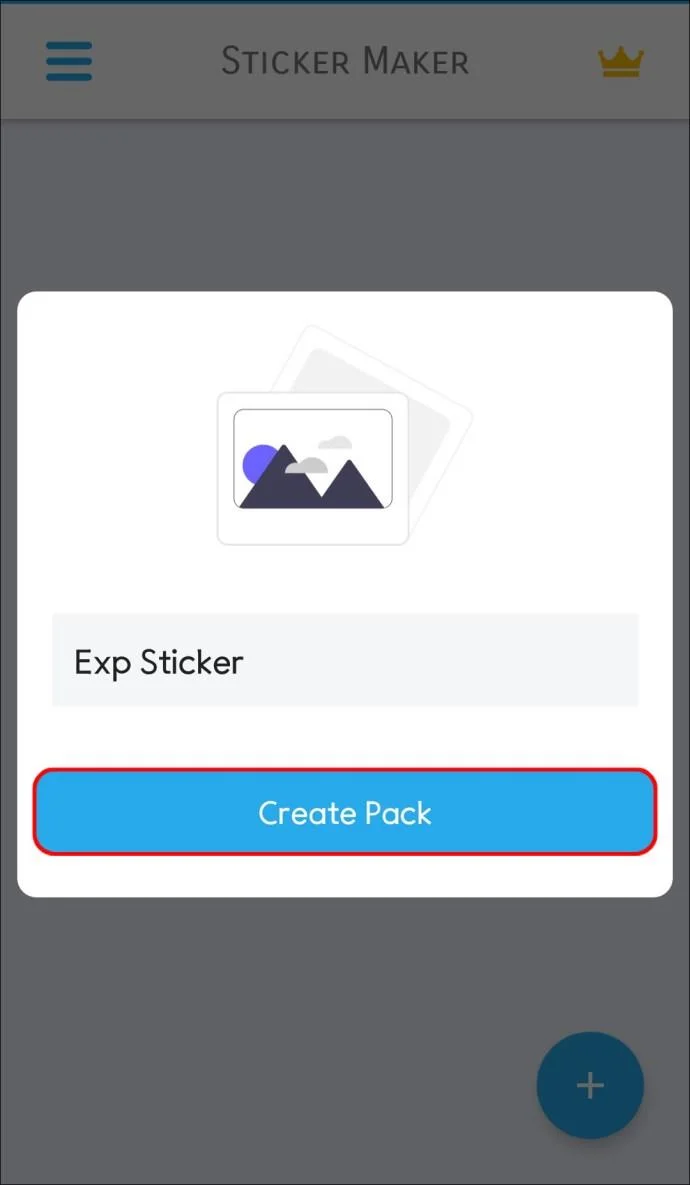
Navigating certain tools from smartphones can be a little fiddly. But who says you can only make animated stickers using complex tools such as Adobe After Effects? Fortunately, there’s an alternative method if you’d prefer to use your mobile device. Using third-party apps, you can create and share your animated stickers in no time, straight from the comfort of your iPhone.
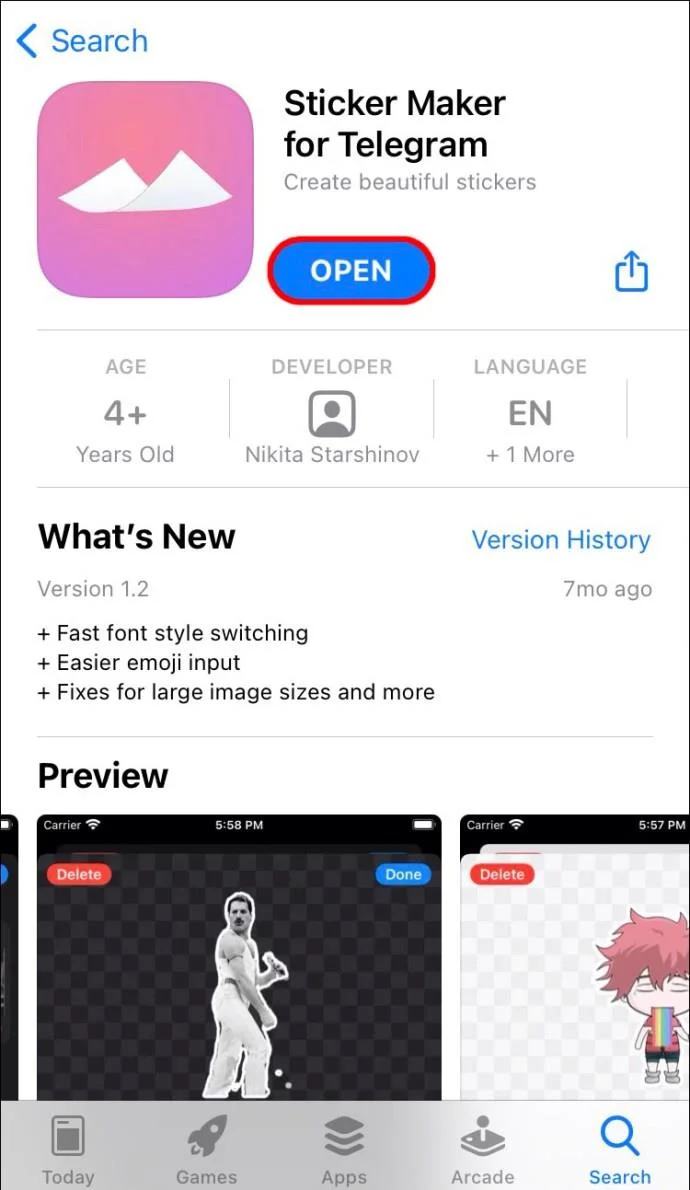
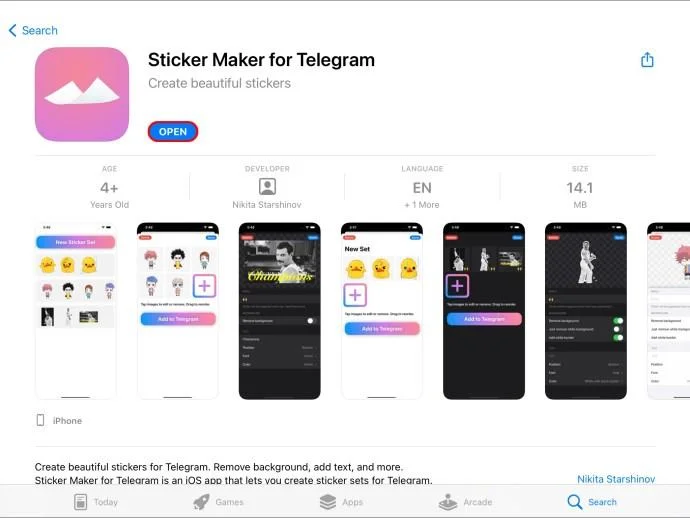
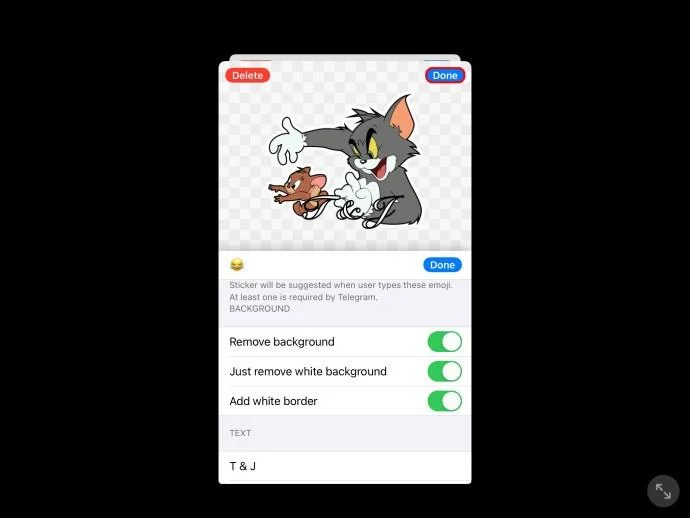
Perhaps the most popular third-party app for sticker creations is “Sticker Maker for Telegram – Make Telegram Sticker.” As long as you have access to the app store, you will be able to easily download this free feature. Here’s how:
- Once the app has downloaded, open it.

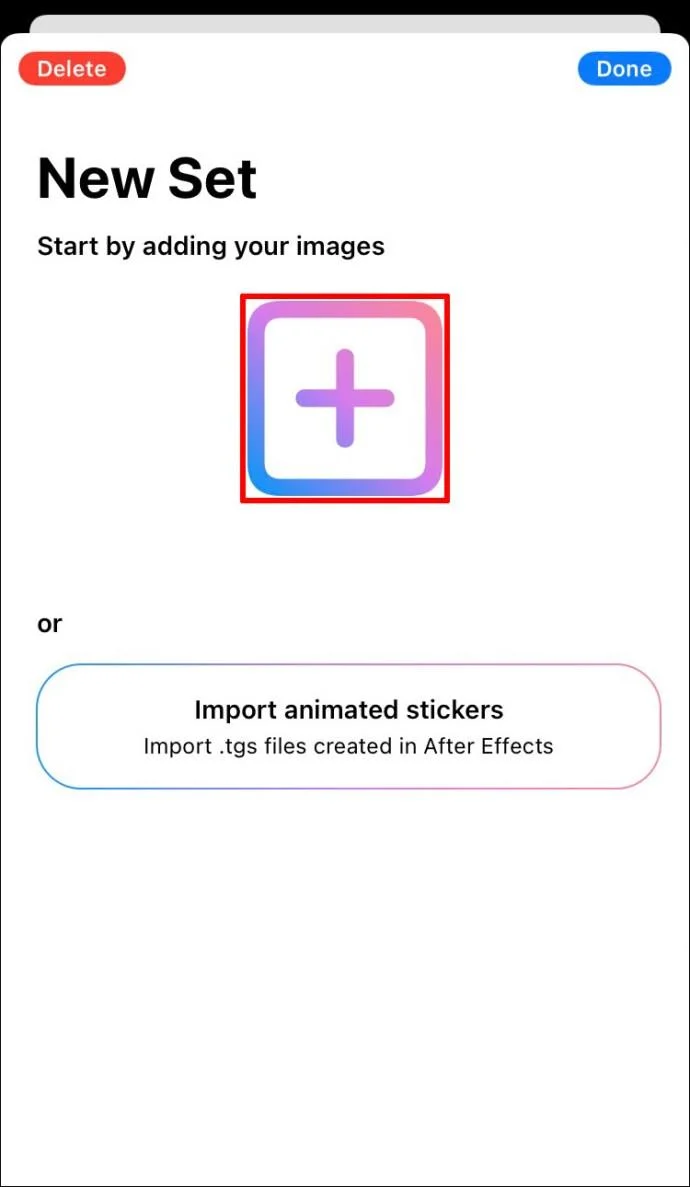
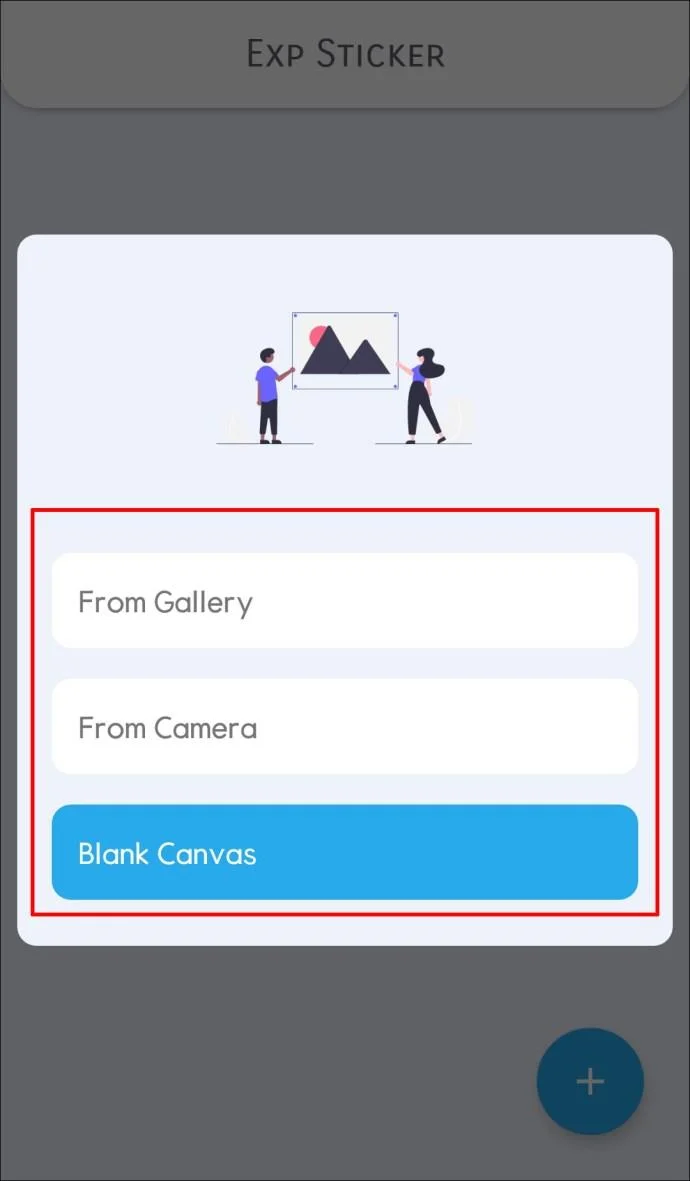
- Select the “+” icon and choose the picture.

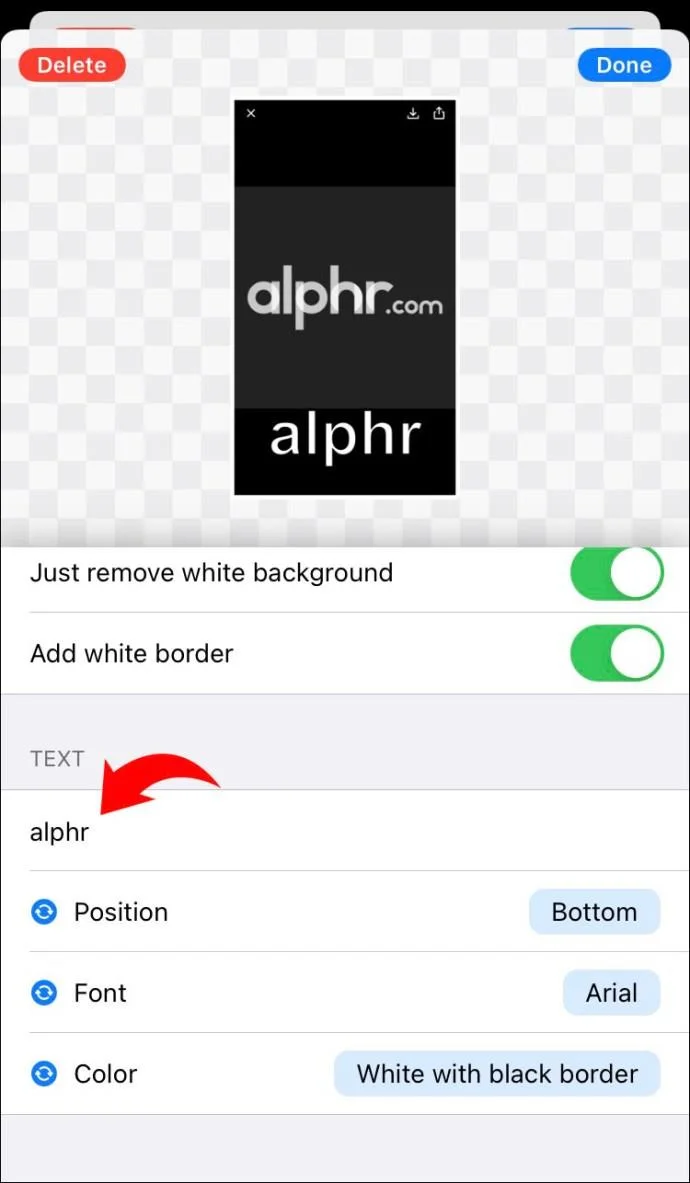
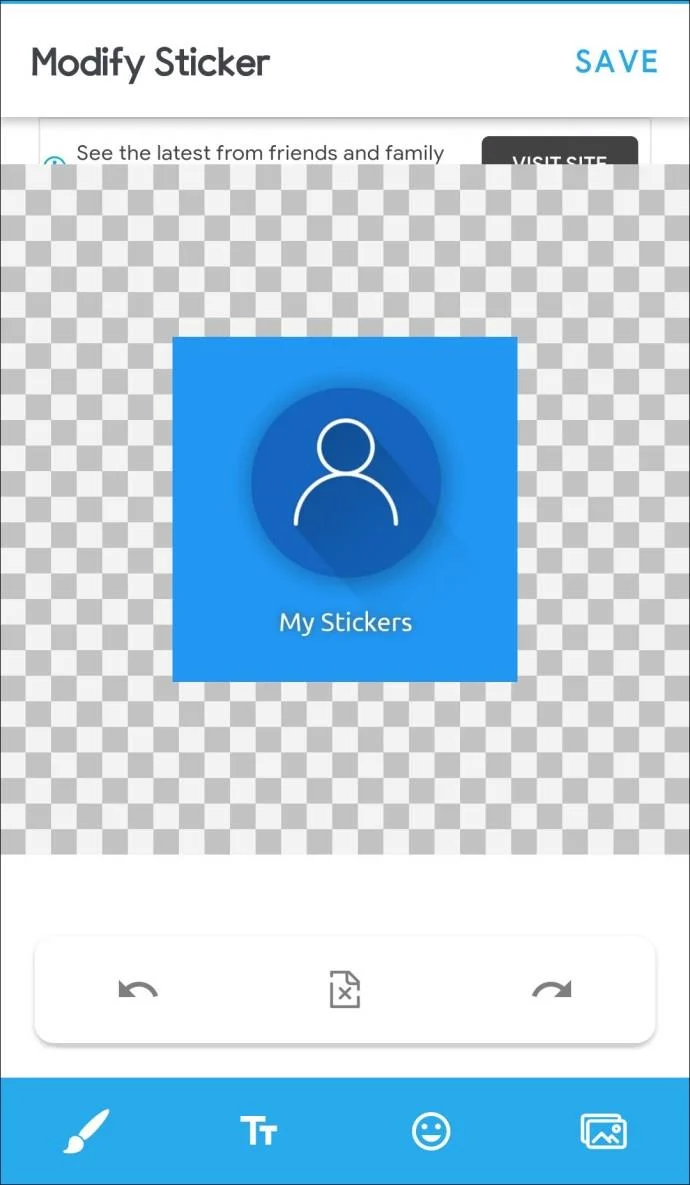
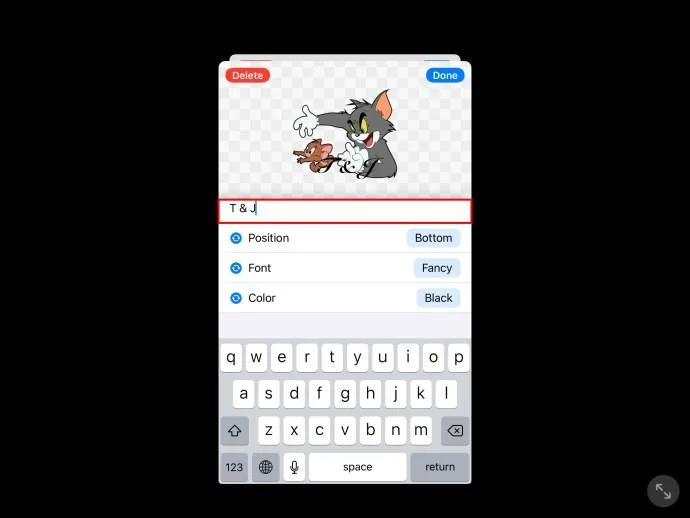
- Head to the navigation bar and tap “Text” to type in your text.

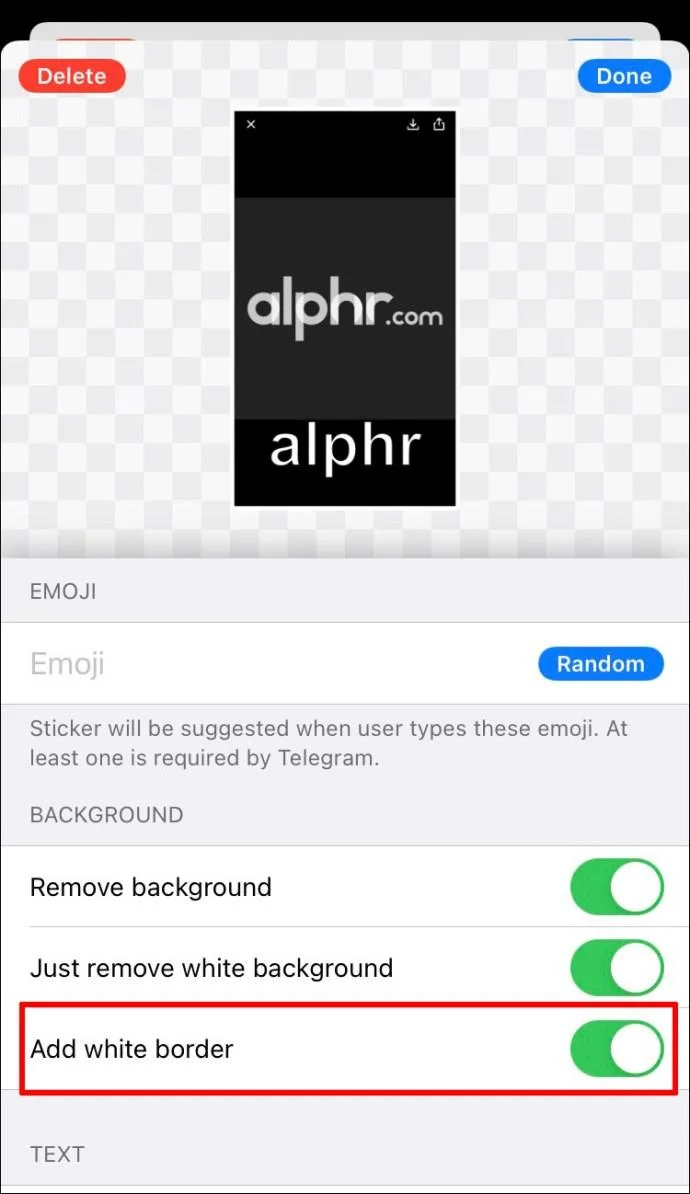
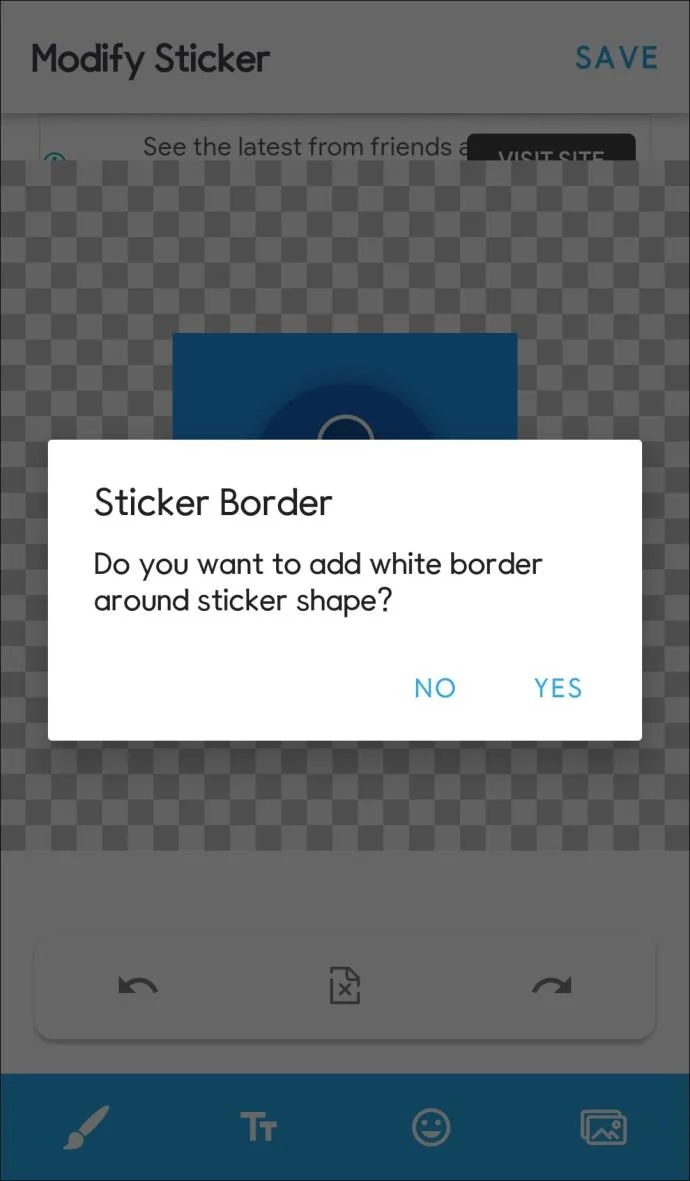
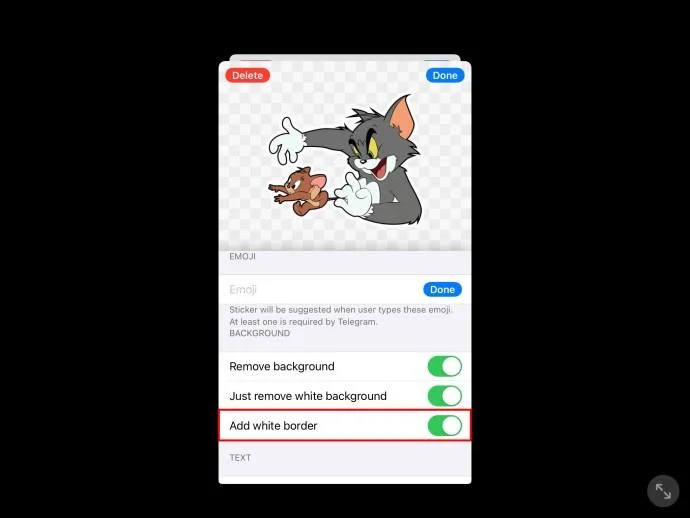
- Add your border.

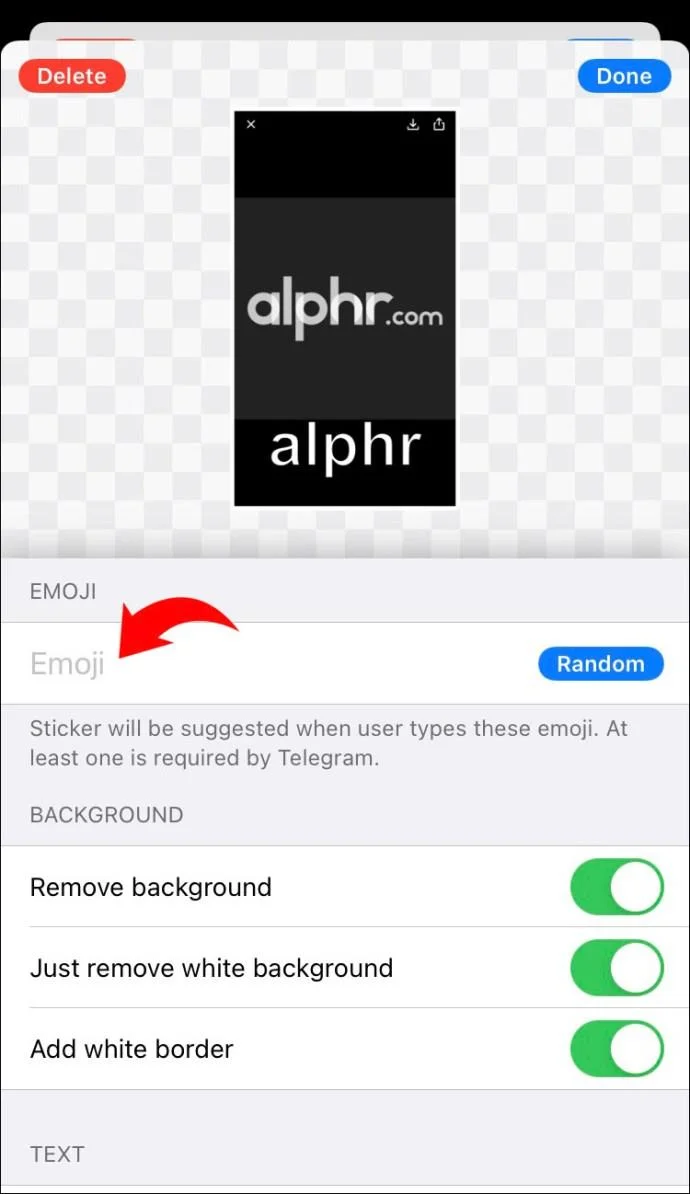
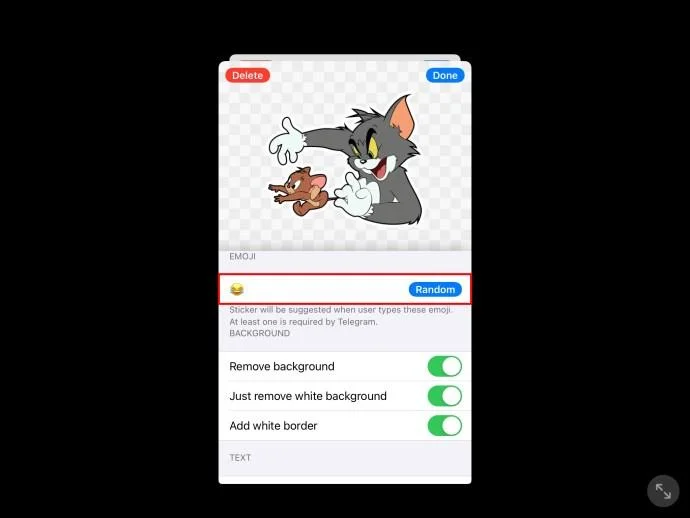
- Next, head to “Set Emoji” and select an emoji.

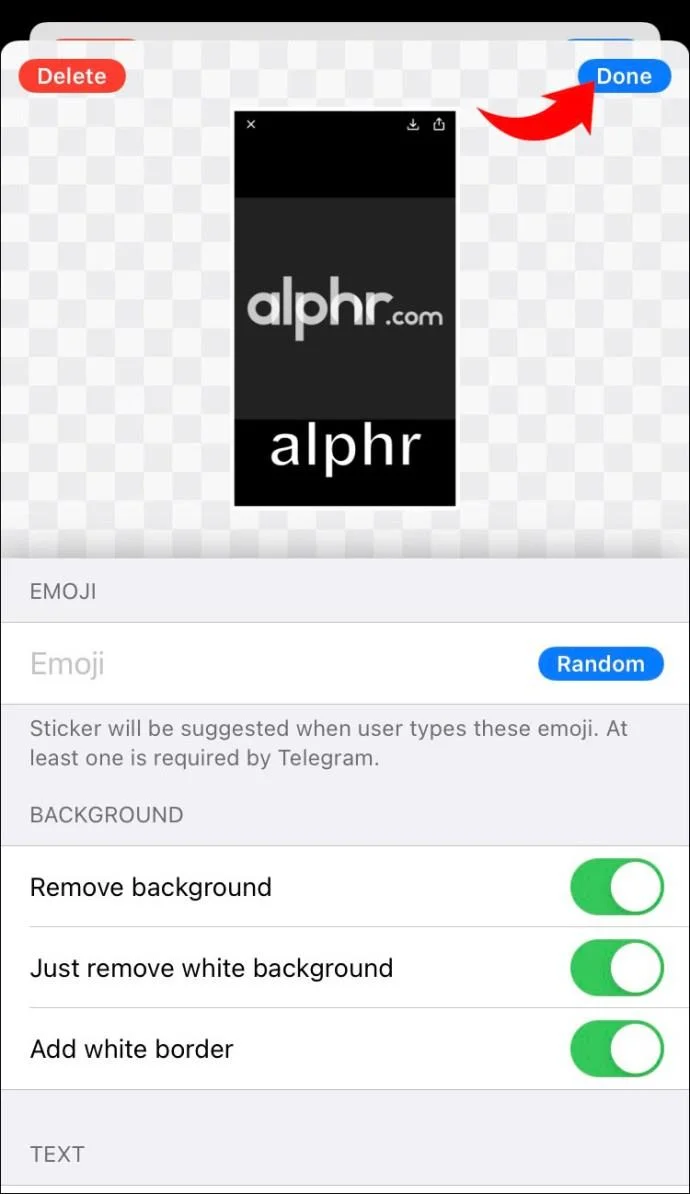
- Tap “Done.”

How to Make Animated Stickers on Telegram on an Android
There’s no doubt that using stickers is a fun form of communication. Telegram does a great job at letting its users customize their own stickers when using the app.
The easiest way of making animated stickers for Telegram on your Android is to download a third-party app. Some examples of available apps include: “Sticker Maker for Telegram – Make Telegram Sticker,” “Stickery – Sticker Maker for WhatsApp and Telegram,” and “Stickergram (Stickers for WhatsApp and Telegram).
Here, we’re going to use Stickery as an example. If you wish to create an animated sticker for Telegram using your Android, just follow these steps:
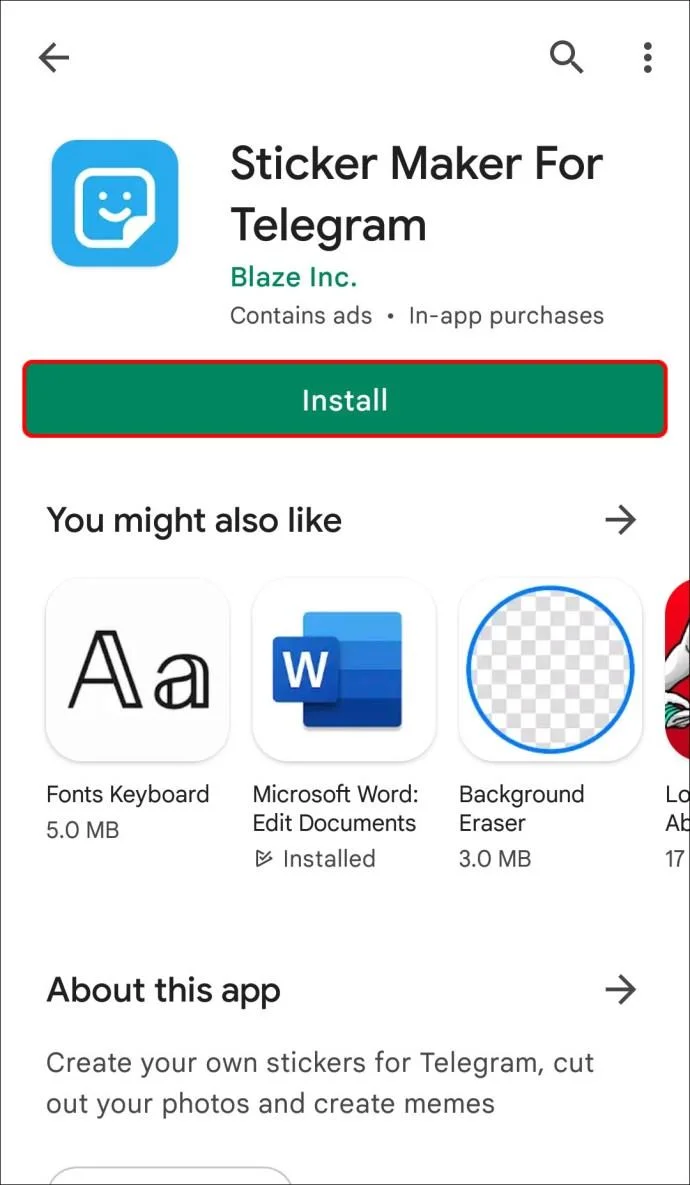
- Head to the Google Play Store (or your chosen app store) and download “Stickery – Sticker Maker for WhatsApp and Telegram.”

- Open the app and tap on “Create Pack” and name it.

- Next, tap “Add” icon and then select the source of your image (e.g., from your gallery, use image copied on your pasteboard etc.)

- Using the tools on offer, customize your picture.

- Add a border to your sticker.

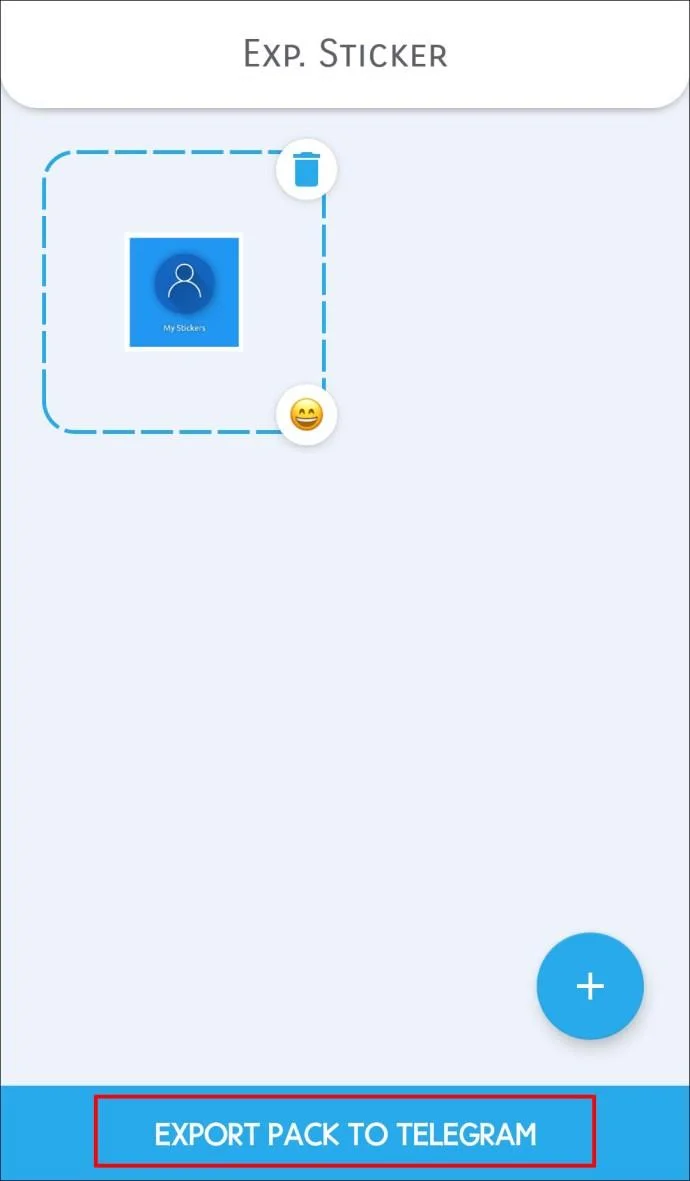
- Tap the “Export pack to Telegram” from the list of options.

- Have fun sending your sticker to friends and family.

How to Make Animated Stickers on Telegram on an iPad
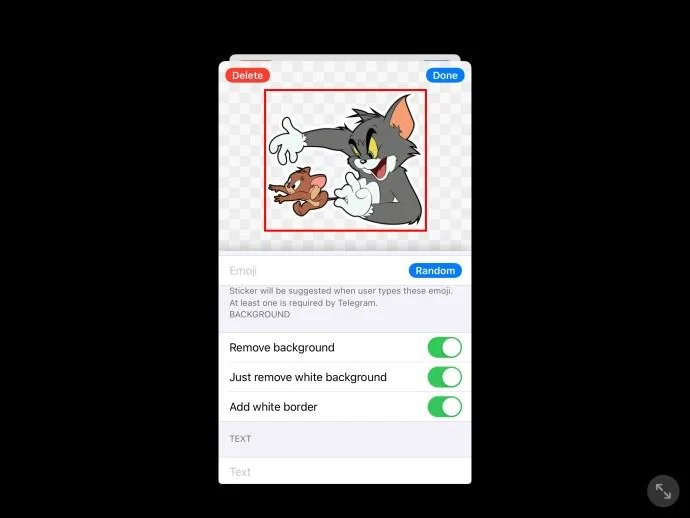
If you prefer using Telegram on your iPad, you’ll be pleased to know you can make animated stickers. With the help of a third-party app, you can share stickers in no time with friends and family. One of the most popular apps is “Sticker Maker for Telegram – Make Telegram Sticker.” The best part is that it is free to download on the app store.
To make your animated sticker for Telegram using your iPad, simply follow these steps:
- When the app has finished downloading, open it up.

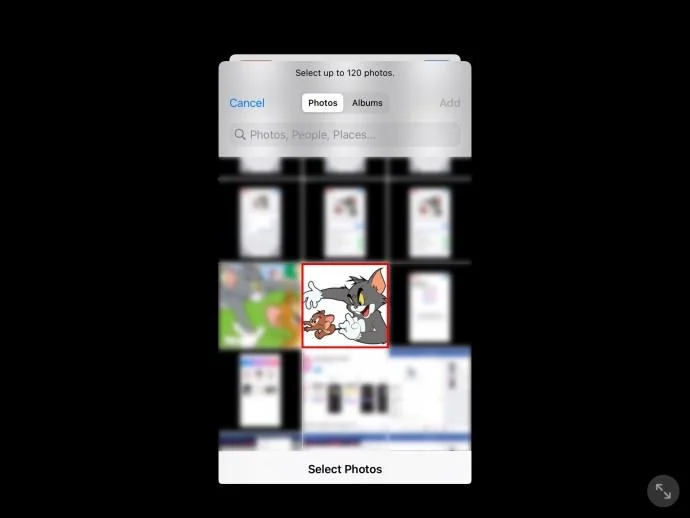
- Next, tap on the “+” icon and choose the picture you wish to turn into a sticker.

- You will now need to crop the image. When this is complete, select “Next.”

- Now choose “Text” and type out any text you wish to use in the sticker.

- You will then need to select a border.

- Select “Set Emoji” and choose which emoji you would like to use.

- When all these steps are complete, hit “Done.”

A Sticker Speaks a Thousand Words
Language tends to adapt over time and the use of stickers is one way that online communication has evolved. Believe it or not, stickers are actually far more popular than both emojis and gifs.
Telegram is unique as it lets you upload your own stickers when messaging your contacts. Whichever method you use, we hope that this article has helped you get a better understanding of how to animate stickers on Telegram.
Have you tried making animated stickers for Telegram? If so, how did you find the process? Let us know in the comments section below.