VW Recall 2026: Check Affected Models and Take Action

Check your Volkswagen VIN for open 2026 recalls, understand affected model examples, follow safety instructions, and arrange the correct free repair.
You sign up for PlayStation Plus to play with friends, then discover that the plan names, game access rules, and renewal settings are easier to mix up than expected. The practical fix is to match the subscription to one specific need before you pay: online multiplayer, a rotating game library, or premium features such as trials and cloud streaming.
This guide uses the U.S. PlayStation pages checked on September 26, 2026. Prices and catalog contents can change, so use the official plan page at checkout as the final check.
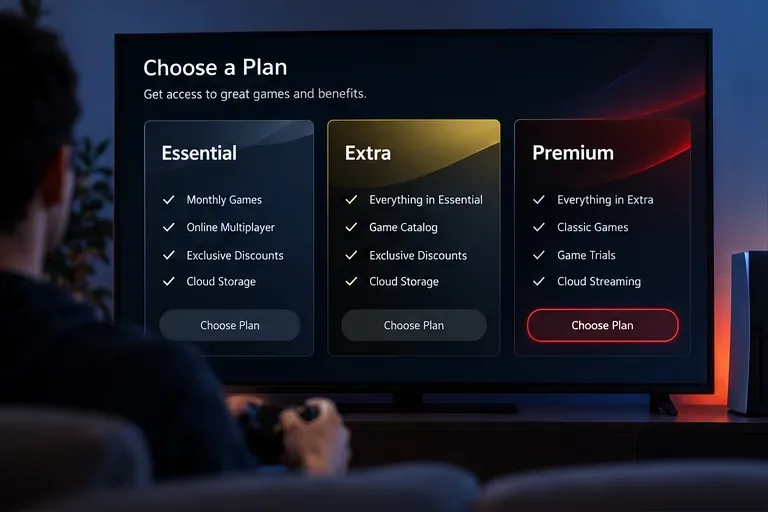
If you mainly need online multiplayer for games you already own, Essential is the lowest-cost entry point. If you want to download and try many games without buying each one, Extra adds the Game Catalog. If you want classic games, time-limited trials, and selected PS5 cloud streaming, Premium adds those higher-tier features.
There is one important exception: most free-to-play games, including examples PlayStation lists such as Fortnite, Apex Legends, and Call of Duty: Warzone, generally do not require PlayStation Plus for online play. Paying for a membership only for those games may solve a problem you do not actually have.
| Plan | U.S. price shown on the official page | What it adds | Best fit |
|---|---|---|---|
| Essential | $10.99 monthly; $27.99 for three months; $79.99 for 12 months | Monthly Games, online multiplayer, exclusive discounts, Share Play, cloud storage, and exclusive content | Players who own most of their games and need multiplayer or basic membership benefits |
| Extra | $16.99 monthly; $43.99 for three months; $134.99 for 12 months | Everything in Essential, plus the Game Catalog and Ubisoft+ Classics | Players who regularly sample a broad PS4 and PS5 library |
| Premium | $19.99 monthly; $54.99 for three months; $159.99 for 12 months | Everything in Extra, plus Classics Catalog, Game Trials, selected PS5 cloud streaming, and Sony Pictures Catalog benefits shown by PlayStation | Players who will actually use trials, classics, or streaming often |
The annual prices are not simply interchangeable with monthly billing: paying for 12 months requires more money up front, but the displayed annual total is lower than paying the monthly price for twelve months. For example, Essential totals $131.88 at twelve monthly payments versus $79.99 for the displayed annual option. The trade-off is flexibility: monthly billing is easier to stop after a short project or school break, while annual billing rewards a player who expects to use the service throughout the year.
Monthly Games can be added to your library during the available period. PlayStation states that these games remain accessible while you are an active member. They are not the same as a permanent purchase, so do not treat the subscription as a way to own every claimed title forever.
Extra and Premium give access to an on-demand catalog, but catalog games can have end dates. A game leaving the service can stop being playable through the membership even if it was downloaded. Check the current catalog and any displayed departure date before planning a long playthrough around one title.
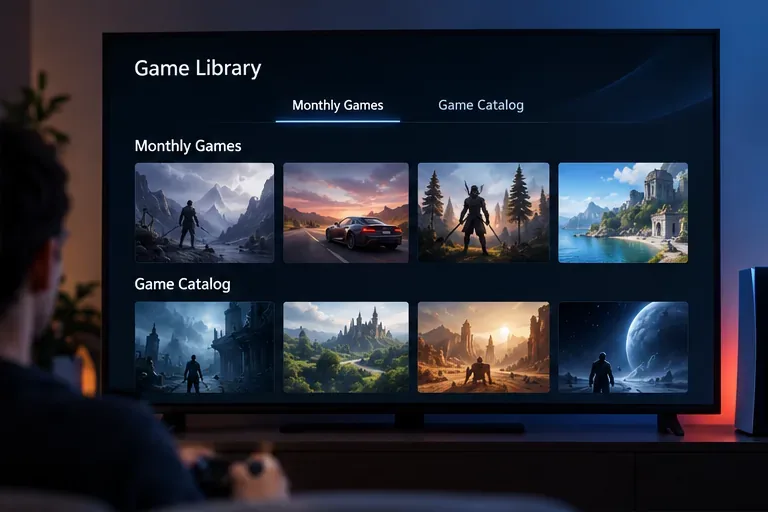
Essential is sensible for a player who buys a few favorite releases, plays online with friends, and wants monthly claims, discounts, Share Play, or cloud storage. It is also the least risky plan for someone testing the service for the first time. The downside is that it does not include the on-demand Game Catalog, so frequent new-game browsing may make the upgrade worthwhile.
Extra is the middle option for households that would otherwise buy several games each year or for players who want a large library to explore. Its trade-off is availability: catalog access is a subscription benefit, not ownership, and the lineup changes. Before choosing it, search the official Game Catalog for the genres and specific titles you actually play; “hundreds of games” does not guarantee that your favorite game is included today.
Premium costs more because it adds features that are specialized rather than universally useful. Game Trials can reduce the risk of buying a game you may not enjoy. The Classics Catalog suits players who actively want older PlayStation titles. Cloud streaming can reduce download time and storage use, but it depends on compatible titles, service availability, and a stable connection. PlayStation lists a minimum of 5 Mbps, with 15 Mbps for 1080p streaming on the U.S. plan page; a minimum is not a guarantee of perfect performance.
Premium is therefore a poor value if you only want online multiplayer or if your internet connection is unreliable and you will not use classics or trials. Extra may give nearly everything you use at a lower price.
Open the official PlayStation Plus page, review the current U.S. price, and search the Game Catalog if you are considering Extra or Premium. Decide whether you need one month, three months, or 12 months. Remember that subscriptions continue until canceled.
After subscribing, use the console’s PlayStation Plus area. On PS5, PlayStation’s support instructions say to open the Games home screen, select PlayStation Plus, open the Benefits tab, choose Monthly Games, and select Download for an available title. For cloud saves, enable auto-sync or upload saved data before relying on the feature for a second console.
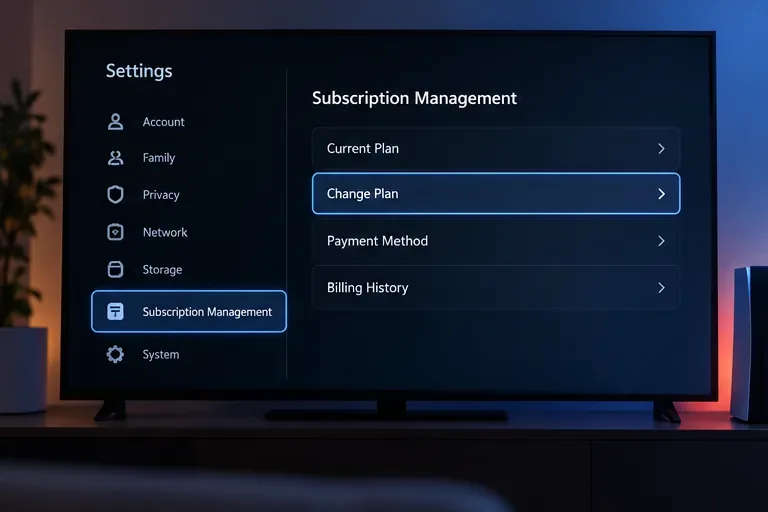
On the web, sign in to Account Management, select Subscription, choose your PlayStation Plus subscription, and select Change Plan. On PS5, the documented path is Settings > Users and Accounts > Account > Payment and Subscriptions > Subscriptions, then PlayStation Plus and Change Plan. A downgrade takes effect at the end of the existing prepaid period, according to PlayStation’s FAQ; do not expect the reduced tier to apply immediately.
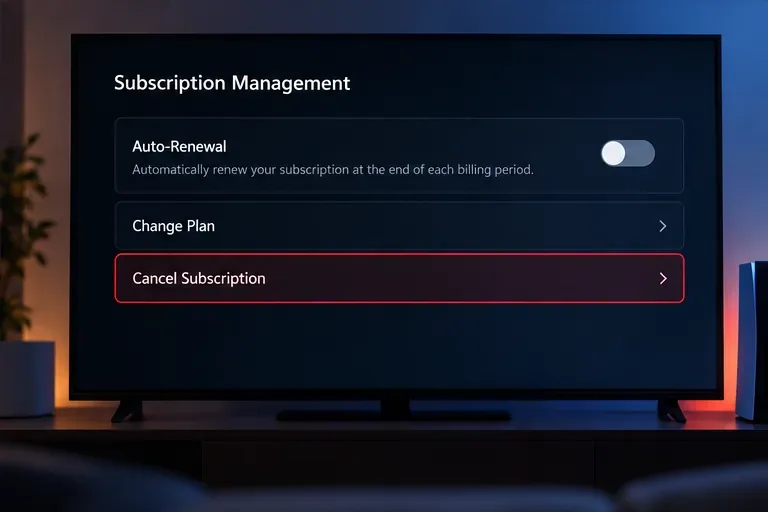
Cancellation usually means stopping the next charge rather than erasing access immediately. In a web browser, open Account Management, select Subscription, and choose Cancel Subscription next to PlayStation Plus. On PS5, use Settings > Users and Accounts > Account > Payment and Subscriptions > Subscriptions > PlayStation Plus > Cancel Subscription. Save the confirmation screen or email so you can verify the renewal status later.
After one billing cycle, answer four questions: Did you play a paid game online? Did you use Monthly Games or the Game Catalog enough to justify the price? Did you use a Premium-only feature such as a trial, classic, or cloud streaming? Did you remember that catalog access can end when a title leaves the service or when membership expires?
If the answer is mostly “no,” downgrade or cancel before the next renewal. If you repeatedly buy games that are already in the Game Catalog, Extra may reduce separate purchases. If you only need multiplayer and discounts, Essential is probably the more proportionate choice. Recheck the official U.S. plan page whenever you renew because prices, included features, and catalog availability are subject to change.
Check your Volkswagen VIN for open 2026 recalls, understand affected model examples, follow safety instructions, and arrange the correct free repair.
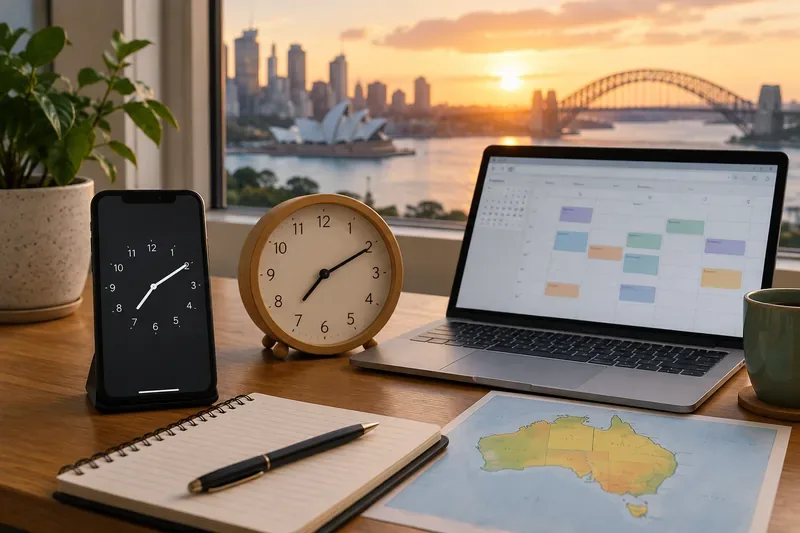
Australia’s 2026 daylight saving change starts October 4 in participating states. Learn what happens to clocks, phones, alarms, calendars and interstate schedules.
Compare PlayStation Plus Essential, Extra, and Premium in the U.S., including current prices, benefits, trade-offs, and steps to change or cancel a plan.
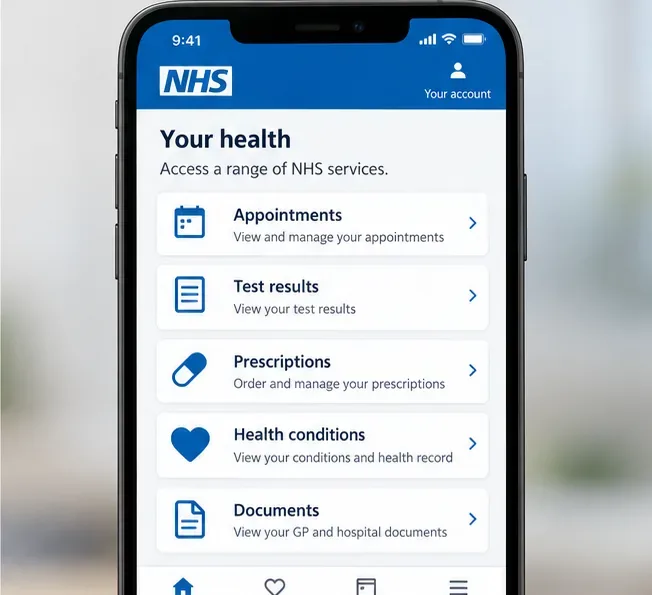
Learn how to view your NHS GP health record online, check test results and documents, request older records, correct errors, and use family or carer access.
Santander app or online banking not working? Learn how to check for an outage, fix common login issues, avoid phishing, and secure your account safely.
From October 1, 2026, major Australian card networks will prohibit card-payment surcharges. Here’s what changes, what fees can remain, and what consumers should check.
GTA VI launches November 19, 2026. Here’s what Rockstar has confirmed about Vice City, Leonida, editions, pre-orders and the new $399.99 collector’s box.
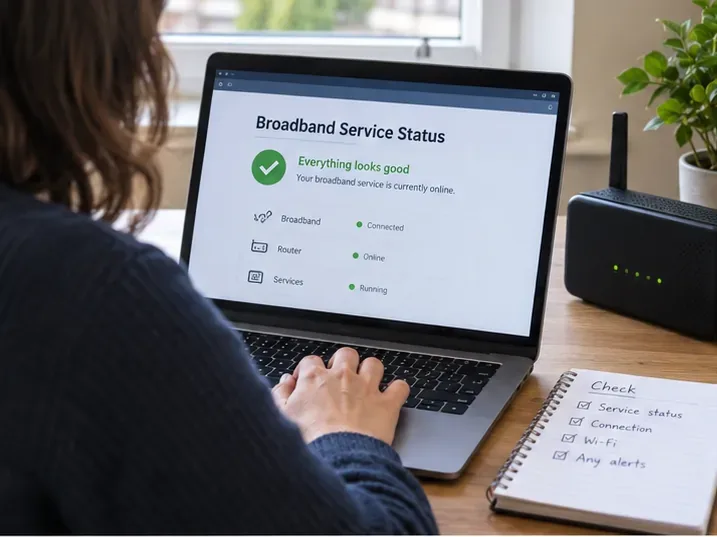
TalkTalk customers: what to check now amid insolvency concerns, including service status, contracts, switching, Direct Debits, bills, and backup options.
Rockstar currently lists Standard and Ultimate editions, not a separate GTA 6 Collector’s Edition. Compare the boxed code, digital extras, preorder bonuses, and what remains unconfirmed.
Learn how dengue spreads, which symptoms and warning signs matter, how to prevent mosquito bites, and when suspected dengue needs urgent medical care.