
Podcasting Trends You Need to Know in 2026: A Beginner’s Roadmap

New to podcasting? Learn the 2026 trends shaping video, discovery, transcripts, AI, analytics, monetization, and a practical launch plan.
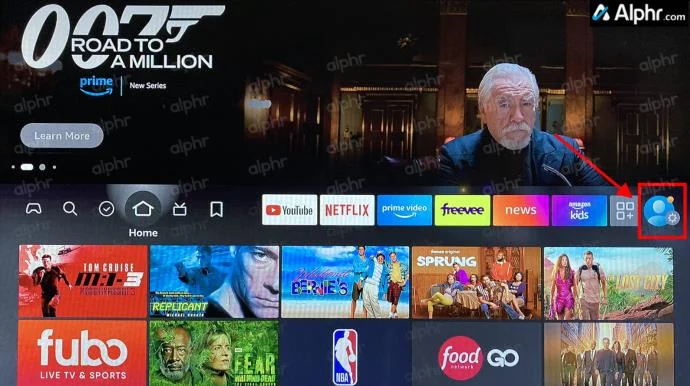
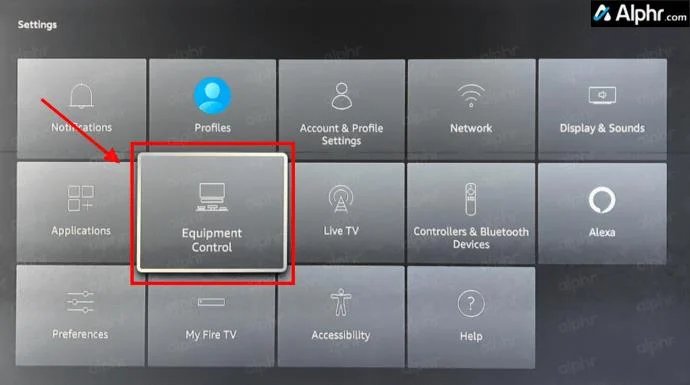
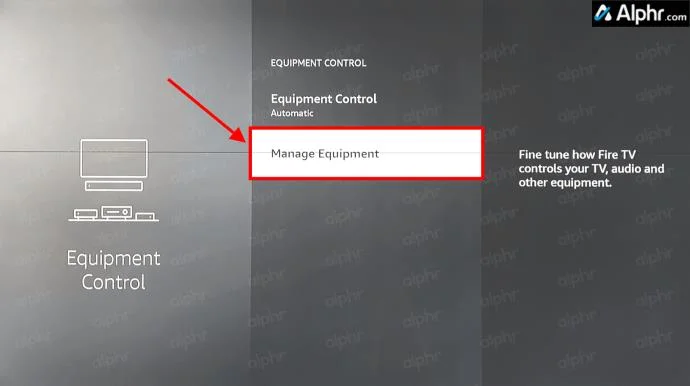
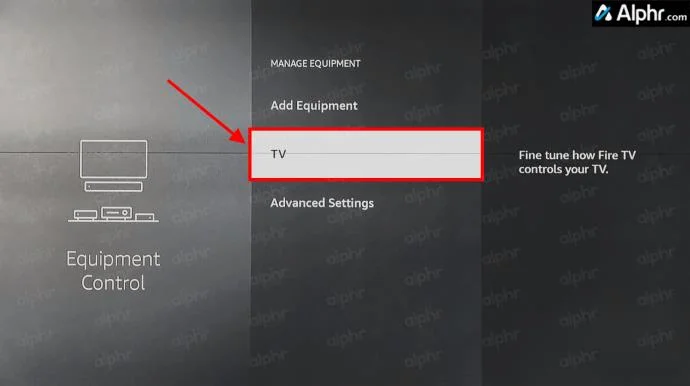
Trying to manage remotes in 2024 feels like trying to handle bills. Thankfully, if you’re using a Fire Stick to stream your favorite shows and movies, you can take it upon yourself to reduce the number of remote controls and gaming controllers that are probably flooding your living room.
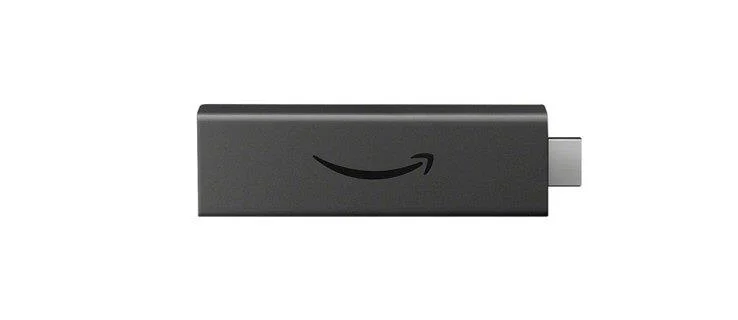
Depending on which Fire Stick model you own, you may have a remote that already controls your volume. If you don’t, that’s okay too. In this guide, you’ll see all the options to make your Fire Stick or Cube change the TV’s volume. Let’s get started!
Use the Firestick Remote to Control TV Volume
With the Fire Stick 4K, Amazon started to equip the Fire remote with a volume rocker, a mute button, and a power switch for your TV. Regardless, you may not have a television equipped to handle the input.
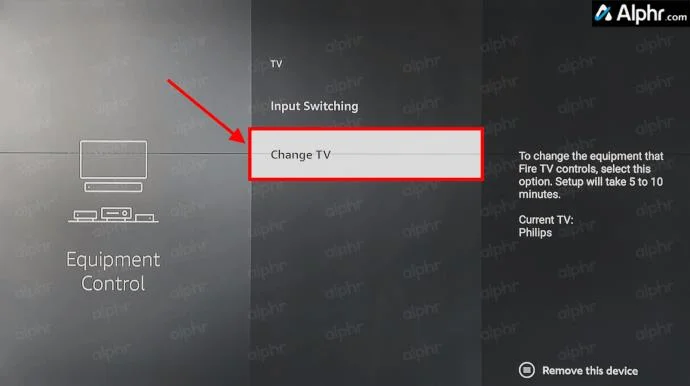
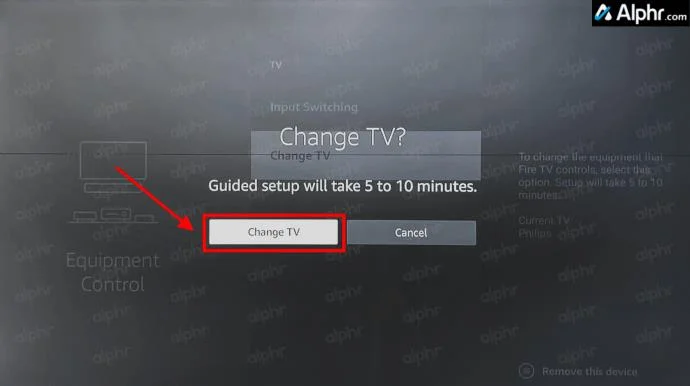
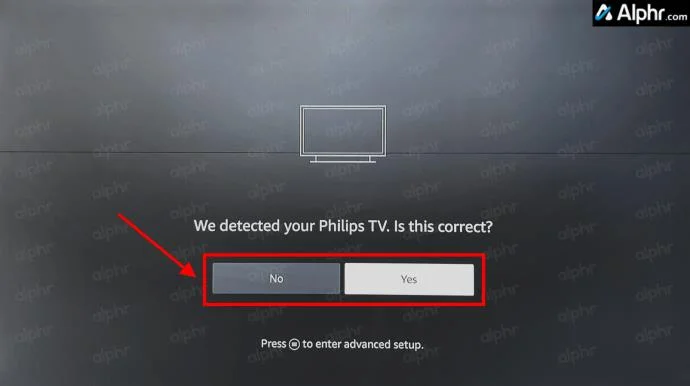
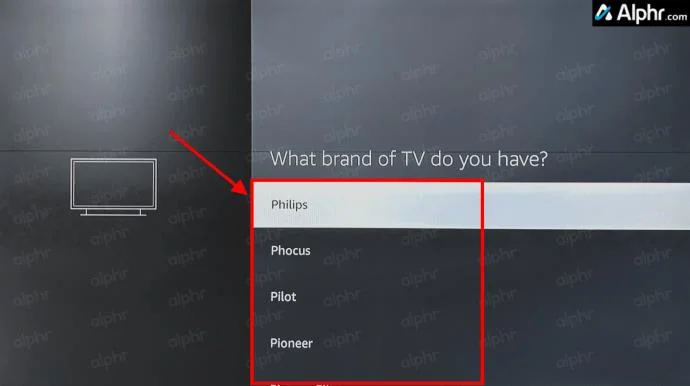
If you’re trying to get your Firestick remote to work for your TV’s volume, ensure your TV supports High-Definition Multimedia Interface-Consumer Electronics Control (HDMI-CEC) and that your Fire Stick connects to a CEC-compatible port with a CEC-compatible HDMI cable.
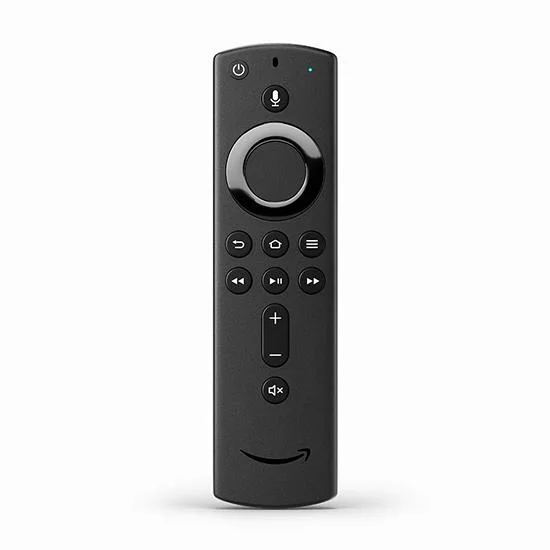
For anyone else who doesn’t have an Amazon Fire TV volume-equipped remote, here’s the good news: you can buy the newest version available from Amazon without having to buy an all-new device. Amazon sells remotes individually, and the more recent releases work with all Fire Sticks/Cubes and most other Fire devices except early Fire TV boxes or TVs with Fire OS built-in.
Pairing the Firestick Remote for TV’s Volume Control
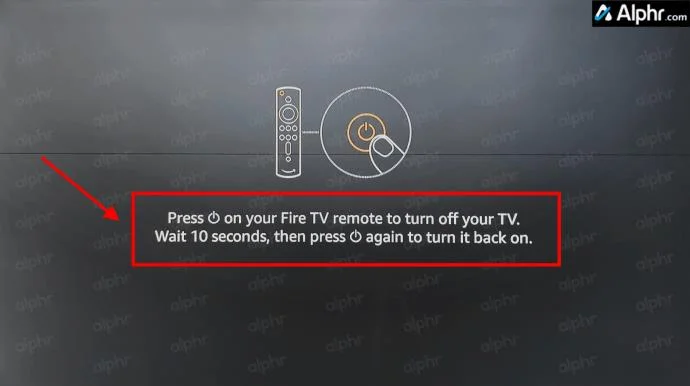
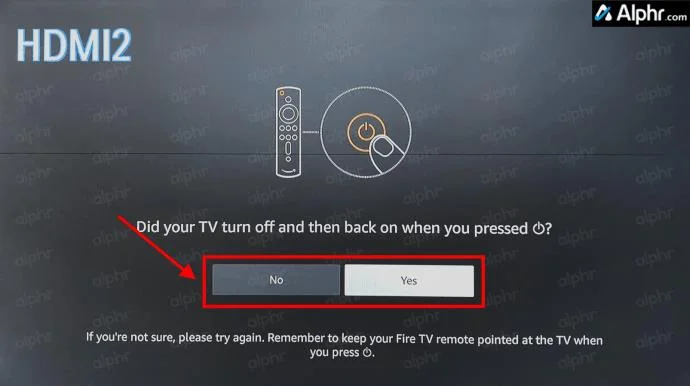
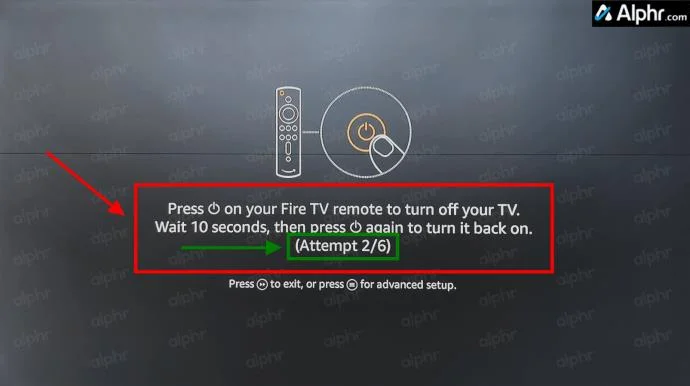
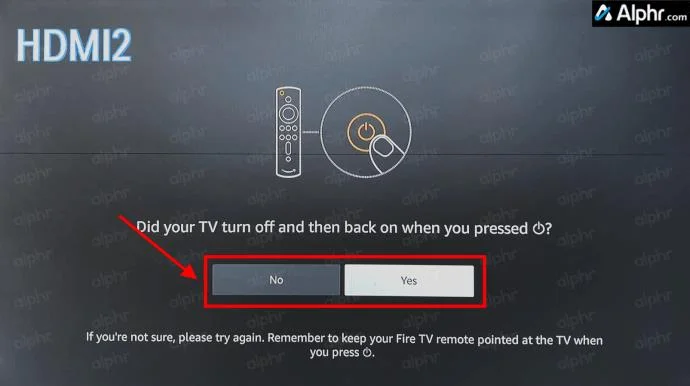
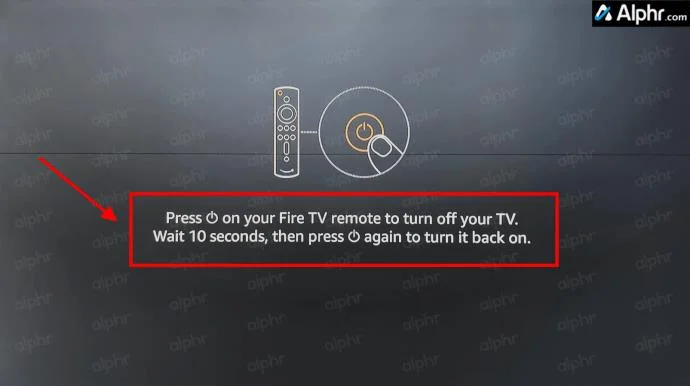
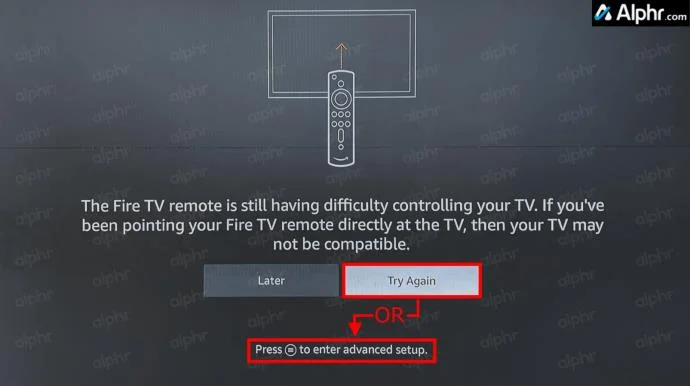
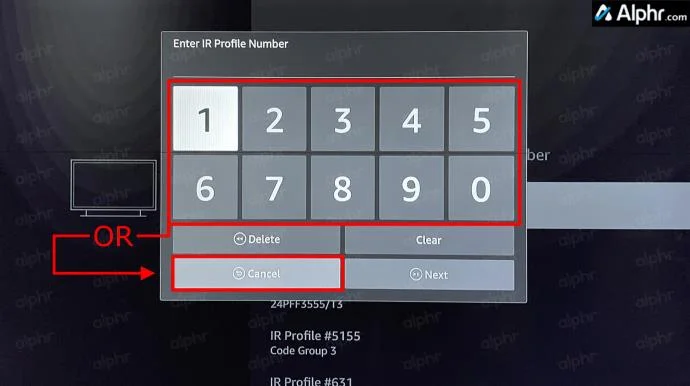
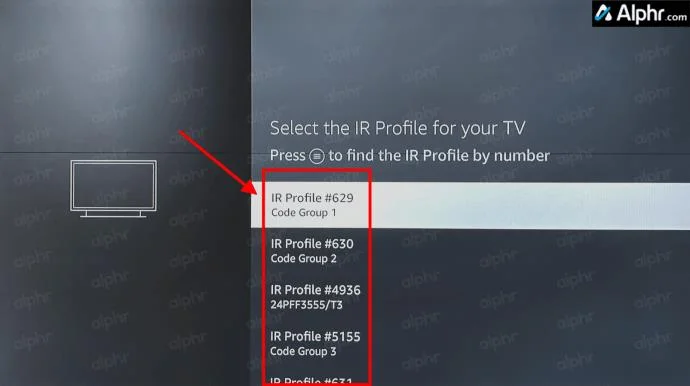
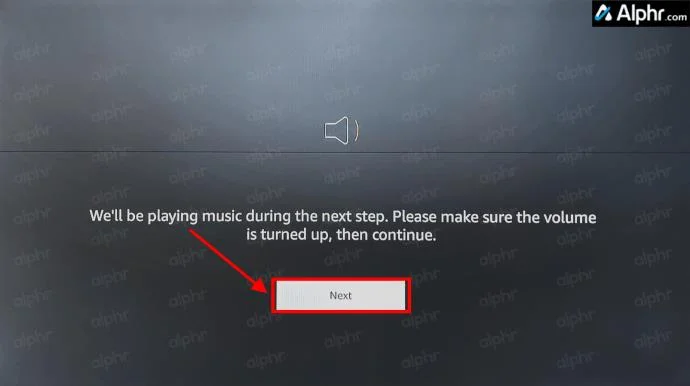
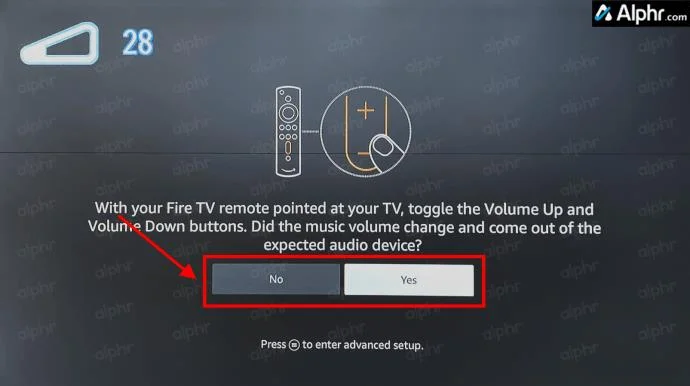
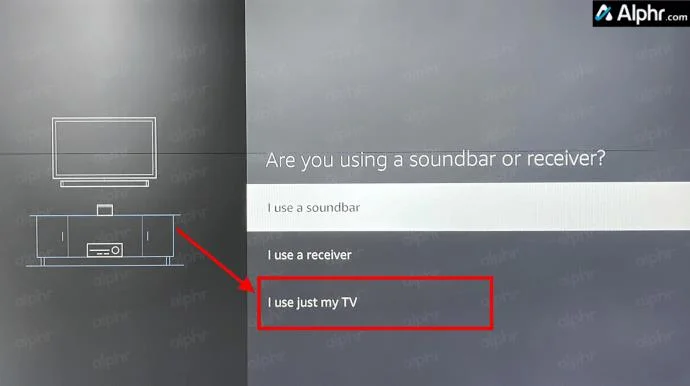
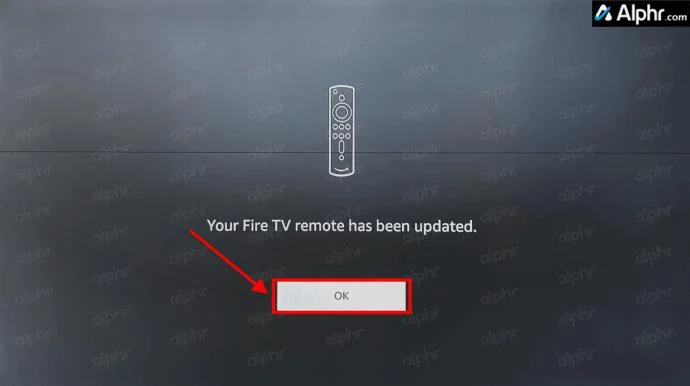
Pairing a new remote with your Fire Stick is easy and can help if you have an older, unresponsive remote. Here’s how to do it.
Several people have reported having to run through the remote setup process at least three times to get it to work, so be patient and keep trying if necessary. Not to bore you with details of how it works, but the remote scans and sets itself to match the TV’s IR receiver frequency using what is known as IR Profiles.
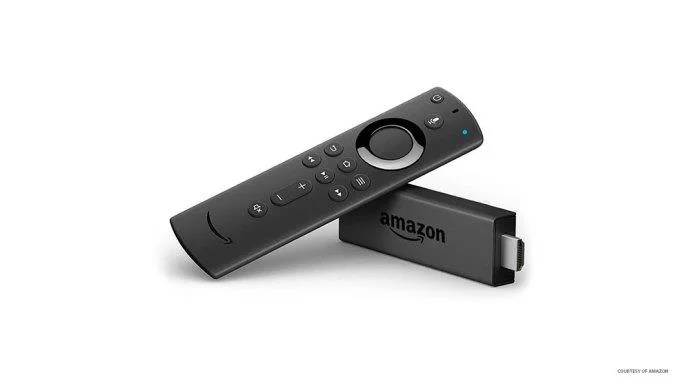
Owners of Fire Stick devices that have the 2nd-gen Alexa remotes can also control the volume via voice commands. Press the remote’s “Microphone” button and tell Alexa to increase or decrease the volume.
Using Alexa to Control TV Volume
Don’t forget; if you don’t have a Fire TV Stick 4K remote that supports volume control, you can still use Echo devices to ask Alexa to turn your volume up or down. Of course, you also have the Alexa remote to talk to whenever needed. It won’t work on every television, but if your device supports CEC, you should be able to control your volume without any remote.
Troubleshooting Firestick Volume Controls
While the Firestick and most Amazon products work great, hiccups do happen. So, what is happening, and what can you do? Let’s look at some troubleshooting steps to get your volume working.
Firestick TV Volume Control FAQs
What is HDMI-CEC?
If you’re unfamiliar with the ports on your TV, most newer TVs support HDMI-CEC (Consumer Electronics Control). Essentially, the HDMI-CEC port supports advanced communication between devices and the TV, such as auto-powering, auto input selecting, auto setup (audio, video, resolution, etc.), volume control, and using one remote to control all devices by passing signals.
However, not all TV manufacturers refer to this port as HDMI-CEC. For example, Philips lists its port as EasyLink, while Sony lists it as BRAVIA Link. Check your TV’s manual for the best port to use with your Firestick.
In closing, controlling your TV’s volume from the Fire TV Stick remote is simple, as long as you have the correct remote (4K Firestick or newer). But don’t fret if you have an older Firestick model. You can either talk to your Echo Dot, use the microphone button to ask Alexa, or upgrade your remote from your older Firestick.
New to podcasting? Learn the 2026 trends shaping video, discovery, transcripts, AI, analytics, monetization, and a practical launch plan.
A practical UGC masterclass for sourcing, permissioning, briefing, publishing, and measuring customer and creator content without losing authenticity.
Community building can deepen trust, retention, feedback, and advocacy, but it is not a replacement for every marketing channel. Compare the tradeoffs and choose the right model.
Learn what major social platforms have actually confirmed about ranking changes in 2026, what depends on context, and how to adapt without chasing myths.
Learn how to make brand storytelling feel credible, human, and specific—using proof, real tension, ethical customer stories, and a practical authenticity check.
Build a smarter Q4 email strategy by balancing reach, frequency, discounts, automation, deliverability, and measurement for profitable holiday growth.
Learn how to create short-form video that converts by balancing hooks, format, authenticity, CTA, platform fit, and testing across TikTok, Reels, and Shorts.
Why are brands testing KOCs instead of relying only on influencers? Learn what KOCs are, why social commerce favors them, common myths, and how to run a measurable pilot.
Learn a practical TikTok SEO workflow for 2026: find real search demand, match search intent, optimize each video, and measure what improves visibility.
Prepare your e-commerce store for Black Friday with a practical checklist for offers, site speed, checkout, inventory, fulfillment, analytics, security, and support.