If you love painting, you will definitely pay attention to a drawing subject called Sketch, this is a basic way of drawing pencil lines to help you shape the details, after the sketch is complete, we can add color. or to make the photo more reasonable. Let's find out with WebTech360 in today's article!
What Is Sketch?
Sketches are sketches created from rough, unrefined drawings but still show the artist's ideas, it gives an overview of the entire work.
The importance of Sketch in graphic design is so great that Sketch is known as an art in graphic design.
Sketch is a hand-drawn graphic art, usually pencil drawings, raw colors used by artists to record events, things or ideas that will help their work.
What Is Sketch?
What Types of Sketches Are There?
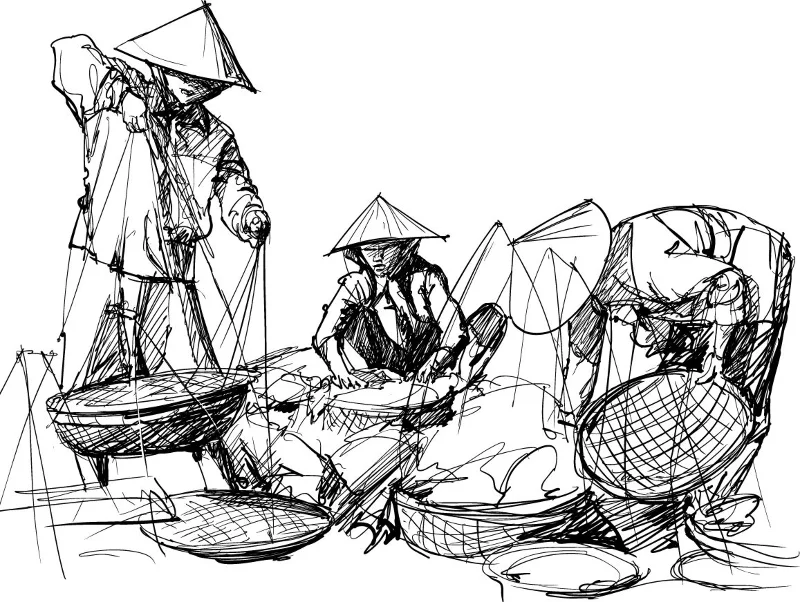
Croquis
Croquis is a symbolic way of determining the shape and position of a person or event in the early stages of drawing.
Croquis sketch with rough strokes drawn in a short time.
Croquis is loved by fashion designers because it suits their work. Usually, they will sketch the poses of the models. As for the costumes, they are not fully shown on this drawing.

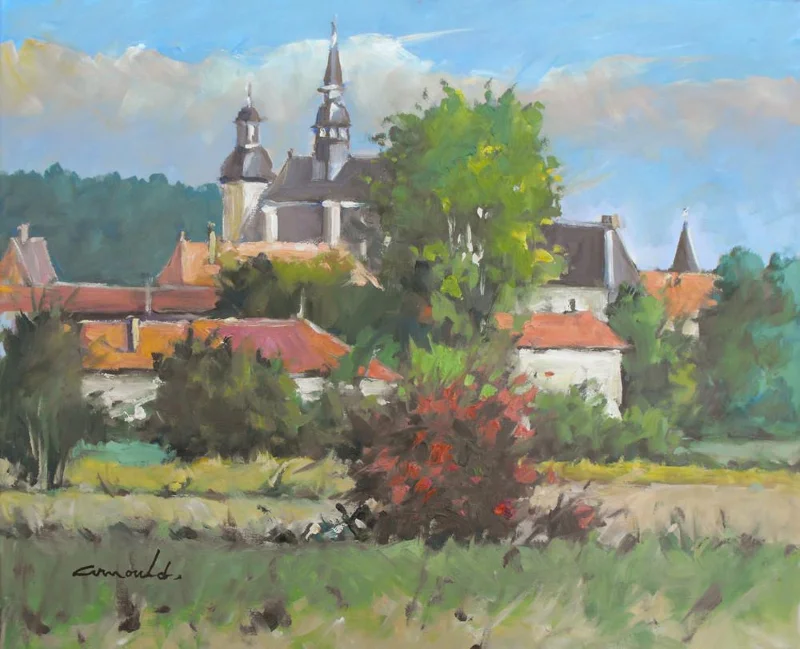
Pochade
This is a form of sketching where the artist takes the canvas outside and sketches the scene then brings the sketch back inside and continues to compose.
Nowadays, there are many artists who tend to sketch in the form of pochade because it is quite easy and gives the most realistic landscape possible. This is the way they are mainly used to capture landscapes, or to reproduce real life in their work.
Pochade is an upgraded version of Croquis , Croquis doesn't use as many landscapes, objects and emotions as Pochade .
Pochade is a form of sketching used by Van Gogh to produce many famous works. He often brings his canvas or material surface to places that he considers impressive, especially places with landscapes, to do the sketching and then completes the rest in the house with his mind. mine. Van Gogh often used this form of sketching and believed that pochade was a great skill to possess.

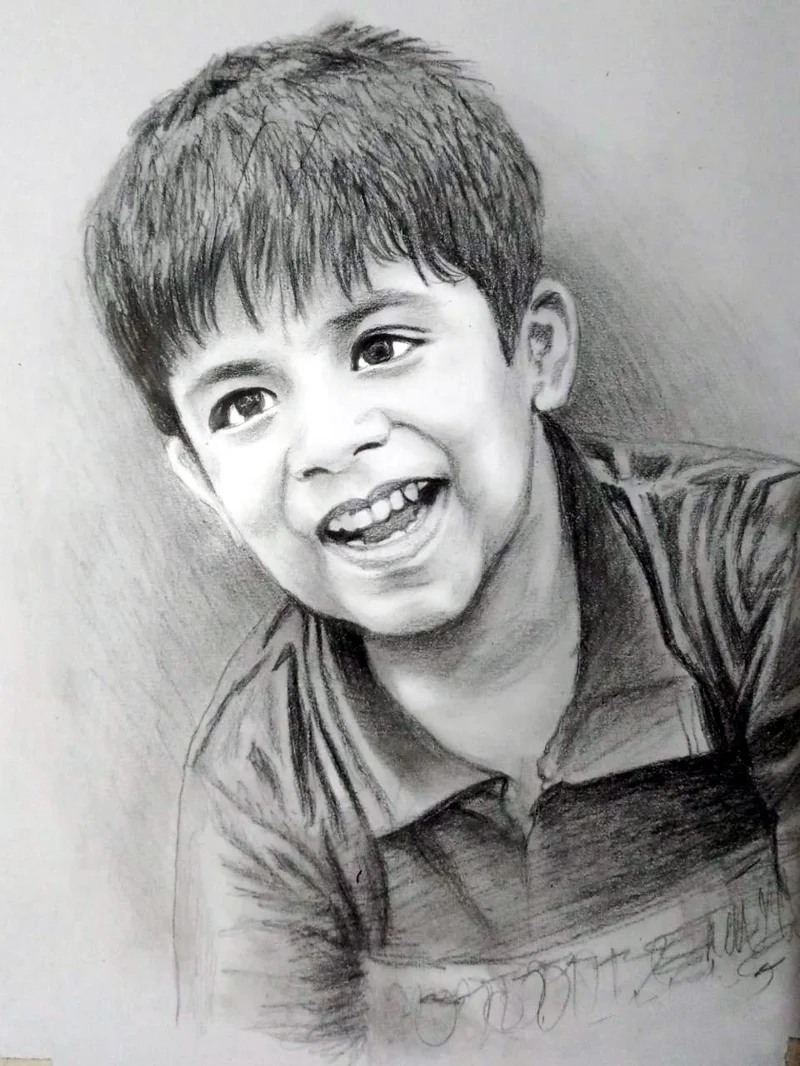
Portrait
This is the most difficult form of sketching or sketching. It is used to sketch a person's portrait. The reason why this sketch form is difficult to implement is because it has to sketch with many lines on the face.
Currently, Portrait is the form of sketching used so that people can find the most perfect angle of the model when drawing. The artist will draw the model's portrait from many different angles. After that, they will choose the best angle to put on their picture.

Evaluate the importance of Sketch in graphic design
Sketch is very important in graphic design work, to clearly see the importance of Sketch in graphic design we will summarize some of the following benefits of Sketch:
Develop ideas quickly
Sketch makes it possible for you to sketch in a few hours and find many possible solutions to a design problem. This is an integral step in the design process. It will save you time working through sketching on paper before transferring it to the computer. While it's possible to build sketches on the computer from scratch, it probably can't be as fast and feel as good as on paper.
Easily create clear layouts
Sketch is a quick way to show off the basic elements of your illustration. They can also be used in web design and graphic design so that designers can quickly evaluate and select layouts. Make your sketches good enough for the artist to grasp the essentials, you don't need to draw the details because it's not necessary.
Easily share and get feedback
The creation of Sketch allows designers to send sketches in advance to clients, which will save them a great deal of time. When working on a project, you will have to go through the feedback of the customer, so instead of spending hours creating detailed drawings, you should send Sketch samples for them to choose and comment on before starting to complete. Getting client approval is a common part of the graphic design process. It is also popular on logo design projects or some other projects.
Easy to change, edit
The next stage of the design or sketching process is fine-tuning. If the Sketches have something to change, it will be fixed in the next Sketch rounds. Visually outlined images will make it easier for product developers to spot and correct errors.
How to learn Sketch?
Knowing the importance of Sketch in graphic design, learning and practicing sketch is essential. To learn Skectch we need to go through the following steps:
Step 1: Practice drawing skills
To start learning Sketch, you need to practice drawing skills, if you are already "in the profession" or at least you have basic drawing skills, it will be easy, but if you are a beginner, you Need to practice drawing skills from the most basic.
Step 2: Practice expressing ideas through drawings
After you have the necessary drawing skills, you need to start practicing expressing your ideas on the drawing, this is very important, it is a way to present your ideas through drawing.
Step 3: Draw ideas on the drawing and don't be afraid to make mistakes!
To achieve perfect sketches, you need to sketch out any ideas that you think might be relevant to the design topic. Don't be afraid to make mistakes because "everything" always has a "hard start" and this is just the initial sketching step, and editing in the next steps so don't worry!
This article has explained to you “ What is Sketch? The Importance of Sketch in Graphic Design "Hopefully you will find joy in painting, and sketching is an extremely important step to create a quality overall for the article. Wishing you success in your quest to conquer Sketch!