System - Page 7

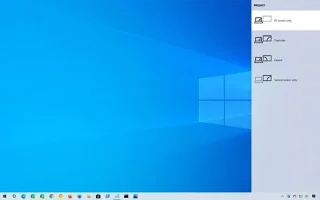
Summary of ways to fix Windows 10 black screen error
Summary of ways to fix Windows 10 black screen error

Windows 10 has proven to be a reliable operating system, but like other versions, users may face many problems while using Windows 10. One of the “worst” problems that users often encounter is the black screen error.
Turn off Windows Defender (Windows Security) on Windows 10, Windows 11

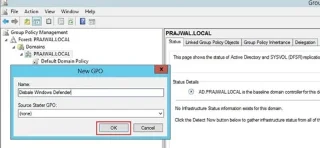
Turn off Windows Defender (Windows Security) on Windows 10, Windows 11

How to completely disable Windows Defender on Windows 10? There are several ways to disable Windows Defender on Windows 10, please see the detailed instructions below.

How to Create a Blue Screen of Death (BSOD) to Prank Your Friends

How to Create a Blue Screen of Death (BSOD) to Prank Your Friends

Blue screen of death (BSOD) is a common and not new error of Windows when the computer is experiencing some serious system error.

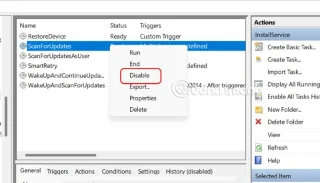
How to turn off automatic app updates in Microsoft Store

How to turn off automatic app updates in Microsoft Store

The Store has removed the persistent toggle and now only lets you pause app updates for 1–5 weeks. If you want to block forced app updates, you can try some of the settings below.

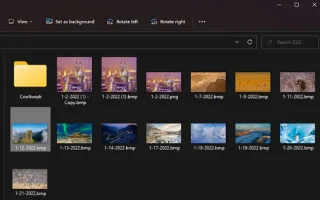
Instructions to change wallpaper on Windows 11

Instructions to change wallpaper on Windows 11

Changing the wallpaper in Windows 11 is one of the best ways to customize your desktop.

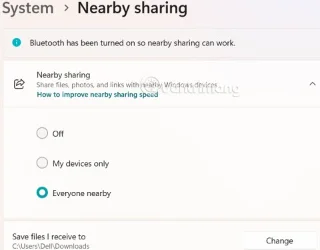
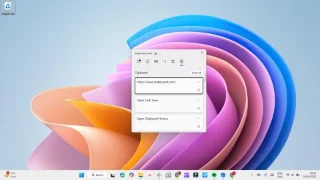
Instructions for sharing files using Nearby Sharing Windows 11

Instructions for sharing files using Nearby Sharing Windows 11

Nearby Sharing Windows 11 is a built-in sharing feature on your computer that lets you send files or web pages directly to others.

How to fix Windows 10 Search error cannot search, not working

How to fix Windows 10 Search error cannot search, not working

When the Search tool on Windows 10 fails, users cannot search for programs or any data they need.

Using CMD to Delete Large Folders on Windows

Using CMD to Delete Large Folders on Windows

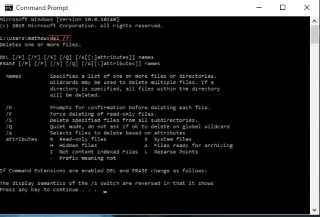
Large folders on the system are one of the culprits that eat up a lot of system space. Many folders that you create, after deleting them, will come back after a while. Maybe those are junk folders that you try to remove them.

Coding is not as difficult as you think

Coding is not as difficult as you think

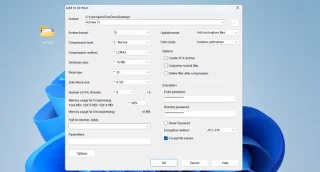
Once you learn and actually try it out for yourself, you will find that encryption is incredibly easy to use and incredibly practical for everyday life.

How to Change Default Browser in Windows 10

How to Change Default Browser in Windows 10

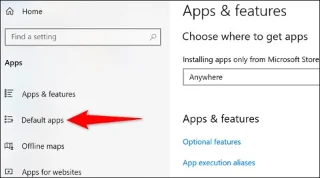
Windows 10 allows users to change the default web browser on the system in an extremely flexible and simple way.

Enable XMP to optimize RAM speed

Enable XMP to optimize RAM speed

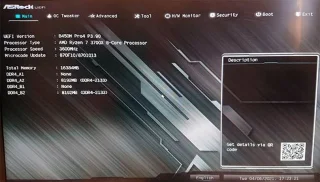
If you're looking to build your own PC system and decide to invest in some high-speed RAM, how do you make sure your RAM can perform at the advertised speeds?

How to delete duplicate files to save computer memory using CCleaner

How to delete duplicate files to save computer memory using CCleaner

CCleaner scans for duplicate files in just a few minutes, then lets you decide which ones are safe to delete.

4 ways to pin windows on Windows screen

4 ways to pin windows on Windows screen

If you are wondering how to pin any window to always be on top of other windows (always on top), read this article right away!

4 Ways to Change File Extensions in Windows 11

4 Ways to Change File Extensions in Windows 11

This article explains how to change file extensions in Windows 11, as well as discusses the difference between file extensions and file types.

How to fix Settings app not working on Windows 10

How to fix Settings app not working on Windows 10

On Windows 10, users can access the Settings app via the Start menu, which is a more accessible version of the Control Panel. However, many users report that the app is not working due to a bug that causes it to not work when clicked (or redirects users to the Windows Store). Here are some fixes for this problem.

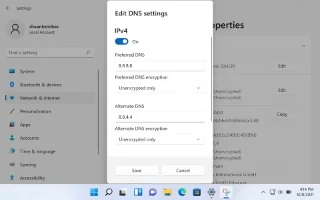
How to Change DNS Server on Windows 11

How to Change DNS Server on Windows 11

If the default DNS server provided by your ISP seems slow, insecure, or unreliable, you don't have to use it. Here's how you can change the DNS server settings on your Windows 11 computer.

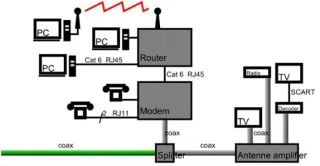
What is QoS? How to use QoS for faster Internet speeds when you need it most

What is QoS? How to use QoS for faster Internet speeds when you need it most

In the article below, we will introduce and guide you to learn about the concept of QoS - Quality of Service on router devices.

9 great built-in apps and tools on Windows 11 that you shouldnt miss

9 great built-in apps and tools on Windows 11 that you shouldnt miss

While Windows 11 certainly comes pre-installed with a few useless apps, it also hides some incredibly powerful tools right under your nose.

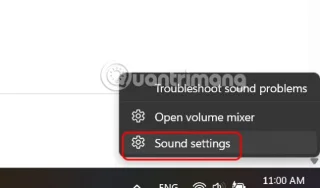
How to fix sound loss error when updating Windows 11

How to fix sound loss error when updating Windows 11

The problem of losing sound when updating Windows 11 can be related to the software, or from the sound driver on the computer. Below are instructions to fix the sound loss error when updating Windows 11.

How to change currency format in Windows 11

How to change currency format in Windows 11

This guide will show you how to change the currency format used for your account in Windows 10 and Windows 11.

How to Lock Guest Wi-Fi Network So No One Can Spy

How to Lock Guest Wi-Fi Network So No One Can Spy

If you properly lock down your guest Wi-Fi network, you can share your Internet connection with any visitors without sharing any other information.

Quick guide to fix Inaccessible Boot Device error on Windows

Quick guide to fix Inaccessible Boot Device error on Windows

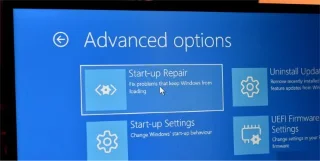
Inaccessible Boot Device is a blue screen of death (BSOD) error. This error usually occurs on Windows 10 after users use the Reset This PC feature to restore Windows 10 computer to default settings or to refresh (reinstall) Windows 10 without losing files or after upgrading the system to Windows 10.

How to set up automatic computer cleaning

How to set up automatic computer cleaning

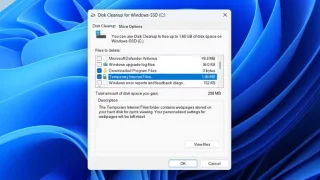
Computers often get overloaded with temporary files and other junk that we often don't have time to clean up. This is where automatic cleaning comes in and you should start using it right away.

How to change default language shortcuts Windows 11

How to change default language shortcuts Windows 11

The default language change shortcut is Windows + Space which cannot be turned off by default, but you can also change the language shortcut according to the article below.

How to turn off password sharing security in Windows 11

How to turn off password sharing security in Windows 11

Microsoft enables password-protected sharing. If you find this setting unnecessary, you can disable password-protected sharing in Windows 11.

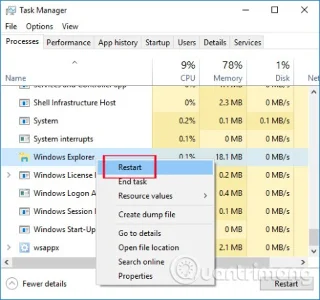
Windows Startup Tips That Will Save You From Dangerous Malware

Windows Startup Tips That Will Save You From Dangerous Malware

When it comes to Windows, it’s always helpful to know a few tricks for when your computer starts to crash. Many people have recently encountered a similar situation, and have restarted their computers with this super simple trick.

Follow these 7 steps to keep Windows 11 from slowing down again!

Follow these 7 steps to keep Windows 11 from slowing down again!

From deleting temporary files to updating software, there are many simple and effective ways to keep your computer running smoothly like new.

How to use TickTick desktop widget instead of to-do apps

How to use TickTick desktop widget instead of to-do apps

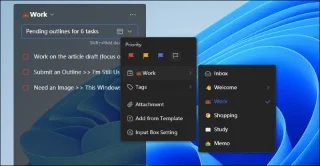
Once you put your to-do lists on Windows 11's widget panel, they start appearing in front of you every morning—and suddenly, it's not so easy to ignore them anymore.

How to know if someone has installed surveillance software on your laptop?

How to know if someone has installed surveillance software on your laptop?

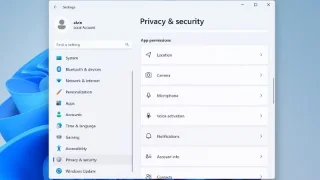
Luckily, there are some simple ways to detect hidden surveillance software and regain control of your privacy.

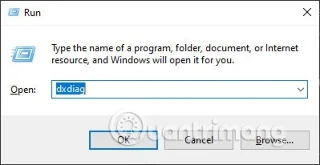
How to view computer configuration easily and quickly

How to view computer configuration easily and quickly

There are many ways for you to view your computer configuration, view your laptop configuration.