When to Start Decorating for Halloween in 2026

Use a simple 2026 Halloween decorating timeline for indoor décor, outdoor displays, and fresh pumpkins, with practical adjustments for weather and events.
Just because you don't have a book on you doesn't mean you have to stop reading. All you need is your phone to try out social media apps for book lovers and find the next book you want to read.
Table of Contents
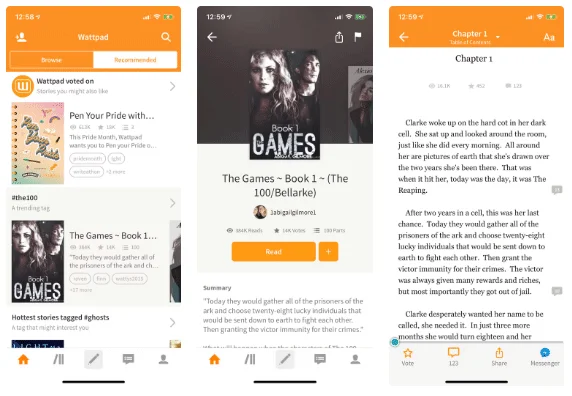
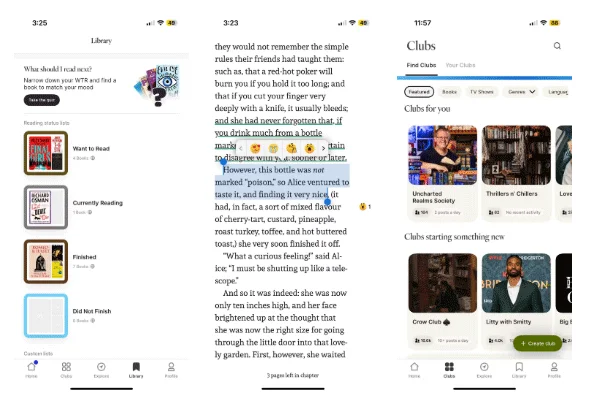
If you’re tired of reading paperbacks, you should try Wattpad. It’s a platform for the digital age where writers can connect directly with their readers. Wattpad brings a community element to reading. You can interact with other readers by commenting on a particular section, sentence, or phrase in a book.
Each category brings users to a new community to explore or find inspiration. The app encourages you to enter writing contests, grow your fan base, or become a part of the app's curated stories.
Wattpad will also help you transition from reader to writer. Using the Wattpad community, you can build your own audience. Some stories have even been made into movies and are available on streaming sites!
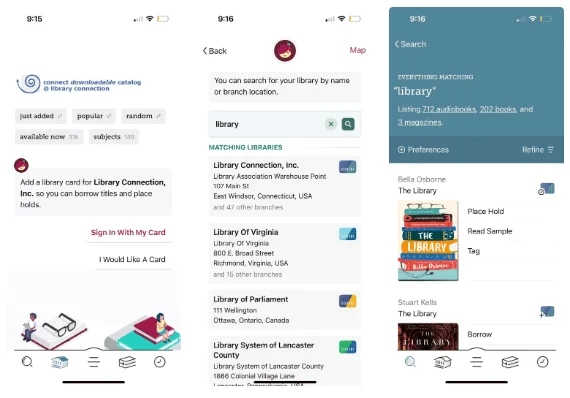
Originally called Overdrive, Libby lets you carry your local library in your pocket. Why buy a book from Amazon when you can borrow a digital copy from your local library?
Libby has managed to bring its offline libraries to the online world. The catalog varies depending on your location or what your library offers. In addition to ebooks, you can also listen to audiobooks .
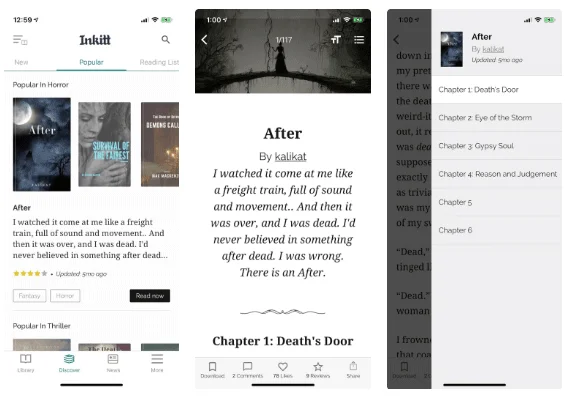
Inkitt is an app designed specifically for reading novels and mostly covers works by independent writers. The app only covers a few genres of novels, such as romance, fantasy, science fiction, and the like. The app is beautiful and fun to use.
This app is purely for reading and does not implement social networking. The company behind this app is a publisher that helps writers publish their novels.
The reading experience is also well thought out. It tracks your monthly and weekly reading stats, shows you a history of the books you've read, and lets you create a list of books you want to read.
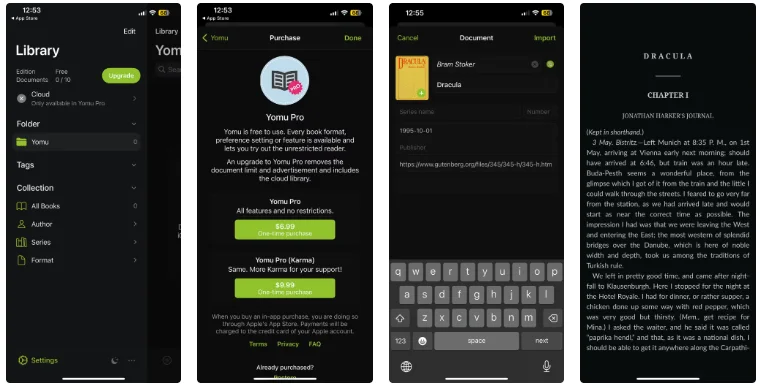
Yomu Ebook Reader is the best third-party EPUB reader for iOS. If you are not satisfied with the basic features in Apple Books or Kindle, check out Yomu. This app allows you to customize the entire reading interface.
Yomu will open any book format you want, from EPUB files to CBX comics. There are tons of free classic literature available on sites like Project Gutenberg, and you can import your own files too!
For $6.99, you can have unlimited files on the app and access all the features, including the cloud library. There are plenty of ways to maximize your reading for free, including transferring files to Yomu.
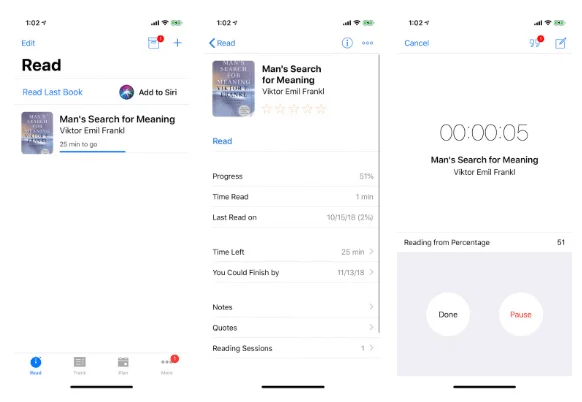
Leio is the best book reading tracker for iPhone. It's the easiest way to record all your reading stats. You can keep track of multiple books you're reading in one place. The app also has a time tracking feature, so you can see exactly how long it takes you to finish a book.
Once you've added data, Leio also helps you analyze your reading patterns. You can use the Goals feature to plan reading marathons, improve your reading time, and unlock achievements.
Leio has a modern, easy-to-use interface. If you find other reading apps too bloated and don't care about the community aspect, Leio is a great alternative reading tracker.
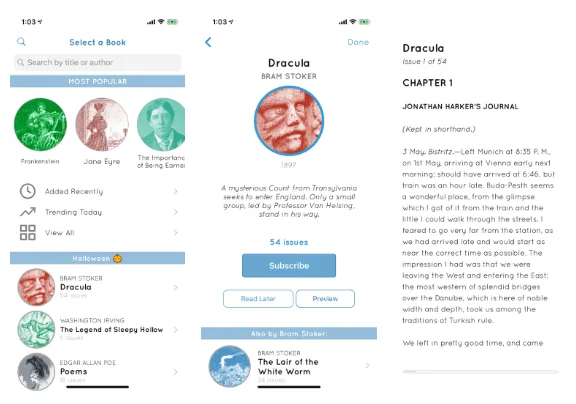
Serial Reader makes reading simple. It's the perfect app for both beginners and avid readers. It gives you classic literature to read every day in small, 20-minute chunks.
If you find it difficult to focus on reading a book for long periods of time, use this app to form a daily reading habit. Since reading 19th century works can be difficult, this app breaks it down into manageable word counts each day.
Fable is another social media app for book lovers, but with a visual twist. It’s like a mix of Instagram and Twitter for books. Fable is a user-friendly app where you can post photos of your reading moments, post questions or thoughts, and quote from the books you’re reading.
You can also keep track of the books you're reading and have read, create custom lists, and even join virtual book clubs! This is one of the reasons why so many people have recently left Goodreads and moved to Fable.
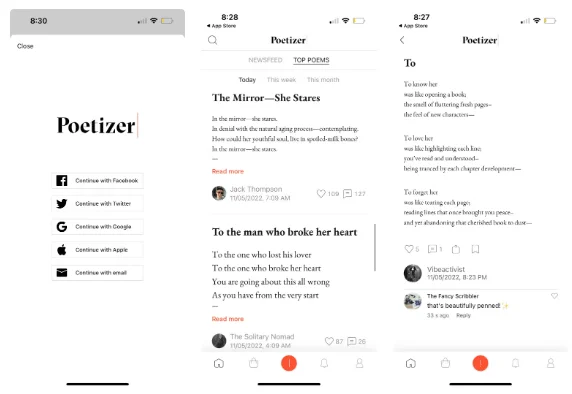
Books aren’t just limited to novels. If you love poetry, check out Poetizer to share your appreciation for poetry with other enthusiasts. Discover heartfelt essays about life and love written by people all over the world. You can donate hearts, leave comments, and follow authors whose poems you love.
You can also share your thoughts and reflections by writing and publishing your own poems on Poetizer.
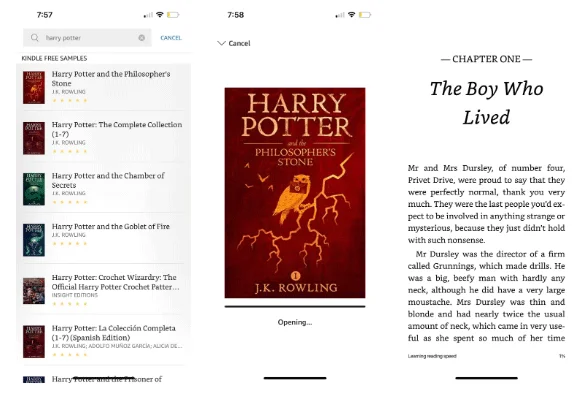
Amazon Kindle lets you access your Kindle library on your smartphone. If you find the constant commentary, recommendations, and social media elements of other book apps distracting, rest assured that it's just you and your ebooks when using Amazon Kindle.
As you read, you can adjust the fonts, layouts, and themes of your pages to best suit your needs. If you're on the fence about whether or not to buy a Kindle, check out this comparison of the differences between the Kindle device and the Kindle app to help you decide.
Blinkist is an app for professionals who want to learn but don't have time to read. The app provides the key points and the entire gist of a book in 15 minutes. Each book summary is called a blink and you can read or listen, whichever you prefer.
If you use websites to find books recommended by experts and celebrities and find some that interest you, you can try searching for them here on Blinkist.
As a book lover, you may experience reading as second nature to you. You cannot stop reading the different stories, characters, and worlds that are woven into existence from the written words.
Wish you have moments of enjoyable relaxation!
Use a simple 2026 Halloween decorating timeline for indoor décor, outdoor displays, and fresh pumpkins, with practical adjustments for weather and events.
Mix five vivid, approachable Halloween cocktails with measured recipes, simple prep tips, and an alcohol-free option for your party guests.
Find 15 office-friendly Halloween costume ideas for 2026, with practical checks for dress codes, respectful themes, comfort, and workplace safety.
Plan a fun elementary school Halloween party with easy crafts, games, inclusive treats, costume tips, and a sample 75-minute classroom schedule.
Compare realistic side hustles for 2026 by startup cost, fees, flexibility, and income control, with current tax and scam guidance from official sources.
Upgrade your home office ergonomics with current OSHA and NIOSH guidance on chair fit, monitor height, laptop setup, lighting, and movement.
Learn why emotional intelligence matters in leadership, where it helps most, how to strengthen it, and how to tell whether your approach is working.
A practical roadmap for moving into tech without a degree: choose an accessible role, build job-ready skills, prove them with projects, and use hiring feedback to improve.
Build a credible LinkedIn personal brand in 2026 with current profile, content, newsletter, analytics, verification, and visibility guidance from LinkedIn.
Quiet quitting and quiet firing are catchy labels, not diagnoses. Learn what is verified, what depends on context, and what employees and managers can do next.








