
When to Start Decorating for Halloween in 2026

Use a simple 2026 Halloween decorating timeline for indoor décor, outdoor displays, and fresh pumpkins, with practical adjustments for weather and events.
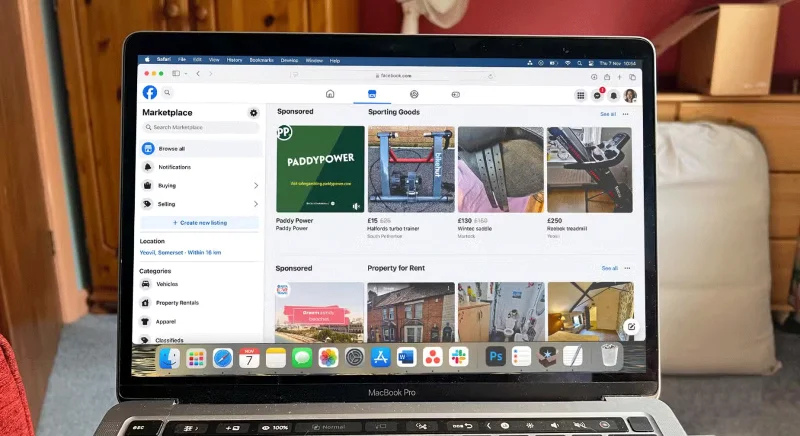
Ads are everywhere on social media , including between videos and short social media posts. And it’s these ubiquitous ads that are driving people away from social media platforms.
Table of Contents
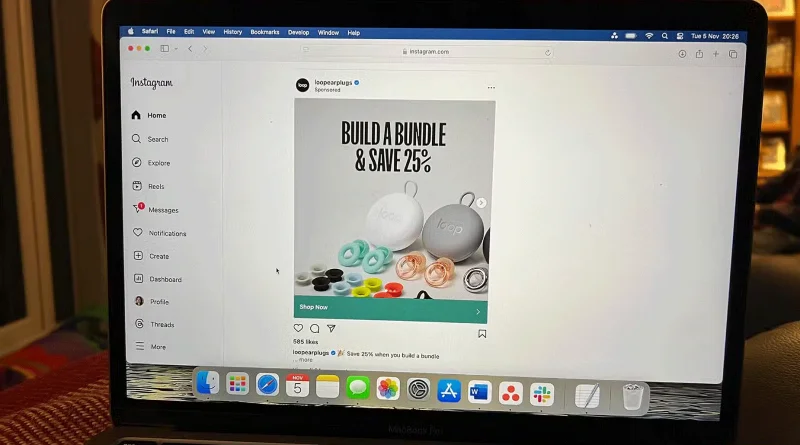
Ads have always been around on social media, but in the past few years they have increased across every platform we have access to. There are ads on radio, TV – even streaming services – delivered through the mail, and across social media channels.
It seems impossible to live without ads, and the only way to avoid them is to pay for the privilege. People are fed up with targeted ads and constantly feeling like they need to buy things.
Even the social media accounts you follow are becoming places for advertising. Many people have friends who are influencers on Instagram, YouTube, TikTok and subscribed to them years ago because they were childhood friends. Now they are also being bombarded with ads from their personal channels.
There are ads — often targeted ads — in between short video content that drive users crazy. It can sometimes be hard to tell what is an ad and what is considered “content,” as everyone is trying to sell you something.
The idea of targeted advertising is incredibly scary and uncomfortable for many people. Not everyone is someone who is willing to spend money on something just because of an ad. Many people actively choose to avoid targeted advertising because they don’t want to see any ads at all or want them to be as un-tailored to their interests as possible.
Social media advertising seems to have the opposite effect of attracting attention.
In the 90s, TV had standard commercials. Back then, TV didn't have pause or fast forward buttons and you couldn't switch to another channel to avoid commercials.
Because people are used to seeing ads at fixed times, they have learned to live with them. Modern advertising is not like that.
So what makes social media advertising different?
People don't get much real value out of using social media, so with the increase in advertising, it just makes people less likely to want to participate. People don't plan their social media use like they would a TV show and can turn it off at any time.
The only thing that keeps people coming back to social media is the feeling of FOMO - fear of missing out - that comes from not knowing if something super cool is happening that they haven't seen yet. For this reason, people also won't pay to remove ads. Social media with ads or without ads is worthless.
TikTok is adding more useful content to its platform, but ads are turning people off. Annoying, repetitive, over-targeted ads are causing people to decide to turn off and sometimes delete the social network in question.
Advertising is playing a positive role in people's lives to help them limit their social media usage. In fact, advertising is not attracting more users but pushing them away.
Try a service for a month or a free trial to see if a premium plan is worth it. Social media companies also offer paid plans that can reduce or remove ads on the platform, but not all platforms offer this service.
In the EU, Meta offers an ad-free subscription. X offers different levels of X Premium. Reddit offers Reddit Premium. But after trying these subscriptions, many people have concluded that they are not worth it given the value they provide. For example, it is not worth paying for Meta to not show ads because they only apply the subscription to one account and this does not fix the underlying quality issues with Instagram and Facebook.
Finally, don’t use these subscriptions to avoid social media ads. Intense advertising on content-rich platforms doesn’t bother many people. If that’s how the platform wants to make money and you can continue using it for free, leave the ads on and just scroll past them or wait 30 seconds to see or listen to more content.
Sometimes advertising is even useful. Many new platforms have been explored through website advertising or YouTube video advertising.
Most people prefer non-targeted ads over targeted ones. Ads are only interesting if they are something outside of their usual interests and help people discover something new. If possible, pay to have more types of ads delivered and explored in the future.
Don’t be afraid of ads, especially if they appear at the right time and place. Social media advertising needs to be overhauled, as many people would rather close the app than sit through endless 30-second, unskippable ads every 2 minutes.
Use a simple 2026 Halloween decorating timeline for indoor décor, outdoor displays, and fresh pumpkins, with practical adjustments for weather and events.
Mix five vivid, approachable Halloween cocktails with measured recipes, simple prep tips, and an alcohol-free option for your party guests.
Find 15 office-friendly Halloween costume ideas for 2026, with practical checks for dress codes, respectful themes, comfort, and workplace safety.
Plan a fun elementary school Halloween party with easy crafts, games, inclusive treats, costume tips, and a sample 75-minute classroom schedule.
Compare realistic side hustles for 2026 by startup cost, fees, flexibility, and income control, with current tax and scam guidance from official sources.
Upgrade your home office ergonomics with current OSHA and NIOSH guidance on chair fit, monitor height, laptop setup, lighting, and movement.
Learn why emotional intelligence matters in leadership, where it helps most, how to strengthen it, and how to tell whether your approach is working.
A practical roadmap for moving into tech without a degree: choose an accessible role, build job-ready skills, prove them with projects, and use hiring feedback to improve.
Build a credible LinkedIn personal brand in 2026 with current profile, content, newsletter, analytics, verification, and visibility guidance from LinkedIn.
Quiet quitting and quiet firing are catchy labels, not diagnoses. Learn what is verified, what depends on context, and what employees and managers can do next.








