When to Start Decorating for Halloween in 2026

Use a simple 2026 Halloween decorating timeline for indoor décor, outdoor displays, and fresh pumpkins, with practical adjustments for weather and events.
We’ve heard that Apple is working on a home device with a robotic arm, marking Apple’s official entry into the robotics market. Now, we have some details about the potential AI assistant. According to a new report from Mark Gurman, Apple is working on a human-like interface based on Generative AI that could control Apple’s future tabletop devices and robotic devices. This Apple AI personality would work similarly to how Siri currently works on the iPhone.
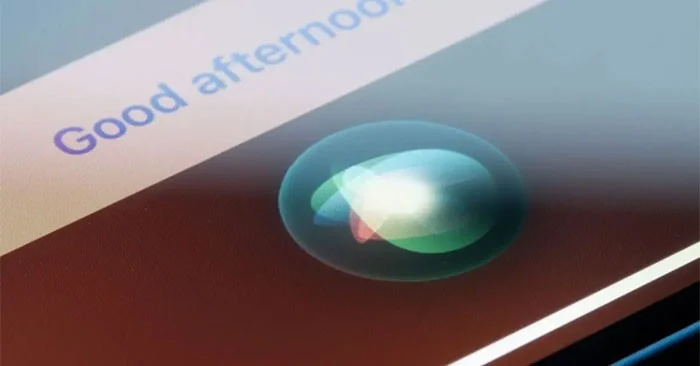
“A big part of building a robot is creating a personality. While Siri is the digital assistant on Apple’s current devices, the company is working on another human-like interface based on Generative AI. It could run on Apple’s tabletop products and other robotic devices in the future” - Mark Gurman
At WWDC 2024 , Apple finally started its AI journey with Apple Intelligence , bringing a suite of AI features to iPhone, iPad, and Mac. We'll soon see Writing Tools, a more powerful Siri, ChatGPT integration, and more. In a few weeks, we'll see these features on every iPhone that supports Apple Intelligence. Apple seems to be going all-in on next-generation AI, so focusing on a new robotic personality that allows for more useful and natural conversations than Siri makes sense.
The robotics industry has a long way to go. There is a lot that Apple and other companies can do. Currently, robots on the market are very expensive and do not have enough features. On top of that, there are security and privacy concerns that need to be addressed. So Apple needs to catch up with its home robot project. Also, a lot of Apple’s AI features will be powered by ChatGPT . So Apple has a lot of work to do before it launches its own Generative AI.
Gurman added that there is a lot of promise in Apple’s robotics efforts, and plenty of reason to be skeptical. After the dismal sales of the Apple Vision Pro and the cancellation of the decade-long Apple Car project, it’s unclear how committed the Cupertino tech giant really is to bringing a new product to market. But if Apple wants to explore another way to improve consumers’ lives, a home robot is a logical choice.
Reports also suggest that Apple could price its first tabletop robot somewhere in the region of Amazon Astro. So the price could be around $1,000. It’s worth noting that these robotic devices are in the early stages of development, so there’s no solid evidence or official word that we’ll see them.
Use a simple 2026 Halloween decorating timeline for indoor décor, outdoor displays, and fresh pumpkins, with practical adjustments for weather and events.
Mix five vivid, approachable Halloween cocktails with measured recipes, simple prep tips, and an alcohol-free option for your party guests.
Find 15 office-friendly Halloween costume ideas for 2026, with practical checks for dress codes, respectful themes, comfort, and workplace safety.
Plan a fun elementary school Halloween party with easy crafts, games, inclusive treats, costume tips, and a sample 75-minute classroom schedule.
Compare realistic side hustles for 2026 by startup cost, fees, flexibility, and income control, with current tax and scam guidance from official sources.
Upgrade your home office ergonomics with current OSHA and NIOSH guidance on chair fit, monitor height, laptop setup, lighting, and movement.
Learn why emotional intelligence matters in leadership, where it helps most, how to strengthen it, and how to tell whether your approach is working.
A practical roadmap for moving into tech without a degree: choose an accessible role, build job-ready skills, prove them with projects, and use hiring feedback to improve.
Build a credible LinkedIn personal brand in 2026 with current profile, content, newsletter, analytics, verification, and visibility guidance from LinkedIn.
Quiet quitting and quiet firing are catchy labels, not diagnoses. Learn what is verified, what depends on context, and what employees and managers can do next.








