





When to Start Decorating for Halloween in 2026

Use a simple 2026 Halloween decorating timeline for indoor décor, outdoor displays, and fresh pumpkins, with practical adjustments for weather and events.
Most people use Apple Notes to write and sync notes on iCloud. The app simplifies not just your access to notes from various Apple devices, it also makes sharing notes convenient. However, you can’t share notes with everyone in one format. Some people prefer reading PDF documents. Fortunately, scanning and exporting notes in a PDF format is relatively straightforward.
This article explains how to scan and save Apple Notes as PDF files.
How to Scan and Save Apple Notes as a PDF
Apple Notes is a self-reliant application with many practical features. If you plan to share notes as PDFs, you can do it within the app. The only thing the app won’t let you do is export many notes at once. You can scan and export Notes as PDFs no matter what your favorite Apple device.
Scanning Your Apple Notes
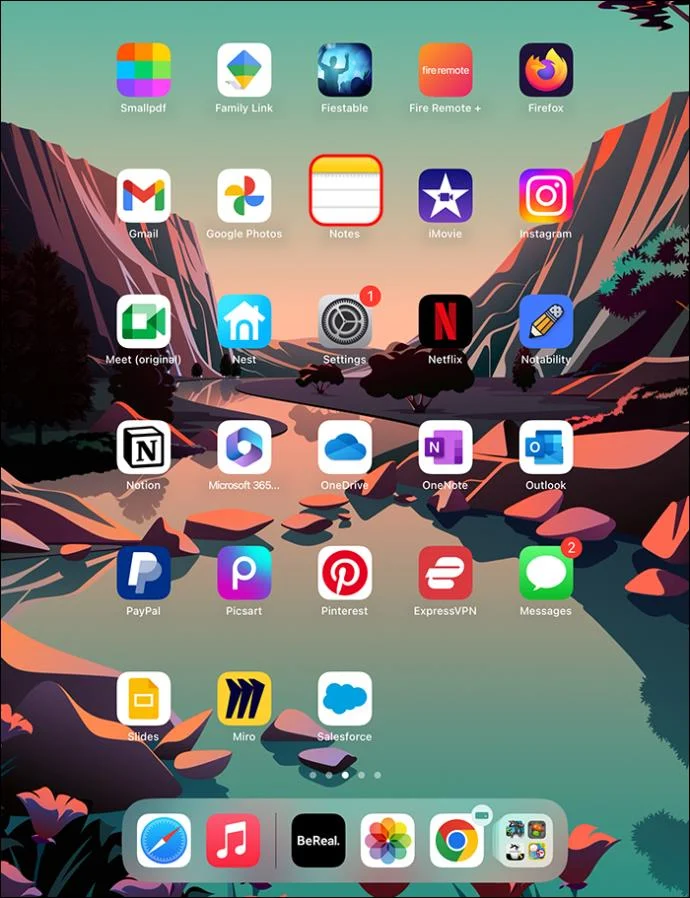
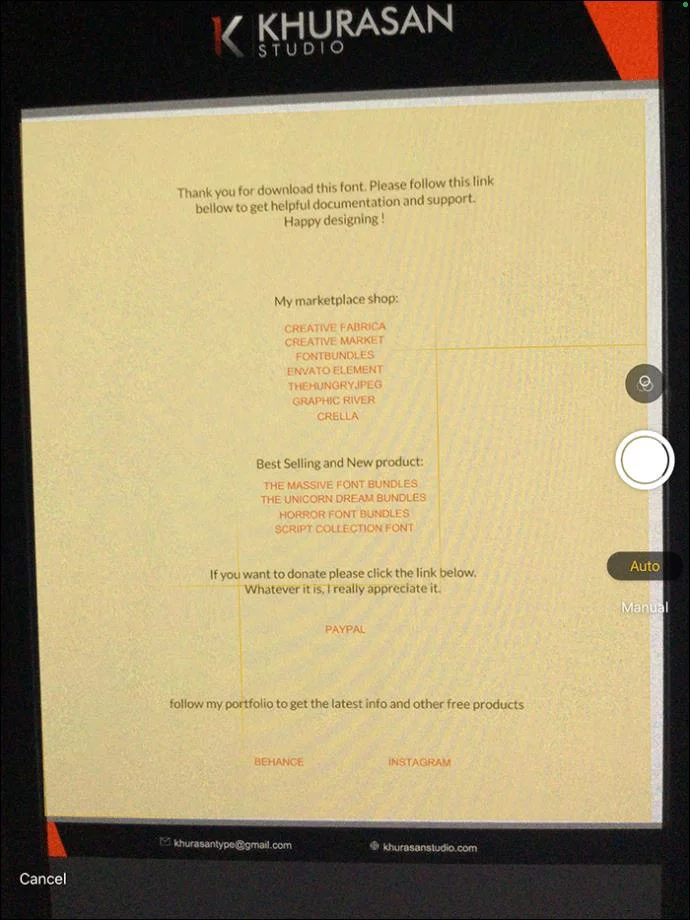
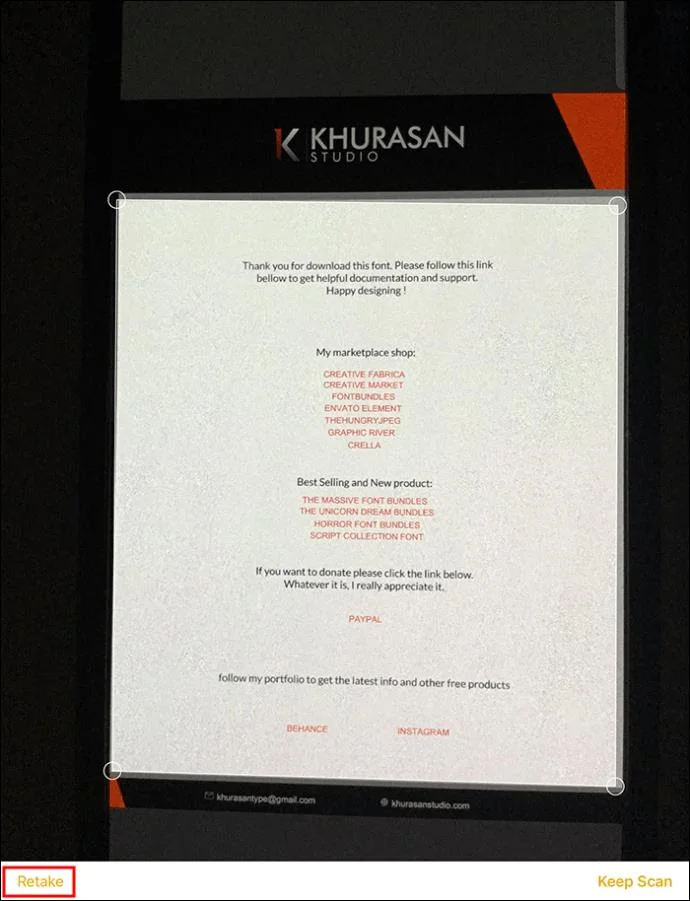
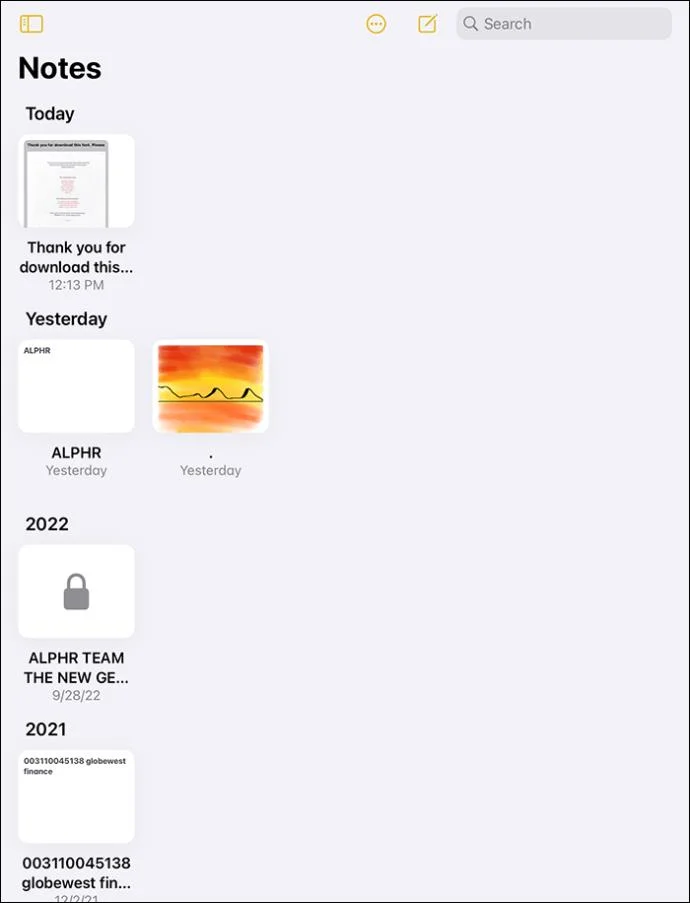
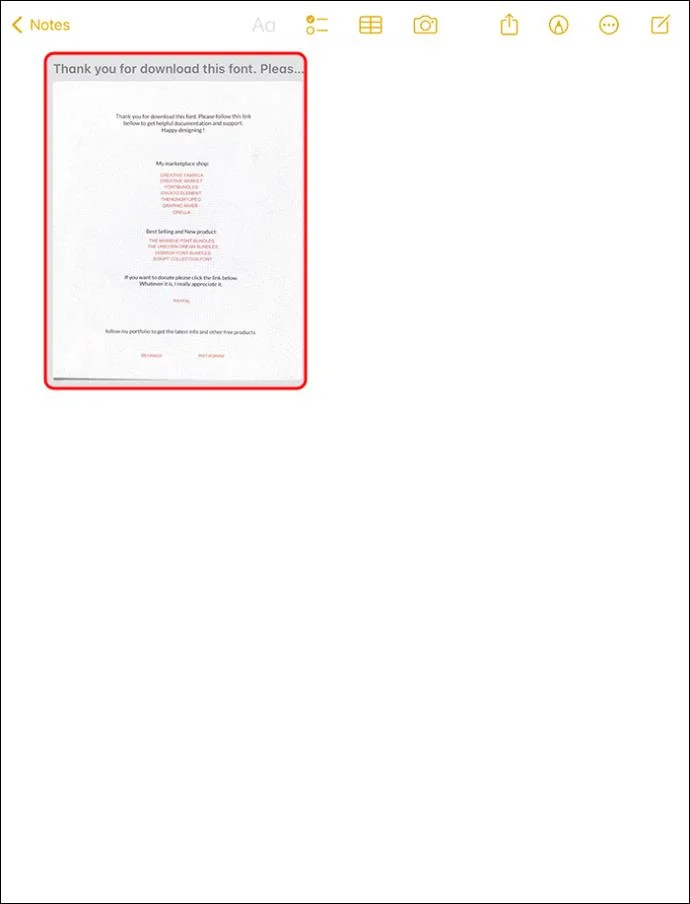
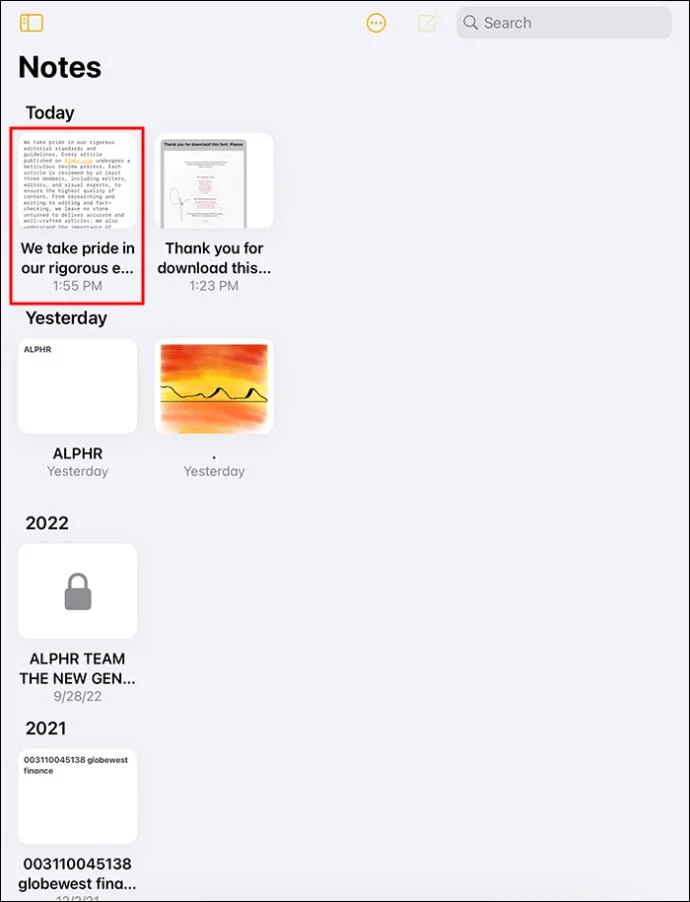
You can scan an existing document or create a fresh one like this:
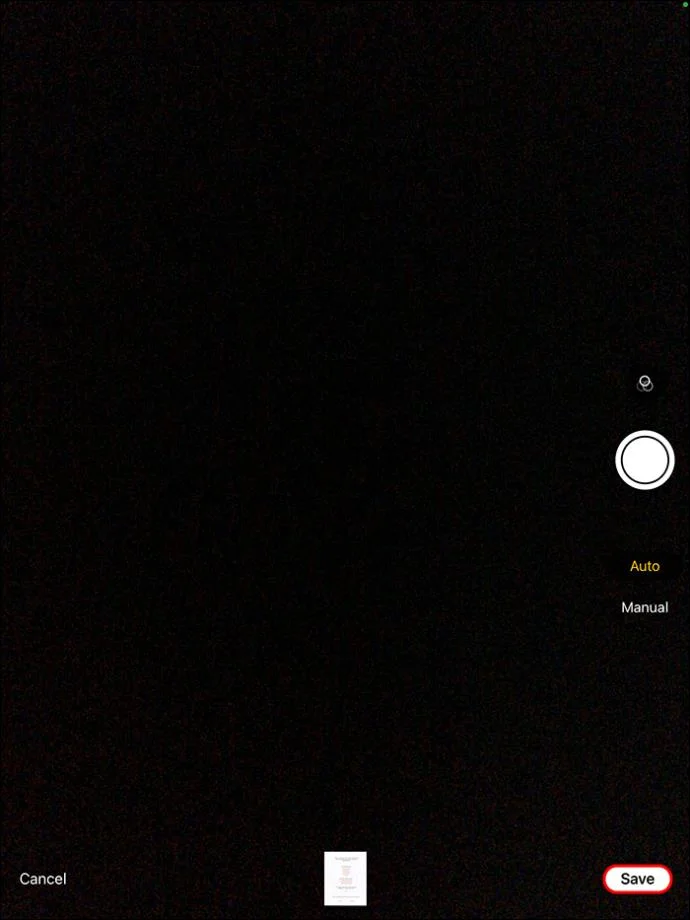
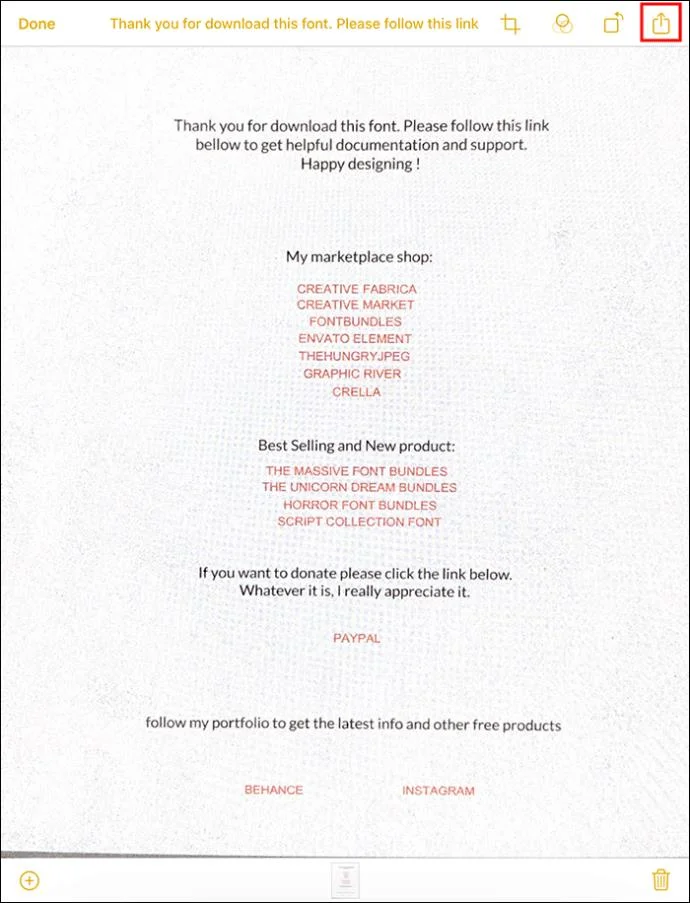
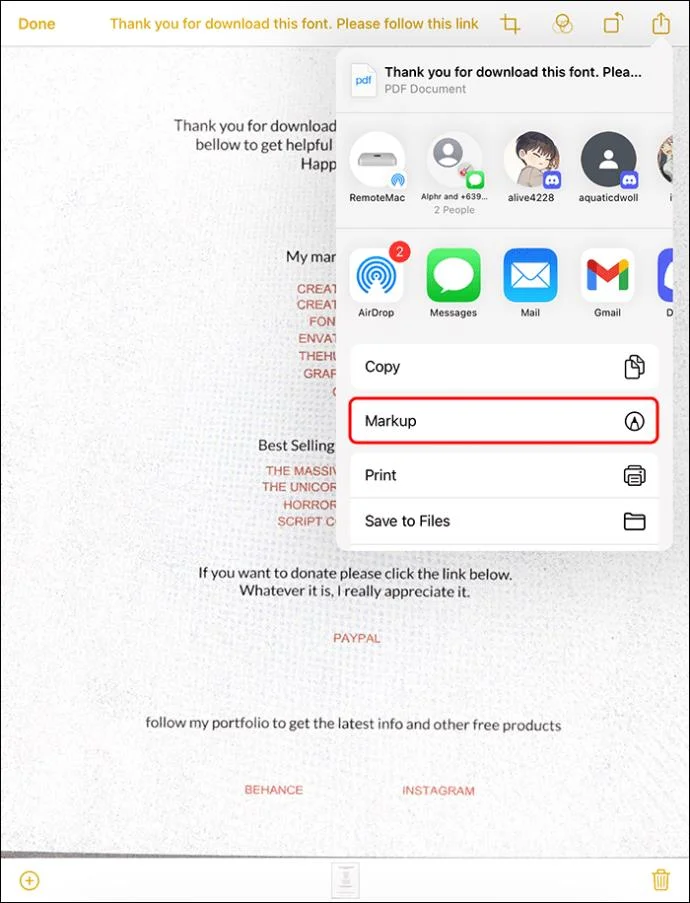
Exporting a Scanned Document With Many Pages on iPad or iPhone
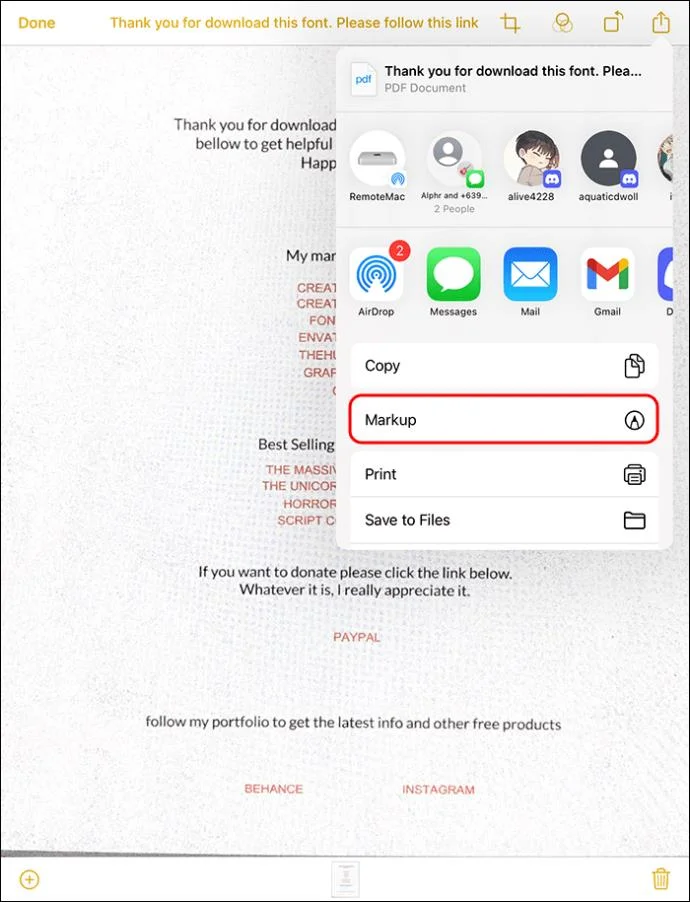
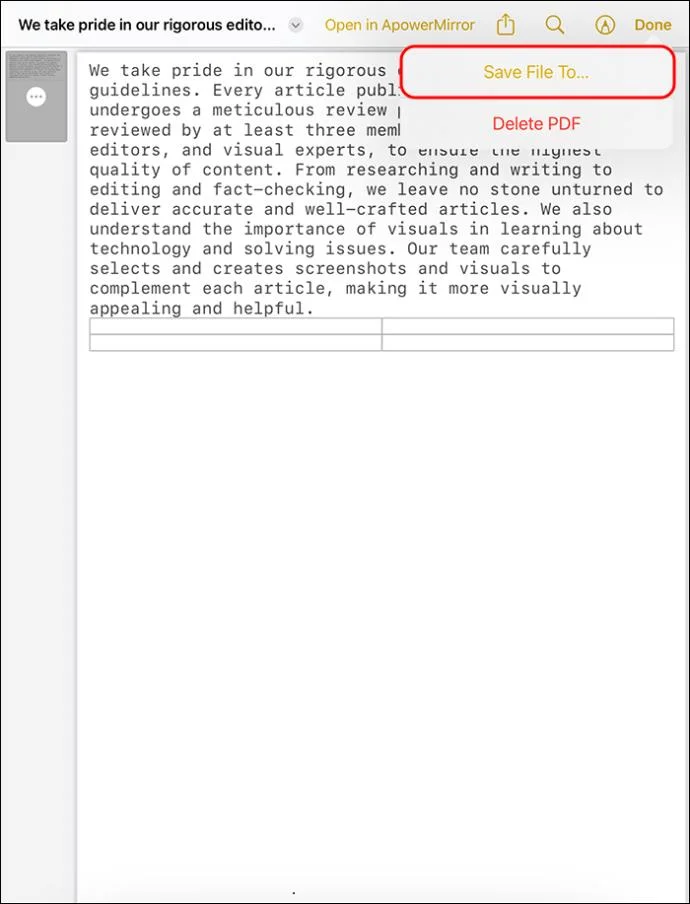
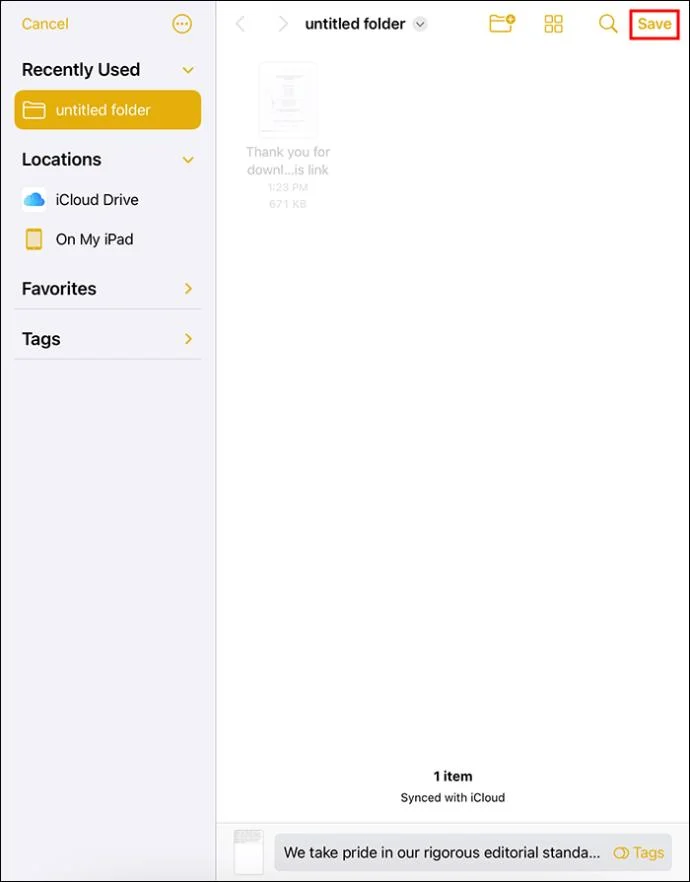
If your document is more complex and lengthy due to multiple pages, you should export it as PDF this way:
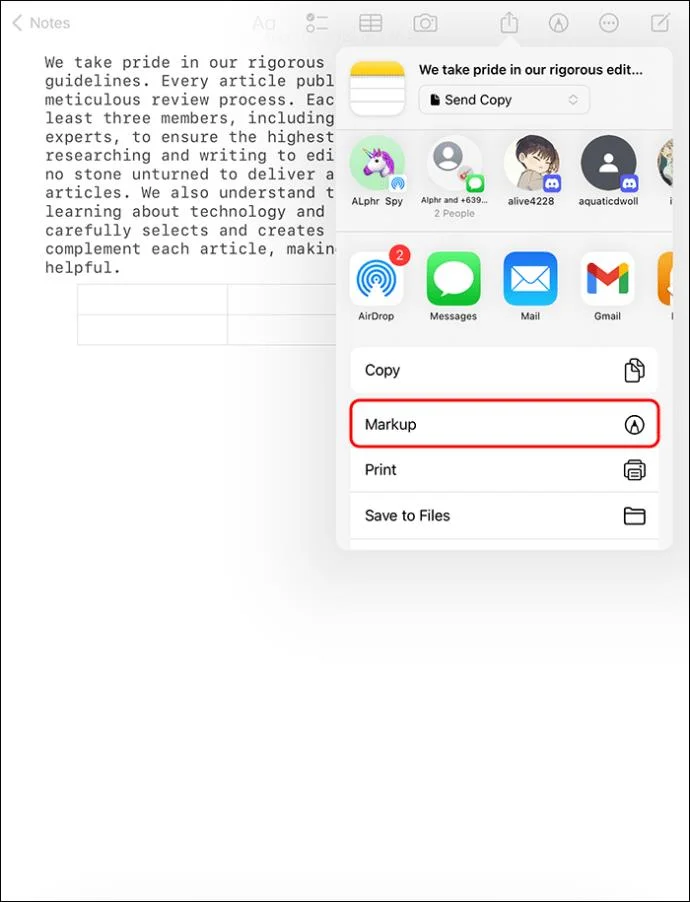
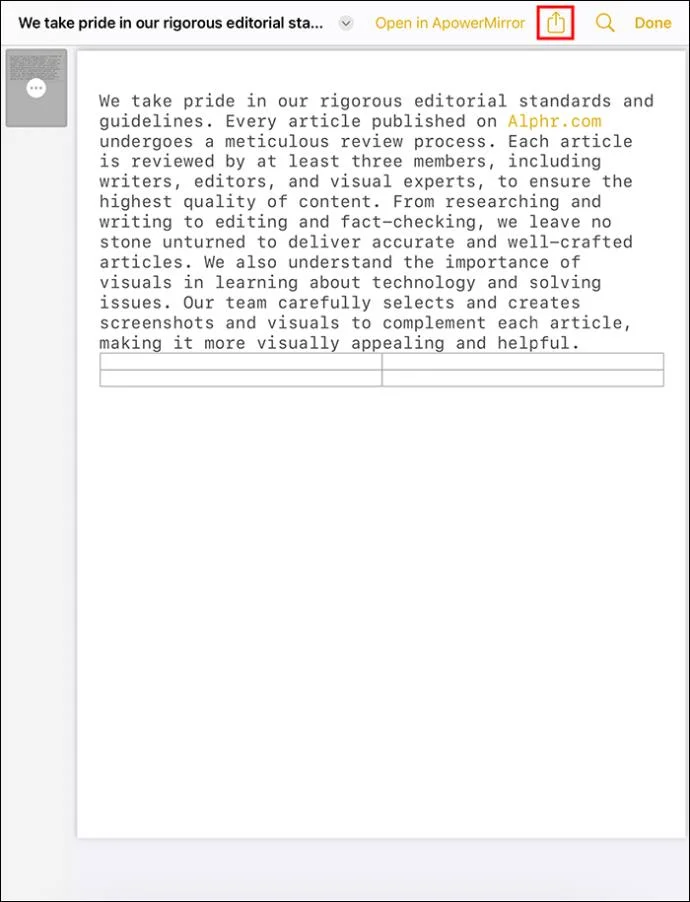
Exporting Apple Notes as PDF on iPad or iPhone
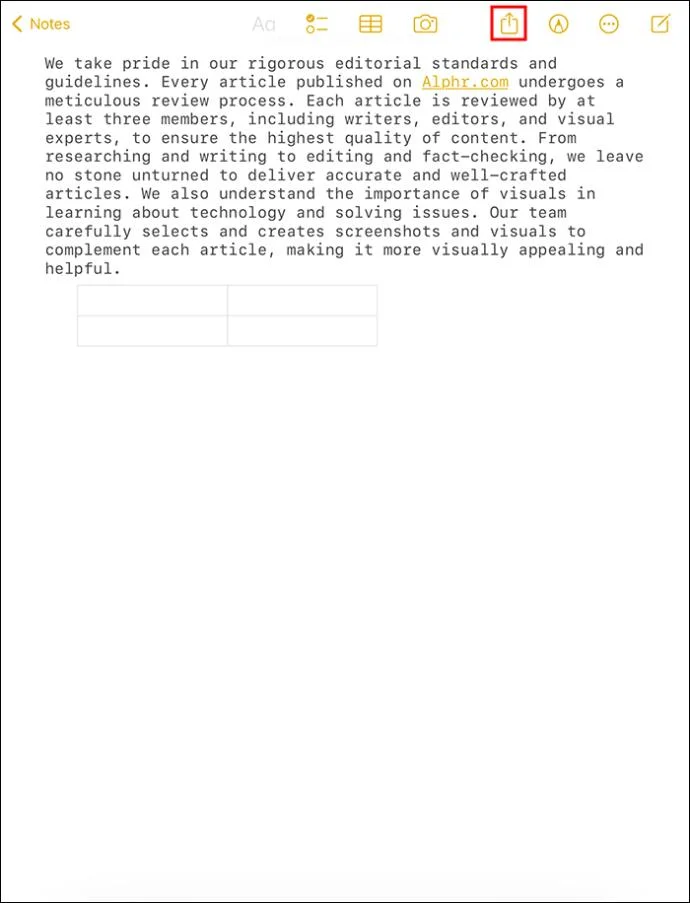
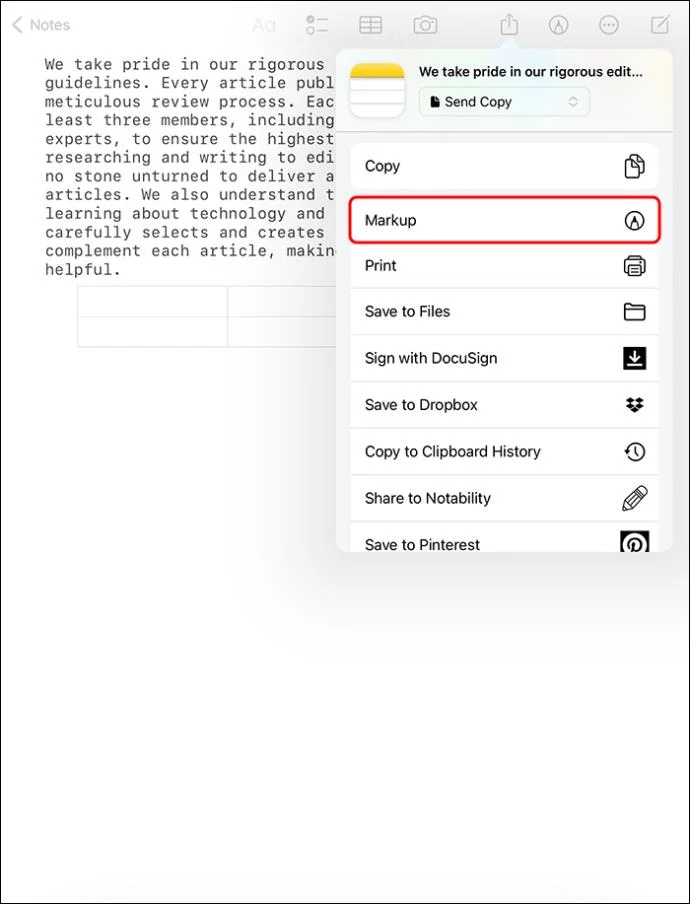
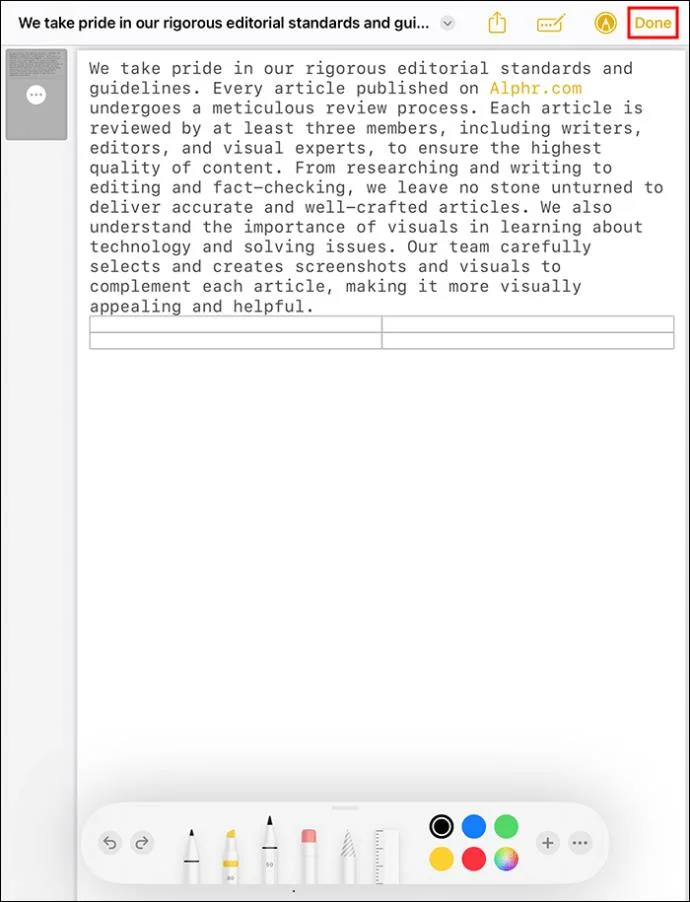
You can export your notes directly as PDFs this way:
Saving Apple Notes as PDF With the PDF Expert App
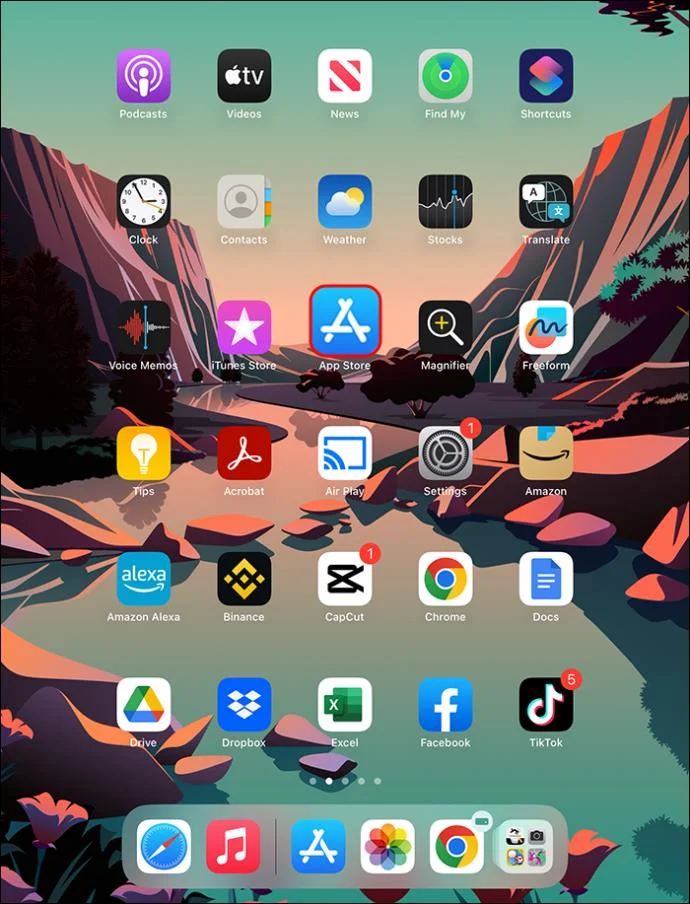
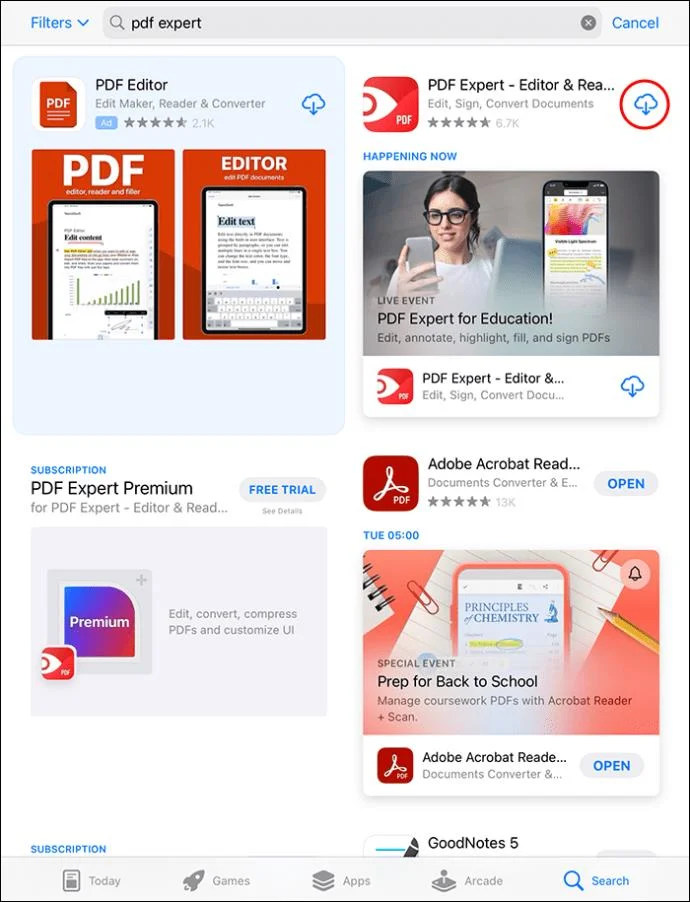
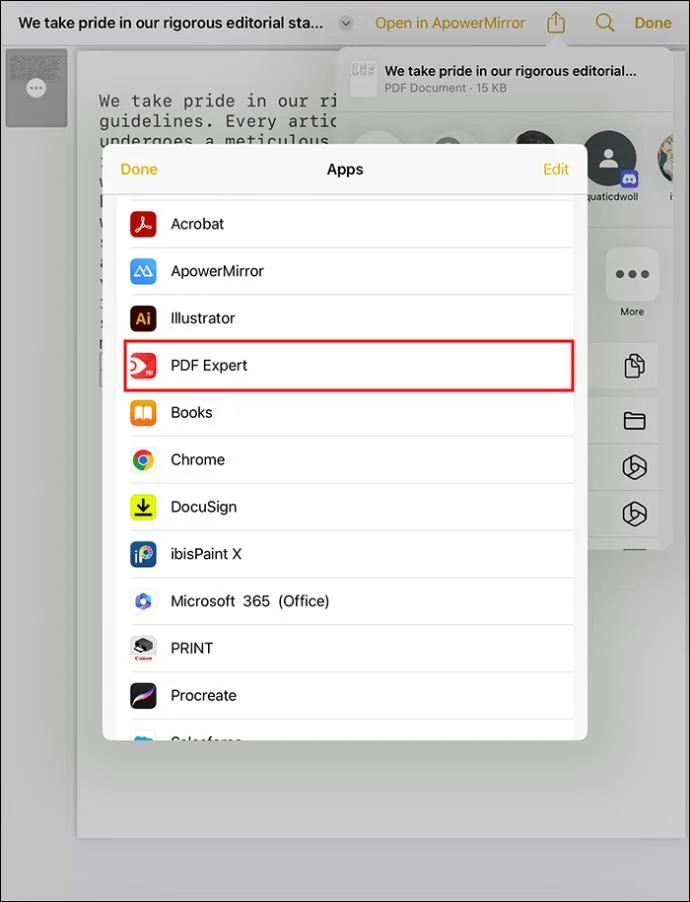
Apple recently provided a super easy method of saving your notes as PDFs. The new technique entails using the PDF Expert App. It’s a free app you install directly from Apple’s App Store. Once you install it on your iPhone or iPad, you can save many notes as PDFs.
Here’s how to use the PDF Expert app:
After saving a PDF document, you can open your PDF Expert app to view it. If you want to edit the document, do it within the app. It gives you all the editing features, including adding graphs, images, annotations, etc. You can crop, merge, and convert PDF into something else without trouble.
How to Sign a Scanned Document Before Exporting as a PDF
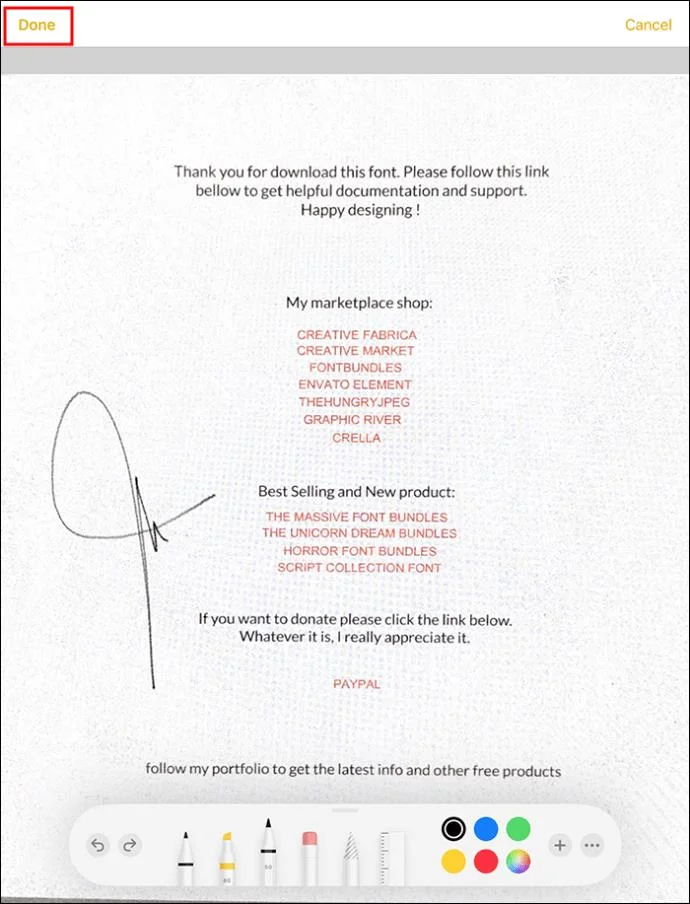
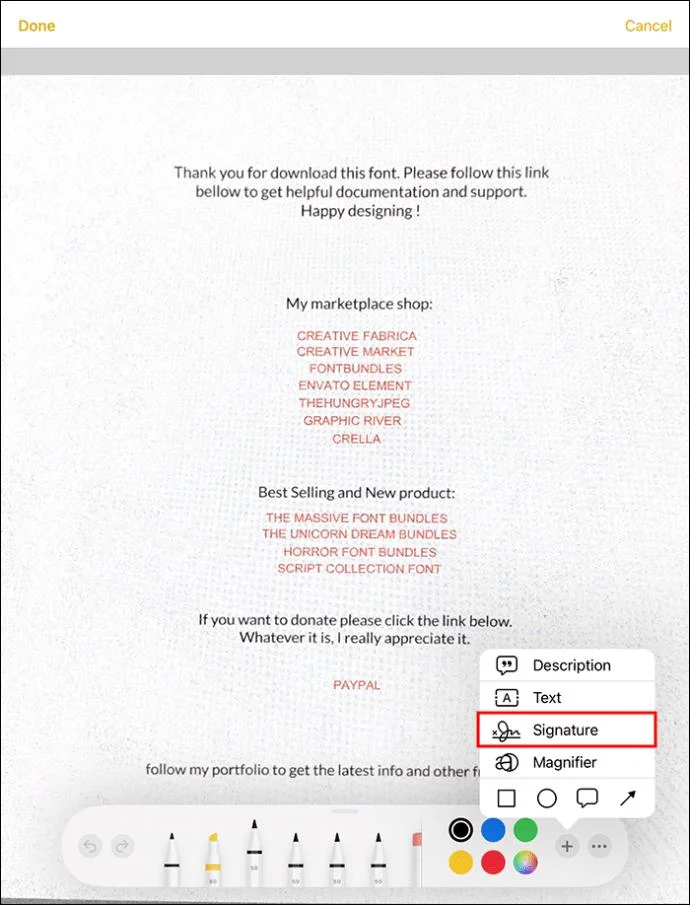
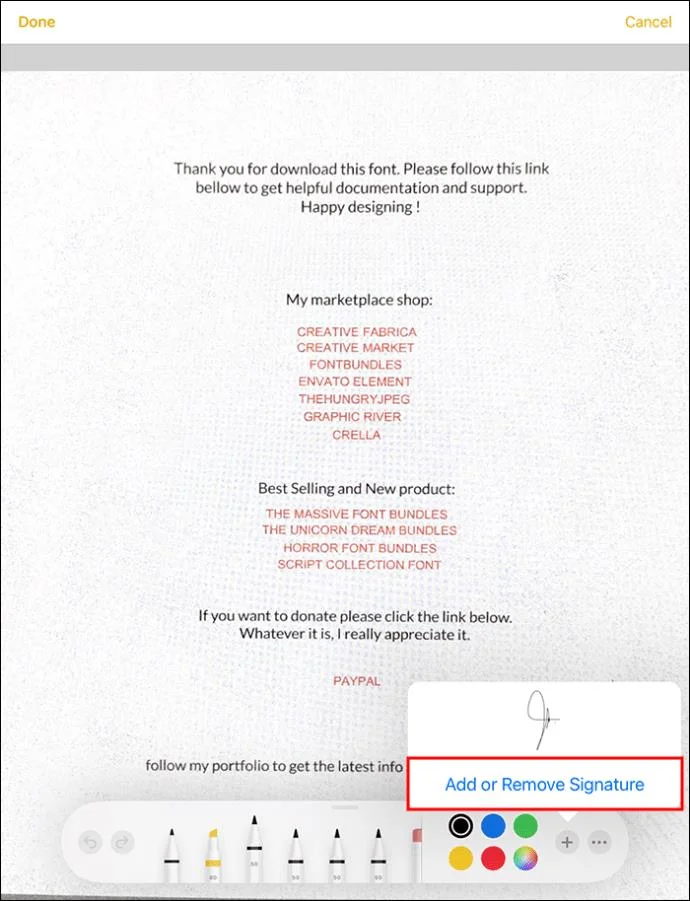
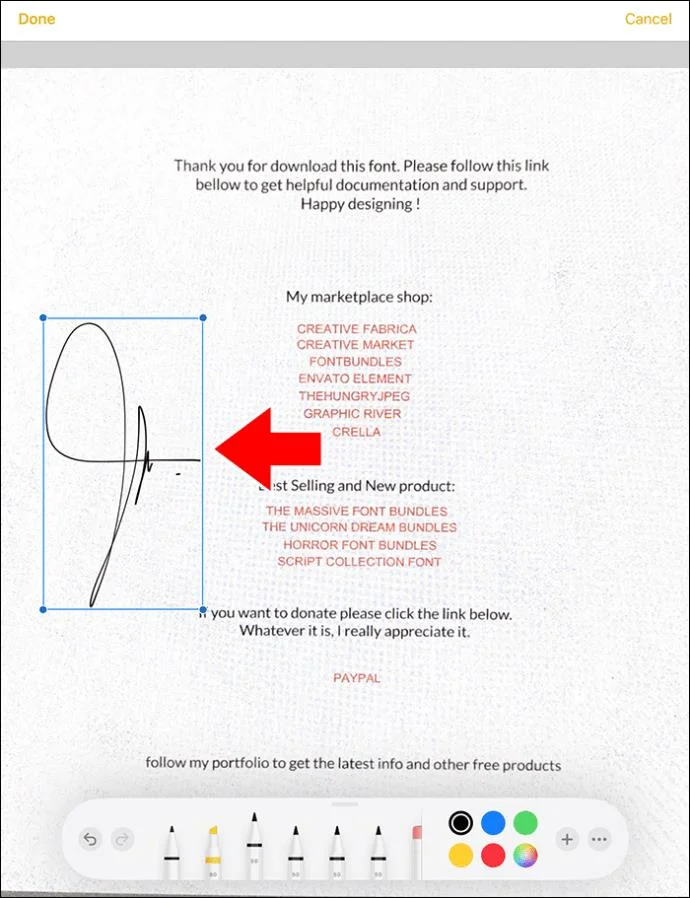
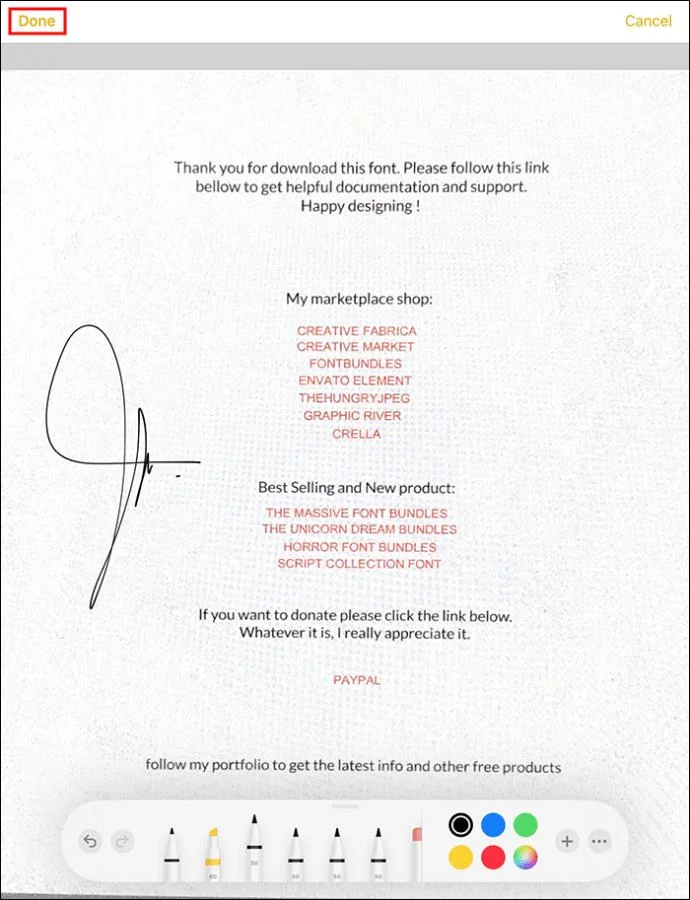
After scanning your Apple notes to prepare them for conversion into PDF, you can add a signature. The people you’ll send the PDF document to will view your signature. You can also leave a blank space for them to add their signature and return the document to you.
Here’s how to sign a document:
How to Create High-Quality Document Scans
You must prepare neat PDF files when scanning crucial office documents or personal records. These will be easier to read and add a professional touch. The following tips can help you improve the appearance of your Apple Note scans:
FAQs
How can I export my Apple notes to iCloud?
You can export your notes to iCloud by enabling the option. Go to “Settings,” choose [your name] to access iCloud, and switch it on. From then on, your notes will enter iCloud automatically and be available on other Apple devices.
Can I share my PDF Apple notes?
You can share the notes you have turned into PDFs in Apple Notes app by tapping the “Share” button. The menu allows you to decide whether to ask people to come and discuss the note or to send each a copy.
Share Apple Notes as PDFs
Exporting your Apple Notes as PDFs is one way to have copies outside of iCloud. Before you export, you can make scanned documents from notes using the iPhone’s camera. Otherwise, you can directly turn your notes into PDFs and choose a storage location on your device. The task is simple regardless of the type of Apple device you take notes with.
Did you try to share your Apple Notes as PDF unsuccessfully? Will you try again after reading this guide? Let us know in the comments section below.
Use a simple 2026 Halloween decorating timeline for indoor décor, outdoor displays, and fresh pumpkins, with practical adjustments for weather and events.
Mix five vivid, approachable Halloween cocktails with measured recipes, simple prep tips, and an alcohol-free option for your party guests.
Find 15 office-friendly Halloween costume ideas for 2026, with practical checks for dress codes, respectful themes, comfort, and workplace safety.
Plan a fun elementary school Halloween party with easy crafts, games, inclusive treats, costume tips, and a sample 75-minute classroom schedule.
Compare realistic side hustles for 2026 by startup cost, fees, flexibility, and income control, with current tax and scam guidance from official sources.
Upgrade your home office ergonomics with current OSHA and NIOSH guidance on chair fit, monitor height, laptop setup, lighting, and movement.
Learn why emotional intelligence matters in leadership, where it helps most, how to strengthen it, and how to tell whether your approach is working.
A practical roadmap for moving into tech without a degree: choose an accessible role, build job-ready skills, prove them with projects, and use hiring feedback to improve.
Build a credible LinkedIn personal brand in 2026 with current profile, content, newsletter, analytics, verification, and visibility guidance from LinkedIn.
Quiet quitting and quiet firing are catchy labels, not diagnoses. Learn what is verified, what depends on context, and what employees and managers can do next.