How to Update Google Chrome Browser

Learn how to update Google Chrome browser on Windows, Mac, and Android in minutes to enjoy better security, speed, and new features. Follow these clear steps.
Need the Chrome Browser App Download for your phone or tablet? Google Chrome delivers fast page loads, built-in password management, and automatic updates that keep your browsing secure. This guide gives precise instructions to download and install the app on Android and iOS without errors.
Chrome stands out because it syncs bookmarks, passwords, and open tabs across all your devices once you sign in with a Google account. The mobile version also includes features like tab grouping and offline reading lists that many other browsers lack. Completing the Chrome Browser App Download from an official source ensures you receive the latest security patches automatically.
Before starting, confirm your device meets the basic requirements: Android 8.0 or newer, or iOS 15.0 or newer. You will also need a stable Wi-Fi connection to avoid data charges during the download.
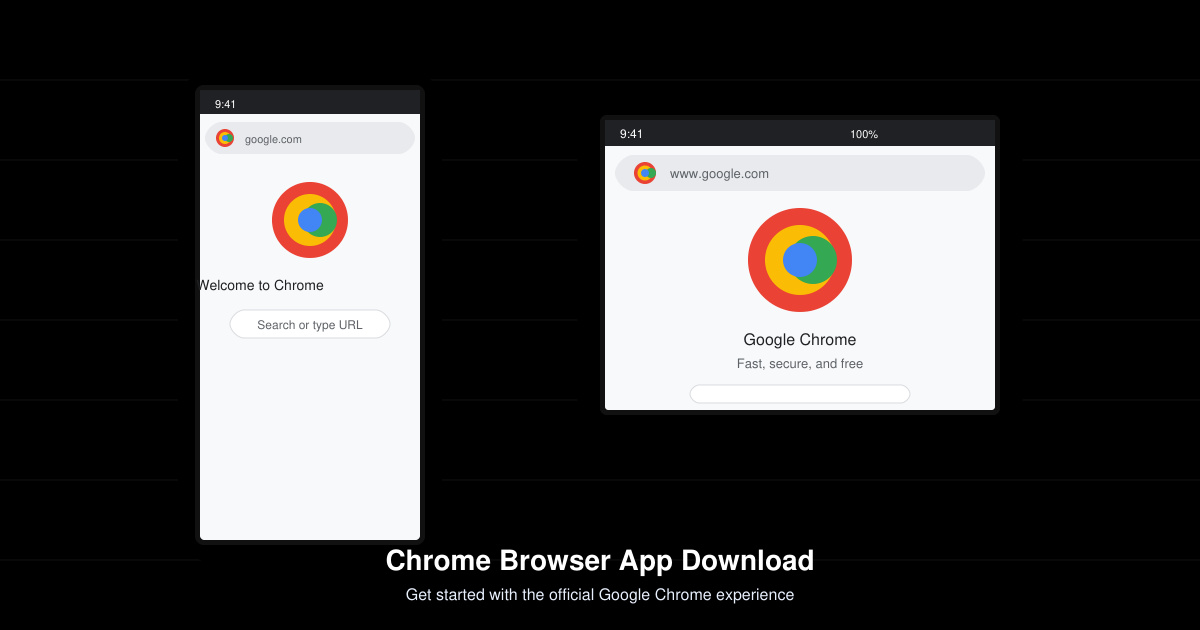
On Android, tap the Google Play Store icon. On iPhone or iPad, open the App Store. Make sure you are signed in with your Google or Apple account so the download can complete without interruptions.
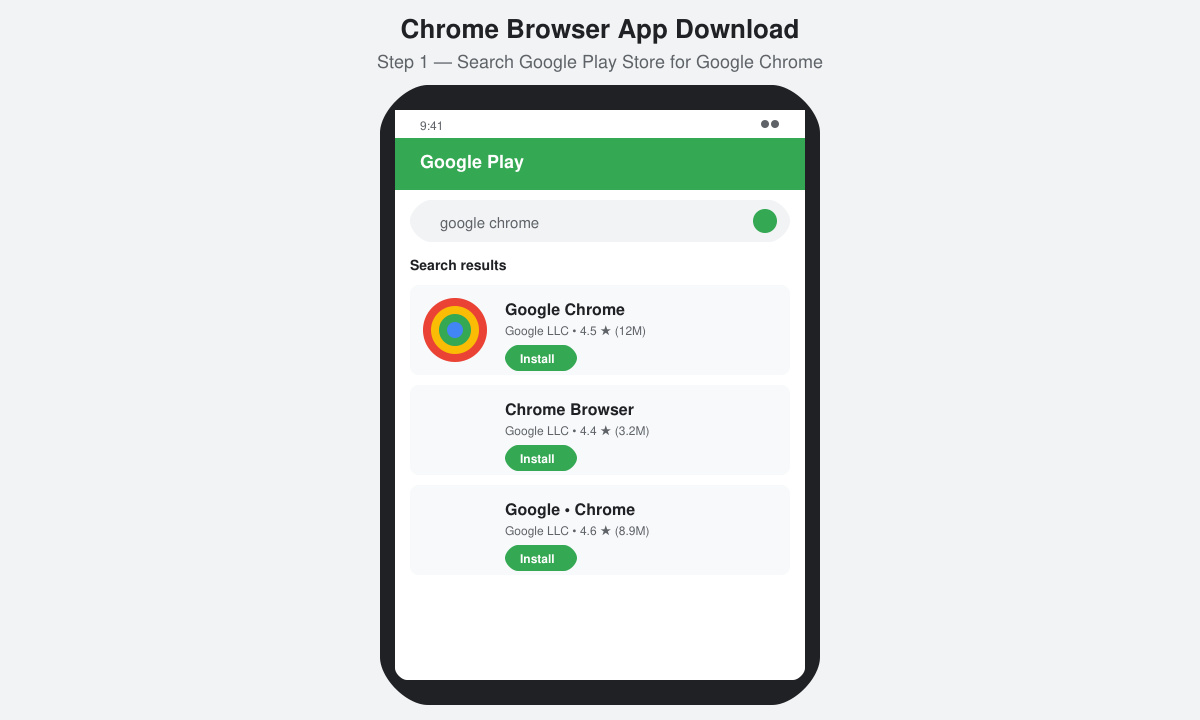
Type "Google Chrome" exactly into the search field at the top. Tap the official listing published by Google LLC. Check that the developer name shows Google LLC and the app has over 10 billion downloads to confirm authenticity.
Tap the green Install button on Android or the Get button on iOS. The download begins immediately and usually finishes within one minute on a normal connection. Do not close the store app while the progress bar is moving.
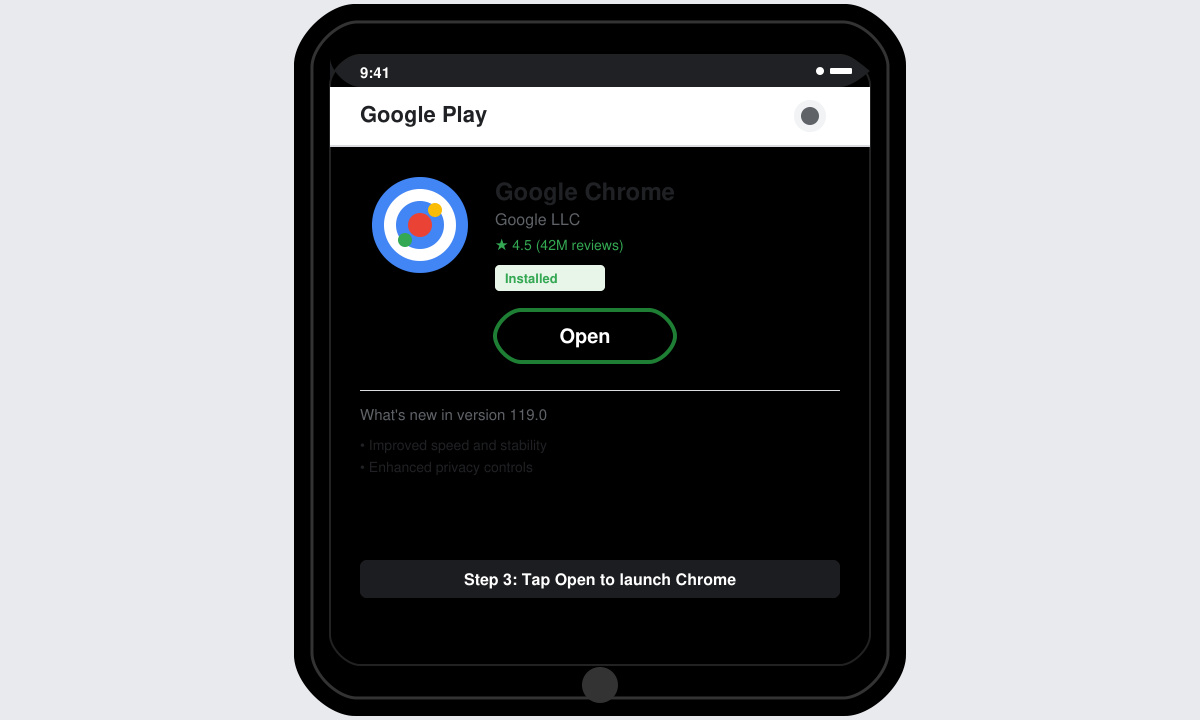
Once installed, tap Open. Sign in with your Google account to enable sync of bookmarks and passwords. Grant the necessary permissions for notifications and storage if prompted.
Yes. Google Chrome is completely free with no in-app purchases required for core browsing features.
Devices running Android 7 or iOS 14 will not receive the current version. Older compatible builds are no longer supported with security updates.
Chrome is optimized for modern devices. Excessive drain usually comes from too many open tabs or heavy extensions—close unused tabs and disable unnecessary extensions to improve battery life.
Following the steps above completes your Chrome Browser App Download quickly and safely from official sources. Once installed, sign in to enjoy full sync and the latest security features across all your devices.
Learn how to update Google Chrome browser on Windows, Mac, and Android in minutes to enjoy better security, speed, and new features. Follow these clear steps.
Learn how to download old media from WhatsApp and recover photos or videos from past chats. Follow these clear steps to save files that no longer appear in your gallery.
Facebook Messenger Isn T Working on your device? Use these exact troubleshooting steps to restore chats, calls, and notifications fast on Android, iOS, or desktop.
How to See Deleted WhatsApp Messages using your phone's built-in tools. Follow these exact steps to recover messages that contacts have deleted from chats.
Learn how to clear browser history in Chrome on desktop and Android with this exact step-by-step process. Keep your browsing private and free up storage space quickly.
Master how to use CapCut with this practical walkthrough covering project setup, editing tools, effects, and export options for high-quality video results.
Get the latest WhatsApp App Update Download from official sources to access new features and security improvements. Follow these clear steps for Android and iOS devices.
Learn how to safely Download WhatsApp App for Android from the official Google Play Store. Follow our clear step-by-step instructions to install the latest version quickly and securely.
Google Download WhatsApp App safely through the Google Play Store with this clear guide. Get the official version on your Android device quickly and avoid fake downloads.
Facebook and Messenger not working can disrupt your day. Follow these targeted fixes to restore access quickly on mobile and desktop.








