Connect Gmail or Microsoft 365 to Nextcloud Mail Using OAuth2
Set up OAuth2 for Nextcloud Mail with Gmail or Microsoft 365, verify receiving and sending, and resolve common consent and SMTP failures.
To connect Gmail or Microsoft 365 to Nextcloud Mail with OAuth2, register a web application with the mail provider, copy Nextcloud Mail’s redirect URI into that registration, and save the client ID and secret under Nextcloud’s Groupware administration settings. Then connect the mailbox in Mail and approve the provider’s sign-in prompt. A working setup must both load incoming messages and send a test message—not merely display a successful authorization screen.
Nextcloud Mail uses IMAP to read messages and SMTP to send them. OAuth2 obtains permission from the identity provider; XOAUTH2 is the mechanism the mail client uses to present an access token to these mail services. It does not turn the Nextcloud login into a universal single sign-on for every mail server.
Nextcloud’s current administration documentation describes dedicated Gmail OAuth and Microsoft Outlook XOAUTH2 integrations. Microsoft support was added in Mail 3.0.0; menu wording may vary with Mail and Nextcloud releases. This walkthrough is based on the Nextcloud 35 Mail administration manual, current as checked in October 2026.
Important limit: a custom IMAP provider that accepts OAuth2 is not automatically supported by Nextcloud Mail’s Gmail/Microsoft configuration screens. The Nextcloud Mail feature request for generic OAuth2 providers documents this distinction. For another provider, check your exact Mail release and its supported authentication methods rather than entering unrelated Google or Microsoft credentials.
https://mail.google.com/, a broad restricted scope subject to Google’s user-data and verification policies. The administrator must determine whether the proposed use can meet those requirements.Google documents the web-server registration flow in its OAuth2 web application instructions and the specific Gmail XOAUTH2 scope and protocol. A test configuration is useful for initial validation, but an external OAuth application left in Testing generally receives refresh tokens that expire after seven days when requesting Gmail mail access. See Google’s token-expiration guidance. Repeated weekly reauthorization can therefore indicate a publishing-state limitation rather than a broken IMAP password.
IMAP.AccessAsUser.All and SMTP.Send scopes as well as offline_access for refresh tokens. Do not confuse these protocol permissions with Microsoft Graph Mail.Read/Mail.Send permissions.For registration details, consult Microsoft’s app registration documentation and Exchange Online’s IMAP/SMTP OAuth instructions. Nextcloud’s documented general-purpose setup leaves the tenant field at common. A tenant-specific value or narrower supported audience should be used only when the administrator has verified the associated account-type and policy changes.
In the Nextcloud Mail account form, a recognized Google endpoint with OAuth configured can show Sign in with Google, and the Microsoft equivalent can show Sign in with Microsoft. The live Nextcloud Mail account form source documents these conditional labels. The presence of the provider-specific button is a useful early sign that Nextcloud has recognized the intended integration, but it does not prove that authorization or mailbox access has completed.
| Observed result | What to check next |
|---|---|
Google reports redirect_uri_mismatch, or Microsoft rejects the reply URL. | Compare the provider’s registered Web redirect with the precise URI displayed in Nextcloud Groupware. Correct the HTTPS origin, reverse-proxy URL, path, and trailing slash as needed. |
| The consent screen denies access. | Check the Google OAuth audience, test-user list, restricted-scope verification, or Microsoft tenant consent and Conditional Access policies. Do not bypass organization policy to finish setup. |
| The provider pop-up says the account is connected but Mail remains stuck or empty. | Return to Mail, refresh the account, inspect Nextcloud logs, and confirm the user has a connected account. A callback message alone is insufficient evidence: a July 2026 Nextcloud issue describes provider errors not being reflected accurately in a success screen in affected versions. |
| Messages arrive, but sending fails in Microsoft 365. | Check mailbox and tenant Authenticated SMTP settings and mail transport authorization. Exchange Online may disable SMTP AUTH independently of successful OAuth consent; assess the security impact before requesting a mailbox-level exception. |
| A previously working connection requires authorization again. | Check client-secret expiration, revoked user consent, refresh-token status, and, for Google, an OAuth app still in Testing. Rotate an expired secret through the provider and Nextcloud settings before reconnecting. |
Microsoft explains the SMTP AUTH control, including the per-mailbox override, in its Exchange Online SMTP AUTH documentation. Avoid globally weakening mail security just to make one mailbox work; if policy prohibits the protocol, use an approved mail client or organization-supported workflow instead.
If the inbox still fails to synchronize, Nextcloud documents occ mail:account:export to find the mail account ID and occ mail:account:sync -vvv ACCOUNT_ID for targeted troubleshooting. Its Groupware troubleshooting manual also explains per-account IMAP/SMTP debug logging and warns that logs may contain sensitive information. Capture only what is needed, redact tokens and addresses before sharing, and turn verbose debugging off afterward.
The setup is ready for use when provider consent completes, Mail can retrieve current messages, outgoing mail reaches its destination, and the connection stays usable without repeated authorization prompts. If any one of those checks fails, troubleshoot that specific stage instead of recreating the entire OAuth application immediately.
Set up OAuth2 for Nextcloud Mail with Gmail or Microsoft 365, verify receiving and sending, and resolve common consent and SMTP failures.
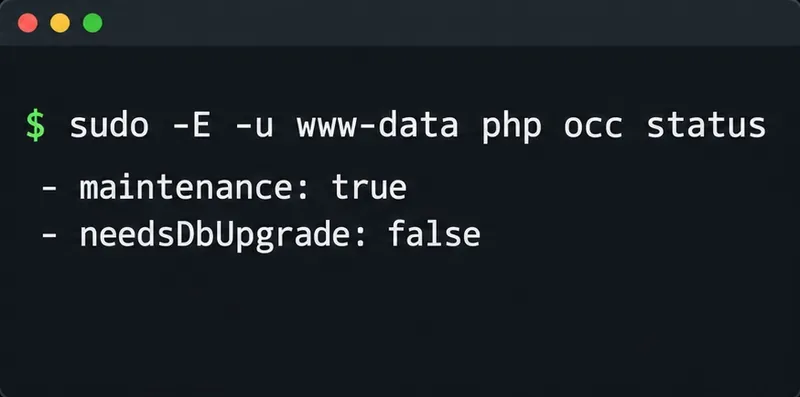
Use OCC to restore Nextcloud access, verify database migration status, and choose the right command for archive, Docker, or Snap installs.
Connect Nextcloud to LDAP or Active Directory, limit access with user and group filters, and verify secure authentication before rollout.
Enable a supported 2FA provider, prepare account recovery, then require two-factor authentication for everyone or selected Nextcloud groups.
Secure files edited in Collabora CODE by encrypting the storage layer, protecting temporary data, and verifying encryption and recovery.
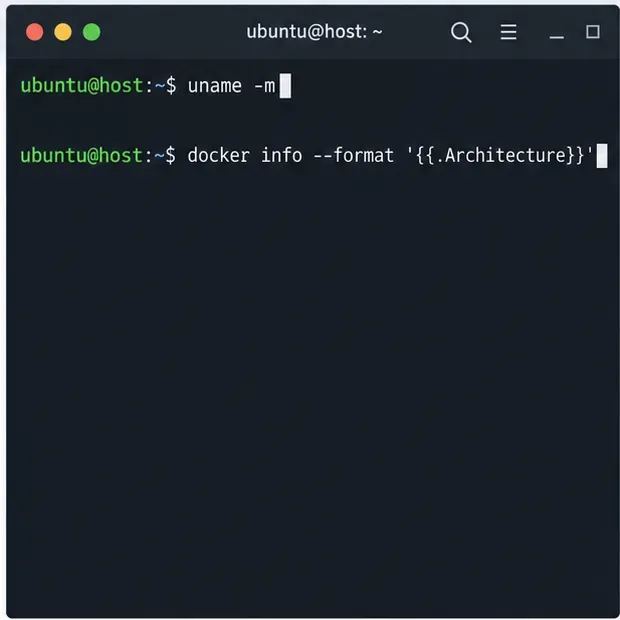
Check your host architecture, confirm the CODE tag publishes ARM64, remove forced AMD64 settings, and separate image errors from permissions or memory issues.
Set up the WOPI connection between Collabora Online and ownCloud Infinite Scale, configure the right service URLs, and verify document edits save.
Prevent document exports in Collabora Online CODE by setting the WOPI DisableExport permission, then verify the host and editor enforce it.
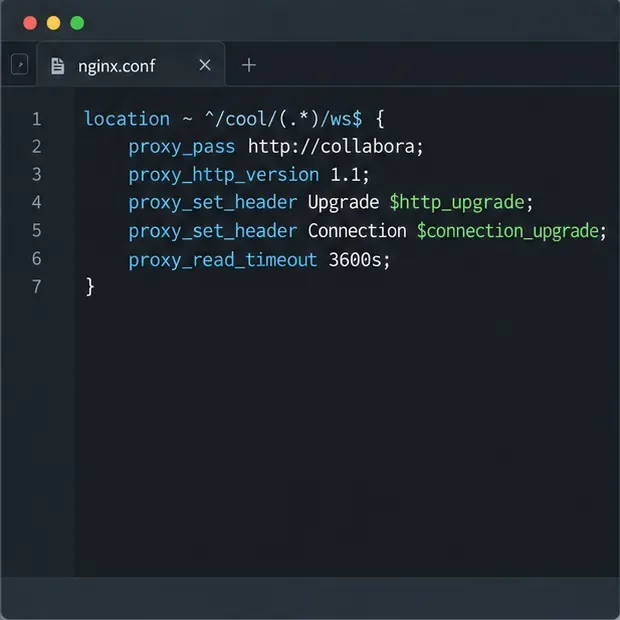
Configure Nginx TLS termination, Collabora routes, and WebSocket headers, then test the public endpoints before opening real documents.
Trace a 10-minute CODE disconnect to its proxy, load balancer, or WebSocket path, then correct the timeout and verify the session stays connected.