How to Update Google Chrome Browser

Learn how to update Google Chrome browser on Windows, Mac, and Android in minutes to enjoy better security, speed, and new features. Follow these clear steps.
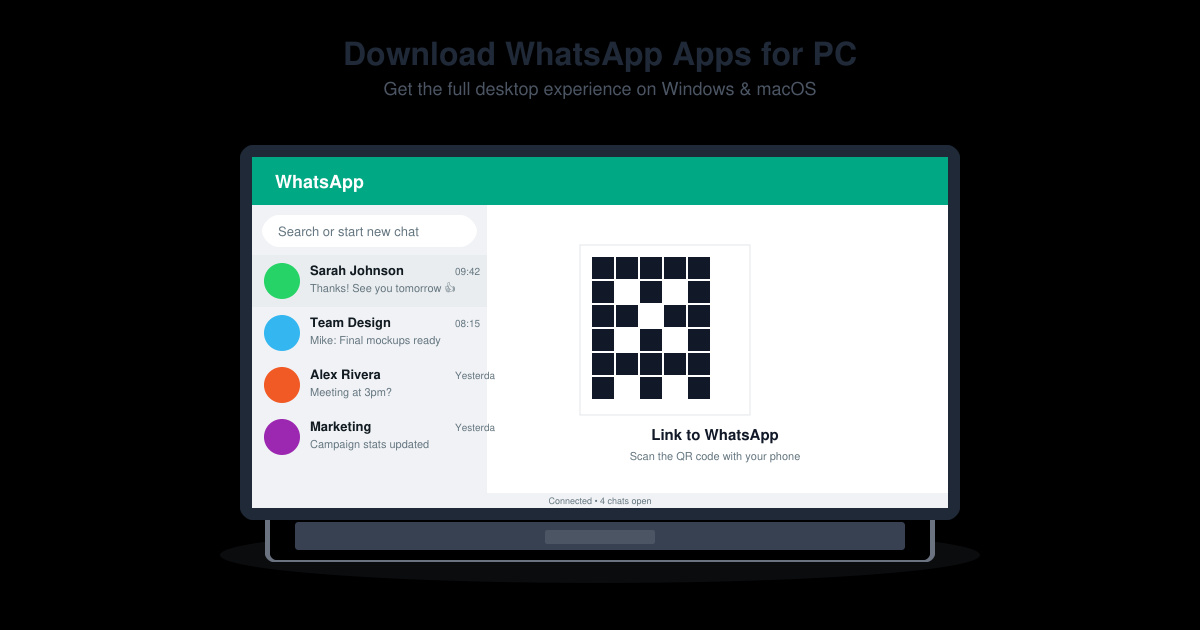
Many users want to Download WhatsApp Apps for PC so they can manage chats from a full keyboard and larger screen. The official desktop application provides the same end-to-end encryption and features found on mobile while keeping your phone connected in the background. This guide walks through the exact process to obtain and run the app on Windows or macOS.
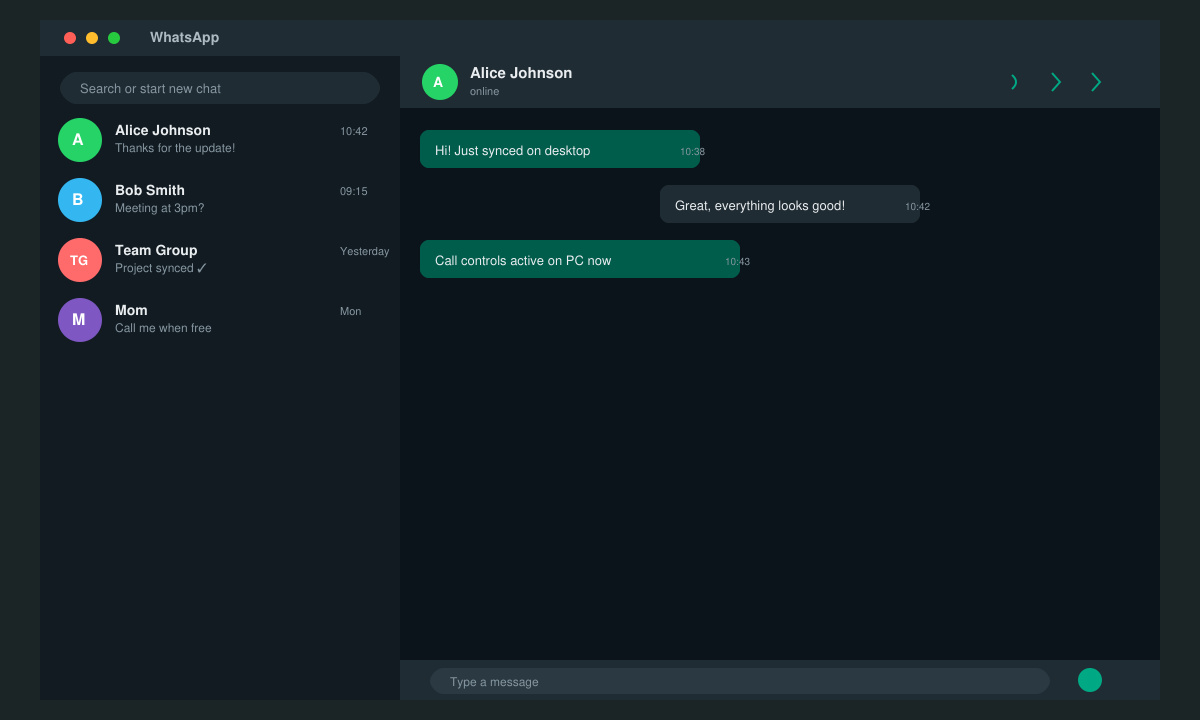
Running WhatsApp on a computer lets you type longer messages faster, drag and drop files, and keep conversations visible while working on other tasks. The desktop version mirrors your phone chats in real time and supports voice and video calls through your computer’s microphone and camera. Before starting, confirm your phone runs Android 5.0 or later or iOS 12.0 or later, and that you have a stable internet connection on both devices.
The desktop app is available for Windows 10 and 11 as well as macOS 10.15 and newer. A web version also exists for browsers, but the dedicated application offers better performance and notifications.
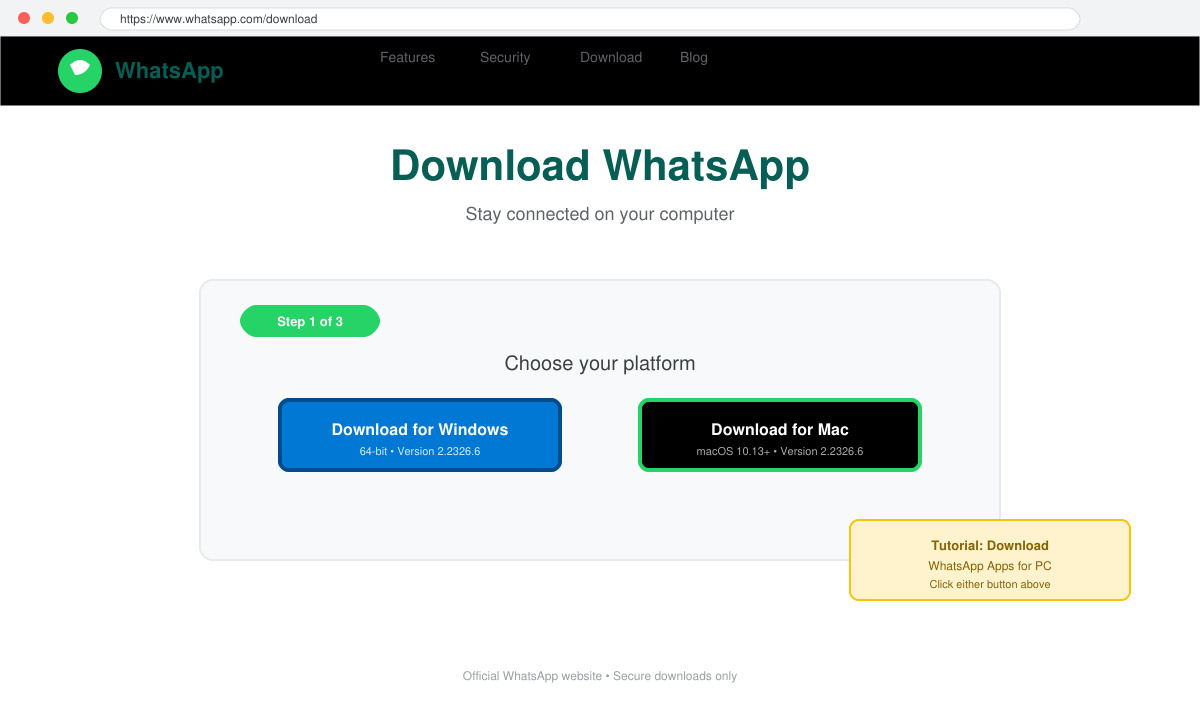
Open your browser and navigate to the WhatsApp website. Click the green “Download for Windows” or “Download for Mac” button depending on your operating system. The file name will be WhatsAppSetup.exe on Windows or WhatsApp.dmg on macOS.
Locate the downloaded file in your Downloads folder. Double-click WhatsAppSetup.exe on Windows or open the DMG file on macOS and drag the WhatsApp icon into the Applications folder. Allow the installer through any firewall prompts that appear.
Launch the newly installed WhatsApp desktop application. A QR code appears on screen. Open WhatsApp on your phone, go to Settings > Linked Devices > Link a Device, and scan the QR code with your phone camera. The chats will sync within seconds.
If prompted, allow microphone, camera, and notification access in your operating system settings. Choose your preferred startup behavior so the app launches automatically or stays in the system tray. Your phone must remain connected to the internet for the desktop app to stay active.
No. The desktop app requires your phone to stay online and connected via the linked device feature. Once the phone goes offline for an extended period, the desktop session ends.
Yes. The desktop app runs as a standalone program with native notifications and better resource handling, while WhatsApp Web operates inside a browser tab and closes when the tab is closed.
You can link up to four companion devices simultaneously in addition to your primary phone. Each linked device appears in the Linked Devices list on your phone for easy management and removal.
Following the steps above lets you Download WhatsApp Apps for PC quickly and securely using only the official source. Once installed, the desktop experience mirrors your mobile chats without extra accounts or complicated setup.
Learn how to update Google Chrome browser on Windows, Mac, and Android in minutes to enjoy better security, speed, and new features. Follow these clear steps.
Learn how to download old media from WhatsApp and recover photos or videos from past chats. Follow these clear steps to save files that no longer appear in your gallery.
Facebook Messenger Isn T Working on your device? Use these exact troubleshooting steps to restore chats, calls, and notifications fast on Android, iOS, or desktop.
How to See Deleted WhatsApp Messages using your phone's built-in tools. Follow these exact steps to recover messages that contacts have deleted from chats.
Learn how to clear browser history in Chrome on desktop and Android with this exact step-by-step process. Keep your browsing private and free up storage space quickly.
Master how to use CapCut with this practical walkthrough covering project setup, editing tools, effects, and export options for high-quality video results.
Get the latest WhatsApp App Update Download from official sources to access new features and security improvements. Follow these clear steps for Android and iOS devices.
Learn how to safely Download WhatsApp App for Android from the official Google Play Store. Follow our clear step-by-step instructions to install the latest version quickly and securely.
Google Download WhatsApp App safely through the Google Play Store with this clear guide. Get the official version on your Android device quickly and avoid fake downloads.
Facebook and Messenger not working can disrupt your day. Follow these targeted fixes to restore access quickly on mobile and desktop.








