Rebuild a Corrupted Zimbra Mailbox Search Index
Restore mailbox search by checking index storage, running a targeted Zimbra reindex, and verifying results when it completes.
For a Zimbra ActiveSync connection error on iOS, first confirm that your account is allowed to use Mobile Sync, then use the exact mail-server hostname covered by its valid HTTPS certificate. On the iPhone, add the account as Microsoft Exchange; if automatic sign-in fails, enter the server details supplied by your Zimbra administrator. A successful webmail login alone does not prove that ActiveSync is enabled or reachable.
Start with two quick tests. Open your organization’s Zimbra webmail address in Safari and sign in with the same email address and password. Then try the iPhone setup once on Wi-Fi and, if available, once on cellular data. If webmail also fails, resolve the password, account, or general network problem first. If webmail works but Exchange setup fails on both networks, the issue is more likely to involve the ActiveSync service, the server name, the certificate, or an account policy.
Record the exact iOS message and when the problem began. A new failure after a password change points toward stale credentials; a failure that affects several users at once points toward a server, certificate, DNS, or network change. Don’t repeatedly retry a password that may be wrong, since your organization may lock accounts after failed attempts.
Current iOS versions place the account setup under Settings > Apps > Mail > Mail Accounts. Tap Add Account, choose Microsoft Exchange, enter the full Zimbra email address, and continue. The exact labels can vary slightly by iOS release.
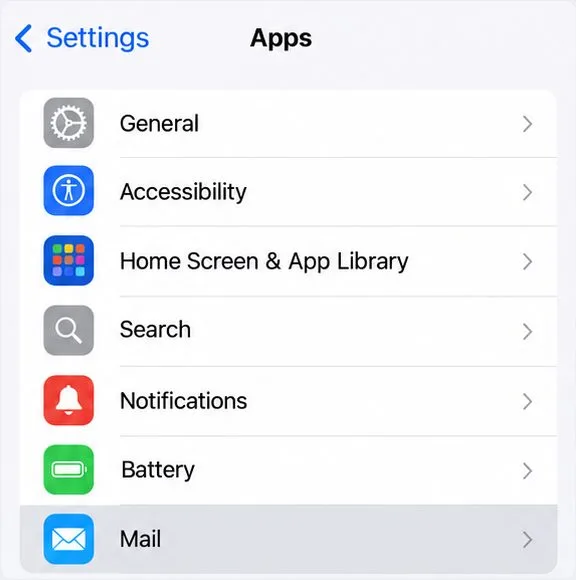
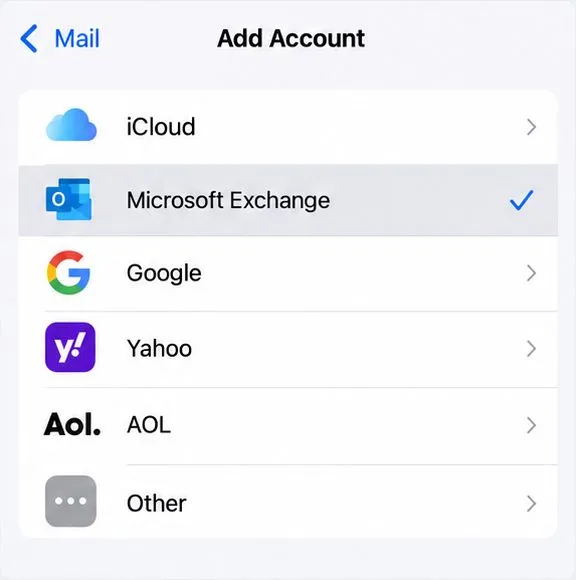
Try Sign In first if iOS offers automatic discovery. If that fails, use Configure Manually and enter the information from your administrator. Zimbra’s iPhone instructions identify the full email address and Zimbra password as core fields; if the device asks for a domain, Zimbra’s published setup guide says to leave it blank unless your administrator specifies one. Use the username format your organization requires—often the full email address, but not universally.
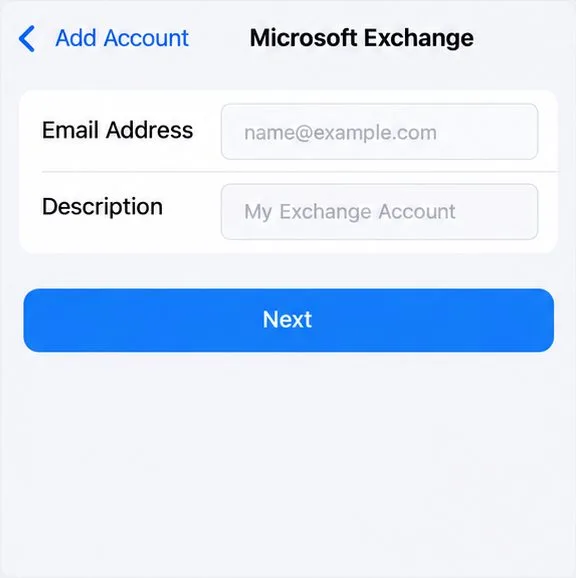
For Server, use the public fully qualified hostname provided by your administrator, such as mail.example.com. Do not substitute an IP address, an internal-only hostname, or a guessed autodiscover name. The hostname should be the same name users use to reach the organization’s mail service and should match the certificate presented by that HTTPS endpoint. Keep SSL enabled; accepting an unexpected certificate warning or disabling encryption can expose credentials and does not correct a hostname mismatch.
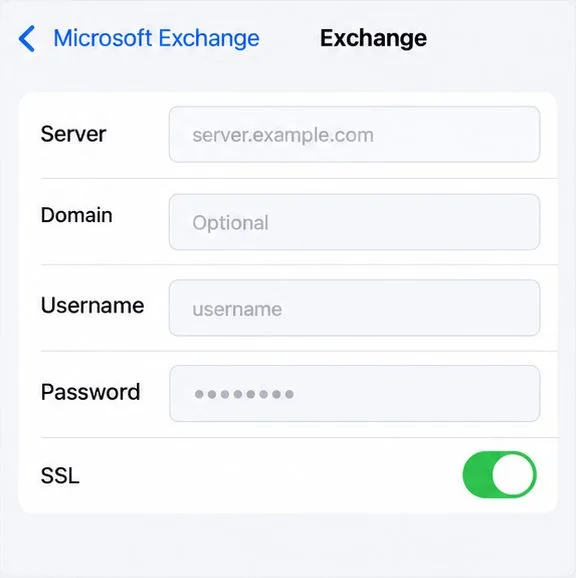
If the account is already on the phone, first open Settings > Apps > Mail > Mail Accounts, select the Exchange account, and correct only the field that is wrong. Check the server name, username, password, and which data types are enabled. A password change at work may require the new password on the device, or a separate mobile password if your organization uses one.
Remove and re-add the account only when the saved settings are clearly wrong or the profile cannot be edited. Before deleting it, confirm that contacts and calendar items stored only on the iPhone are backed up or saved elsewhere. Zimbra warns that creating an ActiveSync account can affect existing local contacts; choosing to keep local contacts can also create duplicates. After adding the account again, select the Mail, Contacts, and Calendars switches you actually need and allow the initial sync to finish before judging it.
Ask the administrator to confirm that the deployed Zimbra edition and Mobile Sync implementation support ActiveSync, that the account’s Class of Service or account-level settings allow mobile synchronization, and that the account is not blocked by a device policy. Zimbra’s older documentation describes Mobile Sync as a Network Edition feature and shows it being enabled through the Class of Service or account. The exact console tab and licensing depend on the Zimbra release and any installed mobile-sync module, so the administrator should follow documentation for the server actually in use rather than assume every console has the same labels.
If several iPhones fail, the administrator should check DNS resolution for the public mail hostname, the HTTPS certificate’s validity and name, and whether the reverse proxy, firewall, or load balancer forwards ActiveSync traffic to the correct Zimbra service. If automatic setup fails but manual setup works, autodiscover records or their certificate may be the narrower problem. Zimbra’s troubleshooting material identifies disabled EAS/Mobile Sync as one reason autodiscover tests can fail. The mailbox and proxy logs can help establish whether a connection reaches Zimbra and whether it is rejected during authentication or policy checks.
Do not change server-wide settings or enable mobile access for an entire Class of Service just to test one phone. Ask the administrator to check the affected account first; a broad change can grant mobile access to more users than intended.
iOS should finish account verification without a connection or certificate error, and the account should appear under Mail Accounts with the requested sync categories enabled. Send a test message to the mailbox and confirm that it appears on the iPhone; then create or update a calendar item if calendar sync is enabled. A working Mail connection with missing contacts or calendars usually means those categories are switched off or restricted by policy, not that the server connection is still broken.
If the same error remains after confirming the hostname and credentials, send the administrator the exact message, iOS version, whether webmail works, whether Wi-Fi and cellular behave differently, and whether other users are affected. That evidence helps distinguish a device profile problem from a certificate, DNS, account entitlement, or server-side outage.
Restore mailbox search by checking index storage, running a targeted Zimbra reindex, and verifying results when it completes.
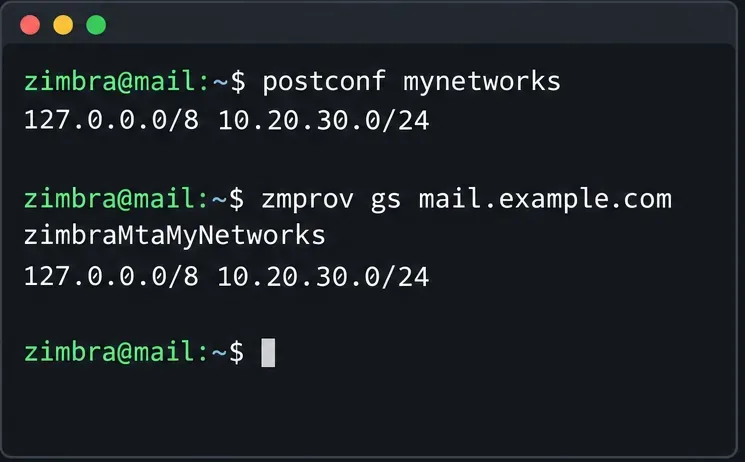
Narrow Zimbra’s trusted relay networks safely, preserve required local addresses, and verify that only approved IPs can relay without SMTP authentication.
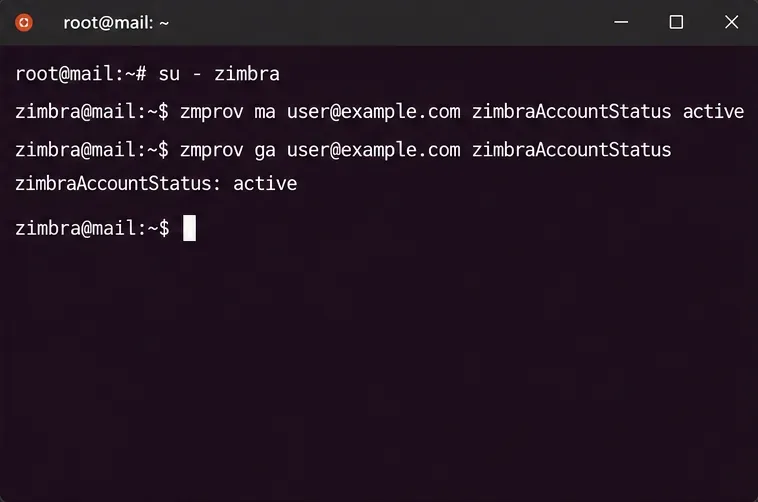
Diagnose Zimbra account lockouts, check authentication logs, safely reactivate a mailbox, and stop repeated failed sign-ins without disabling protection.
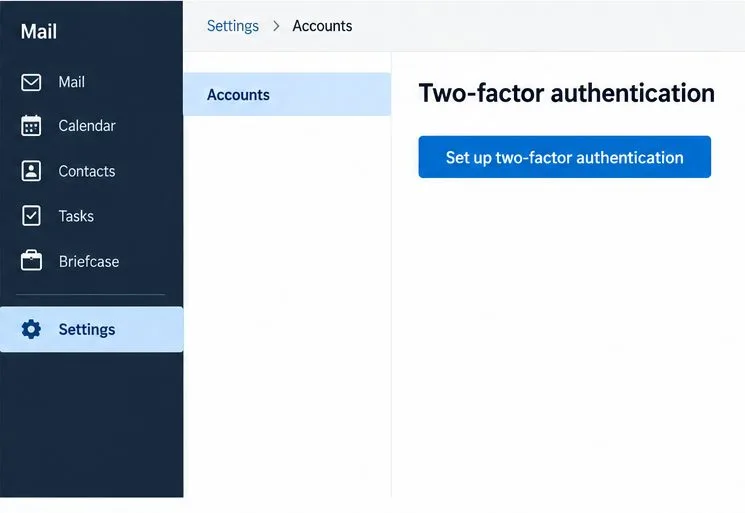
Enable Zimbra two-factor authentication for administrator accounts, choose an enrollment policy, and verify Web Client setup before relying on the second factor.
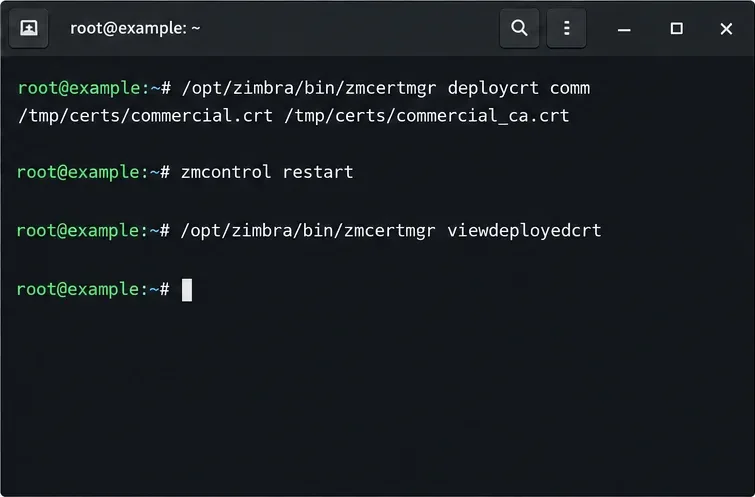
Prepare the matching key and CA chain, verify the certificate with zmcertmgr, and deploy it on Zimbra with a service and hostname check.
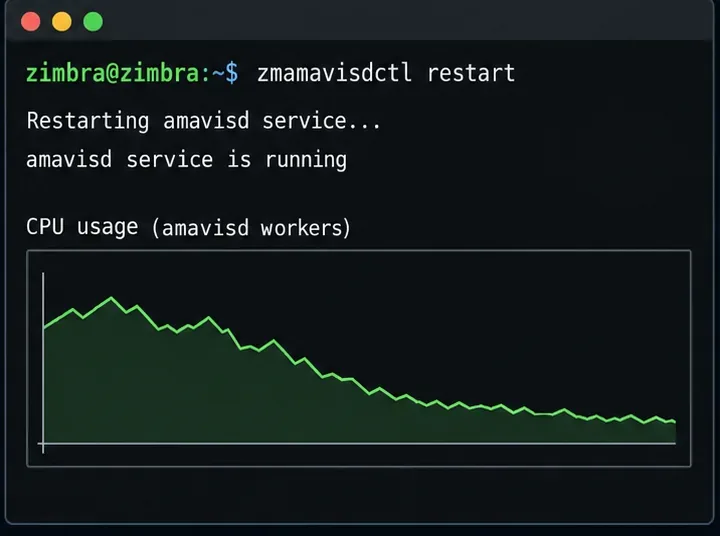
Trace high Amavis CPU to a stuck scan, inspect Zimbra logs and queues, and recover mail filtering safely with release-aware checks.
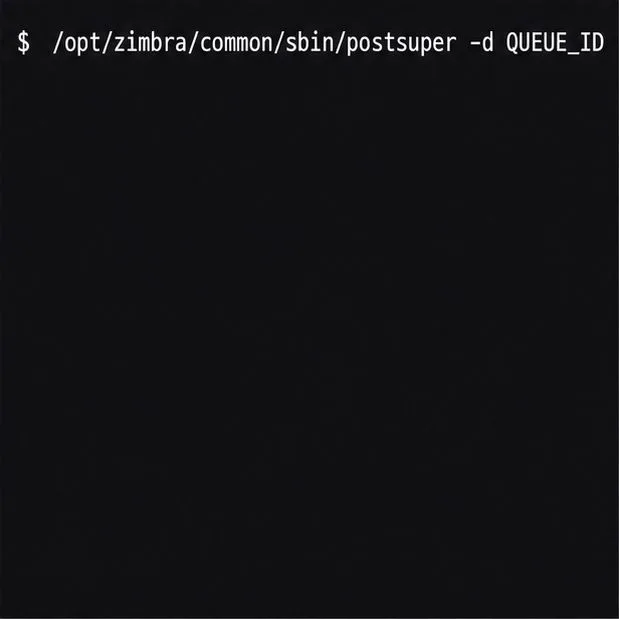
Inspect the Zimbra Postfix queue, fix the cause of delayed delivery, and safely request a retry. Learn when to remove a specific message and what never to purge blindly.
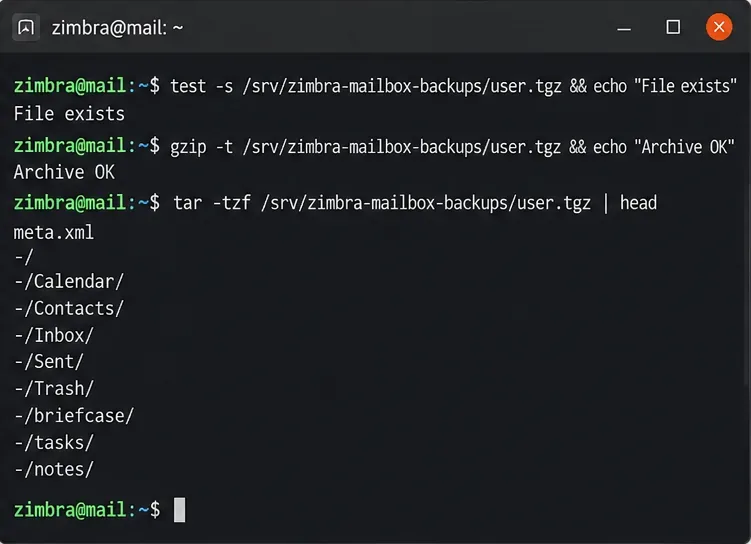
Export an individual Zimbra Community Edition mailbox, validate its TGZ backup, and restore missing items without overwriting existing mail.
Plan your Art Basel Miami visit with this 5-step guide to ticket prices, transit, and dining costs, calculating a realistic daily budget of $145 to $550.