Rebuild a Corrupted Zimbra Mailbox Search Index
Restore mailbox search by checking index storage, running a targeted Zimbra reindex, and verifying results when it completes.
A Zimbra MTA can grant unauthenticated outbound relay to selected source IP addresses by narrowing its Postfix trusted-network list, zimbraMtaMyNetworks. In the hypothetical example below, “Pine Ridge Analytics” wants one alerting host to relay email without SMTP authentication; its administrator keeps the required local addresses, removes an overly broad LAN range, and verifies the change from both an approved and an unapproved source.
This setting controls trusted relay access. It does not block Zimbra users who authenticate with SMTP from sending mail; authenticated relay is a separate permitted path. If the goal is to restrict every account or SMTP AUTH user, use a separate account or submission policy as well.
First identify every Zimbra MTA that accepts SMTP from applications, printers, monitoring agents, or other servers. For this example, Pine Ridge has an MTA named mail.example.com, an interface at 10.20.30.10, and an alerting host whose example address is 192.0.2.44. The current trusted list includes 10.20.30.0/24, which trusts every host in that subnet. The example address 192.0.2.44 is reserved for documentation; replace it with the real, stable address of your relay host.
Run the inspection commands as the zimbra user on the relevant MTA:
su - zimbra
zmprov gs mail.example.com zimbraMtaMyNetworks
zmprov gcf zimbraMtaMyNetworks
postconf mynetworks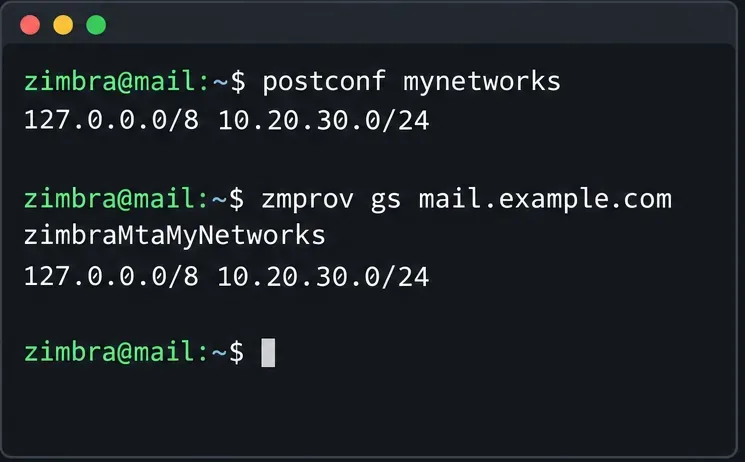
The first command reads the server-level value, the second reads the global value, and postconf shows the effective Postfix setting. Zimbra’s administrator guide says a server-level trusted-network setting overrides the global one. Save these outputs before editing. If the server-level value is empty, check what it inherits from global configuration and the active Postfix default instead of assuming there are no trusted clients.
For Pine Ridge’s example, the administrator has confirmed that the only required unauthenticated relay sources are loopback, the Zimbra MTA itself, and the alerting host. The desired list therefore uses 127.0.0.0/8, the MTA’s individual interface address as 10.20.30.10/32, and the alerting host as 192.0.2.44/32:
zmprov ms mail.example.com zimbraMtaMyNetworks "127.0.0.0/8 10.20.30.10/32 192.0.2.44/32"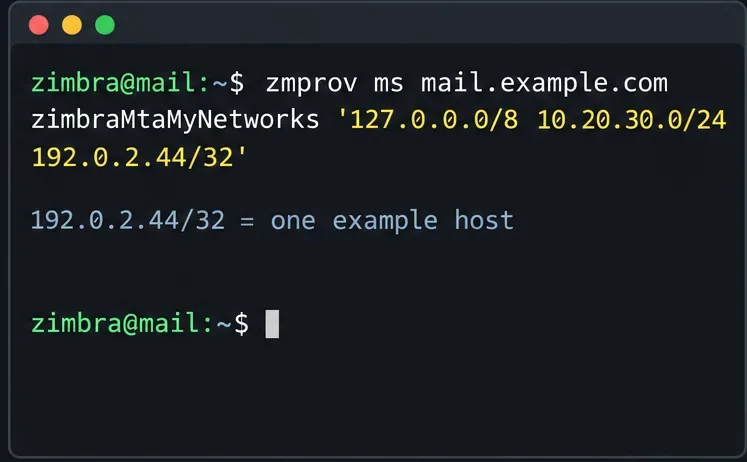
Use the real Zimbra hostname and actual addresses in your environment. A /32 IPv4 mask matches one address; a broader mask such as /24 trusts an entire 256-address block. The command sets the complete server-level value; it does not append to the previous list. Keep localhost, the MTA’s own interface addresses, and every other specifically approved relay host the server requires. Remove a broad subnet only after confirming that no legitimate unauthenticated application still depends on it. Don’t add a large public range or a subnet you do not control: every matching IP can gain relay privileges without SMTP credentials.
For multiple MTAs, make the intended list on each receiving server explicit and consistent, or configure it at global scope if all MTAs should share it. A server-specific setting overrides the global list, so compare both before and after the change.
Zimbra’s documentation marks this attribute as requiring an MTA restart; its Tech Center also documents restarting the MTA after changing trusted networks. Schedule the brief service interruption appropriately, then run:
zmmtactl restart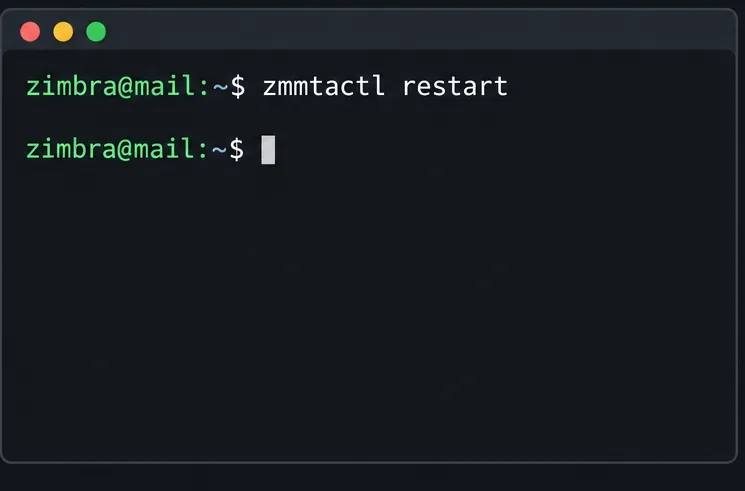
Test from the approved relay host and from an external host that is not listed, using a controlled external recipient. If you use a test client such as swaks, stop at the recipient stage so the test does not send a message:
swaks --server mail.example.com --from probe@example.net --to controlled-test@example.org --quit-after RCPTRun the same test from both source networks without SMTP authentication, typically against the unauthenticated SMTP service on port 25. The approved host should be allowed to relay; the unlisted host should receive a relay denial for the external recipient. A client that authenticates successfully can still be allowed to relay, so test without credentials when checking the IP-based rule. Also verify the real application can send through the MTA after the change.
On the MTA, compare the active Postfix list with the intended Zimbra value:
zmprov gs mail.example.com zimbraMtaMyNetworks
postconf mynetworks
zmcontrol status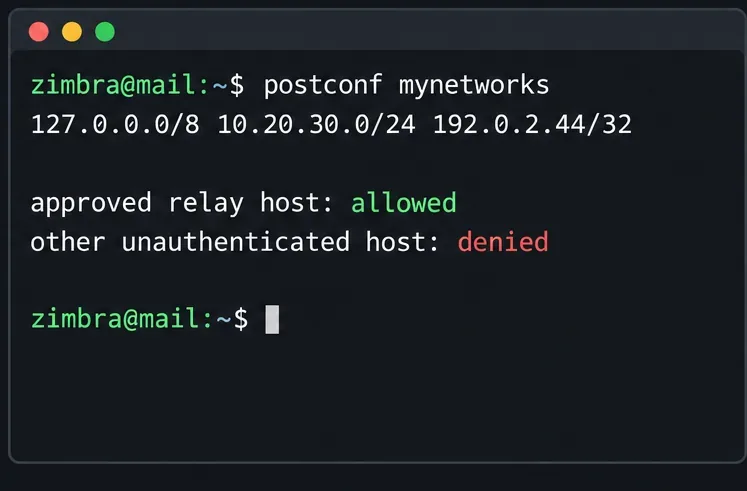
For Pine Ridge’s example, the checks should show only the reviewed loopback, MTA interface, and alerting-host entries. Check /var/log/zimbra.log while performing the two tests: the approved unauthenticated connection should proceed, while the unlisted one should be rejected as relay access denied. Confirm that ordinary authenticated users can still submit mail if that is part of your policy. If any legitimate source fails, restore the saved list or add only that source’s stable host address, then retest.
mynetworks defines authorized client networks.Restore mailbox search by checking index storage, running a targeted Zimbra reindex, and verifying results when it completes.
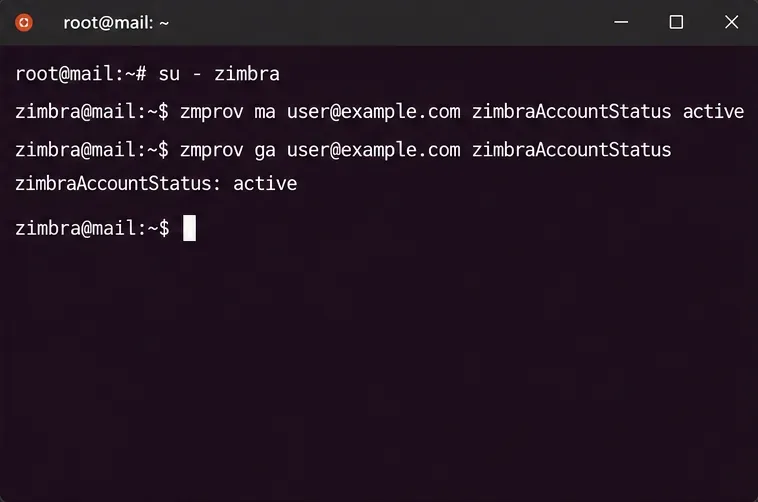
Diagnose Zimbra account lockouts, check authentication logs, safely reactivate a mailbox, and stop repeated failed sign-ins without disabling protection.
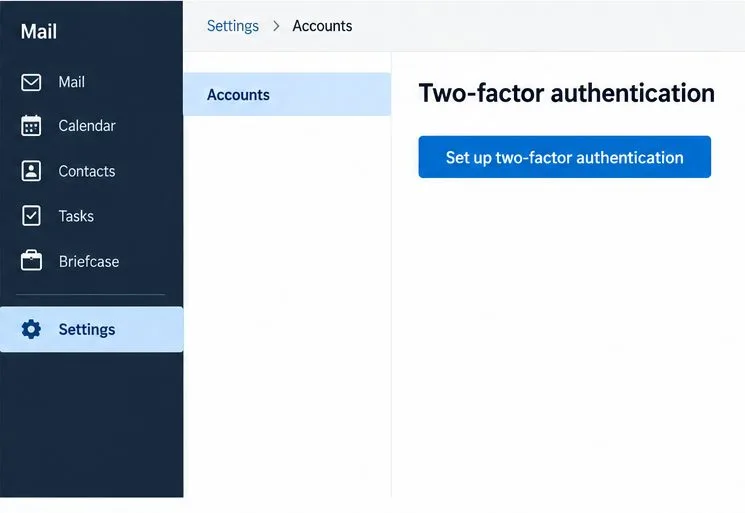
Enable Zimbra two-factor authentication for administrator accounts, choose an enrollment policy, and verify Web Client setup before relying on the second factor.
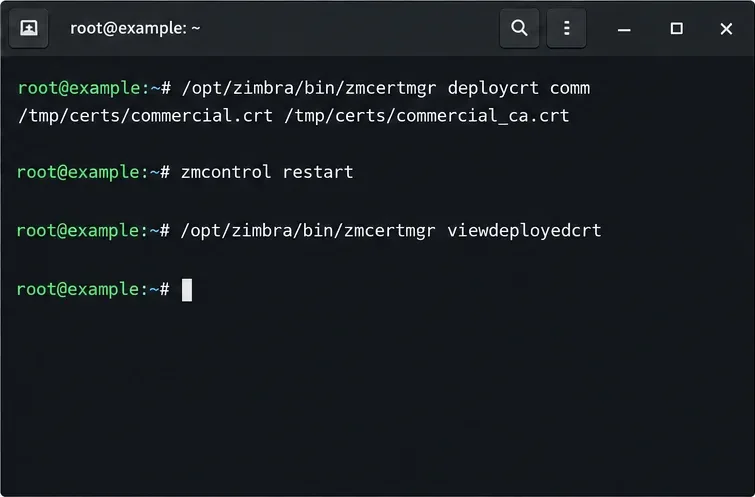
Prepare the matching key and CA chain, verify the certificate with zmcertmgr, and deploy it on Zimbra with a service and hostname check.
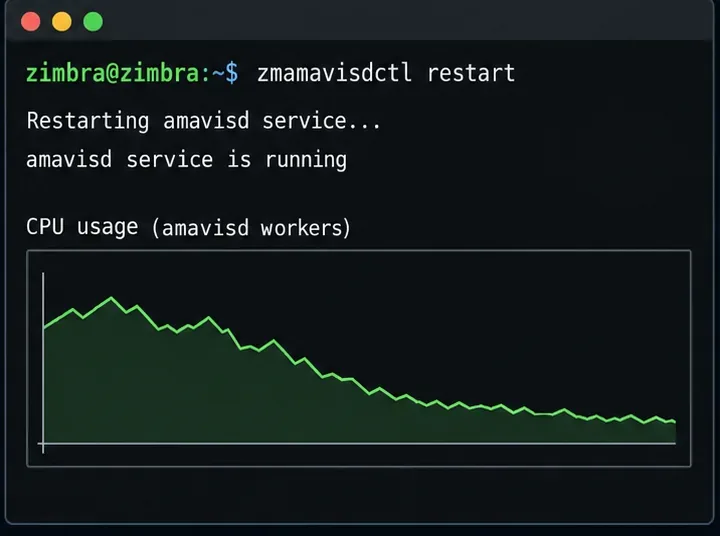
Trace high Amavis CPU to a stuck scan, inspect Zimbra logs and queues, and recover mail filtering safely with release-aware checks.
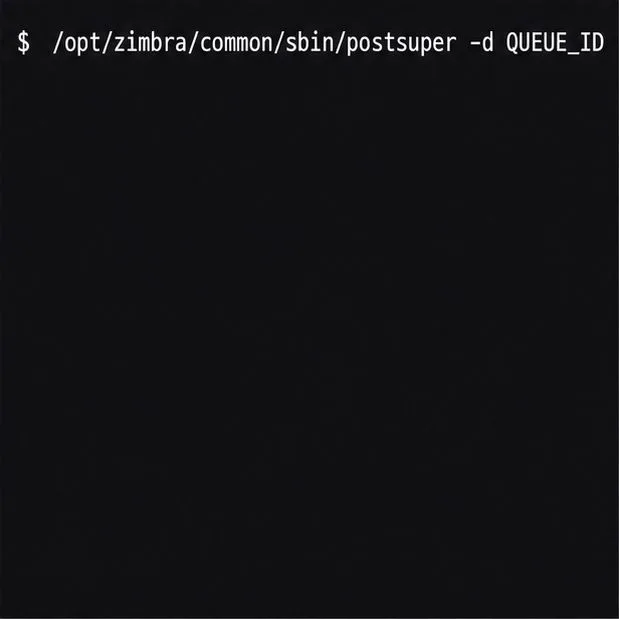
Inspect the Zimbra Postfix queue, fix the cause of delayed delivery, and safely request a retry. Learn when to remove a specific message and what never to purge blindly.
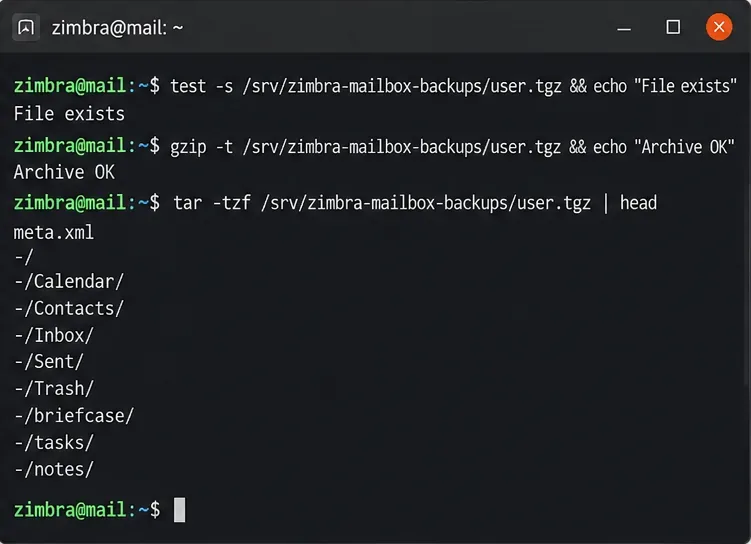
Export an individual Zimbra Community Edition mailbox, validate its TGZ backup, and restore missing items without overwriting existing mail.
Plan your Art Basel Miami visit with this 5-step guide to ticket prices, transit, and dining costs, calculating a realistic daily budget of $145 to $550.

Follow these 6 steps to navigate an American office holiday party with confidence, connect with coworkers, and leave a professional impression.