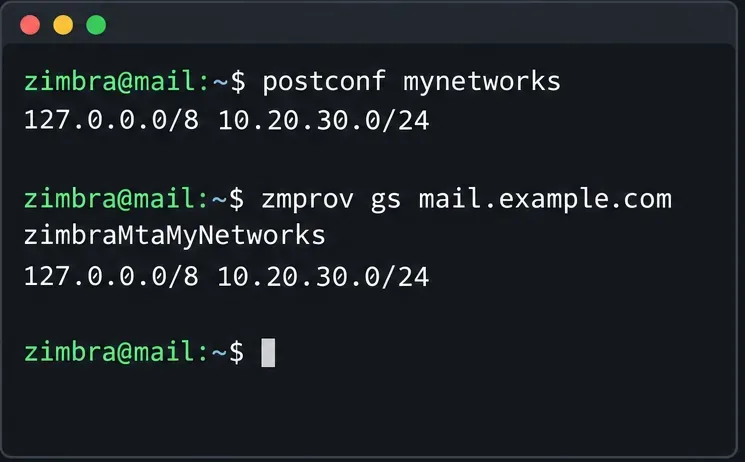
Limit Zimbra’s Unauthenticated Relay to Approved IPs
Narrow Zimbra’s trusted relay networks safely, preserve required local addresses, and verify that only approved IPs can relay without SMTP authentication.
If Zimbra search returns incomplete results or the mailbox log reports a damaged index, run a targeted mailbox reindex with zmprov rim user@example.com start as the Zimbra system user, then monitor it with zmprov rim user@example.com status. Reindexing rebuilds the mailbox search index from mailbox data; it does not repair missing message content or a full disk. Check free space first, and test searches again after the job finishes.
For example, imagine an administrator named Alex gets a report that one employee cannot find older messages. The account still opens and recent mail is present, but searches fail and the mailbox log reports an index error. The steps below use user@example.com as a placeholder; replace it with the affected account. This is an illustrative scenario, not a report of a real incident or test.
First, compare the symptom with the scope. Ask the user to search for a distinctive phrase from a known message and note the folder, approximate date, and whether the message can still be opened by browsing the folder. If only one mailbox has missing search results, a mailbox reindex is a reasonable first repair. If many users on the same mailbox server report the same failure, investigate server health, storage, and logs before launching multiple reindexes.
On the mailbox server that hosts the account, inspect /opt/zimbra/log/mailbox.log around the reported time for messages such as “Failed to open Indexer” or Lucene index exceptions. A log entry is a clue, not proof that every missing result has the same cause. Zimbra’s documented troubleshooting example links an index-open failure to a corrupted index, while also warning that insufficient index-partition space can cause trouble.
Run administrative commands as the Zimbra system account, commonly by switching from root with:

su - zimbraUse the mailbox server where the account resides. In multi-server installations, the command should reach the server that owns the mailbox; do not assume the first host you log into is the right one. Check which filesystem backs the index path. The common default path is shown here, but installations can use a different index volume:
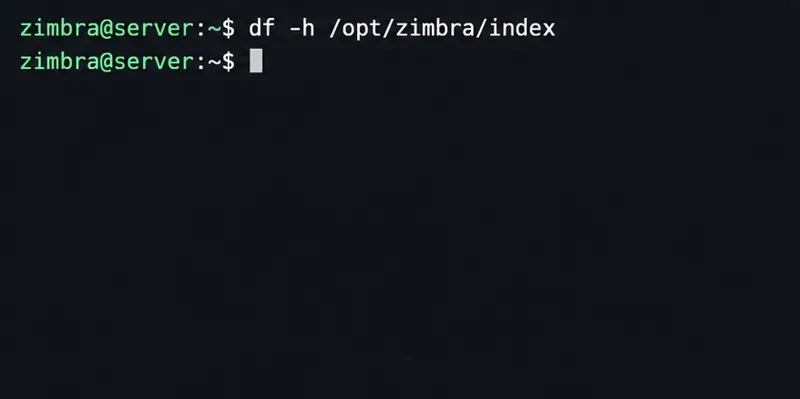
df -h /opt/zimbra/index
df -i /opt/zimbra/index
The first command reports available space; the second checks inode availability. If your deployment stores indexes elsewhere, run both commands against that real path. Do not start a rebuild while the index volume is full or nearly exhausted. Free space safely using your normal storage procedures, then check the service and storage logs for recurring filesystem errors. Reindexing consumes disk I/O and may temporarily increase storage use, so schedule larger mailboxes during a quieter period.
Zimbra documents reIndexMailbox (short form rim) with start, status, and cancel actions. Start with one affected account rather than a domain-wide loop:
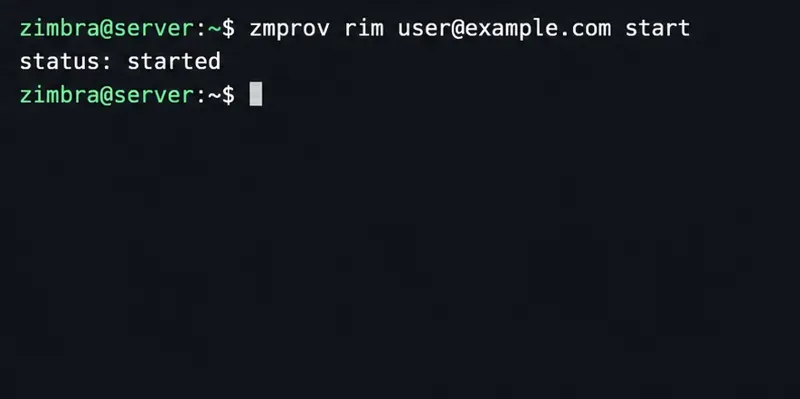
zmprov rim user@example.com startA response such as status: started means the request was accepted. It does not mean the mailbox has finished indexing. Check progress with:
zmprov rim user@example.com statusAllow the operation to complete. Duration depends on mailbox size, server load, and storage performance; there is no universal completion time. Avoid repeatedly issuing start while the same job is active. If the command fails, capture the exact error and check the mailbox server’s logs and free space before retrying. The command syntax and available options can vary by Zimbra release, so consult the installed version’s administration documentation if the server rejects the command.
Some Zimbra versions document or expose zmprov verifyIndex for checking a mailbox index. Its presence and behavior are not consistent across all releases, so do not treat it as a universal command. If it is available in your build, run it for the affected account and preserve its complete output:
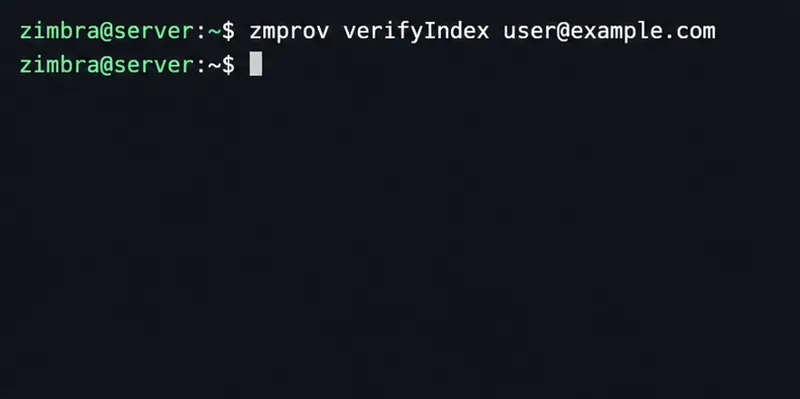
zmprov verifyIndex user@example.comDo not infer success from an empty response or assume every version reports the same fields. One Zimbra Tech Center troubleshooting page uses this command to confirm a missing or damaged index, but it is marked as a work in progress and applies to older ZCS generations. Treat the installed release’s behavior and current vendor guidance as authoritative.
When status no longer shows an active reindex, sign out and back into the web client or start a fresh session. Search for a known message using a distinctive sender or phrase, then narrow by folder and date. Confirm that the result opens and that searches across more than one known date range return expected messages. A useful outcome is restored, repeatable discovery of known mail without new index errors; no single broad query proves every item is indexed.
If the reindex completes but the same known messages remain unsearchable, stop repeating it and check the mailbox log for new errors, the actual index-volume mount, free space, and whether the expected content is searchable under the account’s indexing settings. If several mailboxes are affected or the reindex repeatedly fails, investigate the shared mailbox server or storage layer and contact Zimbra support with the version, exact commands, timestamps, logs, and verification output.
Avoid deleting index files by hand as the next routine step. Zimbra’s community Tech Center has a manual index-removal procedure, but it is marked as work in progress and relies on version-specific paths. A mistaken path or concurrent mailbox activity can make recovery harder. Use manual removal only when the procedure has been confirmed for your release and you have a suitable backup or Zimbra Support direction.
Narrow Zimbra’s trusted relay networks safely, preserve required local addresses, and verify that only approved IPs can relay without SMTP authentication.
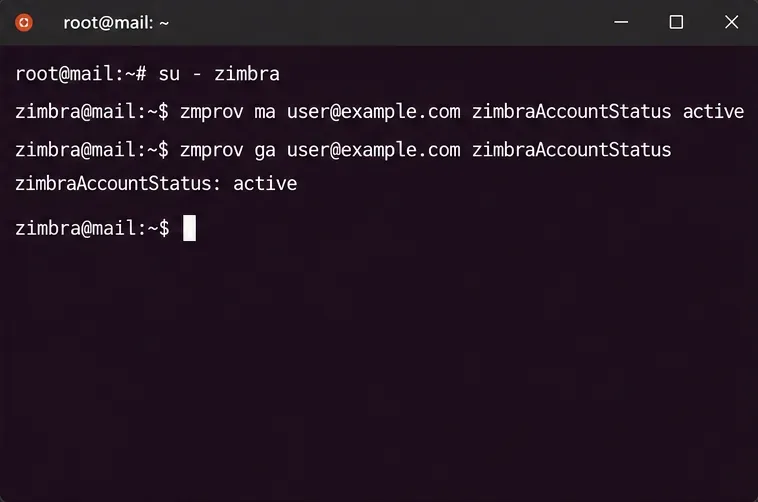
Diagnose Zimbra account lockouts, check authentication logs, safely reactivate a mailbox, and stop repeated failed sign-ins without disabling protection.
Enable Zimbra two-factor authentication for administrator accounts, choose an enrollment policy, and verify Web Client setup before relying on the second factor.
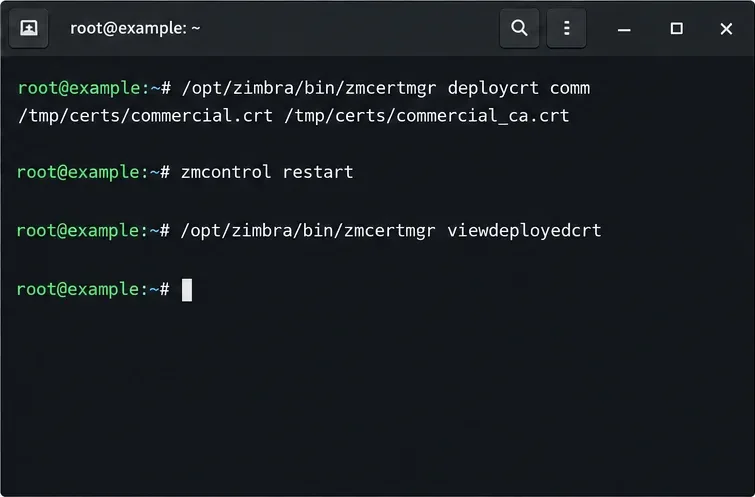
Prepare the matching key and CA chain, verify the certificate with zmcertmgr, and deploy it on Zimbra with a service and hostname check.
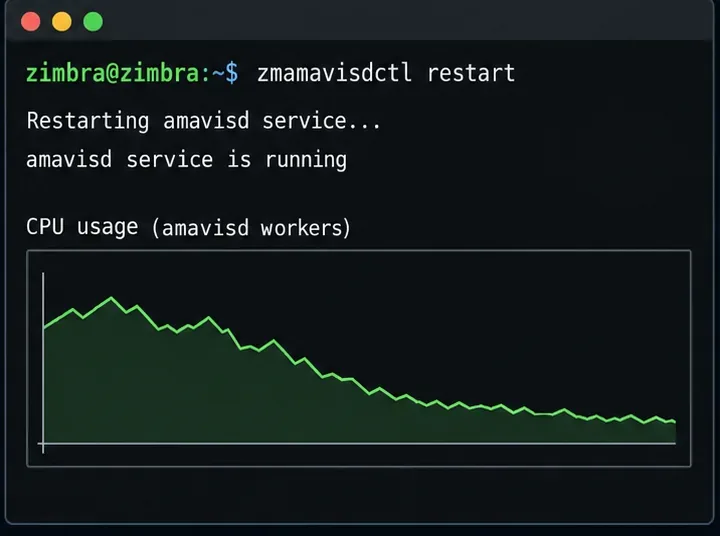
Trace high Amavis CPU to a stuck scan, inspect Zimbra logs and queues, and recover mail filtering safely with release-aware checks.
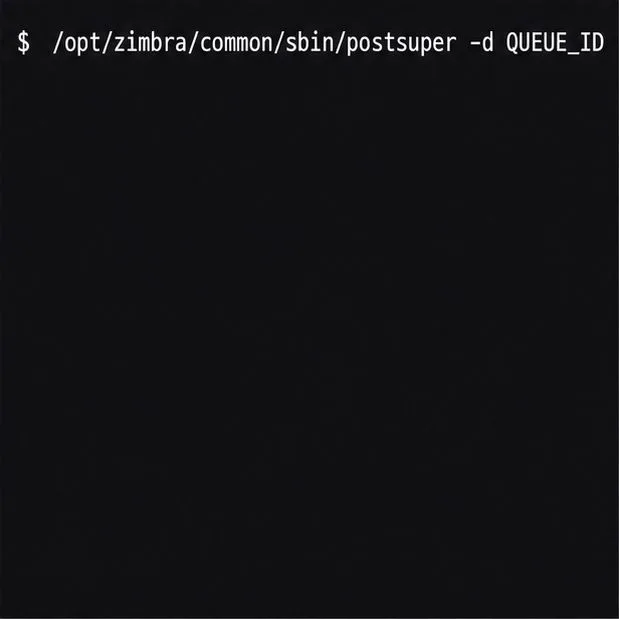
Inspect the Zimbra Postfix queue, fix the cause of delayed delivery, and safely request a retry. Learn when to remove a specific message and what never to purge blindly.
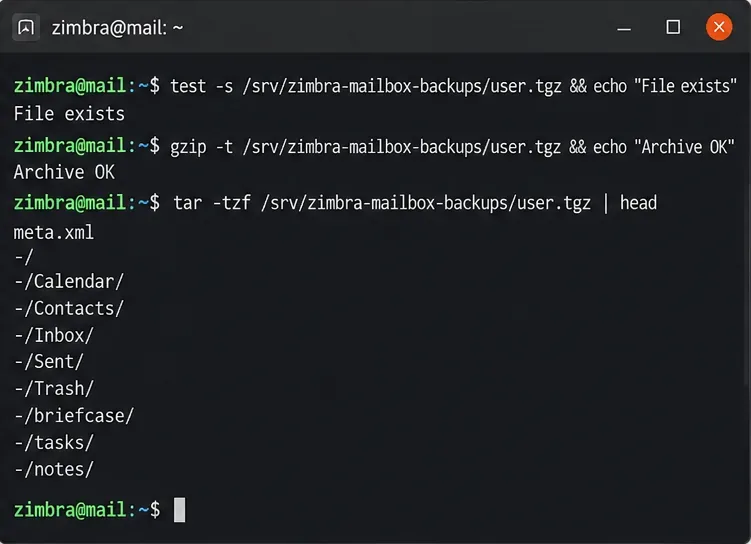
Export an individual Zimbra Community Edition mailbox, validate its TGZ backup, and restore missing items without overwriting existing mail.
Plan your Art Basel Miami visit with this 5-step guide to ticket prices, transit, and dining costs, calculating a realistic daily budget of $145 to $550.

Follow these 6 steps to navigate an American office holiday party with confidence, connect with coworkers, and leave a professional impression.