How to Update Google Chrome Browser

Learn how to update Google Chrome browser on Windows, Mac, and Android in minutes to enjoy better security, speed, and new features. Follow these clear steps.
Adding contacts to WhatsApp on Android lets you start chats instantly without typing numbers repeatedly. How to Add Contacts in WhatsApp Android works best when you first save the number in your phone's contacts app, after which WhatsApp pulls it in automatically. This article gives precise instructions for the most common methods on Android devices.
WhatsApp does not maintain its own separate contact list. It reads from the Contacts app already installed on your Android phone. Make sure the number is saved with the correct country code so the app can match it to a WhatsApp account. If the contact does not appear, a simple refresh usually fixes the issue.
Before you begin, update WhatsApp to the latest version from the Google Play Store and grant the app permission to access your contacts in Android settings.
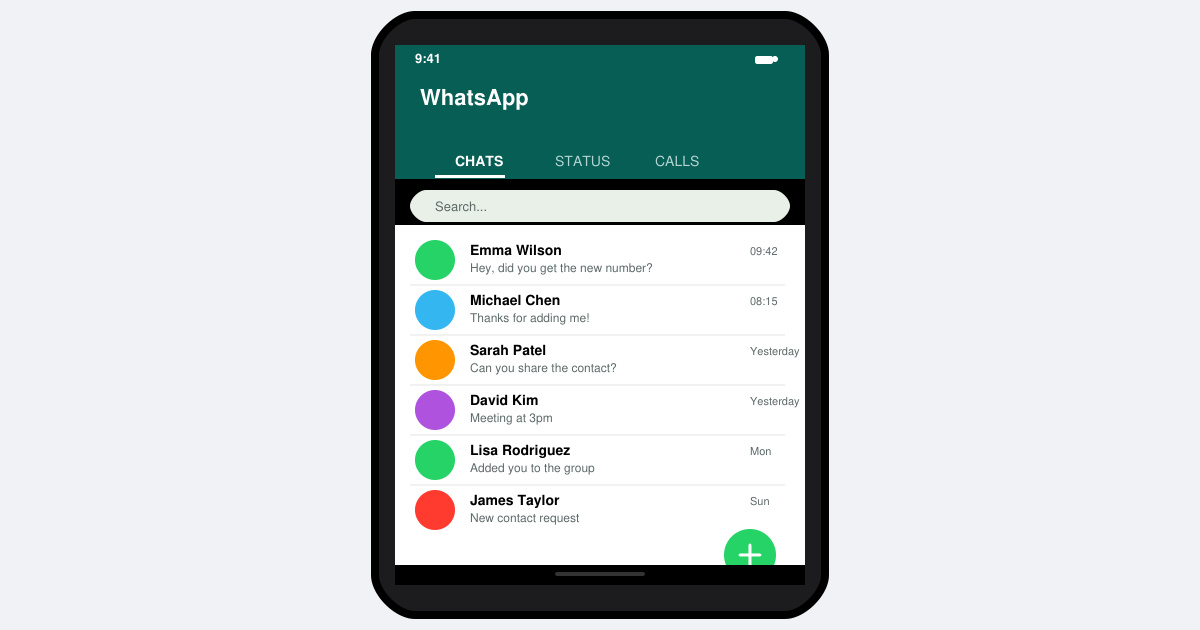
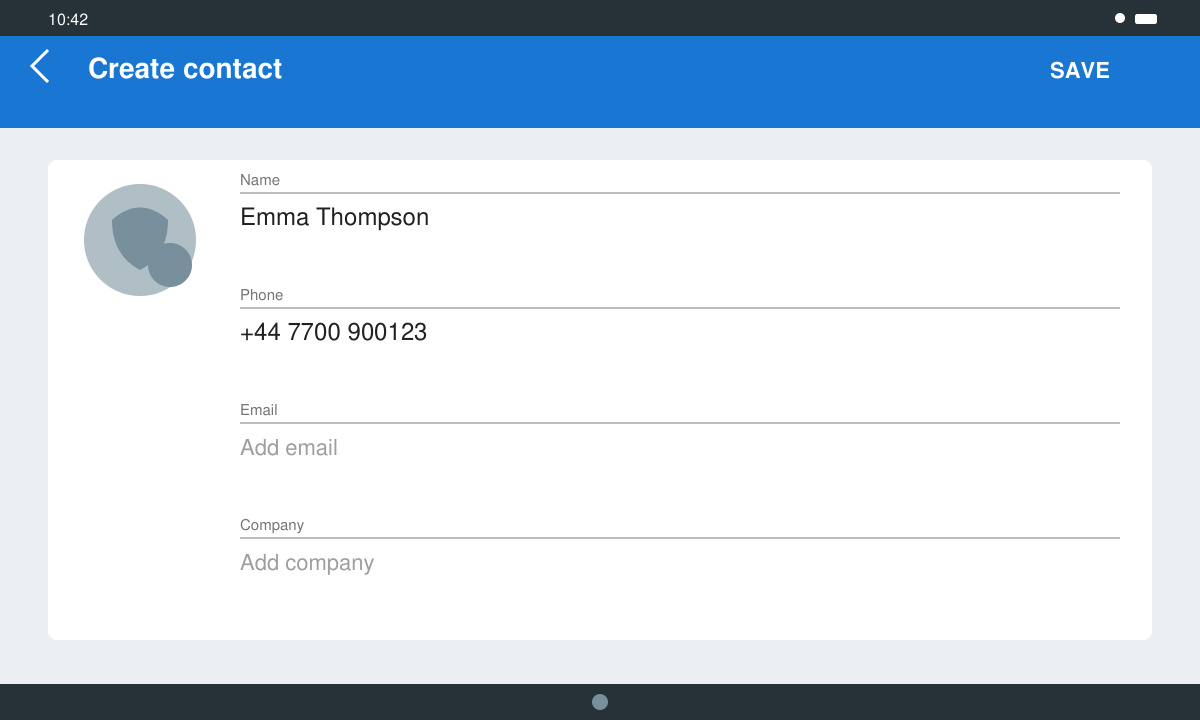
Open the Contacts app on your Android phone. Tap the plus icon at the bottom right, enter the person's name and phone number including the country code, then tap Save. This is the foundation for How to Add Contacts in WhatsApp Android.
Launch WhatsApp. Tap the three-dot menu in the top right, then select Settings. Go to Privacy and scroll down to tap Refresh. Wait 10–15 seconds for the app to reload your phonebook.
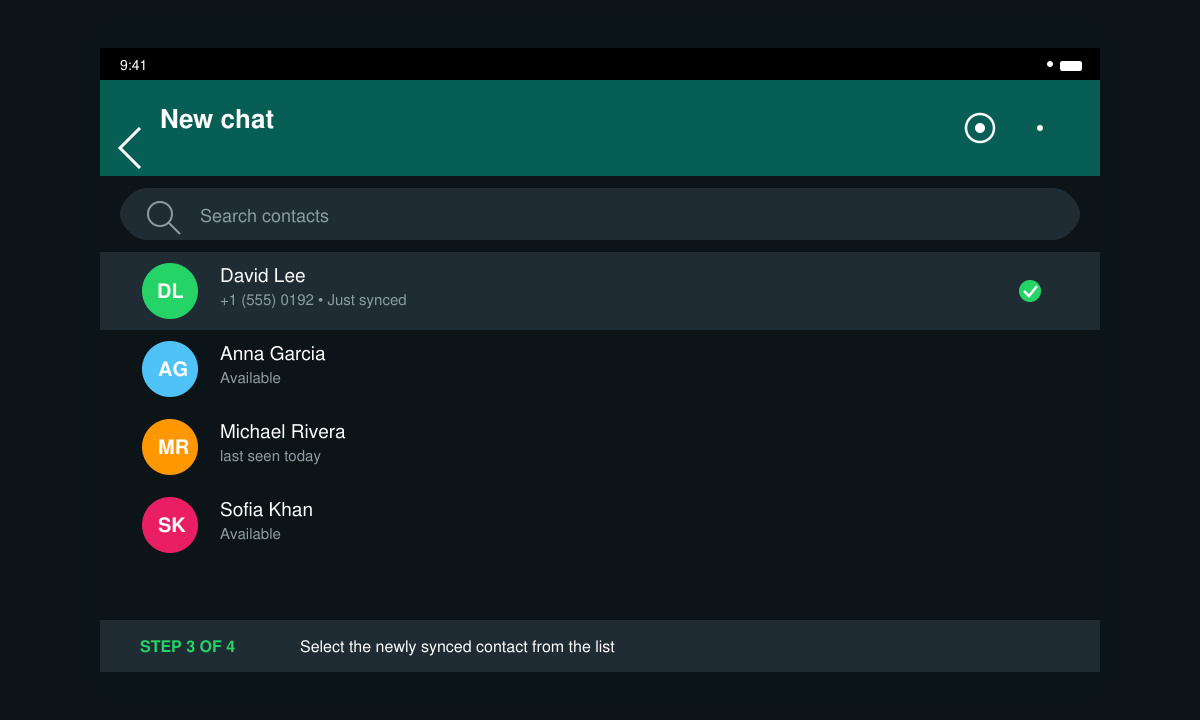
Return to the Chats tab and tap the green new chat button at the bottom right. Scroll through the list or use the search bar at the top. Your newly added contact should now appear with a profile picture if they have one set.
If someone messages you first, open that chat, tap the number at the top, then tap Add to contacts. Choose Create new contact or Add to existing contact and save. This method also works when you type a number manually in the new chat screen.
Yes. In WhatsApp, tap the new chat button, enter the full number with country code, and start the chat. You can later save the number from within that chat.
The person has not installed or registered WhatsApp with that number yet. The entry will update automatically once they activate the app.
The steps are identical on Android tablets, though you may need to use the side menu instead of the bottom navigation on larger screens.
Once the phonebook sync is complete, messaging new people in WhatsApp becomes immediate and reliable.
Learn how to update Google Chrome browser on Windows, Mac, and Android in minutes to enjoy better security, speed, and new features. Follow these clear steps.
Learn how to download old media from WhatsApp and recover photos or videos from past chats. Follow these clear steps to save files that no longer appear in your gallery.
Facebook Messenger Isn T Working on your device? Use these exact troubleshooting steps to restore chats, calls, and notifications fast on Android, iOS, or desktop.
How to See Deleted WhatsApp Messages using your phone's built-in tools. Follow these exact steps to recover messages that contacts have deleted from chats.
Learn how to clear browser history in Chrome on desktop and Android with this exact step-by-step process. Keep your browsing private and free up storage space quickly.
Master how to use CapCut with this practical walkthrough covering project setup, editing tools, effects, and export options for high-quality video results.
Get the latest WhatsApp App Update Download from official sources to access new features and security improvements. Follow these clear steps for Android and iOS devices.
Learn how to safely Download WhatsApp App for Android from the official Google Play Store. Follow our clear step-by-step instructions to install the latest version quickly and securely.
Google Download WhatsApp App safely through the Google Play Store with this clear guide. Get the official version on your Android device quickly and avoid fake downloads.
Facebook and Messenger not working can disrupt your day. Follow these targeted fixes to restore access quickly on mobile and desktop.








