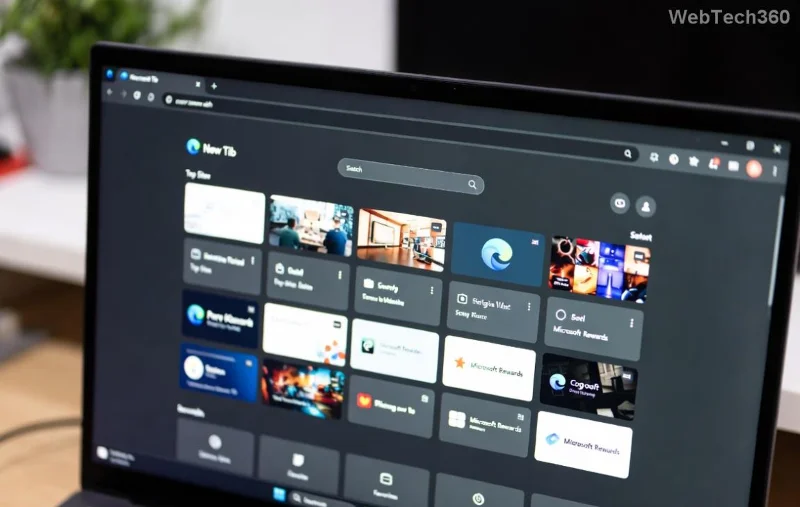
Imagine starting your day with all your essential tools just a swipe away—no more endless tab-switching or app-hopping. The Microsoft Edge Sidebar is your secret weapon for seamless productivity. This sleek panel lets you pin weather updates, emails, calendars, and more right beside your browsing. Ready to transform your workflow? Let's dive in and make your daily tasks a breeze! 🚀
What Makes the Microsoft Edge Sidebar a Game-Changer?
The Microsoft Edge Sidebar isn't just a sidebar—it's a dynamic hub for quick access. In the latest Edge versions, it supports built-in tools like Copilot AI, Outlook, Weather, and Calculator, plus your favorite websites and extensions. Customizing it means tailoring it to your daily tasks: check emails during meetings, glance at the weather before heading out, or track tasks without leaving the browser.
Why bother? Users report up to 30% faster task completion by pinning frequently used items. Stick around as we uncover how to unlock this power step by step. ⭐
Step-by-Step: How to Customize Microsoft Edge Sidebar
Getting started is simple. Follow these numbered steps to personalize your sidebar in minutes. No tech expertise needed!
- 👆 Open the Sidebar: Launch Microsoft Edge and click the sidebar icon (three horizontal lines) on the right edge of your screen. Or use the shortcut Ctrl + Shift + / (Windows) for instant access.
- Add Built-in Tools: At the bottom, click the + icon or "Add tool." Browse categories like Productivity, Shopping, or Entertainment. Popular picks for daily tasks include:
- Outlook for emails 📧
- Weather for forecasts ☀️
- OneNote for notes 📝
- Copilot for AI assistance 🤖
- Pin Websites: Drag any webpage tab to the sidebar or right-click a tab > "Add to sidebar." Boom—your Gmail or Trello is now pinned!
- Reorder and Customize: Hover over an item, drag to rearrange. Right-click for options like resize, mute notifications, or remove. Pro tip: Group related tools (e.g., productivity stack) for one-click access.
- Enable Vertical Tabs (Bonus): Go to
edge://settings/appearance and toggle "Show vertical tabs." This pairs perfectly with your customized sidebar for a clutter-free view.
Voila! Your sidebar now mirrors your routine. But wait—let's optimize for daily tasks with real-world setups.
Top Daily Tasks to Pin in Your Microsoft Edge Sidebar
Customization shines when matched to your life. Here's a curated table of must-pin tools, why they rock, and quick setup tips. Pick your favorites and watch productivity soar! 👍
| Task Category |
Recommended Tool |
Why Pin It? |
Setup Tip |
| Morning Routine |
Weather |
Instant forecasts—no app switch |
Search "Weather" in tools & pin |
| Email & Communication |
Outlook or Gmail (pinned site) |
Reply on the fly during browsing |
Drag tab or add via + icon |
| Task Management |
Microsoft To Do |
Checklists at a glance |
Install PWAs for seamless integration |
| Quick Math/Finance |
Calculator |
Expense tracking or conversions |
Built-in—drag to top spot |
| News & Updates |
CNN or RSS Feed |
Stay informed without distractions |
Pin site; enable notifications |
| Evening Wind-Down |
Spotify or YouTube Music |
Background tunes sidebar-style |
Pin web player for mini-view |
![Customized Microsoft Edge Sidebar with pinned daily tasks like weather and email]()
These setups saved me hours weekly. Experiment—your perfect sidebar awaits!
Advanced Tips to Maximize Your Edge Sidebar Customization
Ready for pro-level tweaks? Here are insider hacks:
- Sync Across Devices: Sign in with your Microsoft account. Changes sync to phone, tablet, and desktop instantly.
- Keyboard Shortcuts: Alt + Shift + . toggles sidebar; customize more in
edge://settings/keyboardShortcuts.
- Extensions Boost: Add sidebar-friendly extensions like Todoist or Grammarly via Microsoft Edge Add-ons store.
- Privacy Controls: Right-click tools > Settings to tweak data sharing. Edge prioritizes your security.
- Collections Integration: Pin Collections for drag-and-drop task organization—perfect for projects.
For official guidance, check Microsoft Edge Sidebar Support.
Common Pitfalls and Quick Fixes
❌ Sidebar not showing? Update Edge via Help & Feedback > About Microsoft Edge.
❌ Too crowded? Remove unused items—right-click > Remove.
❌ Mobile woes? Enable sidebar in Edge for Android/iOS settings for on-the-go access.
Wrap Up: Your Customized Sidebar Awaits
Customizing the Microsoft Edge Sidebar isn't just a tweak—it's a productivity revolution for daily tasks. From weather checks to email blasts, everything's now at your fingertips. Start pinning today, and feel the efficiency surge! What's your first tool? Drop it in the comments—we'd love to hear. Happy browsing! 🎉