How to Update Google Chrome Browser

Learn how to update Google Chrome browser on Windows, Mac, and Android in minutes to enjoy better security, speed, and new features. Follow these clear steps.
If you want to remove your presence from the messaging platform for good, learning how to delete an account on Telegram requires using the official web portal rather than the mobile app. The process permanently erases all messages, groups, channels, and contacts tied to your number. This guide walks through each required action so you can complete the deletion without errors.
Telegram account deletion is final and cannot be reversed after 30 days. Before starting, export any important data because chats and media will disappear immediately. You must have access to the phone number linked to the account, as verification codes arrive via SMS or the app itself.
The only supported method uses the my.telegram.org website. In-app options only let you log out or deactivate for a set period, not fully remove the account.
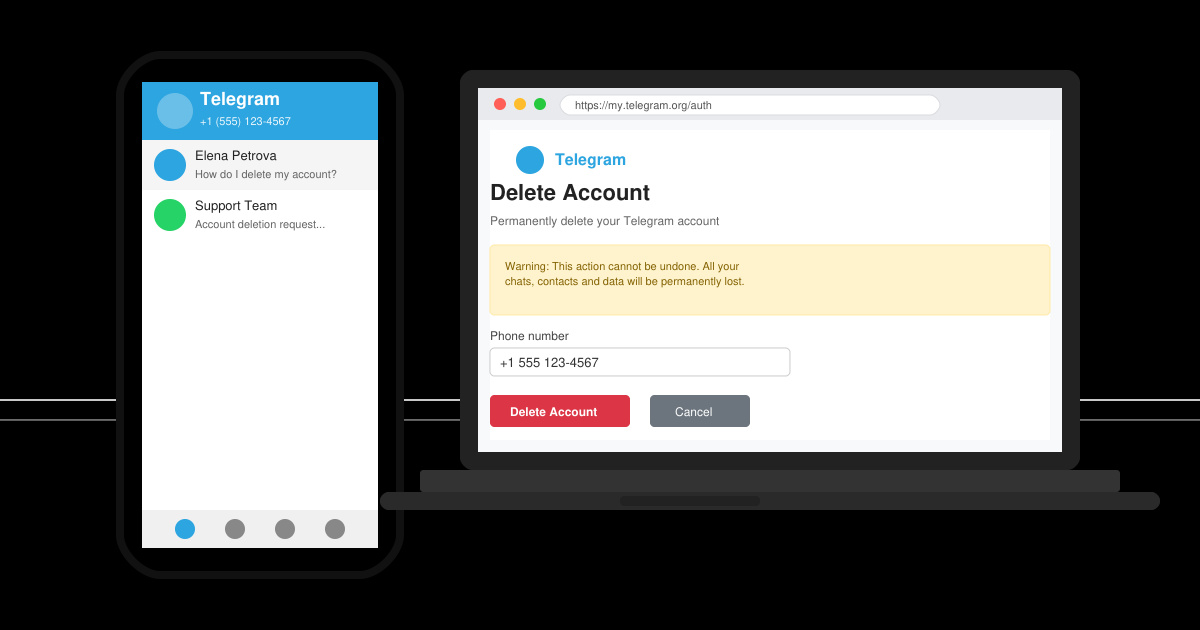
Open a browser on your phone or computer and go directly to my.telegram.org. Avoid third-party sites. Click the Log in button to begin the authentication process.
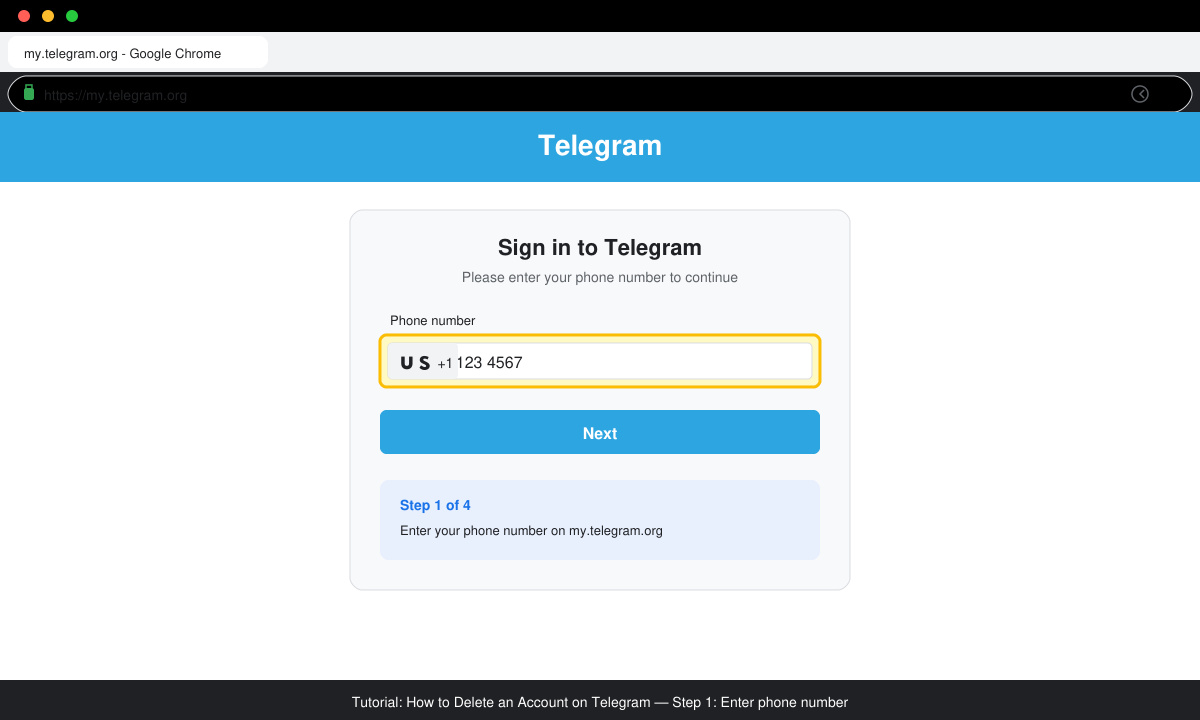
Type the full phone number including country code that is registered to your Telegram account. Tap Next, then retrieve the confirmation code sent via SMS or inside the Telegram app if it is still installed.
Enter the code when prompted. Once logged in, scroll down the page until you see the Delete account heading on the left sidebar and click it.
Choose one of the provided reasons for leaving, then enter your phone number again in the confirmation field. Click Delete My Account to finalize the process.
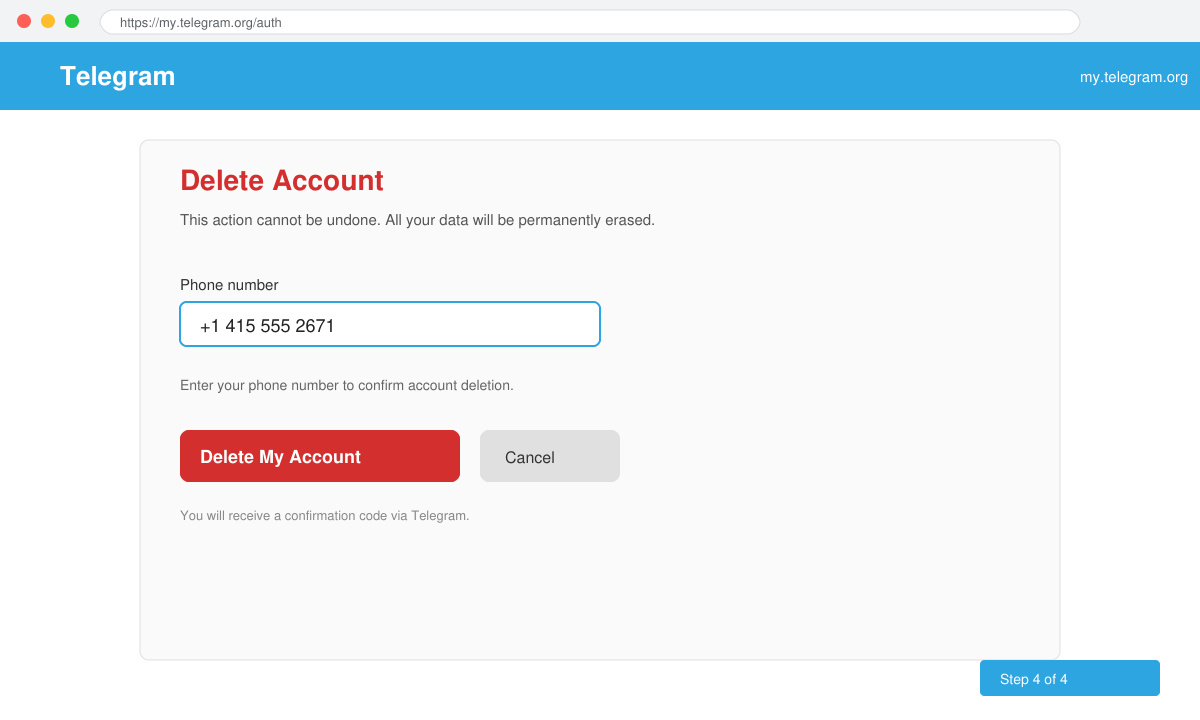
After confirmation, the account disappears within minutes. Uninstall the Telegram app from all devices and delete any cached files to ensure no residual data remains on your hardware.
No. The mobile app only allows logout or deactivation for a limited time. Full permanent deletion requires the my.telegram.org website.
Any groups or channels you created will remain but without an owner. Members can continue using them unless they promote a new owner or delete the group themselves.
Recovery is possible only within the first 30 days by logging back in with the same number. After that window, the account and all data are gone permanently.
Following the steps above completes how to delete an account on Telegram safely using the official portal. Always double-check that you have saved any needed information before confirming the final deletion.
Learn how to update Google Chrome browser on Windows, Mac, and Android in minutes to enjoy better security, speed, and new features. Follow these clear steps.
Learn how to download old media from WhatsApp and recover photos or videos from past chats. Follow these clear steps to save files that no longer appear in your gallery.
Facebook Messenger Isn T Working on your device? Use these exact troubleshooting steps to restore chats, calls, and notifications fast on Android, iOS, or desktop.
How to See Deleted WhatsApp Messages using your phone's built-in tools. Follow these exact steps to recover messages that contacts have deleted from chats.
Learn how to clear browser history in Chrome on desktop and Android with this exact step-by-step process. Keep your browsing private and free up storage space quickly.
Master how to use CapCut with this practical walkthrough covering project setup, editing tools, effects, and export options for high-quality video results.
Get the latest WhatsApp App Update Download from official sources to access new features and security improvements. Follow these clear steps for Android and iOS devices.
Learn how to safely Download WhatsApp App for Android from the official Google Play Store. Follow our clear step-by-step instructions to install the latest version quickly and securely.
Google Download WhatsApp App safely through the Google Play Store with this clear guide. Get the official version on your Android device quickly and avoid fake downloads.
Facebook and Messenger not working can disrupt your day. Follow these targeted fixes to restore access quickly on mobile and desktop.








