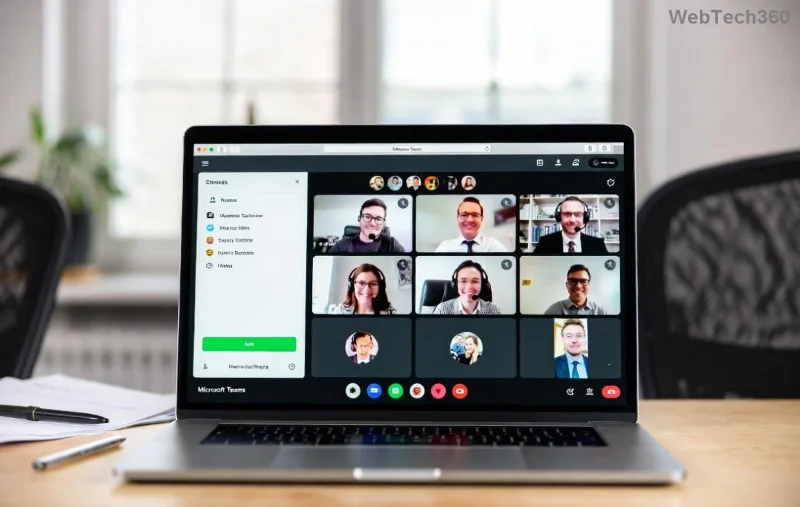
How to Download Microsoft Teams for Windows 11 in 2026

🚀 Ready to supercharge your productivity? In 2026, Microsoft Teams remains the go-to app for seamless collaboration, video calls, and team chats on Windows 11. Whether you're working remotely or connecting with global teams, downloading the latest version is quick and free. This guide walks you through every step, ensuring you get up and running without hassle. Let's dive in! 😊

Why Download Microsoft Teams for Windows 11 Right Now?

Microsoft Teams in 2026 packs AI-powered features like intelligent meeting summaries, real-time translation, and enhanced security. It's optimized for Windows 11, delivering buttery-smooth performance on Copilot+ PCs. No more laggy calls or missed deadlines—unlock it today!

System Requirements for Microsoft Teams on Windows 11

Before downloading, confirm your setup. Here's a quick checklist:

Requirement Details
OS Windows 11 (version 22H2 or later)
Processor 1.6 GHz dual-core or better
RAM 4 GB minimum (8 GB recommended)
Storage 4 GB free space
Internet Broadband connection

⭐ Pro tip: Update Windows 11 via Settings > Windows Update for the best compatibility.

Method 1: Download Microsoft Teams from Official Website (Recommended)

This is the fastest, most secure way. Head straight to Microsoft's site for the latest Teams for Windows 11.
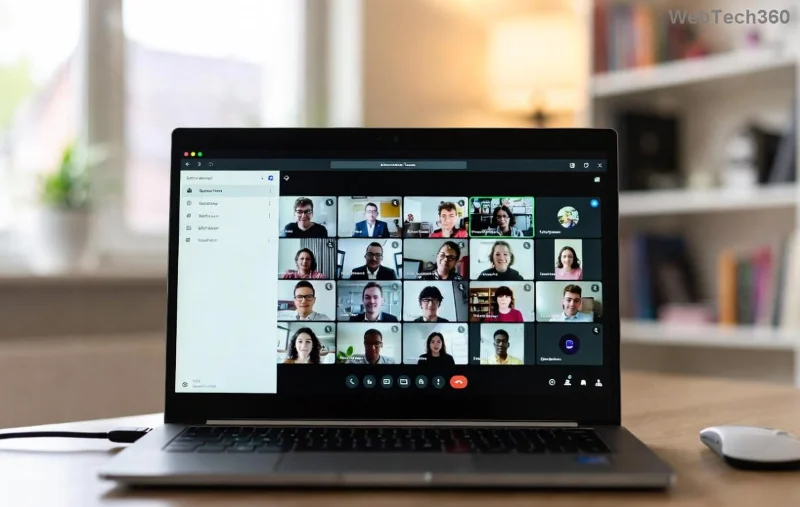
  1. 👉 Open your browser (Edge or Chrome recommended) and visit the official Microsoft Teams download page.
  2. Scroll to the Teams for work or school section (or personal use if applicable).
  3. Click the Download for Windows button. The installer (around 200MB) starts automatically.
  4. Run the .exe file from your Downloads folder. Follow the on-screen prompts—it's a one-click install! 🎉
Microsoft Teams download button on official website for Windows 11

Done in under 2 minutes. Your Microsoft Teams for Windows 11 in 2026 is ready to launch!

Method 2: Install via Microsoft Store for Auto-Updates

Prefer automatic updates? The Store version shines here.

  1. 👉 Press Win + S, search for "Microsoft Store," and open it.
  2. Type "Microsoft Teams" in the search bar.
  3. Select the official app (free, by Microsoft Corporation).
  4. Hit Get or Install. It handles everything seamlessly.
Microsoft Teams in Microsoft Store on Windows 11

Bonus: Store installs include one-click sign-in with your Microsoft account. Perfect for beginners! 👍

Post-Installation: Launch and Set Up Teams on Windows 11

After downloading:

  • Search for Teams in the Start menu.
  • Sign in with your work/school or personal account.
  • Grant permissions for camera/mic (essential for calls).
  • Customize with themes and notifications in Settings.

🔥 Quick start: Join a meeting instantly via the calendar tab.

Troubleshooting Common Download Microsoft Teams for Windows 11 Issues

Encounter hiccups? We've got fixes:

Issue Solution
Download fails Disable VPN/antivirus temporarily; try Edge browser.
Install blocked Run as administrator; check Windows Security settings.
App crashes Update via Store or Microsoft Support.
Slow performance Close background apps; enable hardware acceleration in Teams Settings.

No more frustration—your setup will be flawless. 😎

Pro Tips to Maximize Microsoft Teams 2026 on Windows 11

  • ⭐ Pin Teams to taskbar for one-click access.
  • Use keyboard shortcuts: Ctrl + E for search, Alt + F2 for pop-out chat.
  • Enable Copilot integration for AI meeting notes (2026 exclusive).
  • Sync with Outlook for calendar magic.
  • Go mobile: Download the companion app for on-the-go chats.

These tweaks turn Teams into your productivity powerhouse!

FAQ: How to Download Microsoft Teams for Windows 11 in 2026

Is Microsoft Teams free for Windows 11?

Yes! Core features are free; premium plans unlock extras.

Can I download Teams on ARM-based Windows 11 PCs?

Absolutely—native support in 2026 ensures top speed.

What if I have an older Windows 11 build?

Update first via Settings for compatibility.

Teams vs. Web version—which is better?

Desktop app wins for offline access and richer features.

Still got questions? Drop them in the comments—we're here to help! 👇

Ready to Collaborate? Final Thoughts

Congrats! You've mastered how to download Microsoft Teams for Windows 11 in 2026. From official links to insider tips, you're set for epic teamwork. Fire up Teams, schedule that call, and watch productivity soar. Share this guide with your team and stay connected! 🎊

Stay tuned for more Windows 11 guides—your tech journey just leveled up.

Leave a Comment

How to Download Microsoft Teams for Windows 11 in 2026

How to Download Microsoft Teams for Windows 11 in 2026

Discover how to download Microsoft Teams for Windows 11 in 2026 with our ultimate guide. Official methods, troubleshooting, and pro tips for seamless installation and instant collaboration.

How to Fix Microsoft Teams Groups Visibility Error

How to Fix Microsoft Teams Groups Visibility Error

Tired of missing groups in Microsoft Teams? Discover how to fix the "Groups" Visibility Error with simple, up-to-date steps. Restore your teams visibility fast and frustration-free.

Solving Microsoft Teams For School Login Error

Solving Microsoft Teams For School Login Error

Stuck with Microsoft Teams "For School" login error? Follow our expert, step-by-step guide to solve it fast – no tech skills needed. Get back to classes without frustration!

How to Fix Microsoft Teams Media Error During Playback

How to Fix Microsoft Teams Media Error During Playback

Struggling with Microsoft Teams media error during playback? Discover step-by-step fixes for smooth video and audio in meetings. Updated with the latest troubleshooting tips for seamless collaboration.

Troubleshooting Microsoft Teams Where is Teams Folder Search

Troubleshooting Microsoft Teams Where is Teams Folder Search

Frustrated with Troubleshooting Microsoft Teams "Where is Teams" Folder Search issues? Follow our expert, step-by-step guide to locate hidden folders, fix search glitches, and restore smooth collaboration in the latest Teams updates. Quick fixes that work!

How to Fix Microsoft Teams Error AADSTS70008: Security Token Expired

How to Fix Microsoft Teams Error AADSTS70008: Security Token Expired

Struggling with Microsoft Teams Error AADSTS70008: Security Token Expired? Discover proven, step-by-step fixes to get back to seamless collaboration. Clear cache, re-authenticate, and prevent future issues fast!

How to Resolve Microsoft Teams Error Code 0x80070005

How to Resolve Microsoft Teams Error Code 0x80070005

Tired of Microsoft Teams Error Code 0x80070005 blocking your meetings? Follow our expert, step-by-step guide with quick fixes like permission resets, cache clears, and reinstalls to resolve access denied errors fast and get back to collaborating seamlessly.

Troubleshooting Microsoft Teams Error Message 80080005

Troubleshooting Microsoft Teams Error Message 80080005

Stuck with Microsoft Teams Error 80080005? This comprehensive guide delivers proven, step-by-step fixes for audio glitches, mic failures, and more. Restore seamless collaboration today!

Solving Microsoft Teams Error Code 404 on Web

Solving Microsoft Teams Error Code 404 on Web

Tired of Microsoft Teams Error Code 404 on web blocking your meetings? Follow our proven, step-by-step guide to clear cache, troubleshoot browsers, and resolve the "Not Found" error fast for seamless collaboration. Updated with the latest fixes!

Why is the Microsoft Teams Add-in Missing from My Outlook?

Why is the Microsoft Teams Add-in Missing from My Outlook?

Frustrated because the Microsoft Teams add-in is missing from Outlook? Uncover the top reasons and easy step-by-step fixes to bring back seamless Teams-Outlook integration without hassle. Works for latest versions!

How to Set Up and Link Microsoft Teams to Your Outlook Calendar

How to Set Up and Link Microsoft Teams to Your Outlook Calendar

Master how to set up and link Microsoft Teams to your Outlook Calendar with this ultimate step-by-step guide. Enjoy effortless meeting scheduling, seamless sync, and boosted teamwork – no tech headaches!

How to Find the Microsoft Teams Installation Folder

How to Find the Microsoft Teams Installation Folder

Struggling to locate the Microsoft Teams installation folder? This step-by-step guide reveals exact paths for Windows, macOS, and more. Master how to find the Microsoft Teams installation folder effortlessly and boost your productivity today!

How to Remove an Account from Microsoft Teams Safely

How to Remove an Account from Microsoft Teams Safely

Discover how to remove an account from Microsoft Teams safely without losing data. Follow our expert, step-by-step guide for personal and work accounts to ensure a smooth, secure process.

Troubleshooting Microsoft Teams Call Failed Issues in 2026

Troubleshooting Microsoft Teams Call Failed Issues in 2026

Tired of Microsoft Teams "Call Failed" errors disrupting your 2026 meetings? Follow this ultimate troubleshooting guide with step-by-step fixes, latest tips, and quick wins to get back to seamless calls.

How to Fix Microsoft Teams Media Playback Errors in 2026

How to Fix Microsoft Teams Media Playback Errors in 2026

Tired of Microsoft Teams media playback errors ruining your 2026 meetings? Follow our expert, step-by-step guide to fix audio, video, and sharing glitches fast—no tech skills needed. Seamless collaboration awaits!









