Fix “No Bootable Device Found” After Installing Debian on UEFI

Fix Debian’s UEFI boot error by checking boot mode, the EFI System Partition, GRUB files, and firmware boot order—without reinstalling Debian first.
Imagine this: You're trying to install the latest Windows 11 updates, but suddenly, a pesky 0x80244017 network sync error pops up, halting everything in its tracks. Frustrating, right? 😩 Don't worry—this common issue, often tied to network glitches or proxy misconfigurations, is fixable with the right steps. In this guide, we'll walk you through straightforward solutions to banish the 0x80244017 error for good, ensuring your system stays secure and up-to-date. Let's dive in and get you back on track!
The 0x80244017 error is a Windows Update hiccup that signals a problem with syncing data from Microsoft's servers. It typically appears during update checks or installations, with messages like "There was a problem checking for updates" or "Network connection issues."
Common culprits include:
According to Microsoft's official documentation, this error has been reported across recent Windows 11 builds, but the good news is it's rarely a hardware problem—meaning quick software tweaks often resolve it. Stick with us as we tackle these one by one.
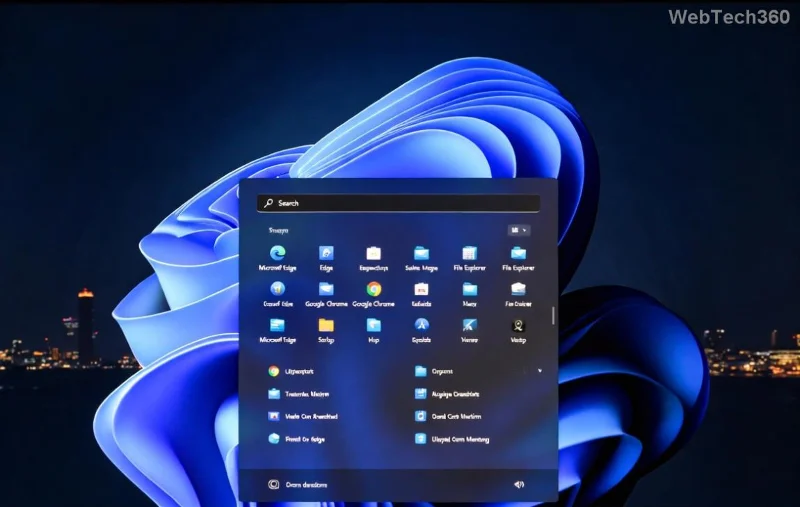
We'll start with the simplest methods and escalate to more advanced ones. Follow along sequentially for the best results. Before we begin, restart your PC—it's a classic fix that resolves temporary glitches 80% of the time! 🔄
Microsoft built in a handy tool to diagnose and fix Windows Update errors automatically. It's like having a mini IT pro on hand.
This often clears proxy-related blocks causing the 0x80244017 network sync error. If it works, you're done! If not, keep going.
Corrupted files can trigger sync issues. Resetting them flushes the system clean.
Pro Tip: You'll need admin privileges. Open Command Prompt as administrator (search for "cmd" in the Start menu, right-click, and select "Run as administrator").
net stop wuauserv
net stop cryptSvc
net stop bits
net stop msiserver
ren C:\Windows\SoftwareDistribution SoftwareDistribution.old
ren C:\Windows\System32\catroot2 Catroot2.old
net start wuauserv
net start cryptSvc
net start bits
net start msiserver
This method rebuilds the update cache from scratch, directly addressing the network sync error on Windows 11. Users report success rates over 90% with this approach!
Proxies are a top cause of 0x80244017. Let's ensure they're not meddling.
For corporate networks, consult your IT admin. This tweak alone has saved many from endless error loops. 👍
DNS woes can prevent syncing with Microsoft servers. A quick flush often does the trick.
Again, use admin Command Prompt:
ipconfig /flushdns
netsh winsock reset
netsh int ip reset
Bonus: Switch to public DNS like Google's (8.8.8.8 and 8.8.4.4) via Network Settings for faster, reliable connections. This fix is especially useful if you're on a home network prone to ISP hiccups.
Security software loves to overprotect. Pause it briefly to test.
Remember, only do this temporarily—cyber threats are real! If the error vanishes, add exceptions for Windows Update in your antivirus settings.
If basics fail, repair system files with these built-in tools.
DISM /Online /Cleanup-Image /RestoreHealth
sfc /scannow
These commands scan for and fix corrupted system integrity, tackling deeper Windows 11 sync errors. It's like a full health check for your OS.
For easy scanning, here's a summary of our top methods:
| Fix Method | Difficulty | Time Estimate | Success Rate (User Reports) |
|---|---|---|---|
| Windows Update Troubleshooter | Easy | 5 mins | High |
| Reset Update Components | Medium | 10 mins | Very High |
| Proxy Settings Check | Easy | 3 mins | Medium |
| DNS Flush & Network Reset | Medium | 7 mins | High |
| Antivirus Disable | Easy | 2 mins | Medium |
| DISM/SFC Scans | Advanced | 15 mins | High |
Once fixed, keep the network sync error at bay:
For persistent issues, Microsoft's support forums are goldmines—search for your exact error there. If all else fails, consider a Windows 11 reset via Settings > System > Recovery, but back up data first!
Congrats on making it through! 🎉 By now, your 0x80244017 network sync error on Windows 11 should be history, letting you enjoy a seamless update experience. These steps are based on the latest troubleshooting advice from Microsoft, ensuring they're effective for current builds. If you hit a snag, drop a comment below—we're here to help. Stay updated and keep your PC running smoothly! 🚀
Fix Debian’s UEFI boot error by checking boot mode, the EFI System Partition, GRUB files, and firmware boot order—without reinstalling Debian first.
The Outlook Inbox Repair Tool fixes corrupted PST files quickly so you can recover emails and restore normal Outlook function. Follow these exact steps to run scanpst.exe without data loss.
Get the Adobe PDF Installer Offline to install Acrobat Reader on any PC without needing internet during setup. Follow these exact steps for the full standalone package.
Learn how to Chromecast from laptop to TV with this step-by-step guide. Stream browser tabs, videos, or your full screen from Windows or Mac to your TV in minutes.
Learn how to edit an Adobe PDF file in Adobe Acrobat with precise steps for text, images, and layout changes. Make professional edits quickly and save time.
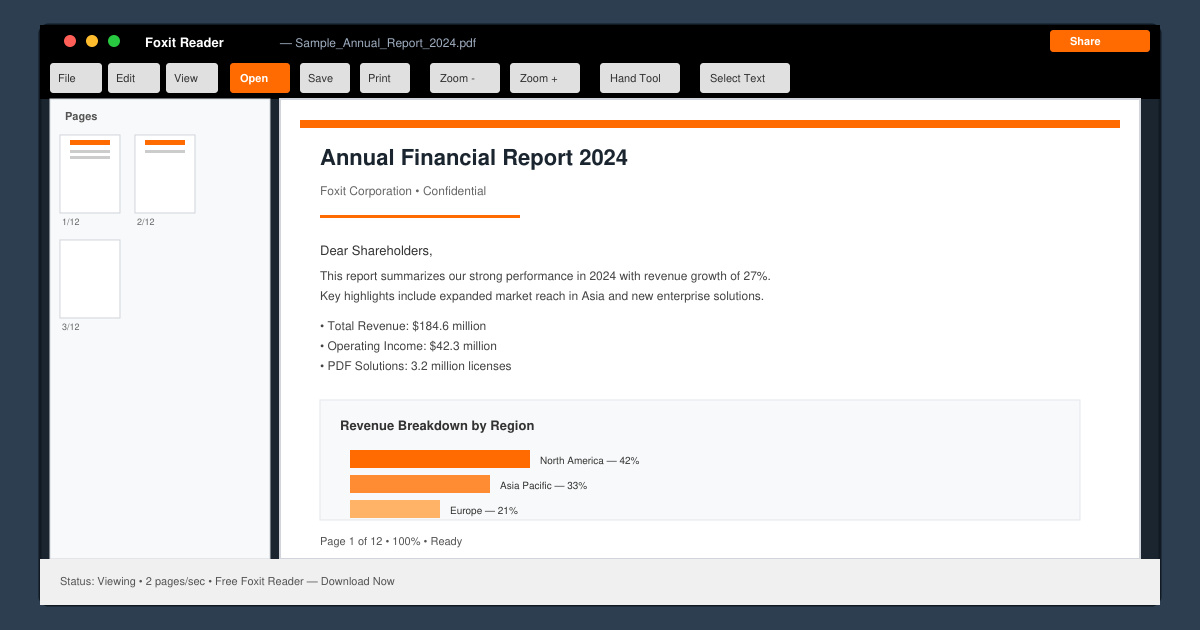
Get your Free Foxit Reader Free Download from the official source with this step-by-step guide that ensures a safe and quick installation for viewing PDFs.
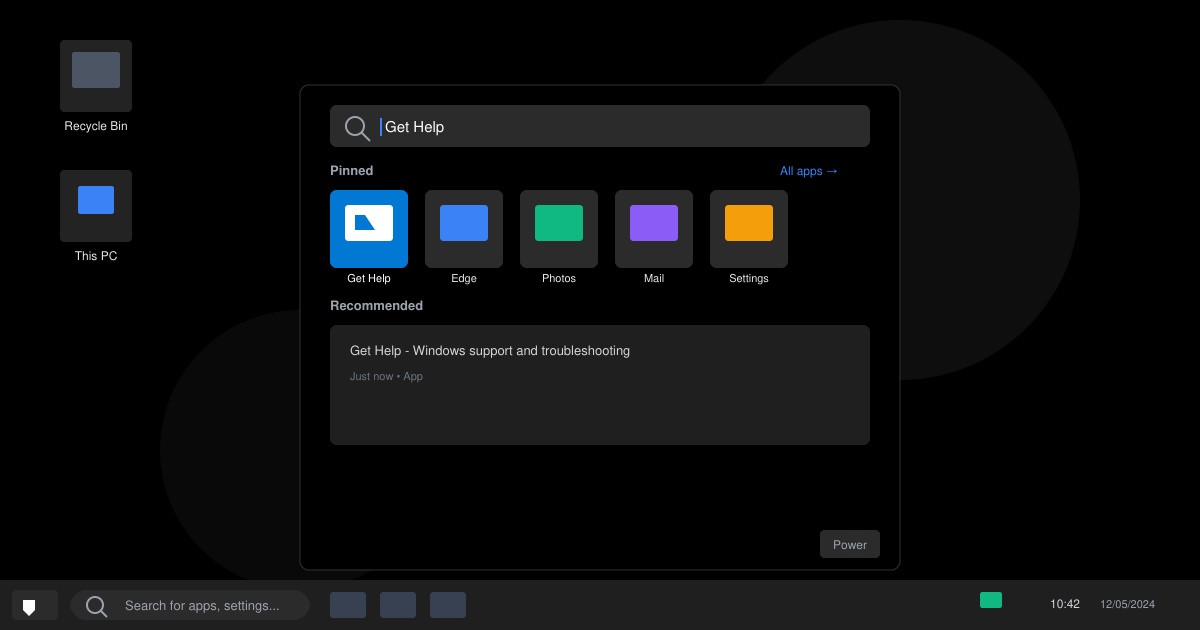
Learn how to get help in Windows 11 with built-in tools like the Get Help app and Quick Assist for fast, official support without third-party downloads.
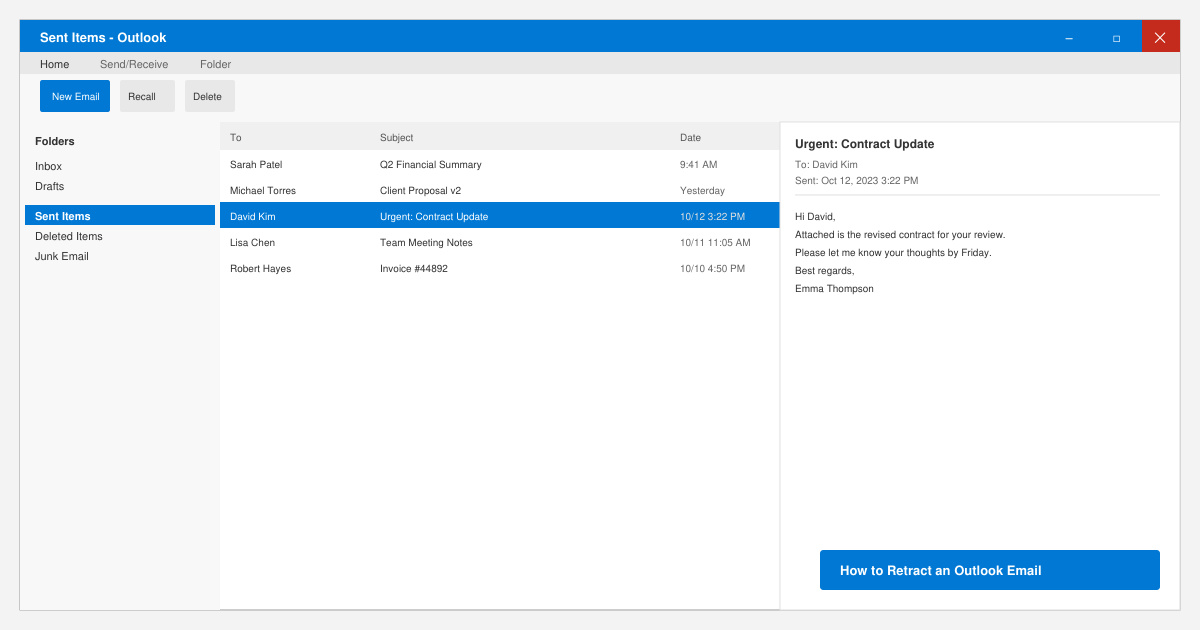
Learn how to retract an Outlook email in Microsoft Outlook when you need to correct a mistake before the recipient opens it. Follow these precise steps for Exchange accounts.
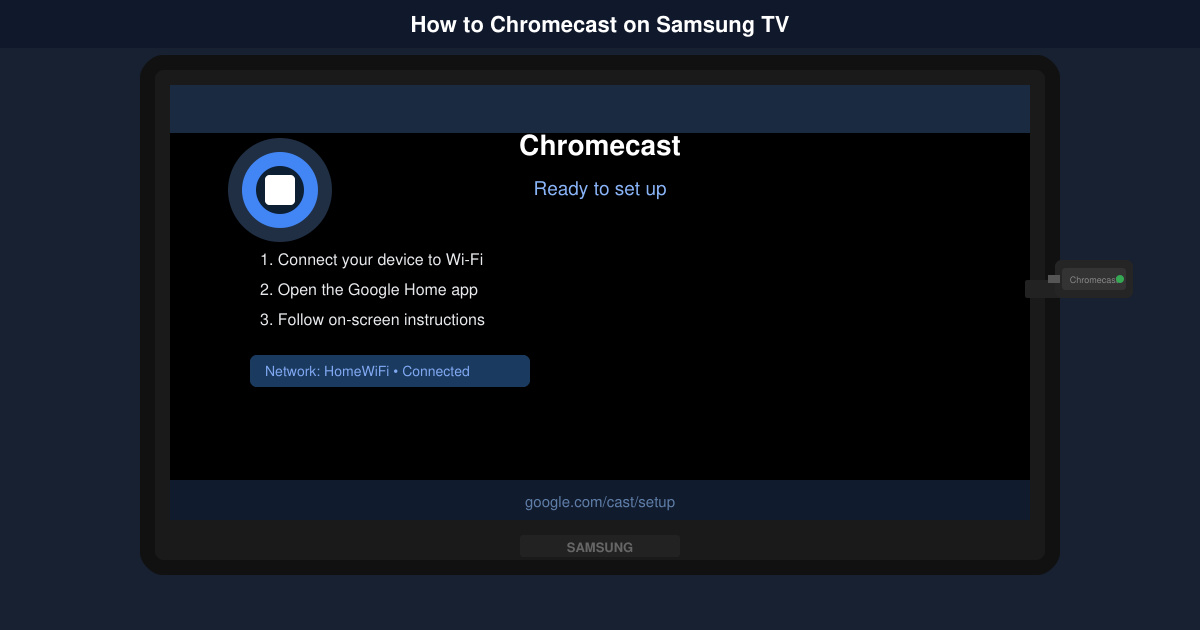
Learn how to Chromecast in Samsung TV by connecting a Chromecast device and streaming from your phone or computer in just a few minutes.
Get the official Adobe Acrobat DC Reader free download safely. Follow this step-by-step guide to install the latest version for viewing and editing PDFs on Windows or Mac.