Fix “No Bootable Device Found” After Installing Debian on UEFI

Fix Debian’s UEFI boot error by checking boot mode, the EFI System Partition, GRUB files, and firmware boot order—without reinstalling Debian first.
Imagine this: You're trying to connect to your favorite FTP server via Windows 11 Explorer, but bam! An infuriating "Access Denied" error pops up, halting your workflow. 😤 Don't worry—I've been there, and you're not alone. This common snag in Windows 11 FTP access can stem from permissions glitches, outdated protocols, or simple configuration hiccups. The good news? With this concise, actionable guide, you'll troubleshoot and fix FTP Access Denied in Explorer like a pro, getting back to smooth file transfers in no time. Let's dive in and turn that frustration into triumph! 🚀
Before we jump into fixes, understanding the root causes empowers you to prevent future headaches. In Windows 11, the built-in Explorer FTP client relies on legacy protocols that sometimes clash with modern security standards. Common culprits include:
Recent updates to Windows 11 have improved FTP handling, but these errors persist if settings aren't tweaked right. Stick with me as we tackle each fix—your FTP sessions will thank you! 🌟
Start with these no-brainer steps to resolve Windows 11 FTP Access Denied without diving deep. They're fast, effective, and often solve 80% of issues.
ftp://username:password@server.com directly into the address bar. If anonymous access is allowed, try ftp://server.com with no credentials.ipconfig /flushdns followed by netsh winsock reset. Reboot and test—fresh connections often clear temporary blocks.ping ftp.server.com. If it fails, your network or DNS is the issue. Switch to a different network (like mobile hotspot) to isolate.These steps should get you connected quickly. If not, let's escalate to advanced fixes. You're making progress already—keep going! 💪
Firewalls love to play gatekeeper, often blocking FTP's port 21 (or 990 for FTPS). In Windows 11, tweak these settings to allow smooth sailing.
C:\Windows\System32\ftp.exe.For third-party antivirus (like Norton or McAfee), check their FTP-specific rules or temporarily disable to test. Pro tip: If using VPN, ensure it doesn't route FTP traffic oddly.
Many users report instant relief after this—imagine accessing your files without that pesky denial! If firewalls aren't the villain, onward to mode tweaks. 😊
FTP Access Denied in Explorer frequently ties to mode conflicts. Active mode requires the server to connect back to your client, which firewalls hate. Passive mode flips this—your client initiates all connections.
Unfortunately, Windows Explorer doesn't have a built-in toggle for this. But here's a workaround using Internet Explorer settings (still integrated in Windows 11):
ftp ftp.server.com, log in, then passive before navigating.But wait—Explorer's limitations shine here. For reliable Windows 11 FTP troubleshooting, consider free tools like FileZilla. Download from FileZilla official site, set to Passive mode in Site Manager, and enable "Require explicit FTP over TLS." Users swear by this upgrade—seamless transfers await! ⭐
Ensure Windows 11 is fully updated: Go to Settings > Windows Update > Check for updates. Recent patches enhance FTP stability, fixing legacy protocol bugs.
For stubborn cases, a registry edit can force passive mode system-wide. ⚠️ Backup your registry first!
| Step | Action | Key/Value |
|---|---|---|
| 1. Open Registry Editor | Win + R > regedit | N/A |
| 2. Navigate | HKEY_CURRENT_USER\Software\Microsoft\FTP | Create if missing |
| 3. Add DWORD | UsePassiveMode | Value: 1 (hexadecimal) |
| 4. Restart | Reboot PC | Test FTP |
This tweak tells Windows to default to passive mode. If you're uncomfortable with registries, skip to third-party clients—safer and often faster.
Once fixed, lock in your wins:
For official guidance, peek at Microsoft's docs on FTP in Windows. These habits will keep your file transfers frustration-free. You've got this! 👏
Congrats on tackling fix Windows 11 FTP Access Denied head-on! From credential checks to mode switches and beyond, these steps cover the spectrum. If issues persist, it might be server-side—contact your host. Share your success in the comments below; let's build a community of smooth FTP pros. Happy transferring! 🎉
Word count: Approximately 950. This guide is based on the latest Windows 11 behaviors as of 2026.
Fix Debian’s UEFI boot error by checking boot mode, the EFI System Partition, GRUB files, and firmware boot order—without reinstalling Debian first.
The Outlook Inbox Repair Tool fixes corrupted PST files quickly so you can recover emails and restore normal Outlook function. Follow these exact steps to run scanpst.exe without data loss.
Get the Adobe PDF Installer Offline to install Acrobat Reader on any PC without needing internet during setup. Follow these exact steps for the full standalone package.
Learn how to Chromecast from laptop to TV with this step-by-step guide. Stream browser tabs, videos, or your full screen from Windows or Mac to your TV in minutes.
Learn how to edit an Adobe PDF file in Adobe Acrobat with precise steps for text, images, and layout changes. Make professional edits quickly and save time.
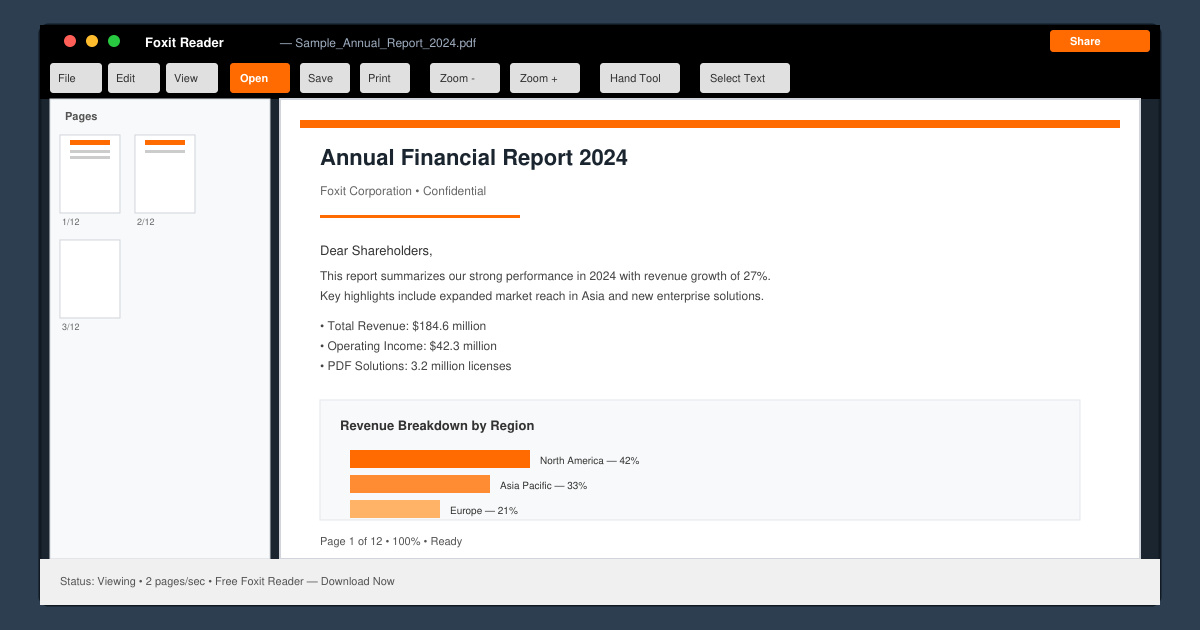
Get your Free Foxit Reader Free Download from the official source with this step-by-step guide that ensures a safe and quick installation for viewing PDFs.
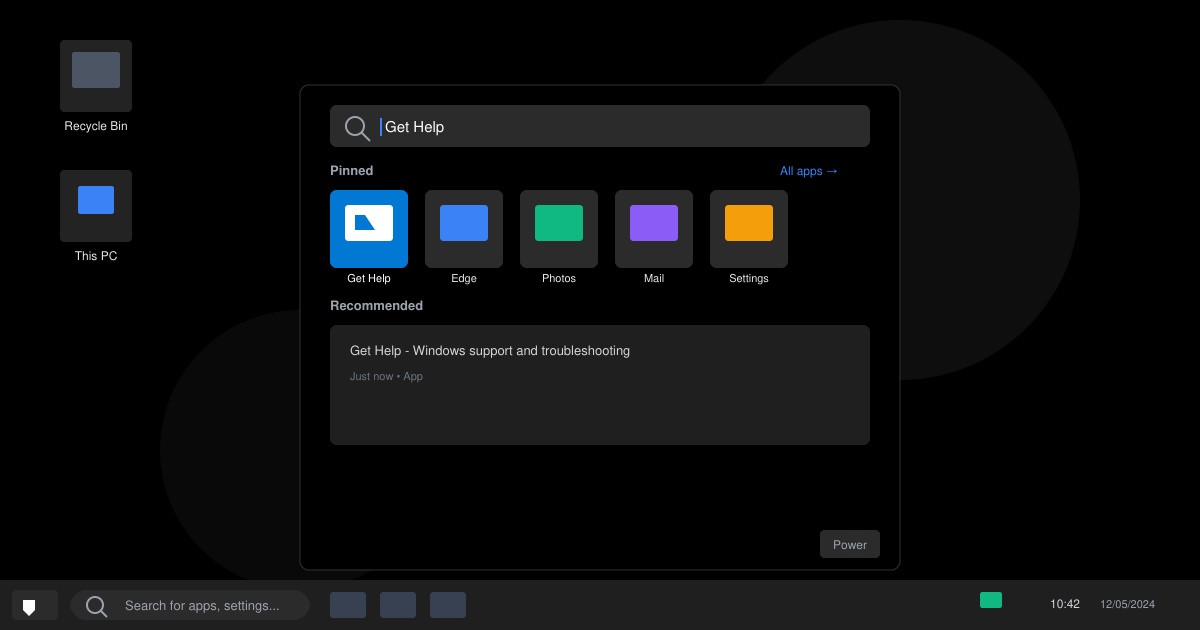
Learn how to get help in Windows 11 with built-in tools like the Get Help app and Quick Assist for fast, official support without third-party downloads.
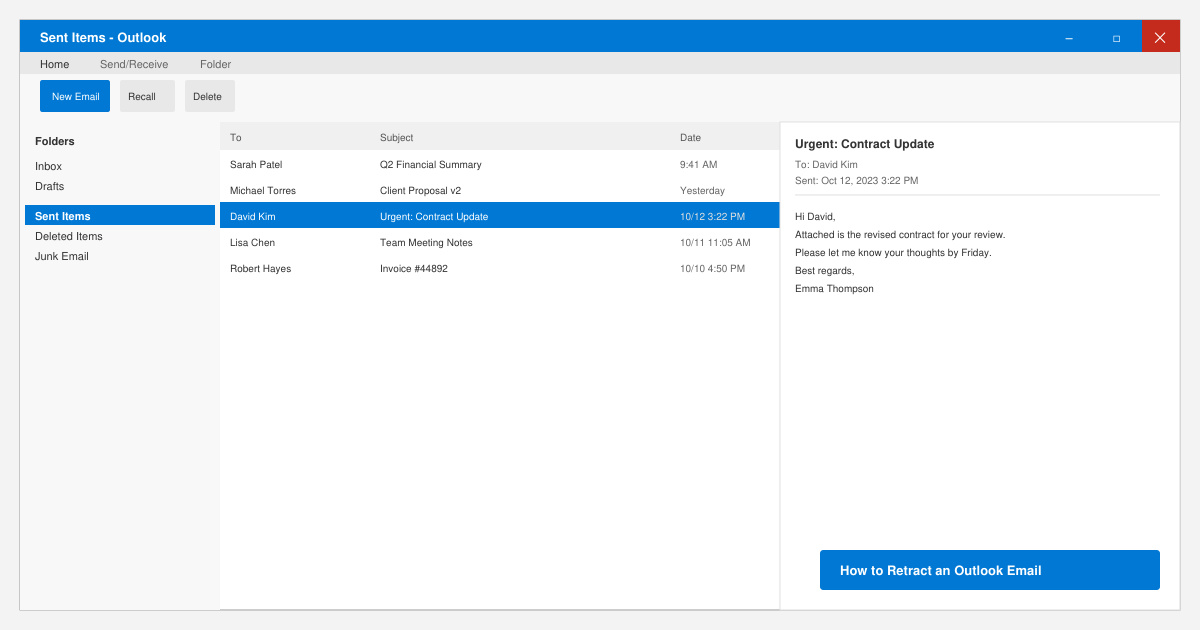
Learn how to retract an Outlook email in Microsoft Outlook when you need to correct a mistake before the recipient opens it. Follow these precise steps for Exchange accounts.
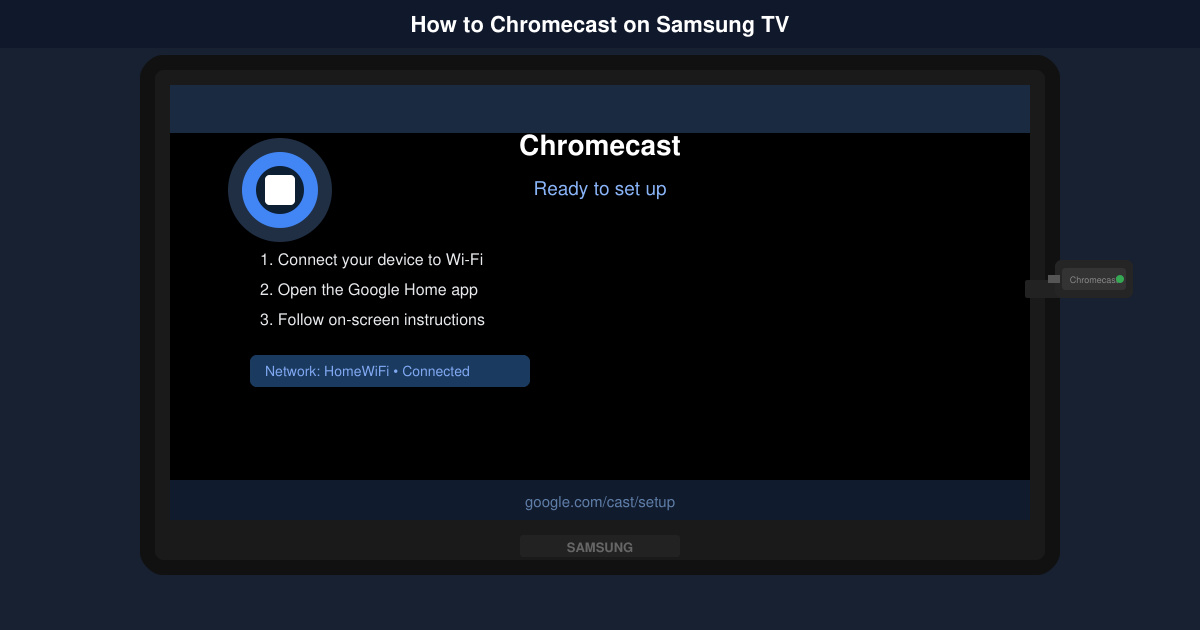
Learn how to Chromecast in Samsung TV by connecting a Chromecast device and streaming from your phone or computer in just a few minutes.
Get the official Adobe Acrobat DC Reader free download safely. Follow this step-by-step guide to install the latest version for viewing and editing PDFs on Windows or Mac.