Fix “No Bootable Device Found” After Installing Debian on UEFI

Fix Debian’s UEFI boot error by checking boot mode, the EFI System Partition, GRUB files, and firmware boot order—without reinstalling Debian first.
Imagine firing up your Windows 11 PC, eager to browse the web or stream your favorite show, only to be hit with the dreaded "unidentified network" error. No internet access, limited or no connectivity – it's a total buzzkill! 😩 But don't worry; this common issue is often fixable with a few straightforward steps. In this guide, we'll walk you through the most effective ways to fix Windows 11 "Unidentified Network" error, drawing from the latest troubleshooting methods. By the end, you'll have your connection humming smoothly again. Let's dive in and get you back online! 🌐
The "unidentified network" error in Windows 11 means your PC can't properly identify or connect to your network. This leads to "No Internet Access" status in the Network & Internet settings. Common culprits include outdated drivers, IP configuration glitches, router hiccups, or even Windows updates gone awry. It's frustrating, but the good news? Most fixes take just minutes. Stick with us – we'll prioritize simple, non-technical solutions first, building up to advanced ones if needed.
Before we jump into the fixes, a quick tip: Always restart your PC and router first. It's like hitting the reset button on life's annoyances! 🔄 Now, let's tackle this head-on with proven methods updated for the latest Windows 11 builds.
Windows 11 has a smart troubleshooter that can automatically detect and fix unidentified network issues. It's our #1 recommendation for beginners – quick and effortless!
Pro tip: If it identifies a driver issue, proceed to our next step. Many users report instant success here – your connection might be back before you finish your coffee! ☕
Sometimes, the error stems from corrupted network settings. Resetting the TCP/IP stack flushes out the junk and restores order. This is a game-changer for persistent Windows 11 unidentified network error cases.
cmd, and hit Ctrl + Shift + Enter to open Command Prompt as admin.netsh int ip resetnetsh winsock resetipconfig /releaseipconfig /renewipconfig /flushdnsWhy does this work? It clears out temporary glitches in your IP and DNS settings, which are frequent triggers for the "no internet access" warning. If you're not comfy with commands, no sweat – we've got GUI alternatives next.
Outdated or buggy drivers are a top cause of unidentified network Windows 11 woes. Windows 11's latest updates (as of 2026) emphasize driver stability, but manual checks ensure you're golden.
For extra assurance, visit your PC manufacturer's site (like Dell or HP) or use Windows Update to grab the newest drivers. This fix has saved countless sessions from network purgatory! 🎉
If the issue is Wi-Fi specific, your saved network profile might be corrupted. Forgetting it forces a clean reconnection.
This simple reset often resolves "unidentified network" on home setups. Pair it with a router restart for best results – unplug your router for 30 seconds, then plug it back in.
IP address clashes or slow DNS servers can mimic the error. Switch to reliable public DNS like Google's for a quick win.
To spot IP conflicts, run ipconfig in Command Prompt and ensure your IP isn't 169.x.x.x (a sign of auto-assigned failure). This tweak boosts speed too – double win! 🚀
If basics don't cut it, reset all network settings via Settings > Network & Internet > Advanced network settings > Network reset. Warning: This removes saved Wi-Fi passwords, so note them down.
For hardware checks, test with another device or cable. If it's router-side, update its firmware from the manufacturer's site. Persistent issues? Consider a VPN disable or antivirus scan – malware loves network chaos.
Here's a quick comparison table of common causes and fixes to keep things organized:
| Cause | Symptom | Best Fix |
|---|---|---|
| Driver Issues | Limited connectivity | Update/Reinstall in Device Manager |
| IP/DNS Glitch | No internet access | Reset TCP/IP and change DNS |
| Router Problem | Unidentified network icon | Restart router and forget network |
| Software Conflict | Intermittent drops | Run troubleshooter or network reset |
Once fixed, keep the good vibes going! Enable automatic Windows Updates for the latest patches, schedule regular router reboots, and avoid sketchy downloads that could corrupt drivers. If you're on a corporate network, chat with IT – they might have group policy tweaks causing this.
For more depth, check Microsoft's official guide on fixing Wi-Fi issues. It's a goldmine for stubborn cases.
There you have it – a complete arsenal to conquer the Windows 11 "Unidentified Network" error. Start with the troubleshooter, escalate as needed, and you'll be surfing the web in no time. If one fix doesn't click, the next one might – persistence pays off! Got a unique setup or lingering questions? Drop a comment below; we're here to help. Stay connected! 🌟
Fix Debian’s UEFI boot error by checking boot mode, the EFI System Partition, GRUB files, and firmware boot order—without reinstalling Debian first.
The Outlook Inbox Repair Tool fixes corrupted PST files quickly so you can recover emails and restore normal Outlook function. Follow these exact steps to run scanpst.exe without data loss.
Get the Adobe PDF Installer Offline to install Acrobat Reader on any PC without needing internet during setup. Follow these exact steps for the full standalone package.
Learn how to Chromecast from laptop to TV with this step-by-step guide. Stream browser tabs, videos, or your full screen from Windows or Mac to your TV in minutes.
Learn how to edit an Adobe PDF file in Adobe Acrobat with precise steps for text, images, and layout changes. Make professional edits quickly and save time.
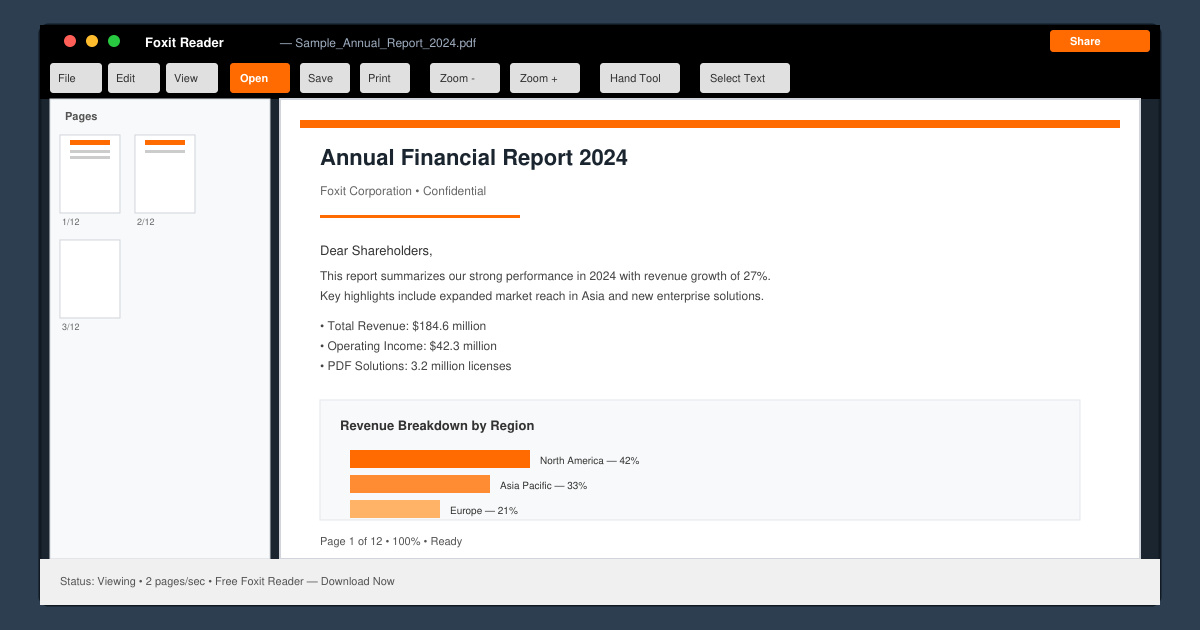
Get your Free Foxit Reader Free Download from the official source with this step-by-step guide that ensures a safe and quick installation for viewing PDFs.
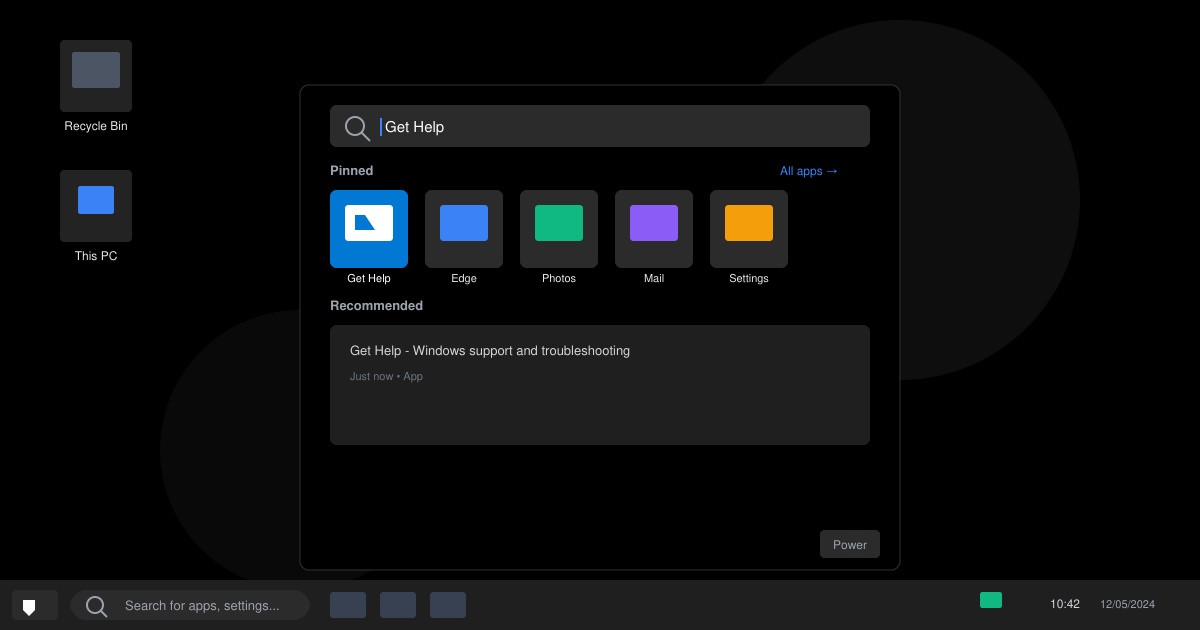
Learn how to get help in Windows 11 with built-in tools like the Get Help app and Quick Assist for fast, official support without third-party downloads.
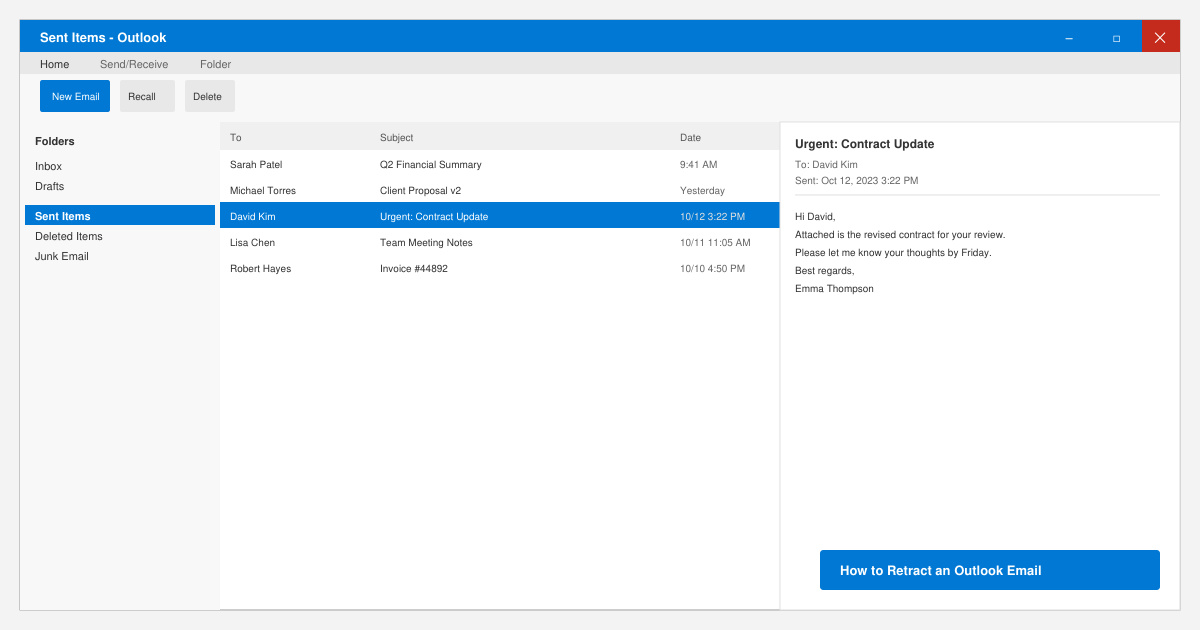
Learn how to retract an Outlook email in Microsoft Outlook when you need to correct a mistake before the recipient opens it. Follow these precise steps for Exchange accounts.
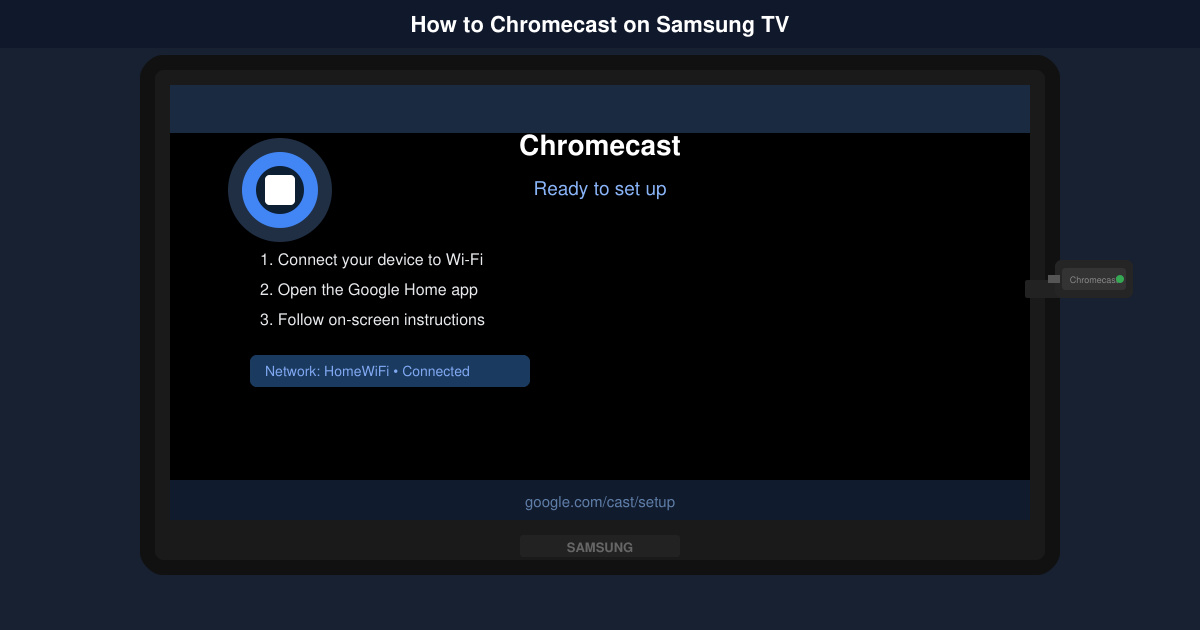
Learn how to Chromecast in Samsung TV by connecting a Chromecast device and streaming from your phone or computer in just a few minutes.
Get the official Adobe Acrobat DC Reader free download safely. Follow this step-by-step guide to install the latest version for viewing and editing PDFs on Windows or Mac.