How to Get 1 Month of Discord Nitro for Free with Opera GX

Opera GX , the gaming-focused web browser, has launched an interesting partnership with Discord , offering users a free one-month trial of Discord Nitro .

The promotion is currently valid until June 2024 and has some terms and conditions to consider, but it's worth checking out to get 1 month of Discord Nitro for free.

How to Get Discord Nitro for Free with Opera GX

How to Get 1 Month of Discord Nitro for Free with Opera GX
Get Discord Nitro for Free via Opera GX

Getting 1 month worth of Discord Nitro through Opera GX is quite simple and all you need to do is follow these steps:

1. Launch Opera GX.

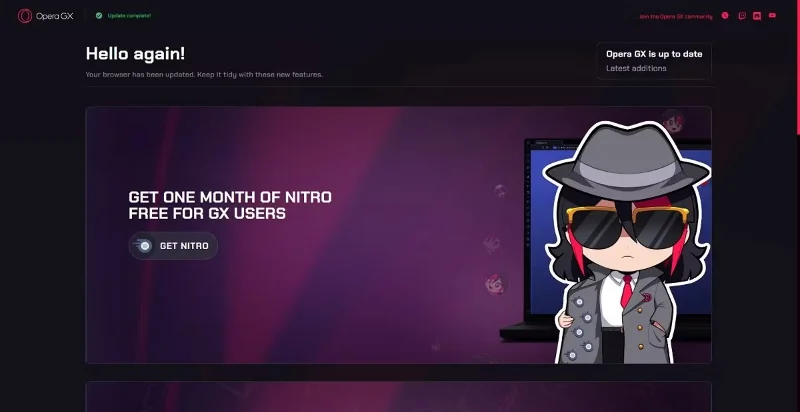
2. Visit the Opera GX Discord Nitro promo page .

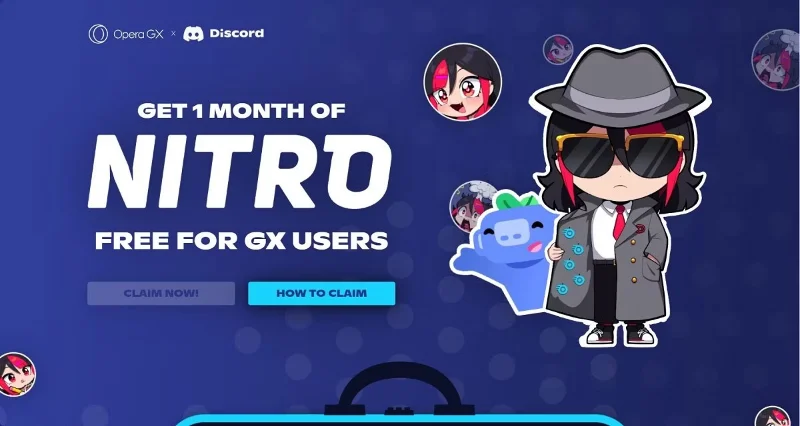
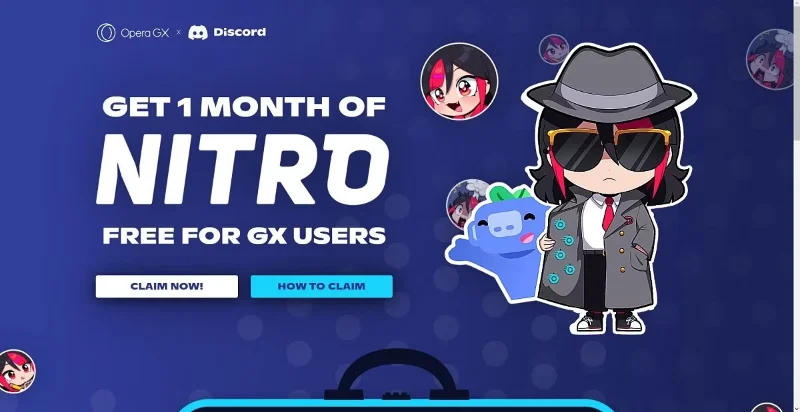
3. Click CLAIM NOW! to be redirected to the Discord website.

How to Get 1 Month of Discord Nitro for Free with Opera GX
Click CLAIM NOW!

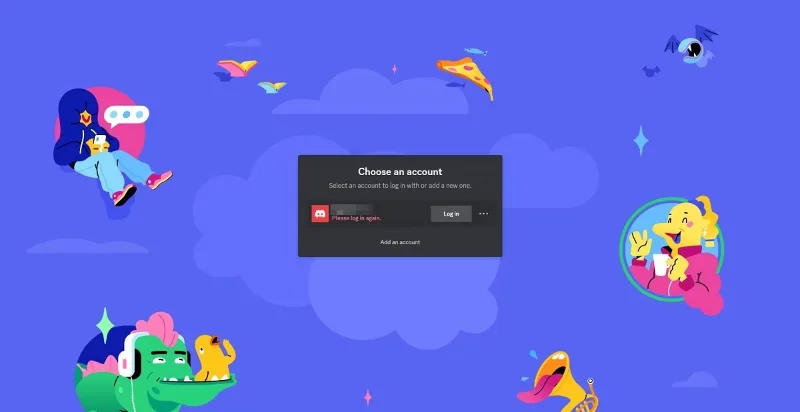
4. Link your Discord account to Opera GX to sign up for the promotion.

How to Get 1 Month of Discord Nitro for Free with Opera GX
Log in to Discord

Keep in mind that this promotion is only for Opera GX users. You cannot access the promotional page from any other web browser. For example, the author of the article tried to access the promotional page through Microsoft Edge, but the CLAIM NOW! button was grayed out and inaccessible:

How to Get 1 Month of Discord Nitro for Free with Opera GX
The program is only applicable for Opera GX

Conditions to get free Discord Nitro

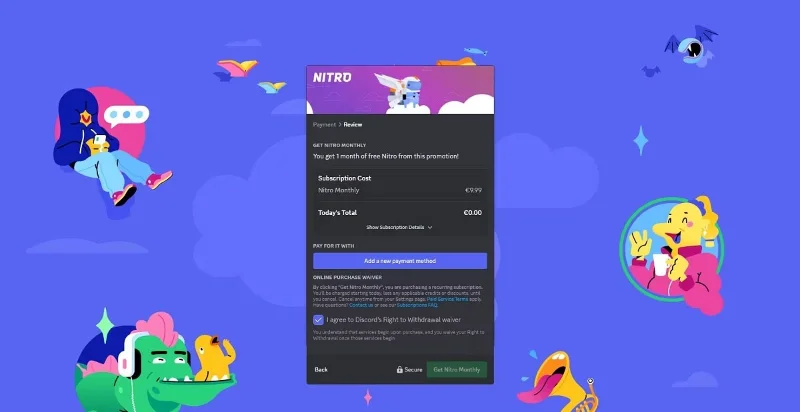
This special promotion is like a free Nitro trial; you must log in with a payment option to sign up.

1. Select the payment method you want to continue with.

How to Get 1 Month of Discord Nitro for Free with Opera GX
Sign up for Discord Nitro for free

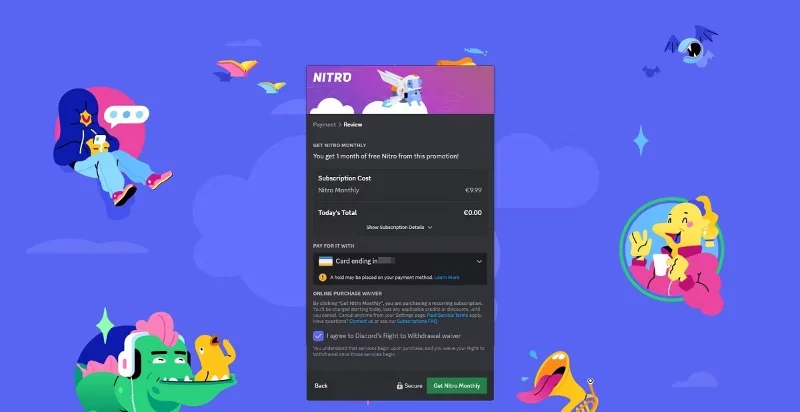
2. After filling in the data, click Get Nitro Monthly .

How to Get 1 Month of Discord Nitro for Free with Opera GX
Click Get Nitro Monthly

3. Enjoy using Discord Nitro.

How to Get 1 Month of Discord Nitro for Free with Opera GX
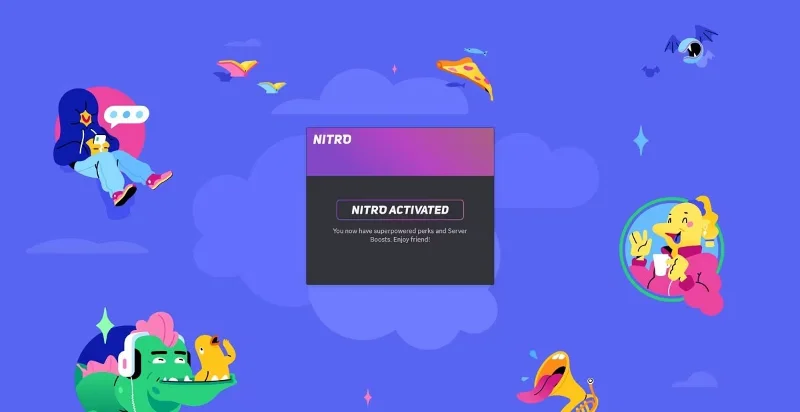
Discord Nitro is enabled

However, there are a few things you need to know about the free Discord Nitro promotion before you access it:

  • This promotion is only valid for users who have not had an active Nitro subscription within the last 12 months.
  • You will need to present a valid form of payment when signing up. For this reason, a small amount ($0.99) will be held, but will be returned to you. This is for verification purposes.
  • After your 30-day trial ends, your Nitro subscription will convert to a monthly recurring Nitro subscription.
  • To prevent Discord from charging you $9.99/month, you should cancel your free trial before the 30-day mark.

Note : This offer is valid until 11:59 PM ET on July 16, 2024.

Benefits of Discord Nitro over Regular Discord

The free version of Discord offers more than enough features for the average user. However, Nitro offers a number of perks that make the Discord experience much more enjoyable.

For starters, you can use custom emojis, stickers, and soundboards across compatible platforms and servers. Nitro also lets you share your screen in high resolution (1080p 60FPS), which is great for streamers, and you also get access to advanced profile personalization tools, like custom Discord banners.

Other handy perks of Discord Nitro include more server access (up to 200 servers), expanded messaging limits (up to 4,000 characters), and more super reactions to use in chat. Note that Discord Nitro differs from Discord Nitro Classic in that Discord Nitro gets more perks.

This collaboration between Opera GX and Discord is a great opportunity for gamers to get 1 month of Discord Nitro for free and experience everything its premium tier has to offer.
Leave a Comment

How to Fix Microsoft Teams Breakout Rooms Not Erstellen

How to Fix Microsoft Teams Breakout Rooms Not Erstellen

Frustrated with Microsoft Teams Breakout Rooms not creating? Discover proven fixes for "Breakout Rooms Not Erstellen" errors. Step-by-step guide ensures smooth meetings every time.

Troubleshooting Microsoft Teams Error T Today

Troubleshooting Microsoft Teams Error T Today

Stuck with Microsoft Teams "Error T" today? Get proven, step-by-step troubleshooting for Microsoft Teams "Error T" with quick fixes, causes, and solutions to get back to seamless collaboration. Works on desktop, web, and mobile!

How to Fix Microsoft Teams On iPhone App Error

How to Fix Microsoft Teams On iPhone App Error

Tired of Microsoft Teams "On iPhone" App Error crashing your meetings? Discover proven fixes for sign-in failures, crashes, and glitches on the latest iOS. Step-by-step guide with quick wins!

Solving Microsoft Teams Web Client Disabled Error

Solving Microsoft Teams Web Client Disabled Error

Tired of the Microsoft Teams Web Client "Disabled" Error blocking your meetings? Follow our proven step-by-step fixes to solve Microsoft Teams Web Client Disabled Error fast – no IT help needed!

How to Check Your Microsoft Teams Version Using PowerShell

How to Check Your Microsoft Teams Version Using PowerShell

Discover how to check your Microsoft Teams version using PowerShell in seconds. Step-by-step guide for IT pros, admins, and everyday users to verify updates, troubleshoot issues, and stay ahead. Accurate, fast, and foolproof methods revealed!

Solving Microsoft Teams Guest Access Not Working

Solving Microsoft Teams Guest Access Not Working

Struggling with Microsoft Teams Guest Access Not Working? Discover proven fixes, from quick checks to advanced troubleshooting, to get guests collaborating seamlessly in no time.

Where is the Microsoft Teams Recycle Bin? How to Recover Deleted Files

Where is the Microsoft Teams Recycle Bin? How to Recover Deleted Files

Lost important files in Microsoft Teams? Discover the exact location of the Microsoft Teams Recycle Bin and follow our proven steps to recover deleted files quickly and easily—no tech skills required!

The Most Essential Vitamins for Women Over 50

The Most Essential Vitamins for Women Over 50

As you age, many of your bodys organs can weaken, but it doesnt have to be that way if you take care of yourself. Here are the most essential vitamins for women over 50.

Where to Find Your Microsoft Teams ID and Account Info

Where to Find Your Microsoft Teams ID and Account Info

Struggling to locate your Microsoft Teams ID or account details? This step-by-step guide shows exactly where to find your Microsoft Teams ID and account info on desktop, web, mobile, and more for seamless collaboration.

How to Enable Microsoft Teams Transcription for Meetings

How to Enable Microsoft Teams Transcription for Meetings

Unlock the power of Microsoft Teams transcription for meetings with this step-by-step guide. Learn how to enable transcription, prerequisites, and tips for accurate transcripts to boost productivity and accessibility. Perfect for teams in 2026.

Troubleshooting Microsoft Teams Unknown Error Fix

Troubleshooting Microsoft Teams Unknown Error Fix

Tired of Microsoft Teams "Unknown Error" crashing your meetings? Discover step-by-step troubleshooting fixes that work instantly. Clear cache, reset app, and more—no tech skills needed!

Supplements that people with irritable bowel syndrome should not take

Supplements that people with irritable bowel syndrome should not take

Not all supplements are beneficial for irritable bowel syndrome (IBS), some may even worsen your symptoms.

How to Fix Microsoft Teams Error AADSTS70008: Expired Security Token

How to Fix Microsoft Teams Error AADSTS70008: Expired Security Token

Struggling with Microsoft Teams Error AADSTS70008: Expired Security Token? Discover step-by-step fixes, from quick sign-outs to advanced cache clears, to get back to seamless collaboration instantly. Updated with the latest solutions.

How to Fix Microsoft Teams Error C Data

How to Fix Microsoft Teams Error C Data

Tired of Microsoft Teams Error C Data crashing your meetings? Get proven, step-by-step solutions to clear cache, reset, and restore seamless teamwork. Fast, reliable fixes for the latest Teams versions.

How to Use Microsoft Teams Background Images Effectively

How to Use Microsoft Teams Background Images Effectively

Discover how to use Microsoft Teams background images effectively with step-by-step guides, custom upload tips, and best practices to make your video calls professional and engaging. Elevate your remote work game today!