How to Update Google Chrome Browser

Learn how to update Google Chrome browser on Windows, Mac, and Android in minutes to enjoy better security, speed, and new features. Follow these clear steps.
If you want every link and HTML file to open in Google Chrome automatically, you need to know how to make Chrome default browser on your device. The process differs slightly by operating system but follows the same core logic of telling your computer which app should handle web content. This guide gives precise clicks and menu paths for Windows, macOS, and Android so you finish the task quickly and correctly.
Chrome offers fast page loading, built-in password management, and seamless sync across devices. Once set as default it eliminates the constant prompt asking which browser to use every time you click a link. Before starting, make sure you have the latest version of Chrome installed from the official Google site and that you are signed in with the Google account you want to sync.
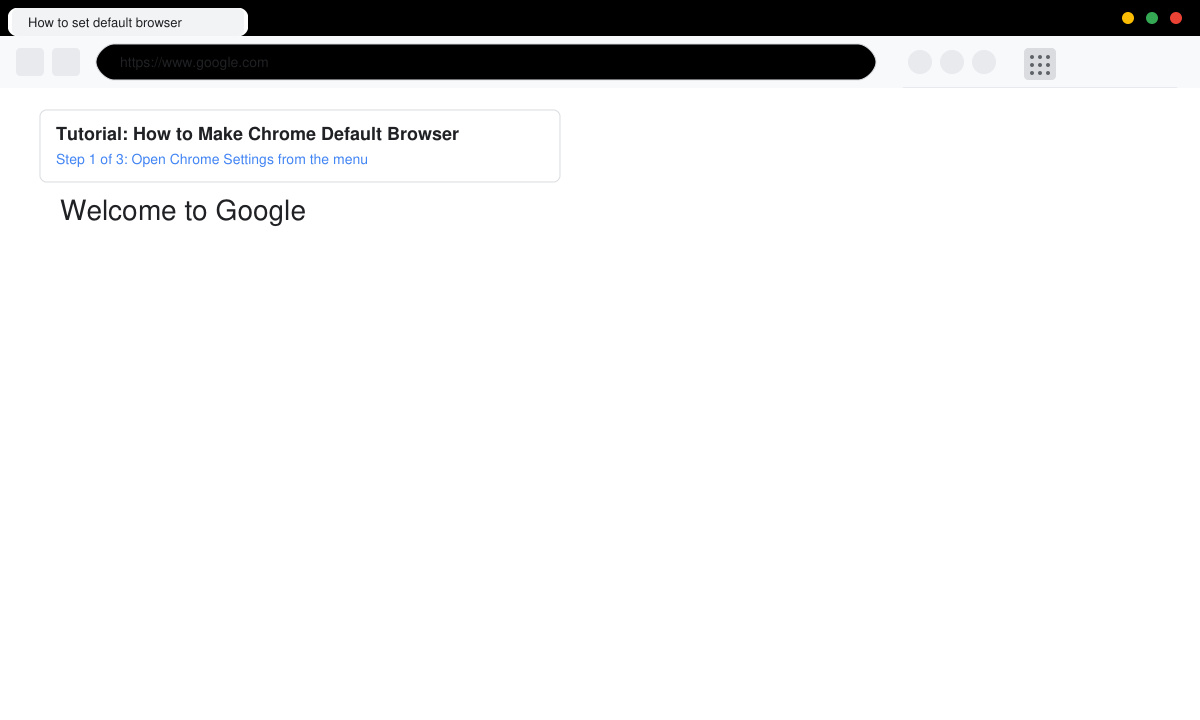
Launch Google Chrome from the Start menu or taskbar. Click the three-dot menu in the top right corner, then select Settings from the dropdown list.
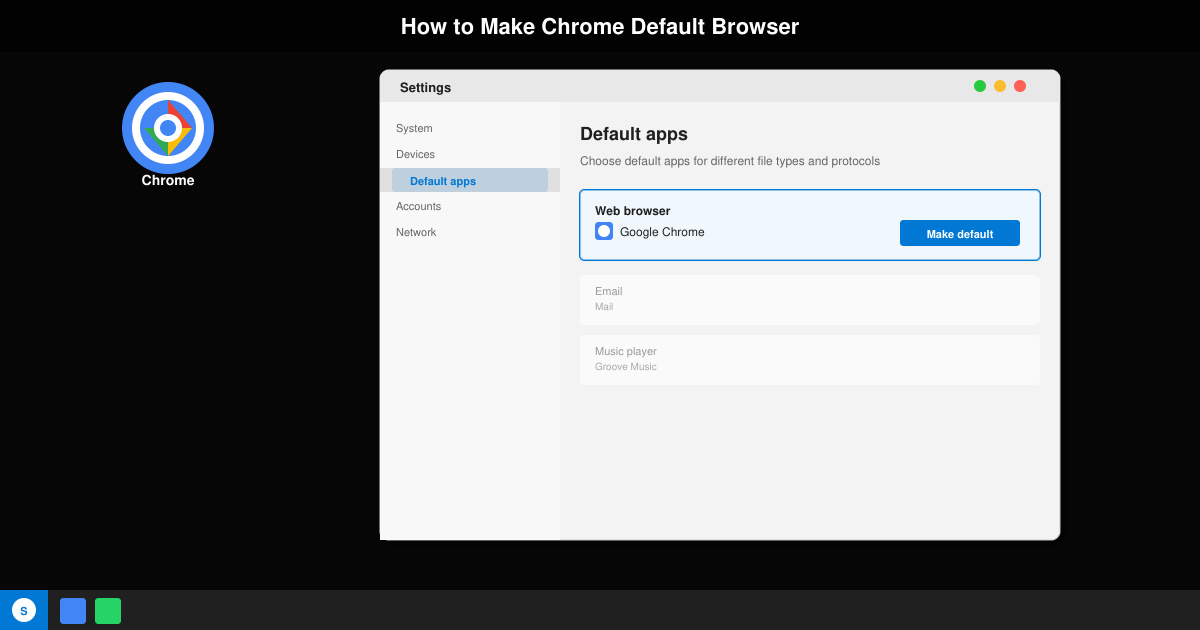
In the left sidebar click the Default browser heading. On the right side you will see a button labeled Make default. Click it once. Windows will immediately switch the default for .html, .htm, HTTP, and HTTPS protocols to Chrome.
If the button is grayed out, open Windows Settings by pressing Windows key + I. Navigate to Apps then Default apps. Scroll to find Google Chrome in the list, click it, and choose Set as default. This forces every web-related file type to open in Chrome.
Click the Apple menu and choose System Settings. Scroll down and select Desktop & Dock. Under the heading Default web browser, click the dropdown menu and pick Google Chrome from the list of installed browsers.
Close System Settings and double-click any HTML file on your Mac or click a link in another app. The page should now load directly inside Chrome without any additional prompts.
If Chrome does not appear in the list of available browsers, reinstall it from google.com/chrome and restart your computer. On Windows 11 you may need to set defaults for individual file types such as .pdf and .html separately if the main Set as default button fails. Android users should open Settings, tap Apps, select Chrome, tap Set as default, and choose Open supported links then select Always. Restarting the device after any change clears cached association data that sometimes blocks the update.
No. Only web links and HTML files are redirected. Gmail, Drive, and other Google services continue to work exactly as before.
Yes. Go to iPhone Settings, scroll to Chrome, tap Default Browser App, and select Chrome. The change applies to all links opened from Mail, Messages, and Safari.
Yes. The default browser choice is stored by the operating system, not inside Chrome itself, so updates do not reset it.
Following the steps above completes the process of how to make Chrome default browser on any major platform in just a few clicks.
Learn how to update Google Chrome browser on Windows, Mac, and Android in minutes to enjoy better security, speed, and new features. Follow these clear steps.
Learn how to download old media from WhatsApp and recover photos or videos from past chats. Follow these clear steps to save files that no longer appear in your gallery.
Facebook Messenger Isn T Working on your device? Use these exact troubleshooting steps to restore chats, calls, and notifications fast on Android, iOS, or desktop.
How to See Deleted WhatsApp Messages using your phone's built-in tools. Follow these exact steps to recover messages that contacts have deleted from chats.
Learn how to clear browser history in Chrome on desktop and Android with this exact step-by-step process. Keep your browsing private and free up storage space quickly.
Master how to use CapCut with this practical walkthrough covering project setup, editing tools, effects, and export options for high-quality video results.
Get the latest WhatsApp App Update Download from official sources to access new features and security improvements. Follow these clear steps for Android and iOS devices.
Learn how to safely Download WhatsApp App for Android from the official Google Play Store. Follow our clear step-by-step instructions to install the latest version quickly and securely.
Google Download WhatsApp App safely through the Google Play Store with this clear guide. Get the official version on your Android device quickly and avoid fake downloads.
Facebook and Messenger not working can disrupt your day. Follow these targeted fixes to restore access quickly on mobile and desktop.








