How to Update Google Chrome Browser

Learn how to update Google Chrome browser on Windows, Mac, and Android in minutes to enjoy better security, speed, and new features. Follow these clear steps.
Losing a WhatsApp conversation can happen with an accidental tap or a quick cleanup. How to Obtain Deleted WhatsApp Messages depends on whether a recent backup exists or if the messages still appear in device notifications. This guide walks through the practical methods that work on current versions of WhatsApp for both Android and iOS.
WhatsApp stores messages locally and in cloud backups. When you delete a chat, the messages disappear from the app, but a Google Drive or iCloud backup taken before the deletion can bring them back. Success requires that the backup date precedes the deletion and that you have not created a newer backup since then. On Android you can also check the notification history for text that WhatsApp displayed before the delete action.
Before starting, confirm your phone model and WhatsApp version. The restore process differs slightly between Android and iOS, and you need the same phone number used when the messages were sent.
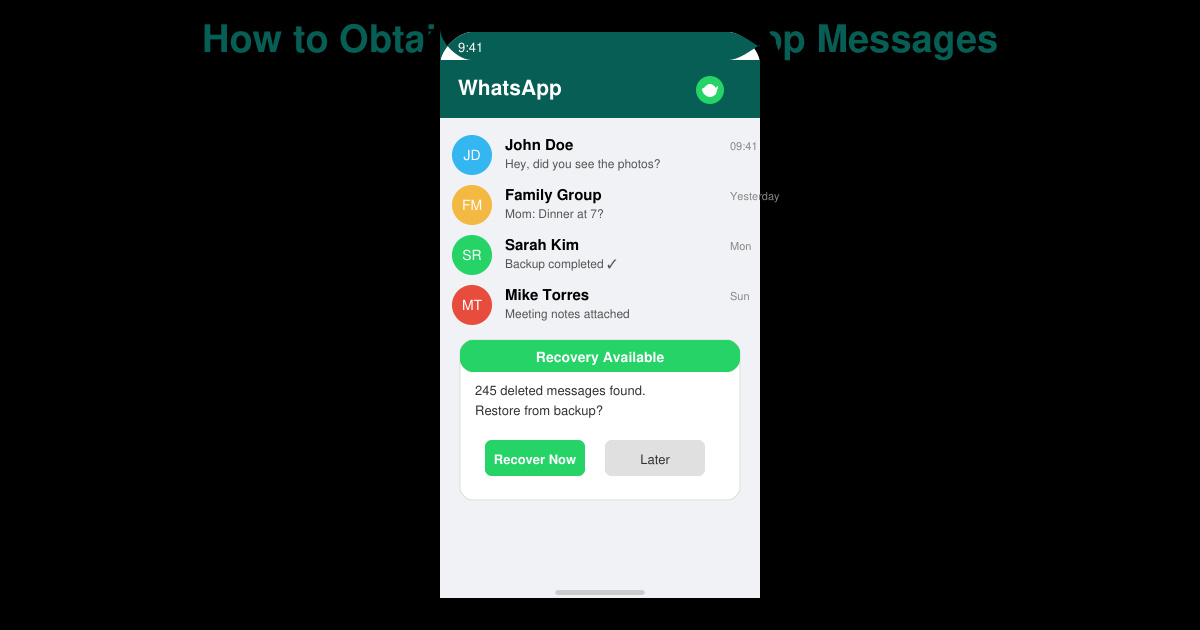
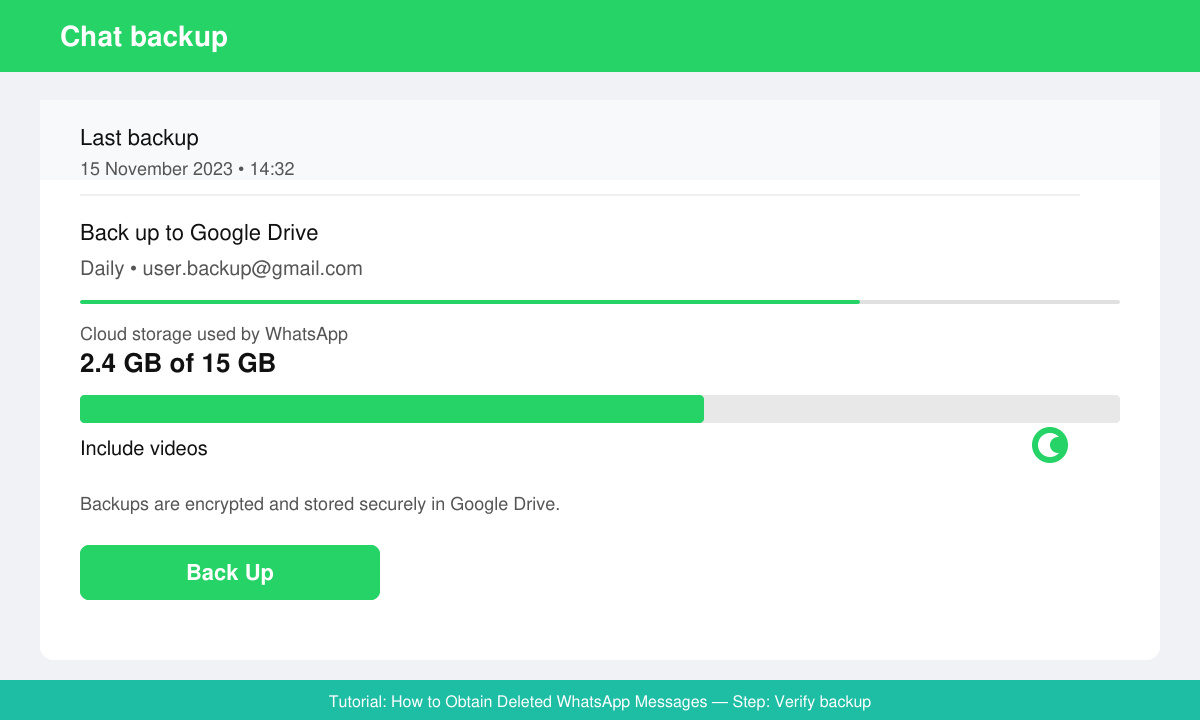
Open WhatsApp, tap the three dots in the top right, select Settings, then Chats, and finally Chat backup. Note the last backup date and time. If the date is before the messages were deleted, you can proceed with a restore.
On Android, long-press the WhatsApp icon, choose App info, then tap Uninstall. On iOS, press and hold the app icon and select Remove App. This step removes the current local database so the older backup can load without conflict.
Download WhatsApp from the Google Play Store or Apple App Store. Open the app and enter the same phone number. WhatsApp will detect the backup and prompt you to restore it. Tap Restore when the option appears.
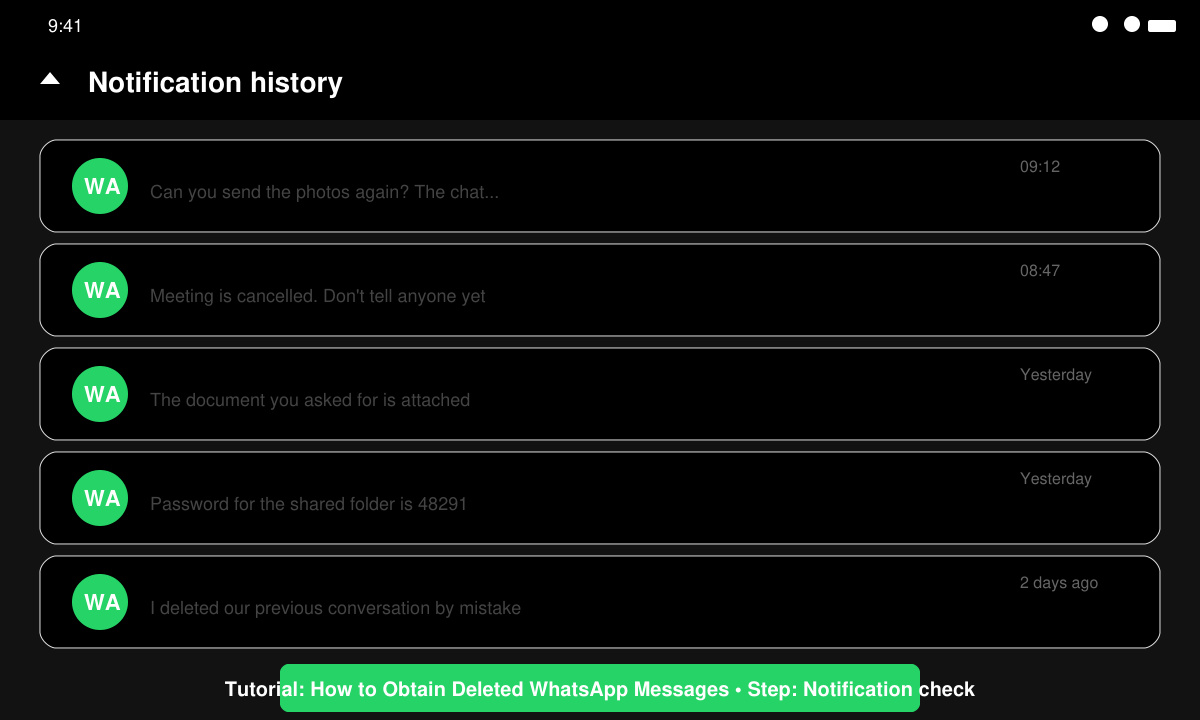
If no backup is available, open your phone Settings, go to Notifications, then Notification history. Scroll to WhatsApp entries from the day the messages arrived. Many Android versions keep the message text visible even after deletion inside the app.
After the restore completes, open the recovered chat, tap the contact name at the top, scroll down and select Export chat. Choose whether to include media, then save the file to your device or email it to yourself.
Only if the messages still exist in Android notification history or were forwarded to another chat or email before deletion.
Yes. Any chats created after the backup date will be replaced by the older version, so export important recent conversations first.
No official method relies on third-party tools. Using them risks account bans and data theft, so stick to WhatsApp's built-in backup system.
Following the steps above gives you the best chance to obtain deleted WhatsApp messages through official backup and device features without additional software.
Learn how to update Google Chrome browser on Windows, Mac, and Android in minutes to enjoy better security, speed, and new features. Follow these clear steps.
Learn how to download old media from WhatsApp and recover photos or videos from past chats. Follow these clear steps to save files that no longer appear in your gallery.
Facebook Messenger Isn T Working on your device? Use these exact troubleshooting steps to restore chats, calls, and notifications fast on Android, iOS, or desktop.
How to See Deleted WhatsApp Messages using your phone's built-in tools. Follow these exact steps to recover messages that contacts have deleted from chats.
Learn how to clear browser history in Chrome on desktop and Android with this exact step-by-step process. Keep your browsing private and free up storage space quickly.
Master how to use CapCut with this practical walkthrough covering project setup, editing tools, effects, and export options for high-quality video results.
Get the latest WhatsApp App Update Download from official sources to access new features and security improvements. Follow these clear steps for Android and iOS devices.
Learn how to safely Download WhatsApp App for Android from the official Google Play Store. Follow our clear step-by-step instructions to install the latest version quickly and securely.
Google Download WhatsApp App safely through the Google Play Store with this clear guide. Get the official version on your Android device quickly and avoid fake downloads.
Facebook and Messenger not working can disrupt your day. Follow these targeted fixes to restore access quickly on mobile and desktop.








