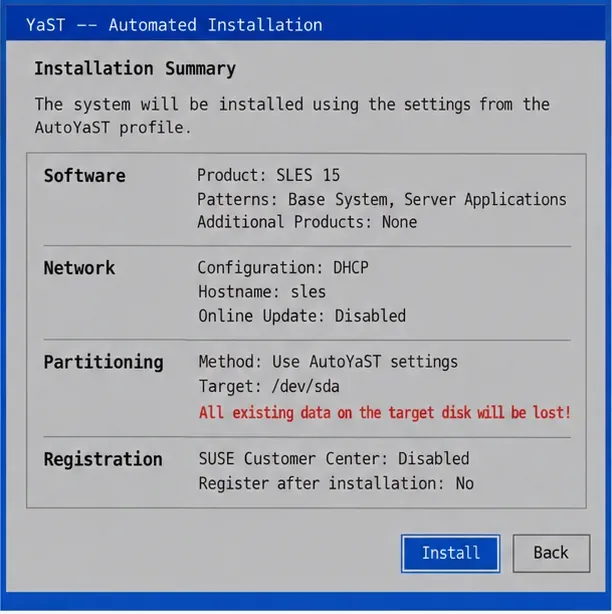
Build a Custom AppArmor Profile on SUSE Linux
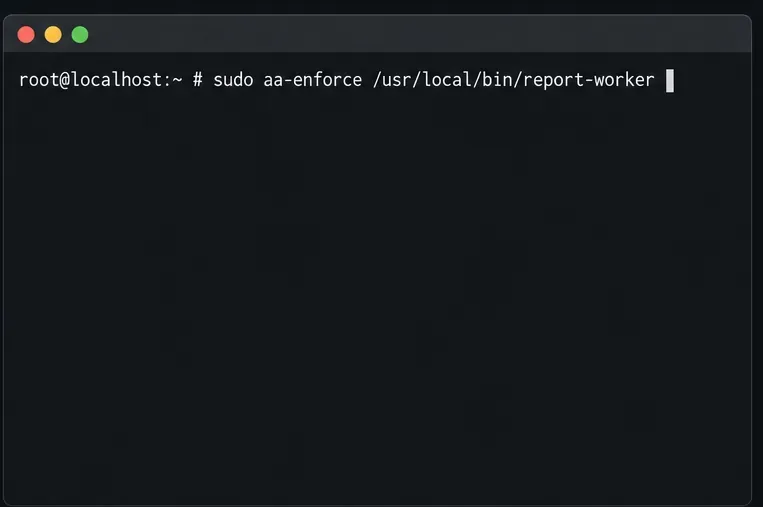
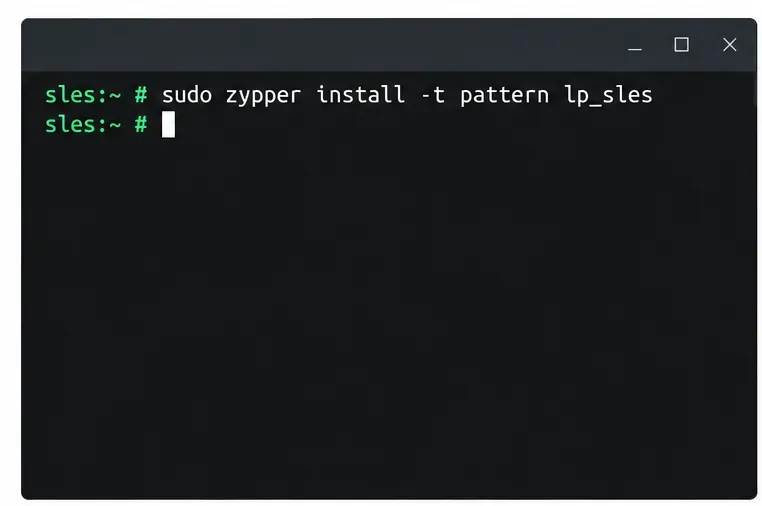
Create, refine, and verify a least-privilege AppArmor profile on SLES 15 SP7, with a clear note on SLES 16’s SELinux default.
Facebook is a place where we can let our friends know what we are doing and where by posting articles on our timeline. But sometimes for that reason you have to hide that article.
What if we hide the post in the timeline and we want to show it again but we don't know what to do? In order to help everyone solve this problem, we invite you to follow the article on how to recover a hidden article on Facebook .
Step 1: Access your Facebook profile.
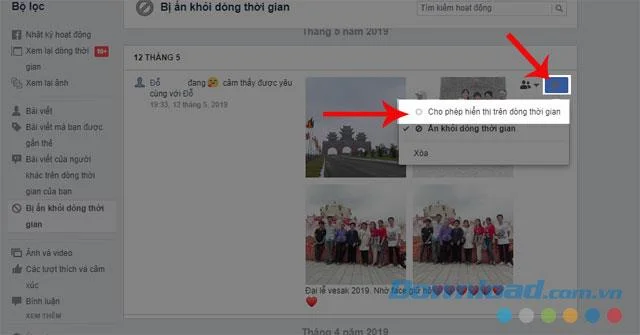
Step 2: Click Activity log .
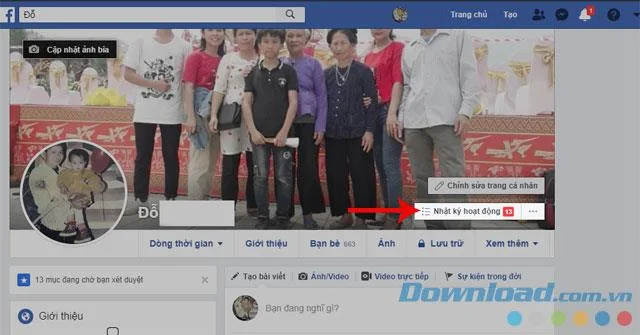
Step 3: Click the Hidden from timeline .
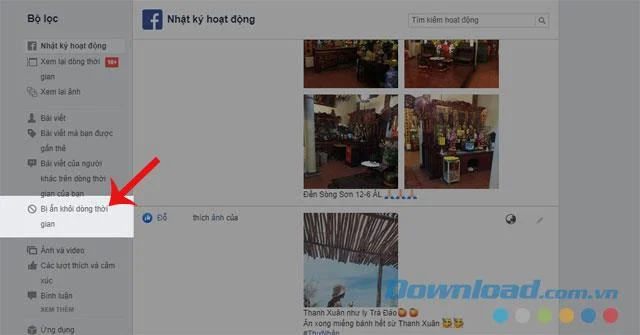
Step 4: Select the article you want to show, then click the icon to hide the article.
Step 5: Click the Allow display on the timeline .
Download Facebook on Android Download Facebook on IOS
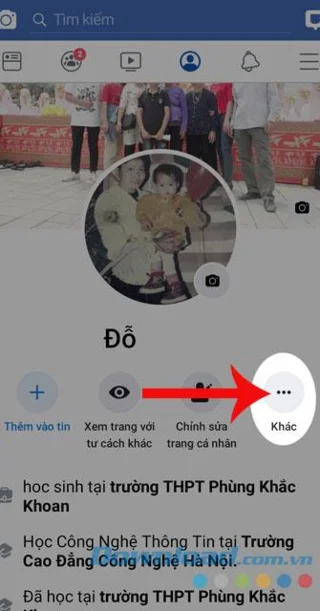
Step 1: Go to your personal page on the Facebook application.
Step 2: Click the three-dot button icon at Other section .
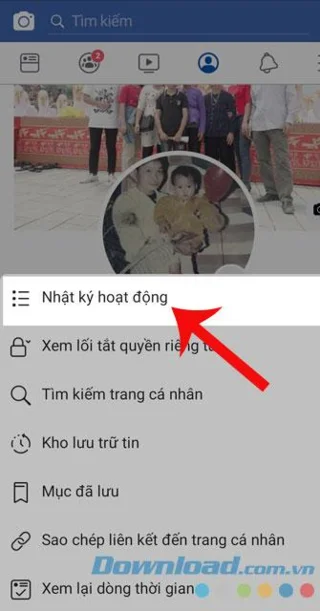
Step 3: Select Activity log.
Step 4: Click Category.

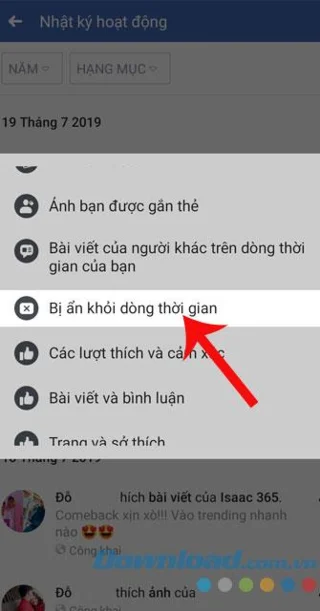
Step 5: Swipe down and select Hidden from timeline.
Step 6: Select the article you want to display, then click the three dots button at that article.
Step 7: Touch Show on timeline.


Hopefully, through these practices, everyone will be able to display the articles that they have hidden in the timeline. In addition, you can refer to some articles such as: How to rate comments on Facebook , How to see the amount of time on Facebook , Instructions to see who or on your Facebook profile , ....
I wish you successful implementation!
Create, refine, and verify a least-privilege AppArmor profile on SLES 15 SP7, with a clear note on SLES 16’s SELinux default.
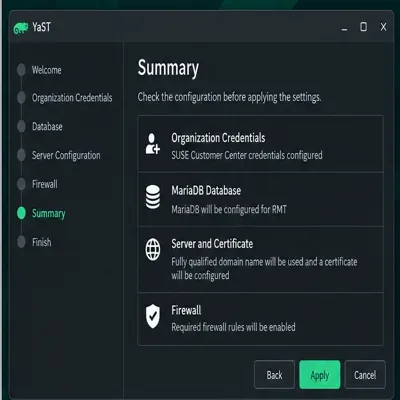
Set up RMT on SLES 15, mirror entitled repositories, and verify HTTPS registration and package access from a test client.
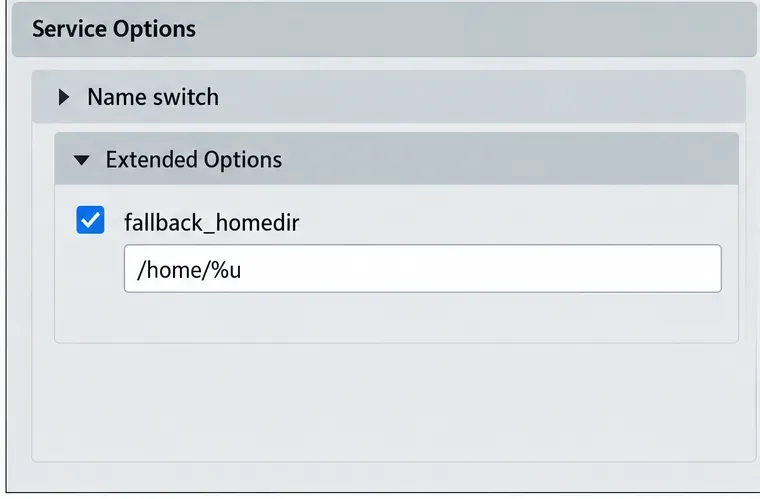
Connect SLES 15 to AD with YaST’s SSSD-based logon management, then verify directory lookup, domain login, and Kerberos tickets.
Set up the right Live Patching path for SLES 16.0 or 15 SP7, apply eligible kernel fixes, and confirm what is active without confusing it with a reboot-required kernel update.
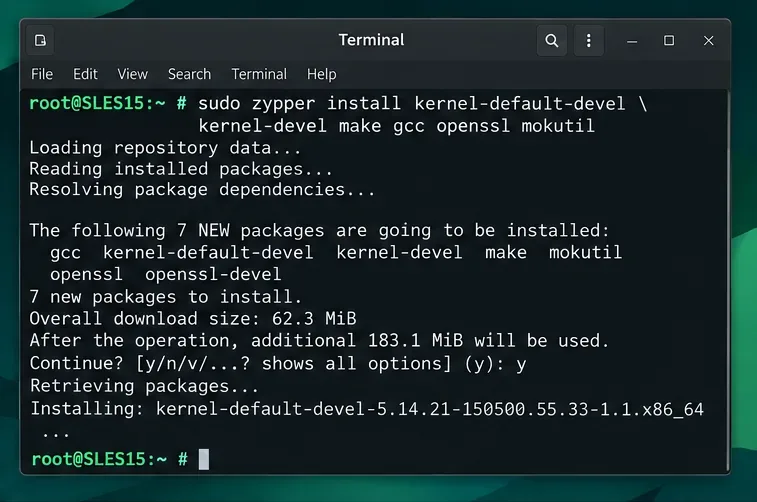
Load a custom SLES 15 kernel module without disabling Secure Boot. Match the running kernel, sign the .ko file, enroll a MOK key, and verify loading.
SLES 15 SP5 can migrate online to SP6, but each node must reboot. Use a tested rolling upgrade or blue-green cutover to keep workloads reachable.
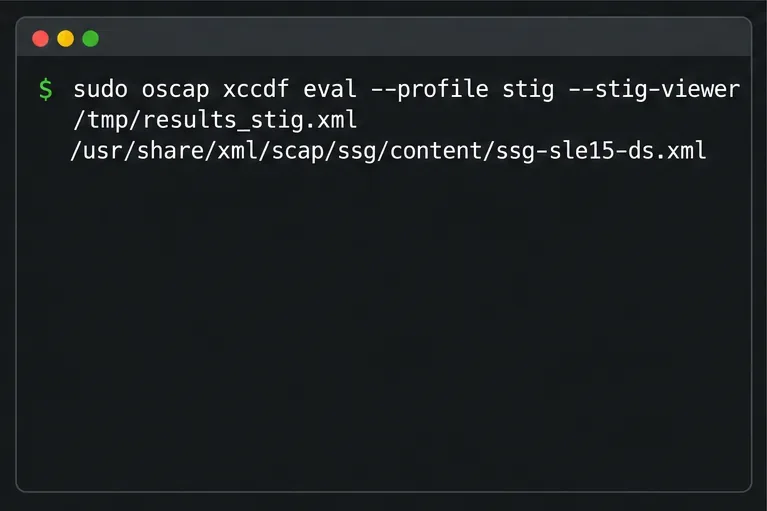
Use SUSE’s supported STIG profile to scan SLES 15, test remediation, review remaining findings, and retain assessment evidence.
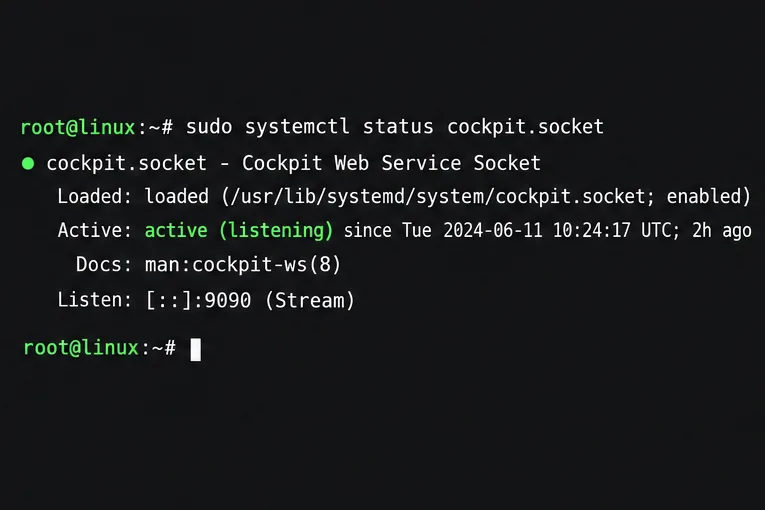
Trace a failed Cockpit connection through DNS, port 9090, the systemd socket, firewalld, TLS, and login settings using current SUSE guidance.
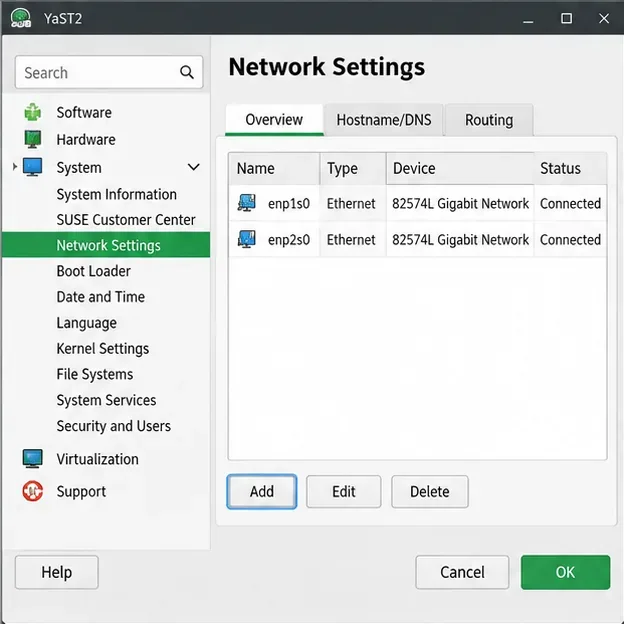
Create a redundant Ethernet connection on SLES 15 with YaST and Wicked, configure active-backup bonding, and verify both ports and failover.
Turn an existing SLES 15 system into a reviewed AutoYaST profile, validate it, and use it to deploy a test server with fewer manual steps.