How to Update Google Chrome Browser

Learn how to update Google Chrome browser on Windows, Mac, and Android in minutes to enjoy better security, speed, and new features. Follow these clear steps.
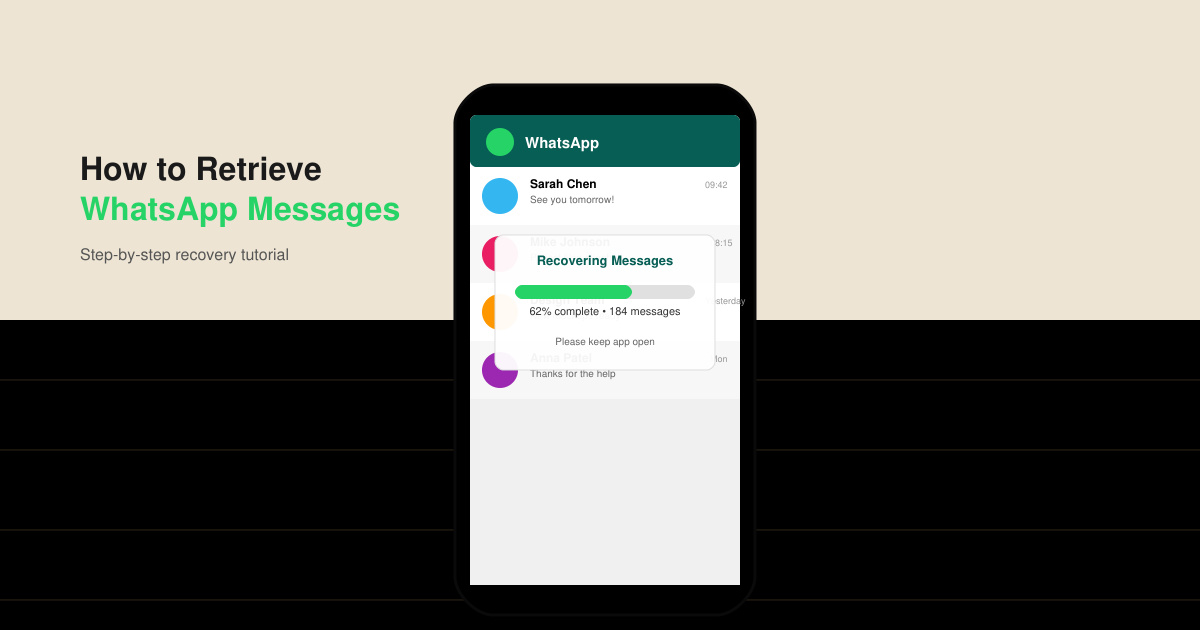
Losing chats on WhatsApp happens more often than people expect, whether from accidental deletion or a phone switch. Knowing how to retrieve WhatsApp messages lets you restore conversations without losing important details. This guide covers the main methods that work on both Android and iOS devices.
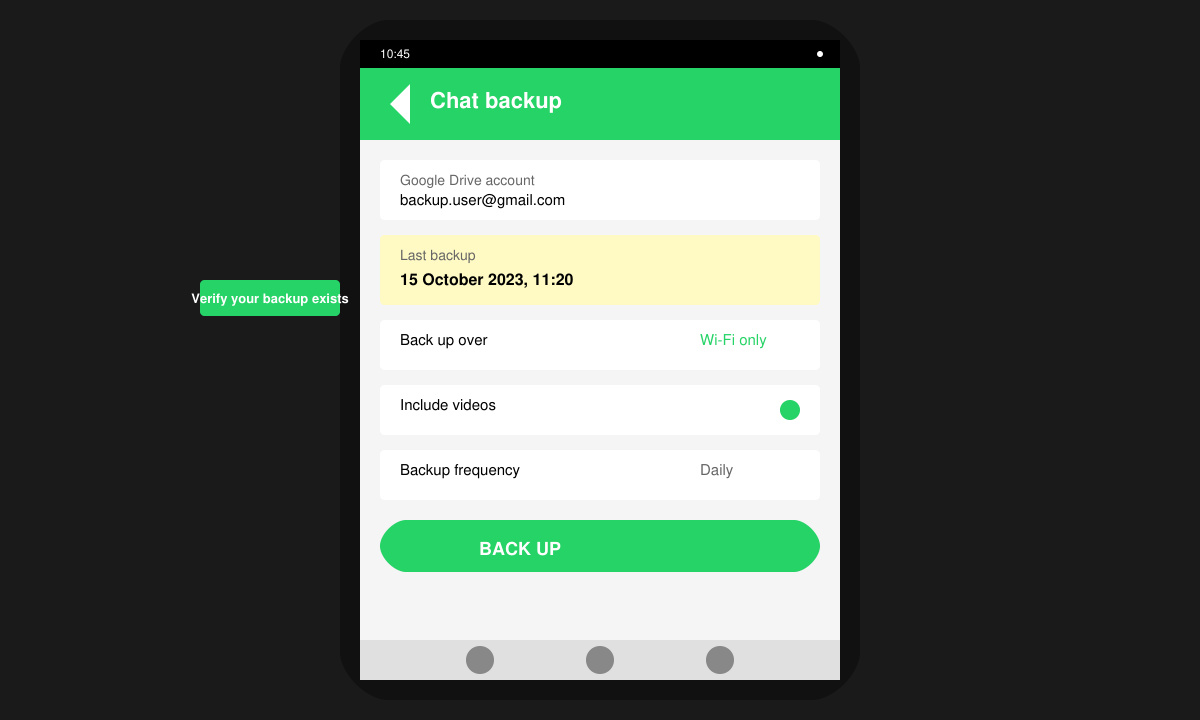
WhatsApp stores messages in encrypted local databases and optional cloud backups. The most reliable way to retrieve WhatsApp messages is through a recent backup, but local files on your device can also help when no cloud backup exists. Before starting, confirm your phone model and the date of the last backup inside WhatsApp settings. You will need the same phone number used for the original account and enough storage space for the restored files.
Open WhatsApp, tap the three-dot menu, go to Settings, then Chats, and select Chat backup. Check the last backup date and confirm it contains the messages you need. On iOS, the same path appears under Settings > Chats > Chat Backup.
Delete the current WhatsApp app from your phone. Download the official version again from the Google Play Store or Apple App Store. Do not open the app yet after installation.
Open WhatsApp and enter your phone number. When prompted, tap Restore to pull the backup from Google Drive or iCloud. Wait for the process to finish before using the app. Messages will appear once the restore completes.
Scroll through your chat list to confirm the recovered conversations. Open a few messages to verify media files and timestamps match what you expected.
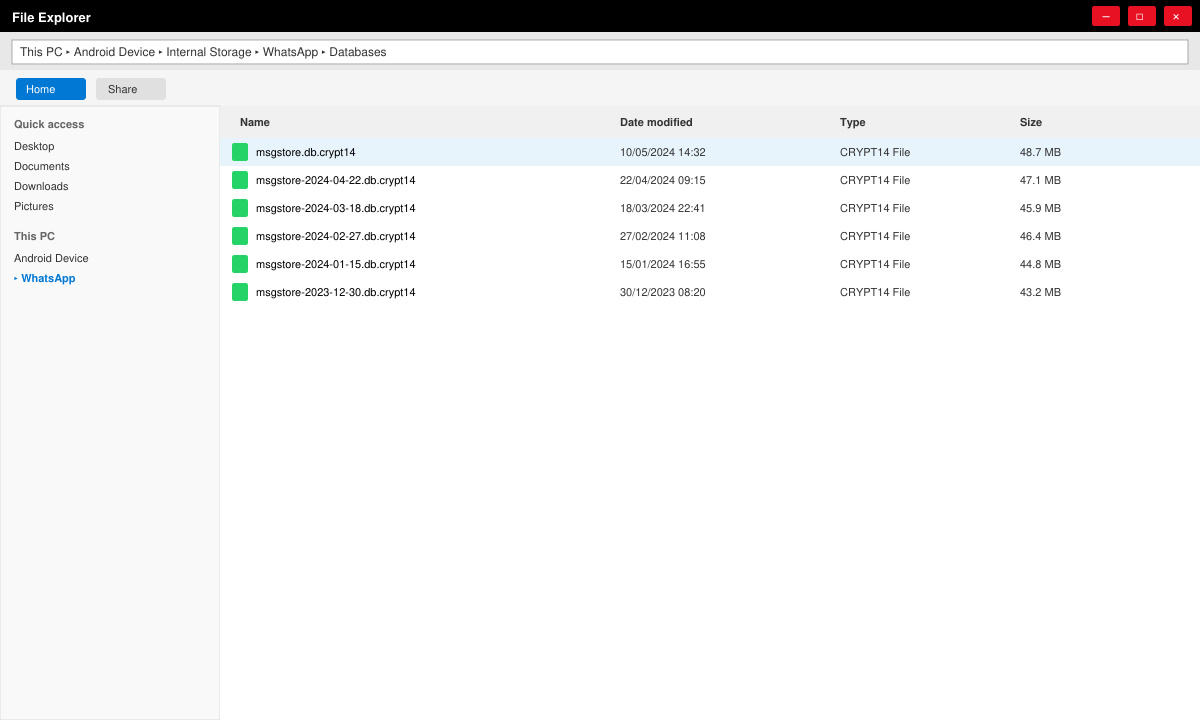
When no cloud backup is available, local database files on Android can still be used. Connect your phone to a computer, navigate to the WhatsApp/Databases folder, and copy the most recent msgstore.db.crypt14 file. Place this file back into the same folder on a freshly installed WhatsApp app, then verify your number. iOS users without a backup have fewer options and usually need third-party computer software that reads the iTunes backup, though success is not guaranteed.
Yes, provided a backup was created before uninstallation. The restore process works the same way on a fresh install.
Restoring an older backup will overwrite any messages created after that backup date. Export important newer chats first if needed.
WhatsApp restores the entire backup at once. Selective recovery requires advanced database tools or paid recovery software.
Following the steps above lets you retrieve WhatsApp messages quickly using either cloud or local backups. Keep regular backups enabled to avoid future data loss.
Learn how to update Google Chrome browser on Windows, Mac, and Android in minutes to enjoy better security, speed, and new features. Follow these clear steps.
Learn how to download old media from WhatsApp and recover photos or videos from past chats. Follow these clear steps to save files that no longer appear in your gallery.
Facebook Messenger Isn T Working on your device? Use these exact troubleshooting steps to restore chats, calls, and notifications fast on Android, iOS, or desktop.
How to See Deleted WhatsApp Messages using your phone's built-in tools. Follow these exact steps to recover messages that contacts have deleted from chats.
Learn how to clear browser history in Chrome on desktop and Android with this exact step-by-step process. Keep your browsing private and free up storage space quickly.
Master how to use CapCut with this practical walkthrough covering project setup, editing tools, effects, and export options for high-quality video results.
Get the latest WhatsApp App Update Download from official sources to access new features and security improvements. Follow these clear steps for Android and iOS devices.
Learn how to safely Download WhatsApp App for Android from the official Google Play Store. Follow our clear step-by-step instructions to install the latest version quickly and securely.
Google Download WhatsApp App safely through the Google Play Store with this clear guide. Get the official version on your Android device quickly and avoid fake downloads.
Facebook and Messenger not working can disrupt your day. Follow these targeted fixes to restore access quickly on mobile and desktop.








