How to Update Google Chrome Browser

Learn how to update Google Chrome browser on Windows, Mac, and Android in minutes to enjoy better security, speed, and new features. Follow these clear steps.
If you want every link to open in Chrome automatically, learning how to set Google as main browser takes only a minute on any device. This process makes Chrome handle all web requests instead of Safari, Edge, or other browsers. The steps below cover the most common platforms with exact menu paths.
Google Chrome offers fast performance, strong security updates, and seamless sync across devices when set as default. Before starting, confirm Chrome is installed from the official site or your device's app store. If it is not present yet, download it directly from google.com/chrome and complete the installation.
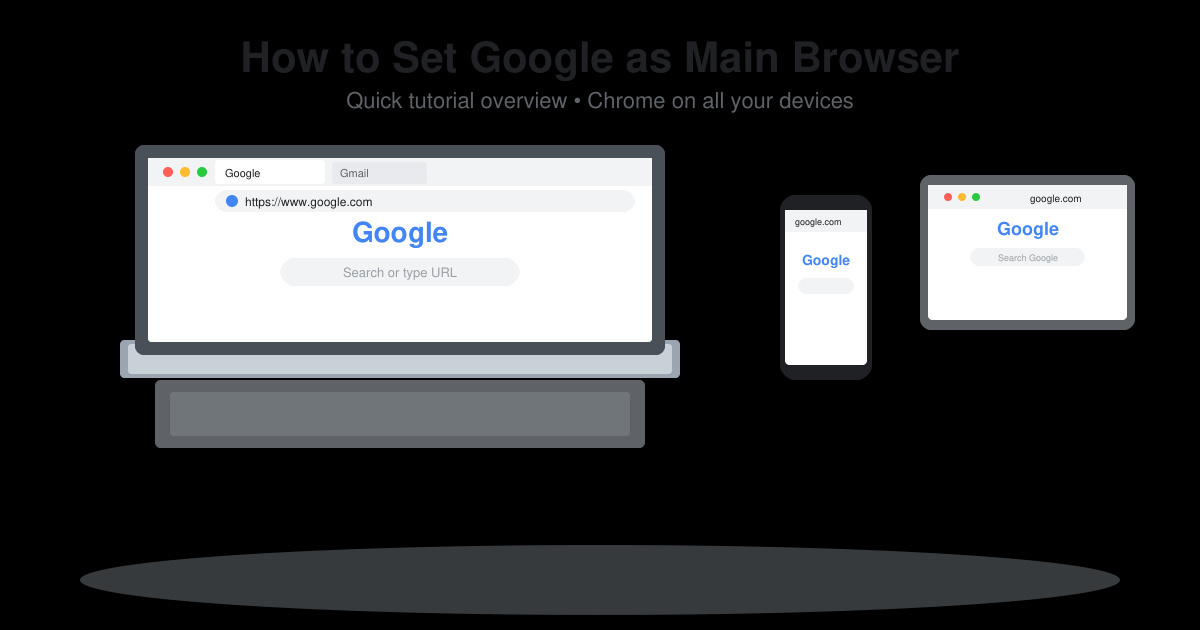
Download Chrome from google.com/chrome if it is missing. On Windows, press the Windows key, type "Default apps," and press Enter. On Mac, click the Apple menu, choose System Settings, then click Desktop & Dock.

In Windows Default apps, scroll to the Web browser section and click the current browser name. Choose Google Chrome from the list. On Mac, find the Default web browser dropdown and select Google Chrome.
Close the settings window. Open any link from an email or document to verify it launches in Chrome instead of the previous browser.

Open your phone Settings, tap Apps, then tap Default apps. Select Browser app or Opening links depending on your Android version.
Tap the current browser and switch it to Google Chrome. Open a web link from another app to confirm the change took effect.
Chrome must be installed first. Once present, the built-in system settings handle the change with no additional tools required.
Yes. Go to Settings > Chrome > Default Browser App and select Chrome. iOS 14 and later support this option.
Sign in with your Google account inside Chrome before making it default. Sync then pulls bookmarks, passwords, and history across devices.
Following these precise steps lets you set Google as main browser quickly on every platform you use daily.
Learn how to update Google Chrome browser on Windows, Mac, and Android in minutes to enjoy better security, speed, and new features. Follow these clear steps.
Learn how to download old media from WhatsApp and recover photos or videos from past chats. Follow these clear steps to save files that no longer appear in your gallery.
Facebook Messenger Isn T Working on your device? Use these exact troubleshooting steps to restore chats, calls, and notifications fast on Android, iOS, or desktop.
How to See Deleted WhatsApp Messages using your phone's built-in tools. Follow these exact steps to recover messages that contacts have deleted from chats.
Learn how to clear browser history in Chrome on desktop and Android with this exact step-by-step process. Keep your browsing private and free up storage space quickly.
Master how to use CapCut with this practical walkthrough covering project setup, editing tools, effects, and export options for high-quality video results.
Get the latest WhatsApp App Update Download from official sources to access new features and security improvements. Follow these clear steps for Android and iOS devices.
Learn how to safely Download WhatsApp App for Android from the official Google Play Store. Follow our clear step-by-step instructions to install the latest version quickly and securely.
Google Download WhatsApp App safely through the Google Play Store with this clear guide. Get the official version on your Android device quickly and avoid fake downloads.
Facebook and Messenger not working can disrupt your day. Follow these targeted fixes to restore access quickly on mobile and desktop.








