How to Update Google Chrome Browser

Learn how to update Google Chrome browser on Windows, Mac, and Android in minutes to enjoy better security, speed, and new features. Follow these clear steps.
CapCut is a free video editing app that delivers powerful tools without a steep learning curve. Learning how to use Cap Cut lets you create polished clips for social media or personal projects in minutes. This guide walks through every essential action from installation to final export.
Before editing, install the app on your device. Go to the App Store or Google Play Store, search for CapCut, and tap Install. Open the app and sign in with a TikTok, Google, or email account to unlock cloud features and templates. Grant camera and storage permissions when prompted so the app can access your media files.
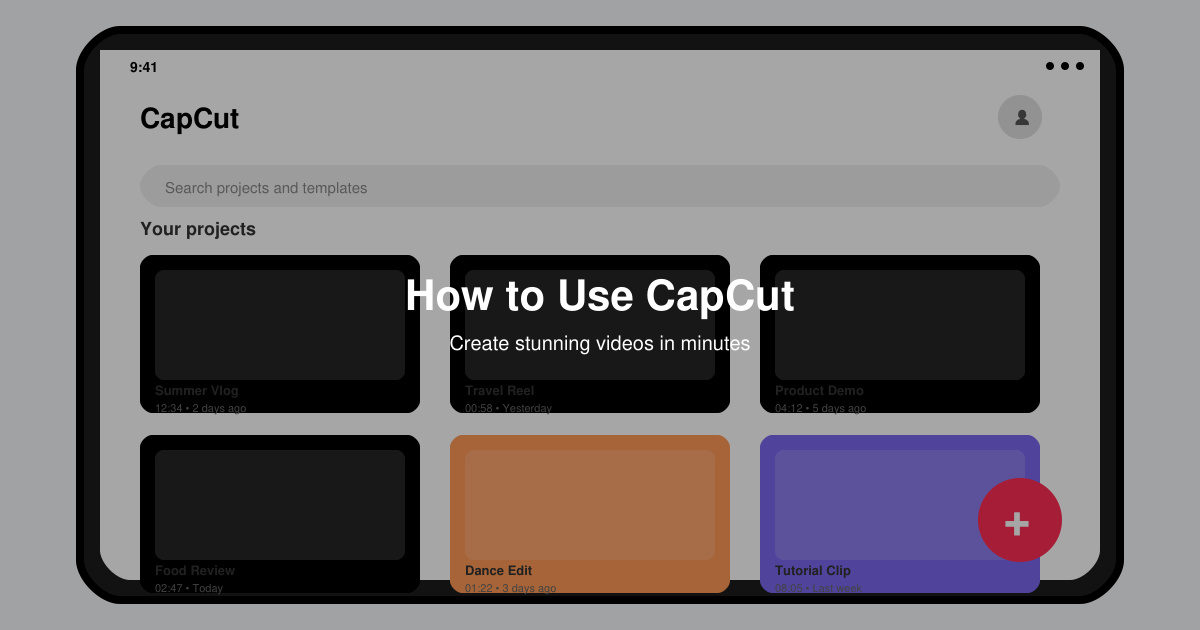
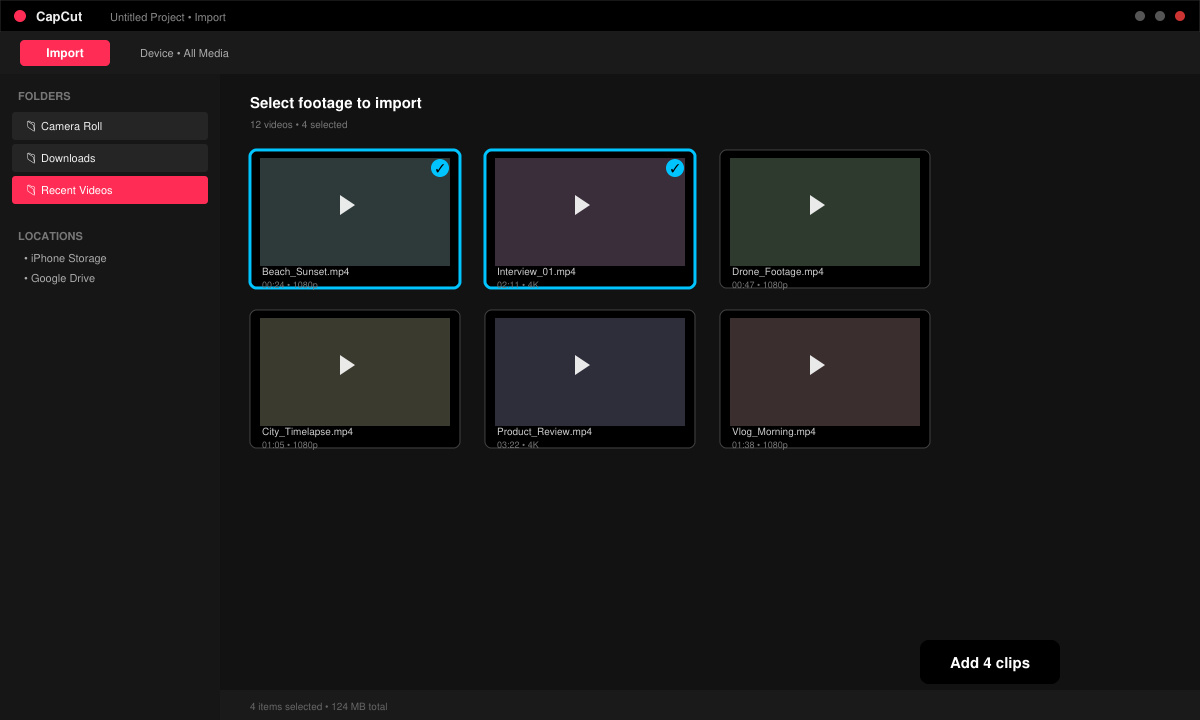
Tap the large plus icon on the home screen. Select New Project and name it. On the next screen tap Import to browse your device gallery. Choose one or multiple clips, then tap Add to place them on the timeline in the order you selected.
Drag the yellow handles on each clip to trim unwanted sections. To reorder, long-press a clip and drag it left or right along the timeline. Split a clip at the playhead by tapping the Split button in the bottom toolbar.
Tap Effects in the bottom menu to browse transitions, filters, and stickers. Select one and drag it onto the timeline. For text, tap Text, choose a style, type your message, then adjust font size, color, and animation using the on-screen controls.
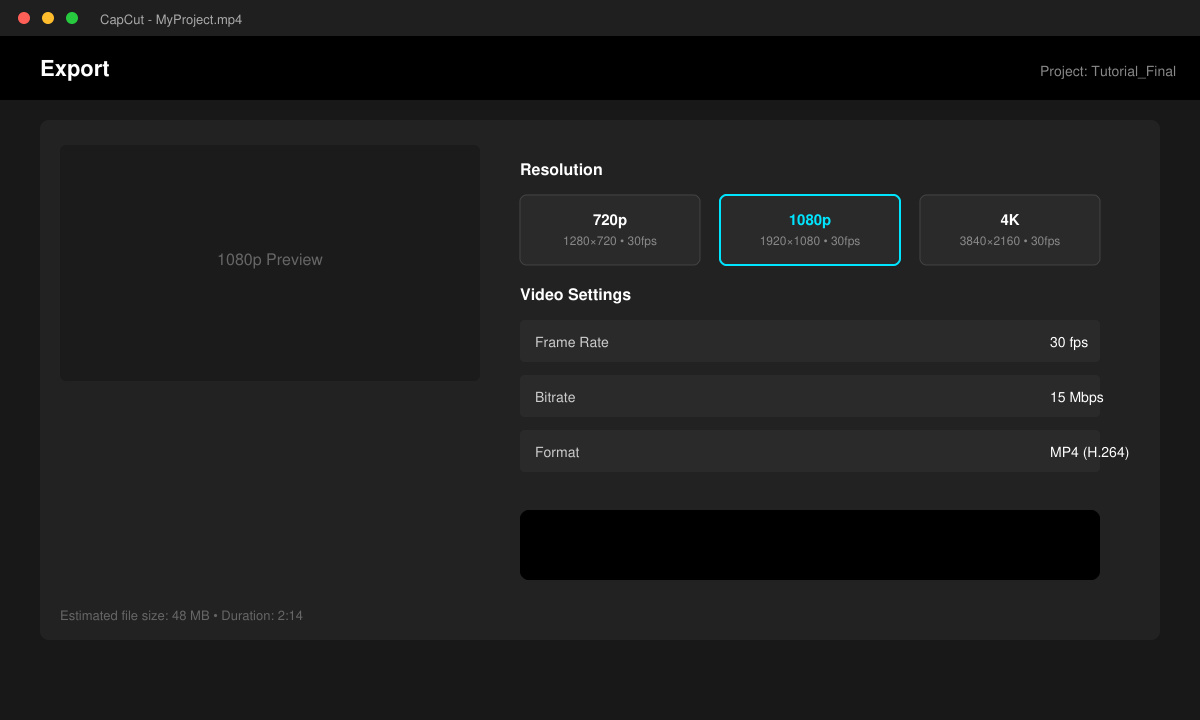
Once editing is complete, tap the Export button in the top right corner. Choose your preferred resolution (1080p is usually sufficient) and frame rate. Tap Save to render the file and store it in your device gallery or share directly to TikTok or Instagram.
Basic editing works offline, but downloading templates, effects, and music requires a stable connection.
Yes. After exporting, tap the watermark in the preview and choose Remove. Free accounts receive a short removal option; Pro removes it completely.
Go to the Me tab, tap Projects, then open the Recently Deleted folder. Projects remain recoverable for 30 days before permanent deletion.
Mastering how to use Cap Cut gives you full control over your video content from start to finish. Follow the steps above to produce clean, engaging videos quickly and consistently.
Learn how to update Google Chrome browser on Windows, Mac, and Android in minutes to enjoy better security, speed, and new features. Follow these clear steps.
Learn how to download old media from WhatsApp and recover photos or videos from past chats. Follow these clear steps to save files that no longer appear in your gallery.
Facebook Messenger Isn T Working on your device? Use these exact troubleshooting steps to restore chats, calls, and notifications fast on Android, iOS, or desktop.
How to See Deleted WhatsApp Messages using your phone's built-in tools. Follow these exact steps to recover messages that contacts have deleted from chats.
Learn how to clear browser history in Chrome on desktop and Android with this exact step-by-step process. Keep your browsing private and free up storage space quickly.
Master how to use CapCut with this practical walkthrough covering project setup, editing tools, effects, and export options for high-quality video results.
Get the latest WhatsApp App Update Download from official sources to access new features and security improvements. Follow these clear steps for Android and iOS devices.
Learn how to safely Download WhatsApp App for Android from the official Google Play Store. Follow our clear step-by-step instructions to install the latest version quickly and securely.
Google Download WhatsApp App safely through the Google Play Store with this clear guide. Get the official version on your Android device quickly and avoid fake downloads.
Facebook and Messenger not working can disrupt your day. Follow these targeted fixes to restore access quickly on mobile and desktop.








