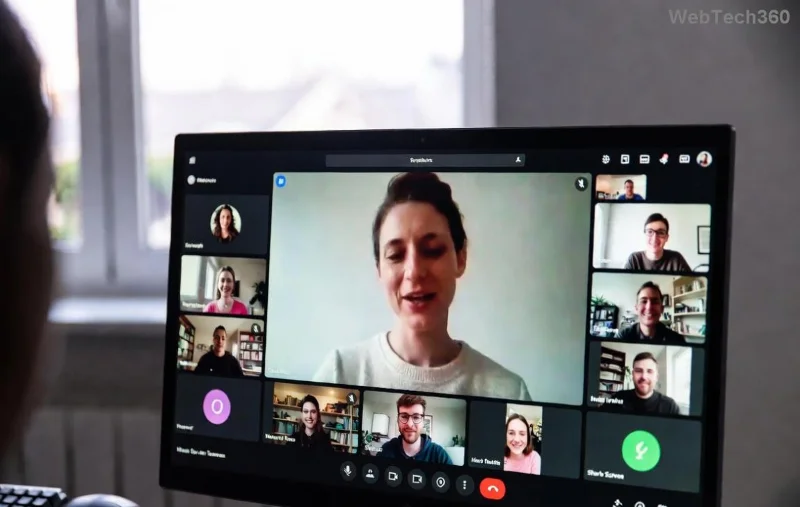
🚀 Ready to supercharge your workflow? Microsoft Teams is the go-to platform for seamless collaboration in business and education. This 2026 tutorial dives straight into practical steps, helping you set up, collaborate, and thrive—whether you're leading a corporate team or teaching a virtual class. Let's get started and transform how you work and learn!
Step 1: Quick Setup and Getting Started with Microsoft Teams
Getting up and running is a breeze. Download the latest Microsoft Teams app from the official site or use the web version—no installation needed for quick starts.
- 👉 Sign in with your Microsoft 365 account (free for personal use or via your organization).
- ⭐ Customize your profile: Add a photo, status, and availability for instant recognition.
- ✅ Join or create a team: Search for existing ones or hit "Create team" for your group.
Pro tip: Enable notifications wisely to stay connected without overload. Now that you're in, explore the intuitive dashboard—Activity, Chat, Teams, and Calendar tabs keep everything at your fingertips.
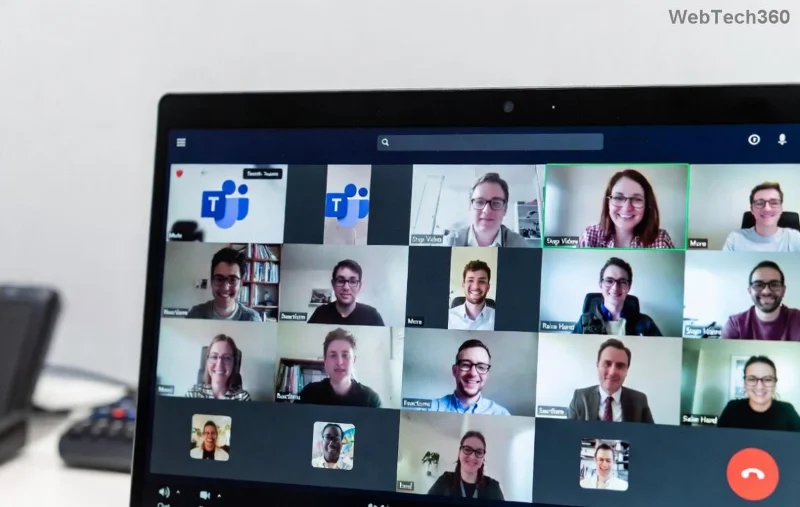
Microsoft Teams for Business: Boost Productivity and Collaboration
In business, Microsoft Teams shines as a hub for remote and hybrid teams. Say goodbye to email chaos—everything lives in one place.
Key Features for Business Pros
| Feature |
How to Use |
Business Benefit |
| Channels |
Create topic-based channels within teams (e.g., #Sales-Q4). |
Organizes discussions, files, and tasks—no more scattered threads. |
| Meetings & Calls |
Schedule via Calendar or "Meet now" button; share screen with AI noise suppression. |
Crystal-clear video calls with breakout rooms for focused brainstorming. |
| Files & Apps |
Integrate OneDrive, SharePoint, or apps like Trello via the Apps tab. |
Real-time co-editing; automate workflows with Power Automate. |
| Tasks & Loops |
Use Planner or new Loops for quick notes and assignments. |
Track progress with @mentions and deadlines. |
💡 Power Move: Pin your top channels and use Live Captions for inclusive global meetings. For advanced security, enable sensitivity labels—perfect for enterprise compliance.
Imagine closing deals faster with integrated Copilot AI summarizing meetings. Curious how? Keep reading for education twists!
Microsoft Teams for Education: Revolutionize Learning in 2026
Educators and students, rejoice! Microsoft Teams for Education (free with Office 365 Education) turns classrooms into dynamic virtual spaces.
![Microsoft Teams classroom view with assignments, class notebook, and student insights]()
Essential Tools for Teachers and Learners
- 📚 Class Teams: Auto-populate with student rosters; use Assignments for grading with rubrics.
- ✏️ Class Notebook: OneNote integration for shared notes, quizzes via Forms.
- 🎥 Insights: AI-powered analytics on engagement—spot at-risk students early.
- 🛡️ Safe Learning: Attendance tracking, content moderation, and parent joins.
Teachers: Record lessons with Clipchamp for on-demand playback. Students: Collaborate on projects in real-time. The result? Higher engagement and better outcomes. Learn more from Microsoft Education.
Advanced Tips: Maximize Microsoft Teams in 2026
Level up with these game-changers:
- 🔥 AI Copilot: Summarize chats, generate agendas, or draft responses—your virtual assistant.
- ⚙️ Customization: Themes, custom emojis, and background blur for pro vibes.
- 📱 Mobile Mastery: Approve workflows or join calls on-the-go.
- 🆘 Troubleshooting: Clear cache if glitchy; check Microsoft Support for fixes.
Bonus: Integrate with Outlook for flawless scheduling. Feeling empowered? These hacks ensure you're ahead of the curve.
Common Pitfalls to Avoid & Best Practices
😩 Don't overload channels—archive old ones. Always test audio/video pre-meeting. For large orgs, use Private Channels for sensitive talks.
👏 Celebrate wins: Share kudos in Praise channels to build team spirit!
Wrap-Up: Your Microsoft Teams Journey Starts Now
From business breakthroughs to education excellence, Microsoft Teams 2026 is your all-in-one powerhouse. Implement these steps today for instant results. What's your first action—creating a team or scheduling a call? Dive in, stay connected, and watch productivity soar! 🚀