How to Zoom on Chrome
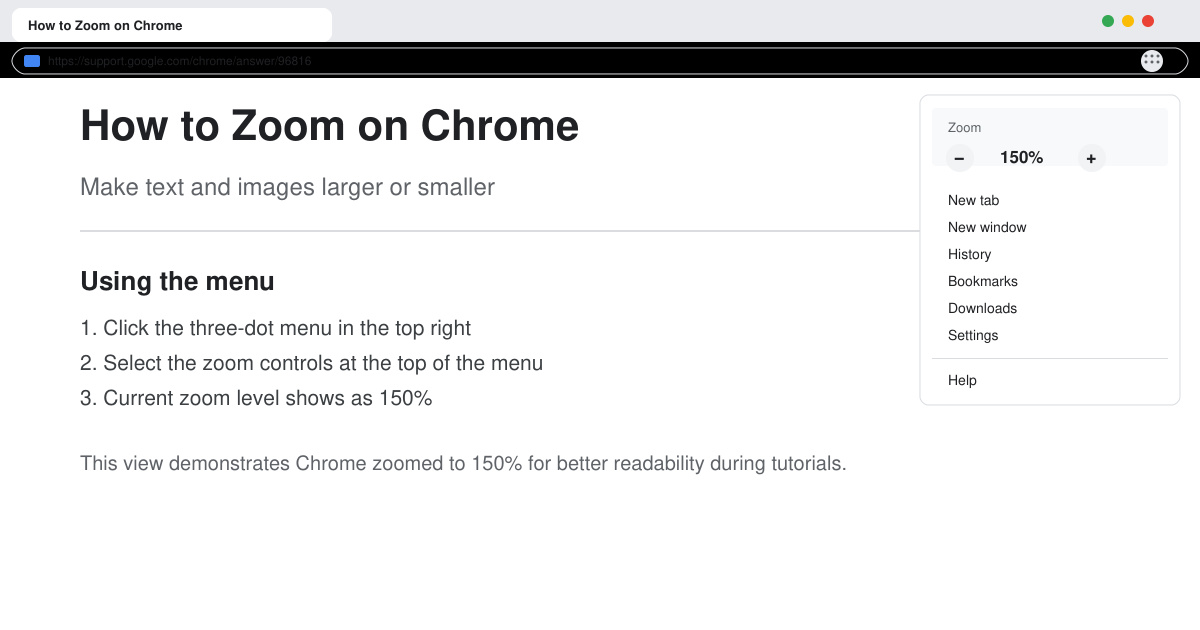
Learn how to zoom on Chrome with keyboard shortcuts, menu options, and touch gestures to improve readability on any webpage in seconds.
Currently on Smart TVs in general and LG in particular has appeared a very nice and convenient feature that is Child Lock (also known as Security Lock). Have you known how to use this feature yet, if not, this article WebTech360 will guide you through.
This article will guide you make to the line of Smart TV LG running WebOS .
Step 1: Press the Q.Menu button on the Remote TV.

Step 2: Scroll down to Parental Lock, select Enable.

Step 3: To set up the channels and programs that you want to lock, drag down to the Advanced settings (vertical 3 dots).
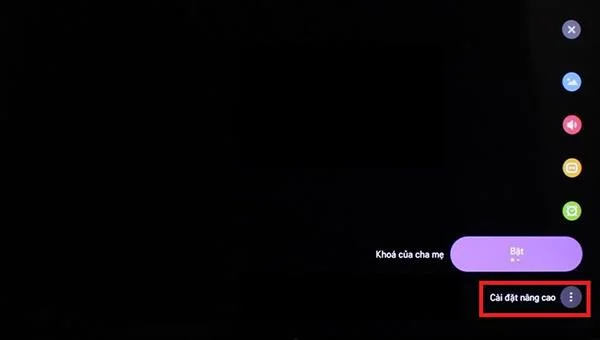
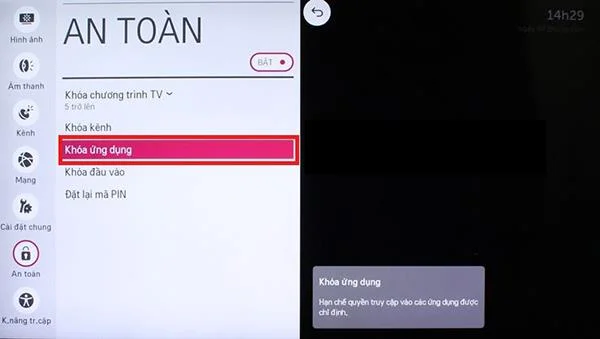
Step 4: Select the Safe section, this section will set up the contents that the TV allows to lock such as program, channel, application, ...
In this case, WebTech360 will test the Youtube application key.
Step 5: Select App Lock.
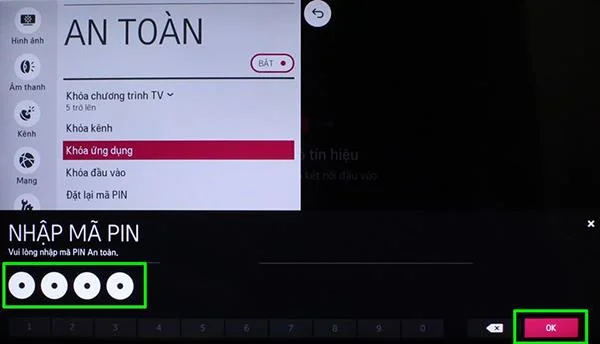
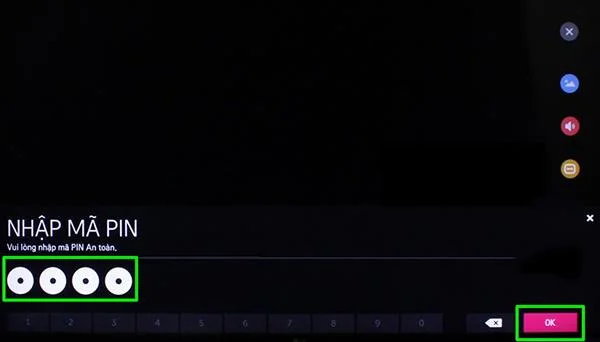
Step 6: After selecting the content to be locked, the TV will ask us to enter a PIN. The default PIN code of the machine if it has not been changed is 0000, after finishing entering, select OK.
Step 7: Select Youtube app then click OK.
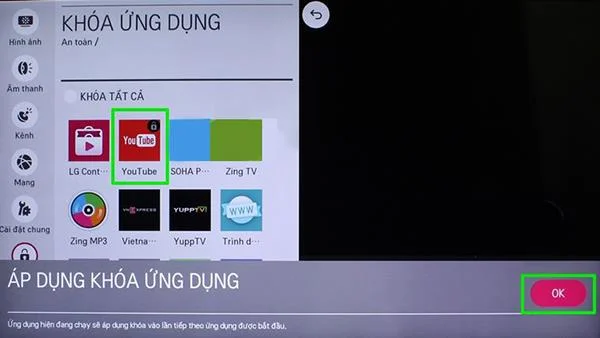
To access the locked applications, you only need to enter a valid PIN code to be able to use normally.
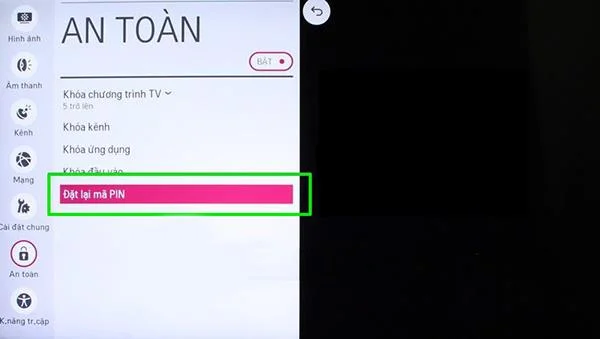
In addition, to set a new PIN to increase security, you just need to select the Reset PIN in the Security section. After entering the new PIN, select OK to complete. \
To turn off Security Lock just go to Parental Lock again then select Disable. The TV will now ask us to re-enter the PIN. After entering the code, press OK to finish, this time the TV will return to the state as you first started.

Above are WebTech360 's instructions for you to easily use the Security Lock feature found on LG Smart TVs. I wish you success! How to use the child lock feature on LG Smart TVs.
>>> See more: The latest Lg TVs 2018
Learn how to zoom on Chrome with keyboard shortcuts, menu options, and touch gestures to improve readability on any webpage in seconds.
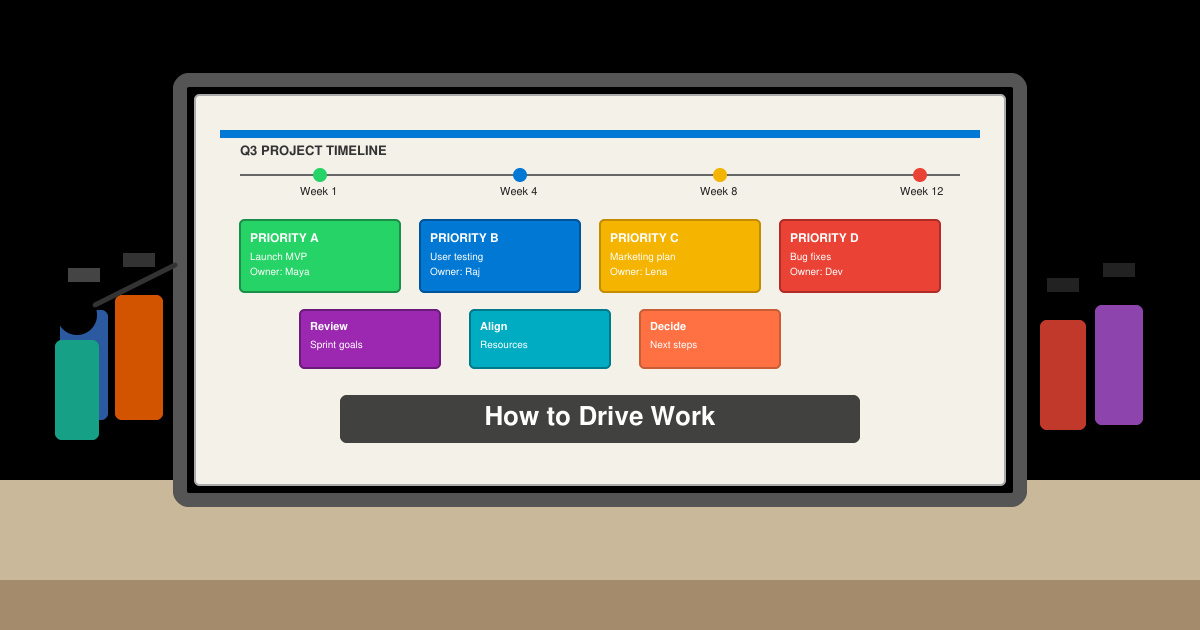
Discover how to drive work with clear processes that keep projects moving and teams aligned. This guide covers practical steps to improve output and reduce delays across any workplace.
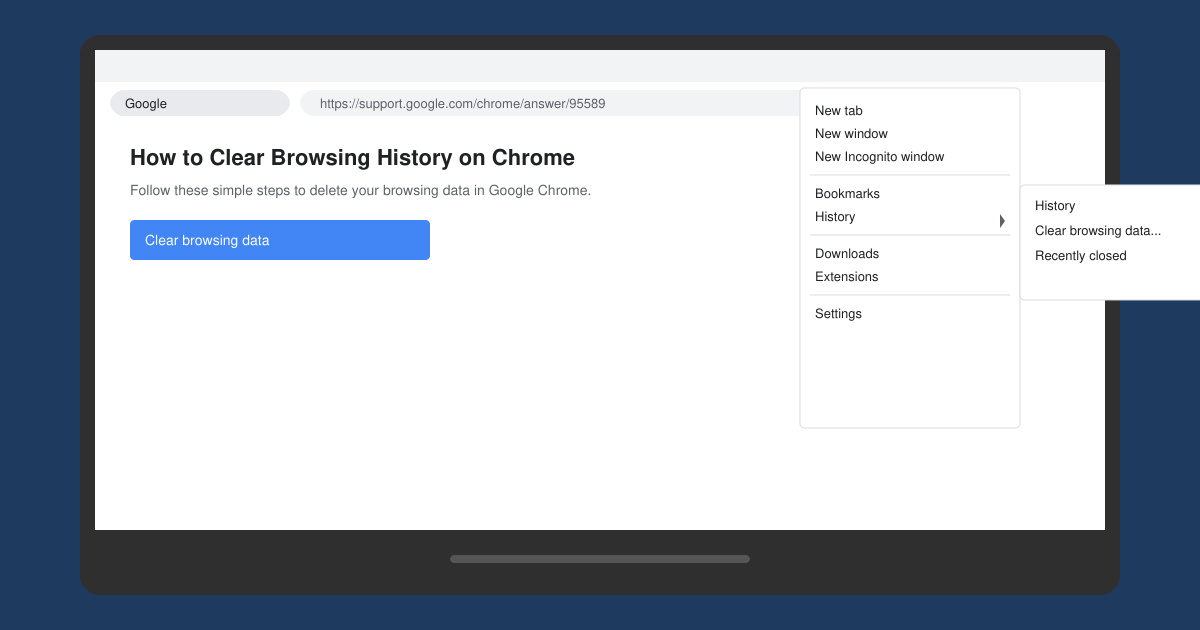
Learn exactly how to clear browsing history on Chrome in under a minute. Follow these precise steps to remove data from your desktop or mobile browser and improve privacy.
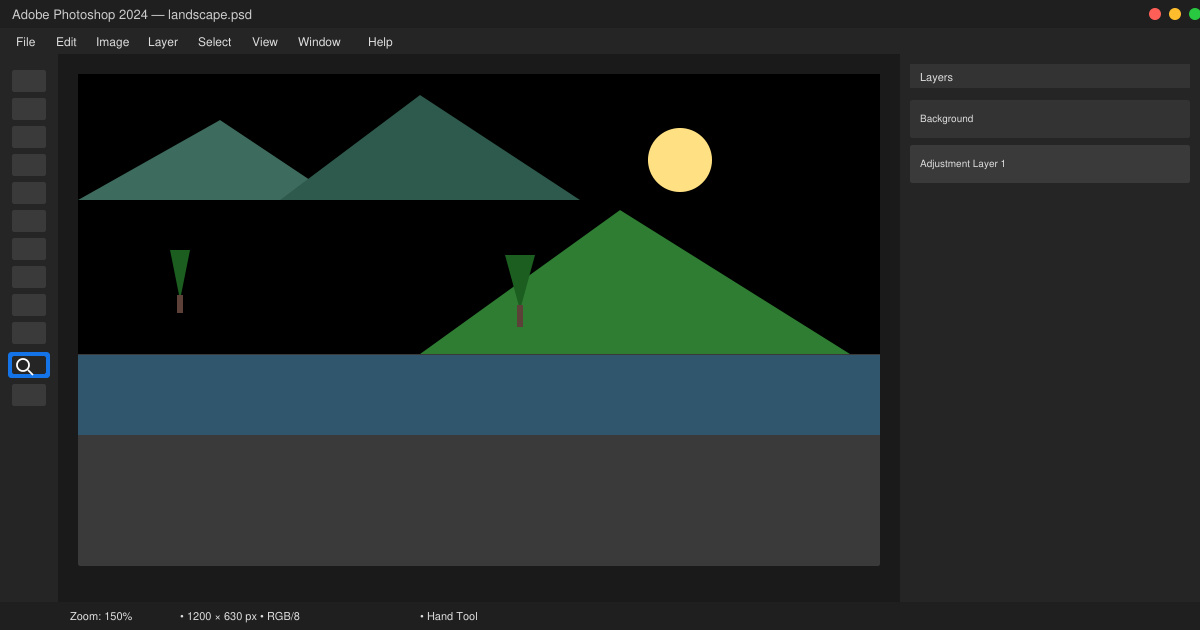
Learn how to zoom in on Photoshop with precise methods for detailed photo editing and design work. Follow these steps to master zooming quickly in Adobe Photoshop.
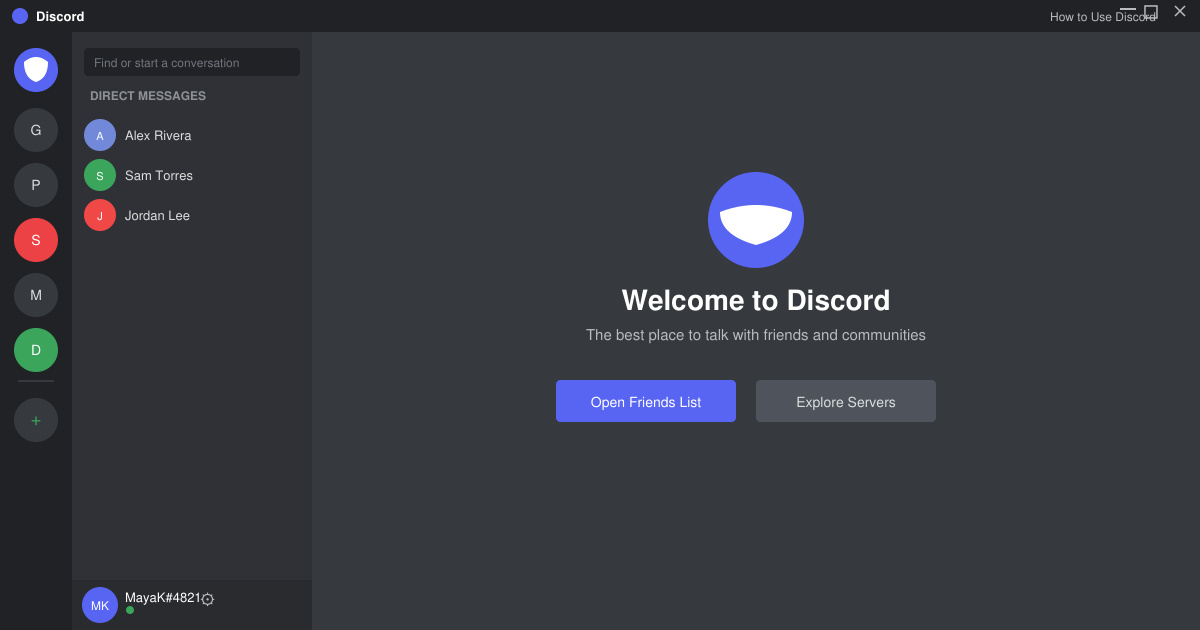
How to Use Discord starts with creating an account and joining servers. This guide shows exactly how to set up voice chats, manage channels, and connect with communities quickly.
Master how to boil broccoli perfectly every time with this step-by-step guide. Learn exact timing and techniques for tender, vibrant, nutrient-rich results.
Learn how to dark mode on Google across Search, Chrome and apps to cut eye strain at night. This guide shows the exact settings to enable Google dark theme in under a minute.
Learn exactly how to add font to Canva with this step-by-step guide. Upload custom fonts through Brand Kit to use them across all your designs in minutes.
How to Use Skype for free video calls, messaging, and screen sharing. Follow this complete guide to install the app, set up your account, and start communicating in minutes.
Learn how to clear Google history quickly to protect your privacy. This step-by-step guide shows you how to delete search activity from your Google account on any device.