When to Start Decorating for Halloween in 2026

Use a simple 2026 Halloween decorating timeline for indoor décor, outdoor displays, and fresh pumpkins, with practical adjustments for weather and events.
The ability to control music playing on one device from another is an underrated feature. YouTube Music doesn't have it — and that forces people to turn to Spotify .
What is Spotify Connect?
Introduced in 2013, Spotify Connect lets you use one device to remotely control music on another. All you need is for both devices to have the Spotify app installed, be signed in to the same account, and be on the same Wi-Fi network.
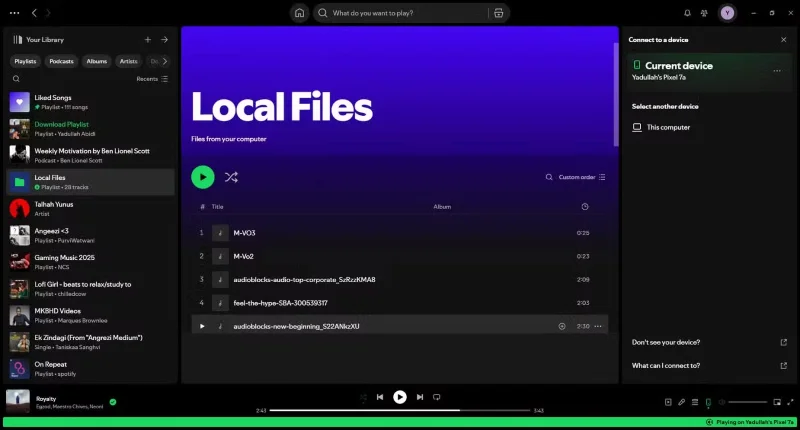
This means you can control the music playing on your PC via your phone or smartwatch . In addition to search, volume, and track controls, you can even change entire playlists or individual songs. The controls are also two-way, meaning you can change the music playing on your phone from your PC and vice versa.
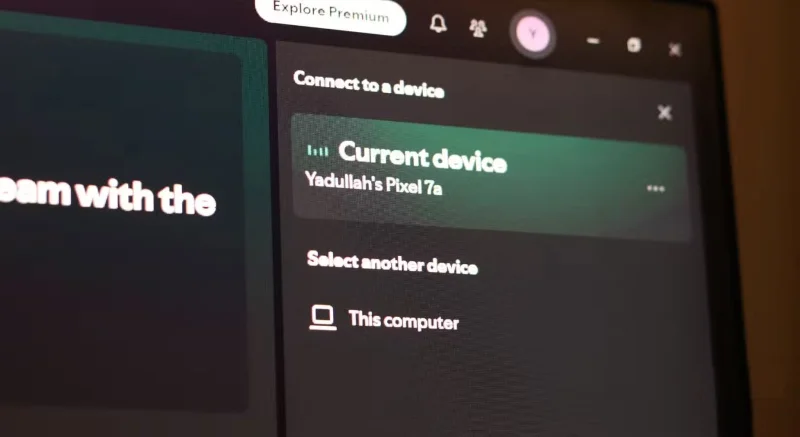
Spotify Connect uses Wi-Fi to communicate between devices, making connections faster and more stable. It also doesn't suffer from the pairing issues that are common with Bluetooth . Plus, since music is streamed from the cloud to your device, it has little impact on sound quality or device battery life.
This feature also works with a variety of devices, including but not limited to smart speakers, smart displays and TVs, wireless speakers, desktop apps, wearables, Apple Airplay or Android Carplay, and other smart home devices. Basically, if your device has the Spotify app and can connect to Wi-Fi, you can control it through Spotify Connect.
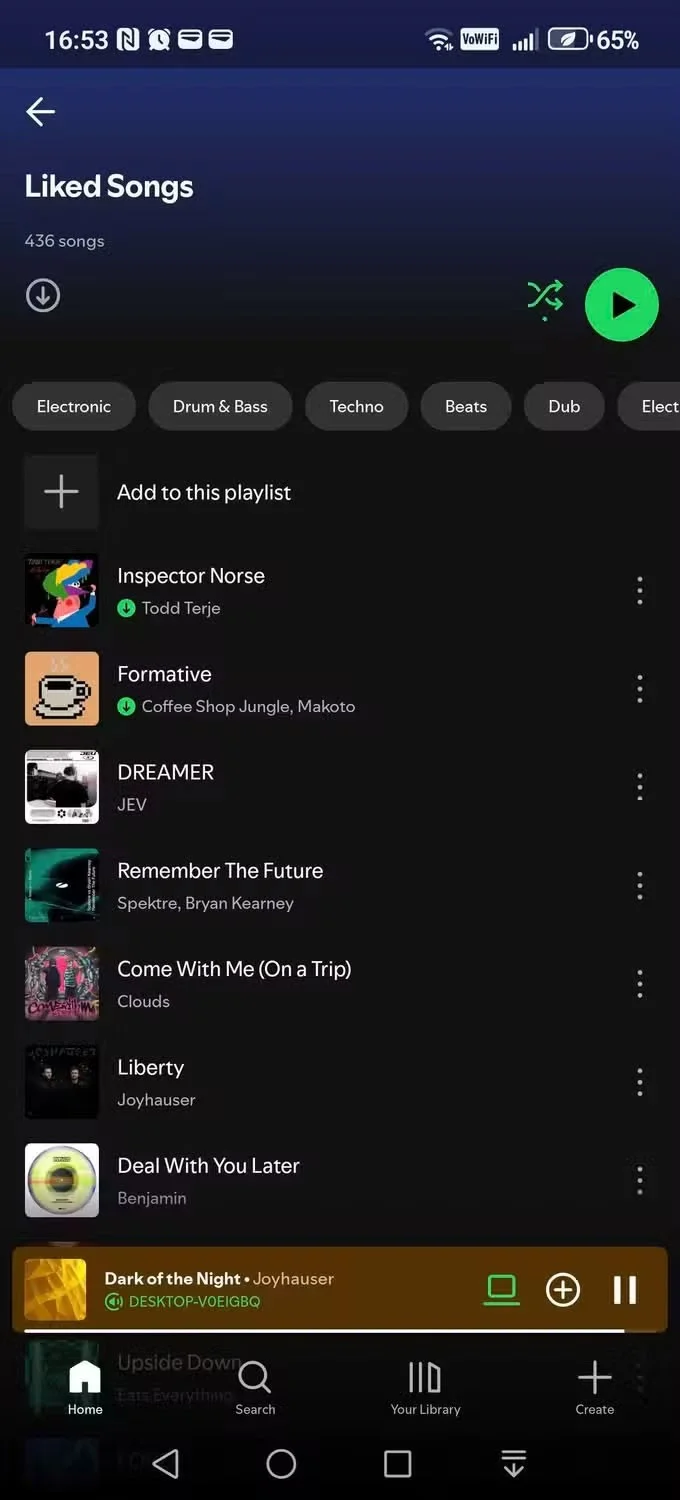
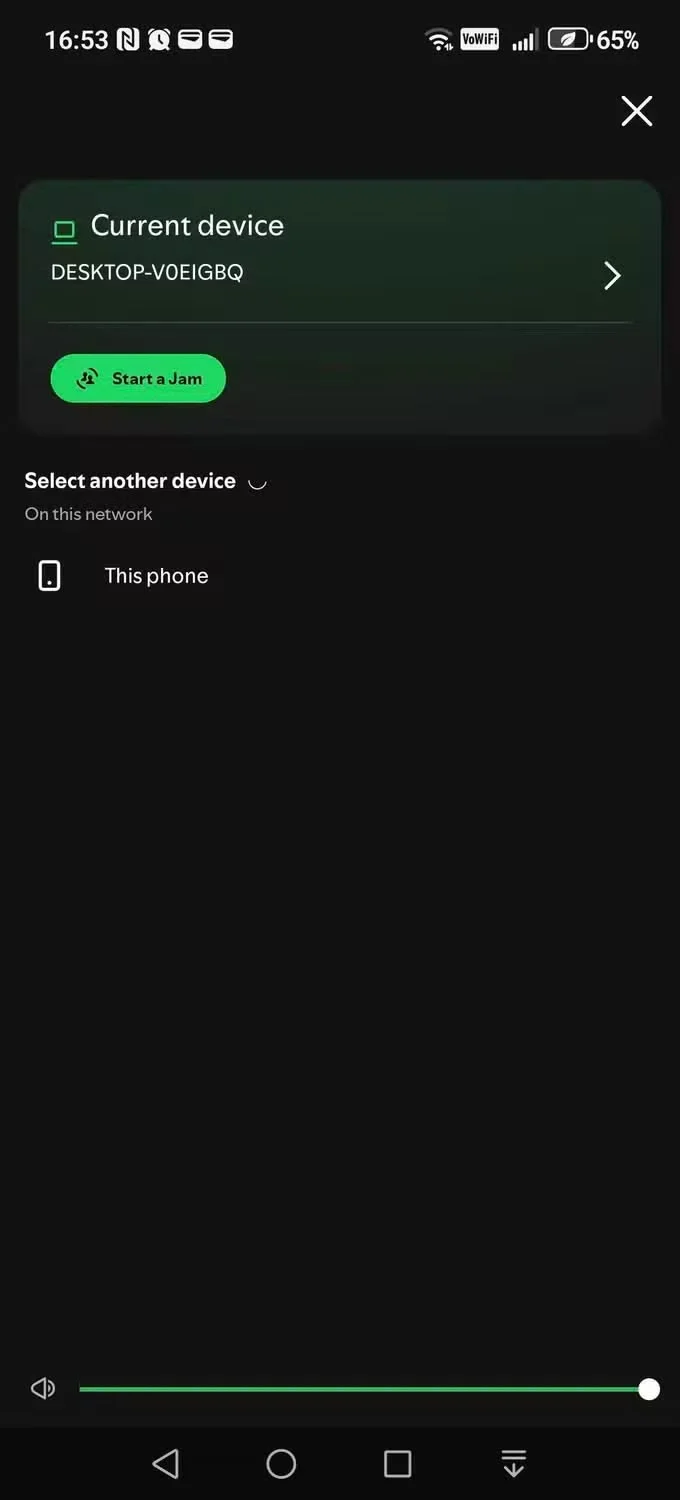
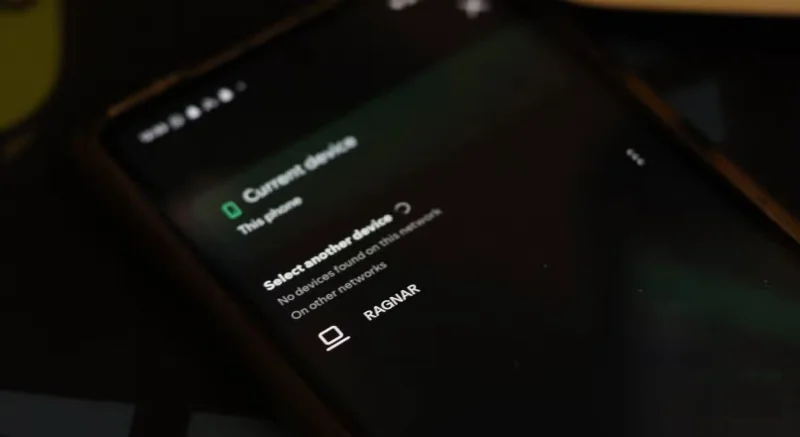
Using it is also quite simple. Since there is no pairing or connection required, as long as the device running Spotify is logged into your account and connected to the same Wi-Fi network, you will see all compatible devices appear in the device list by tapping the Connect to a device button in the bottom right corner of the screen.
Similarly, in the Spotify app, you can find the Connect to device option at the bottom of the screen, under the now playing information.
Why do people like Spotify Connect?
Some of the practical uses for Spotify Connect will fit into your daily routine. For example, when you get home and ask your Google Nest Mini to play music, it will pick up where you left off while listening to music on your headphones. It’s a small change, but it keeps the music playing without you having to manually find and play the track to continue.
Many people play games with music playing in the background and it’s not always possible to switch between the game and Spotify if you want to change tracks. Spotify Connect lets you access your entire playlist, change tracks, and more without minimizing the game.
Spotify Connect can also provide another layer of control over your smart speakers. If you have multiple smart speakers in different rooms of your home, you can select and play music streams on different speakers from one device, be it your PC, phone, smartwatch, or any other compatible device.
Why is YouTube Music slower?
To be clear, there are other reasons why the YouTube Music app is slower than Spotify on both PC and mobile. There’s no official desktop app, which is an immediate drawback. However, you can try this third-party app instead of the YouTube Music website, which offers features like Stream Deck and dedicated media key support.
YouTube Music has cross-play queue syncing, but it only works when switching from mobile to PC. It also only remembers the song you're listening to in a playlist or album. Depending on your region, you may not have this feature yet, and it's limited to Premium subscribers.
Spotify, on the other hand, offers Spotify Connect on its free plan (which is saying something, since it doesn’t even let you reorder your own playlists). Unlike YouTube Music, it’s bidirectional, and your music will pick up exactly where you left off instead of starting the track over again. Whether Spotify is better than YouTube Music is a decision you’ll have to make based on your preferences.
Use a simple 2026 Halloween decorating timeline for indoor décor, outdoor displays, and fresh pumpkins, with practical adjustments for weather and events.
Mix five vivid, approachable Halloween cocktails with measured recipes, simple prep tips, and an alcohol-free option for your party guests.
Find 15 office-friendly Halloween costume ideas for 2026, with practical checks for dress codes, respectful themes, comfort, and workplace safety.
Plan a fun elementary school Halloween party with easy crafts, games, inclusive treats, costume tips, and a sample 75-minute classroom schedule.
Compare realistic side hustles for 2026 by startup cost, fees, flexibility, and income control, with current tax and scam guidance from official sources.
Upgrade your home office ergonomics with current OSHA and NIOSH guidance on chair fit, monitor height, laptop setup, lighting, and movement.
Learn why emotional intelligence matters in leadership, where it helps most, how to strengthen it, and how to tell whether your approach is working.
A practical roadmap for moving into tech without a degree: choose an accessible role, build job-ready skills, prove them with projects, and use hiring feedback to improve.
Build a credible LinkedIn personal brand in 2026 with current profile, content, newsletter, analytics, verification, and visibility guidance from LinkedIn.
Quiet quitting and quiet firing are catchy labels, not diagnoses. Learn what is verified, what depends on context, and what employees and managers can do next.








