Skype Free Phone Calls

Skype Free Phone Calls let you connect with friends and family worldwide at no cost. Follow this guide to set up and start making free calls quickly and easily.
Want to test your eyesight? Then take this fun test below.
The eyes are the “windows to the soul”. They help you see and observe everything around you. Therefore, always be conscious of keeping your eyes healthy. To have healthy eyes, in addition to limiting exposure to electronic devices, eating a nutritious diet and supplementing foods that are good for the eyes when needed, you should also regularly exercise your eyes.
Our eyes can’t always tell the difference between things that look exactly the same and things that have only a small difference. But that’s just the surface; if we focus hard enough, we can see the difference. The challenge is figuring out how quickly you can do it and whether you need help from others.
Here are some fun and slightly tricky picture puzzles that require you to look closely. They are also great exercise for healthy eyes.
Let's explore the "mysteries" inside these puzzle pictures!
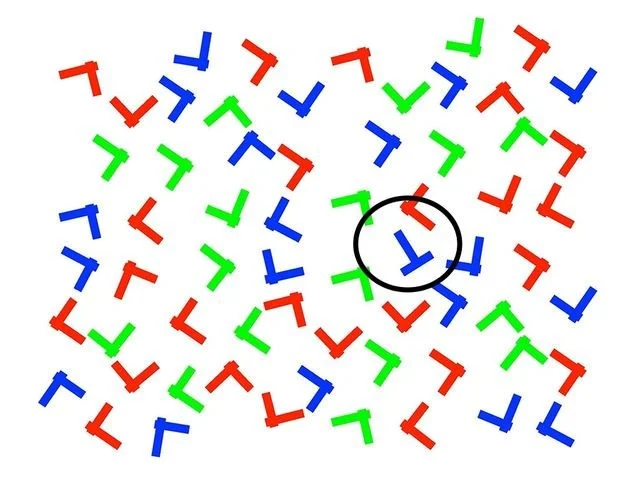
1. Find the letter "T" (not red)
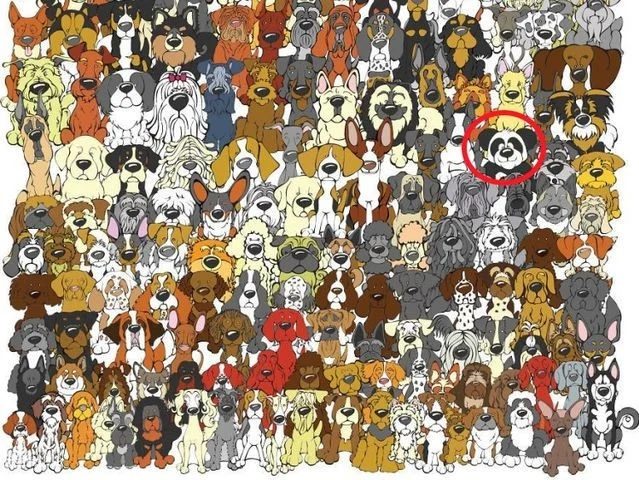
2. Find where the panda is standing.
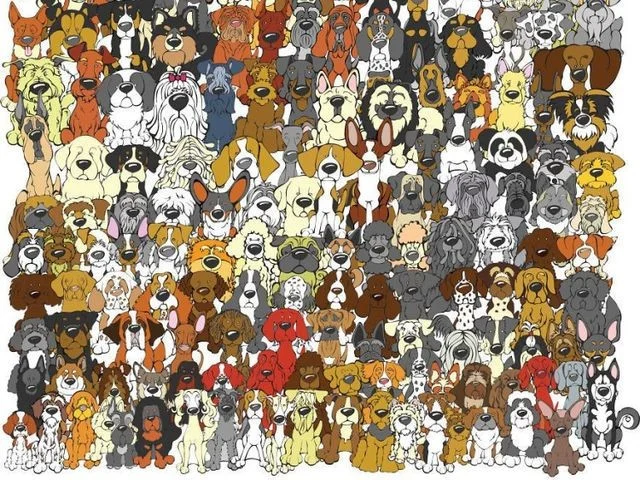
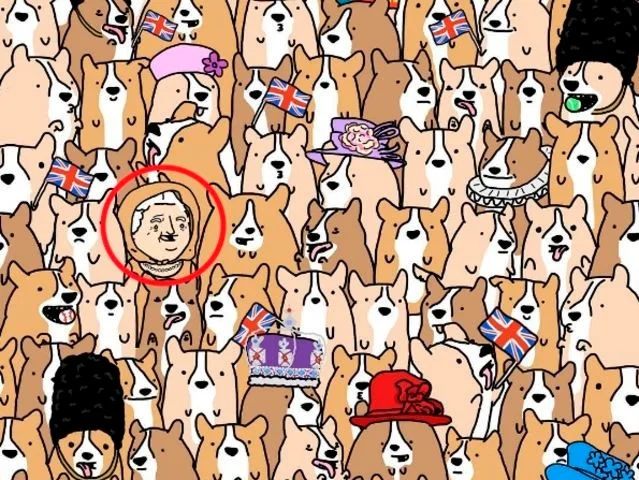
3. Where is Queen Elizabeth II standing?
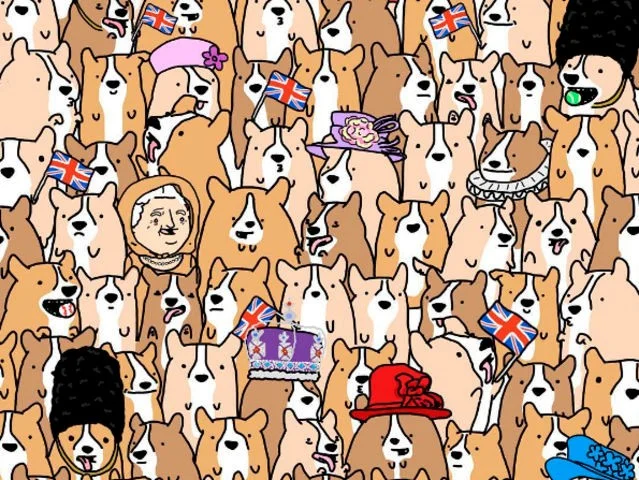
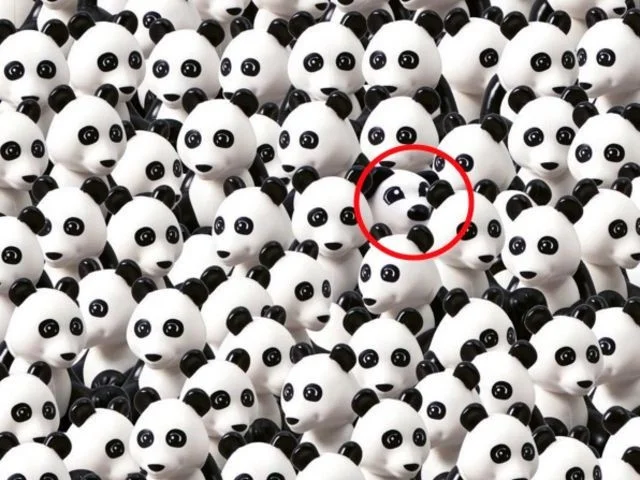
4. There is a black and white dog standing among the pandas, find the dog.
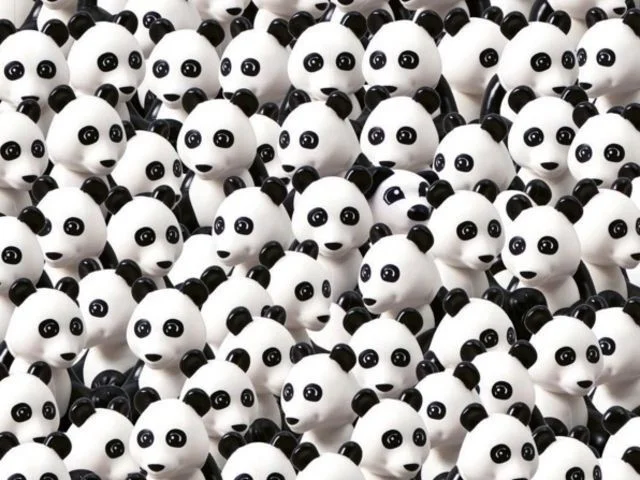
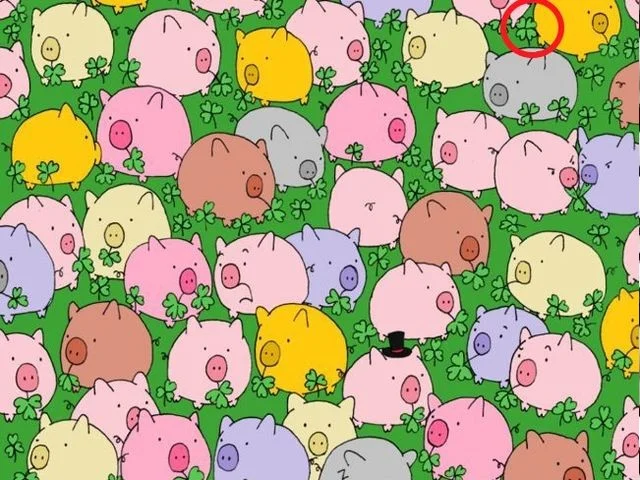
5. Which lucky pig ate the four-leaf clover?
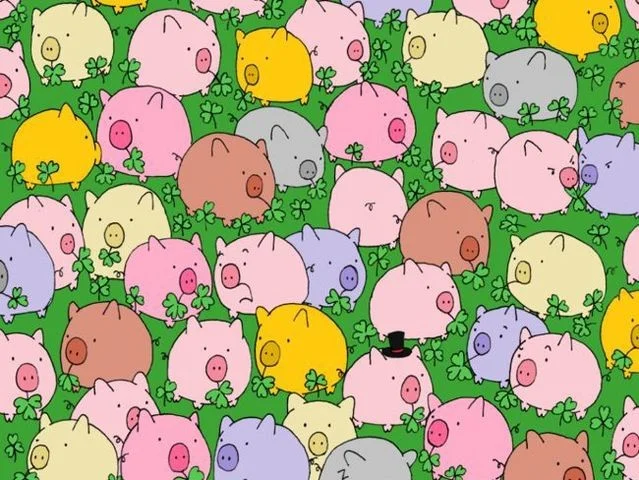
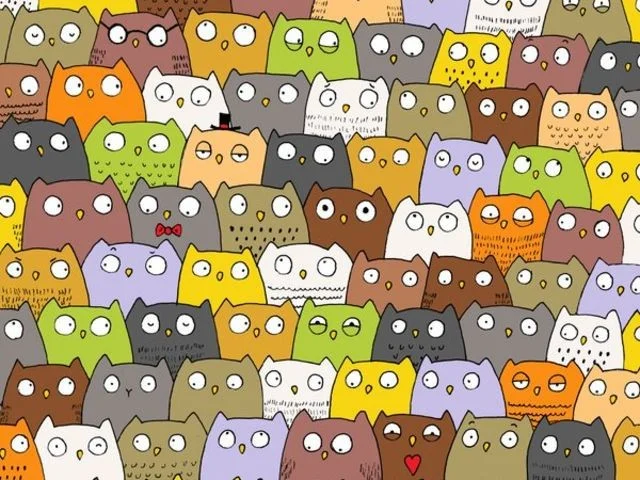
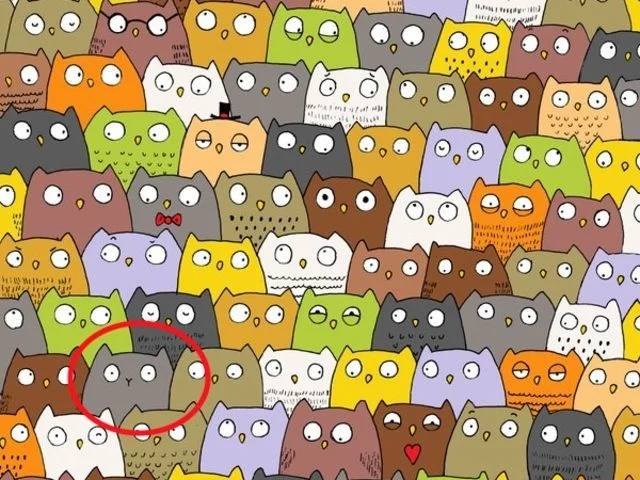
6. There is a cat standing among these owls. Find the cat.
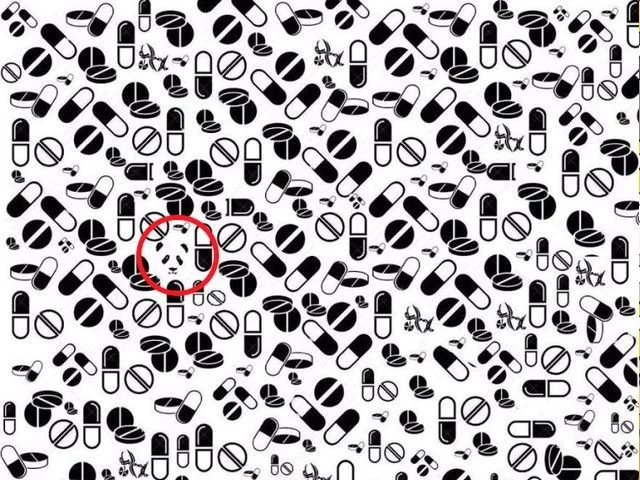
7. Where is the Panda located?
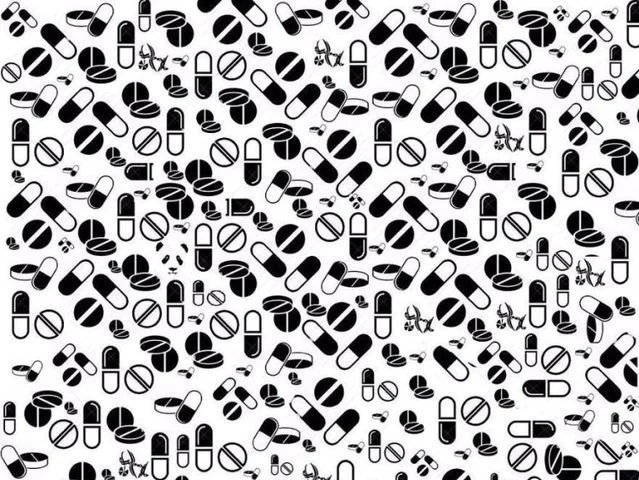
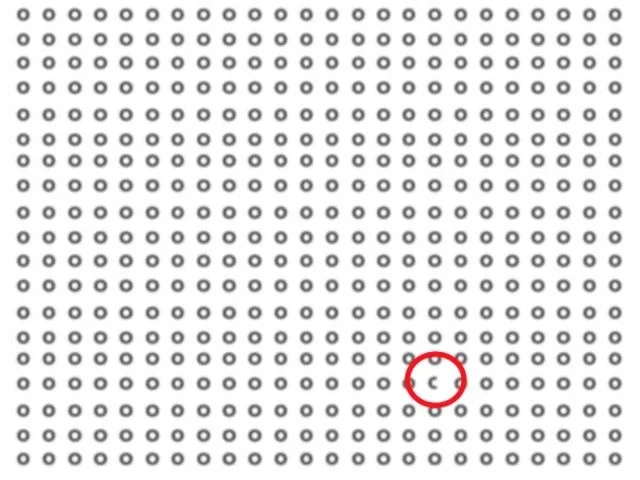
8. Identify the letter "C" in the alphabet "O"
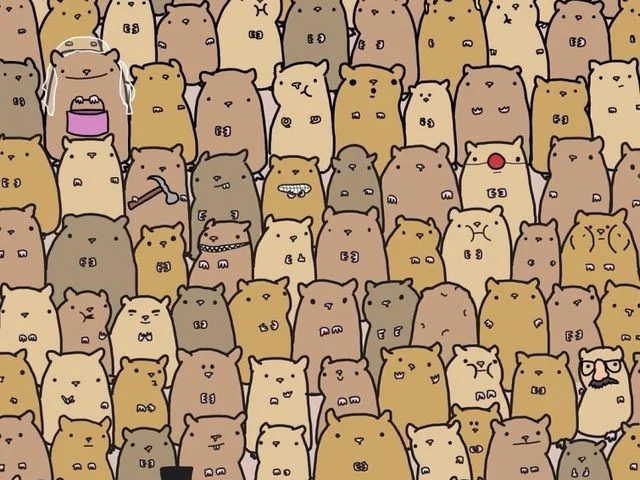
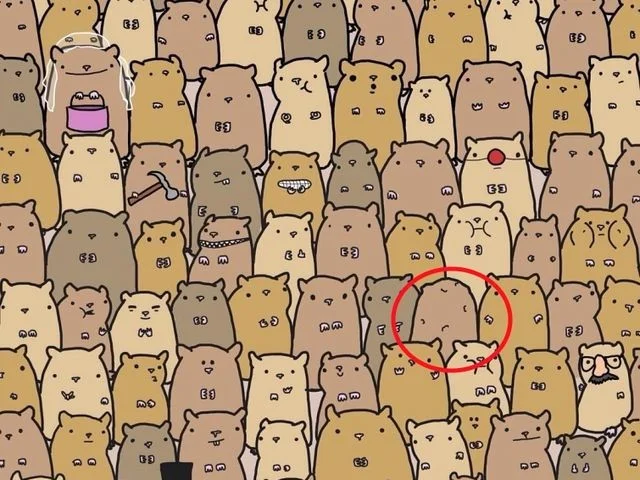
9. Find the potato in these mice
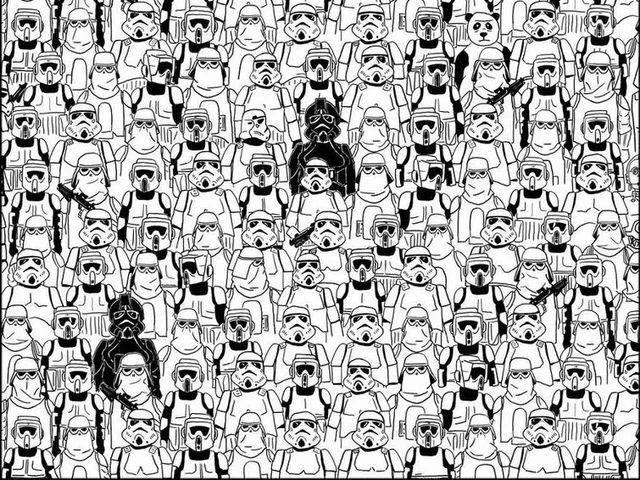
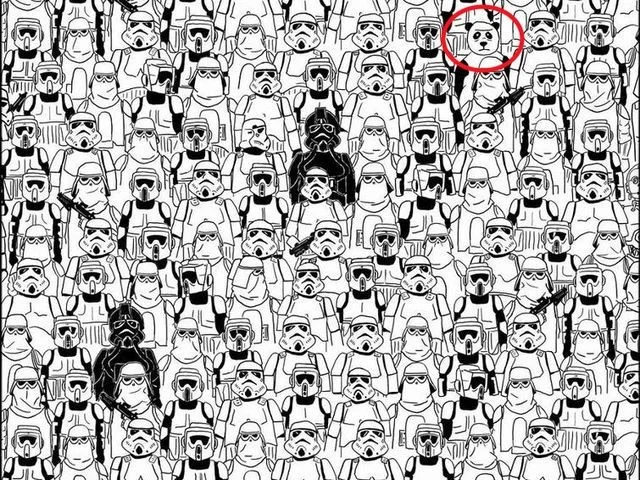
10. The panda is back in this army. Find it.
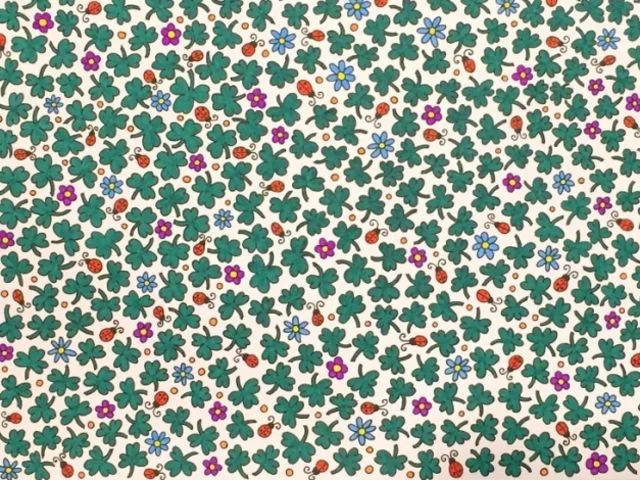
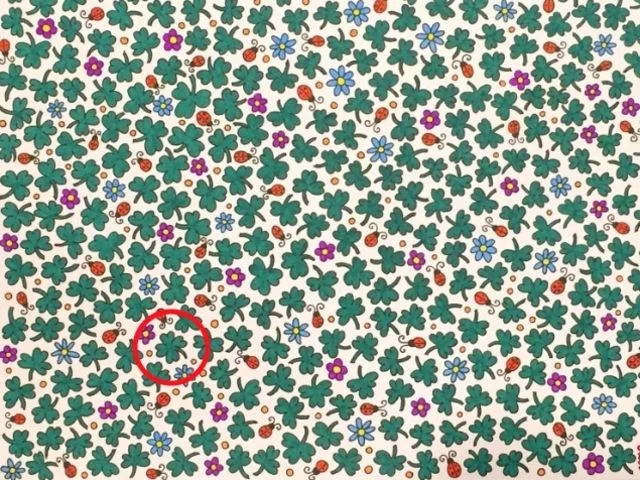
11. Find the 4 leaf clover in this picture
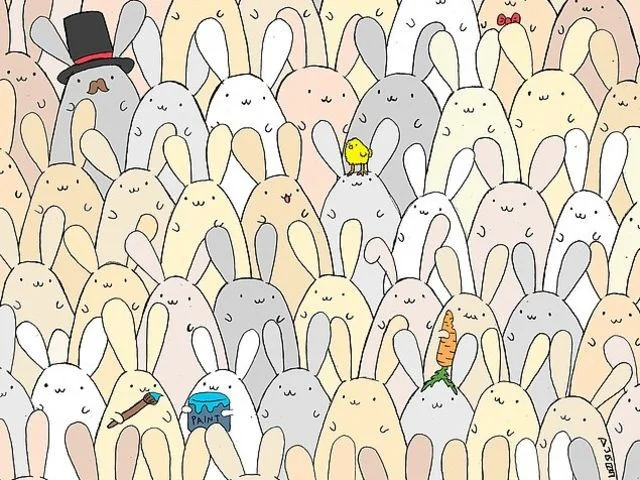
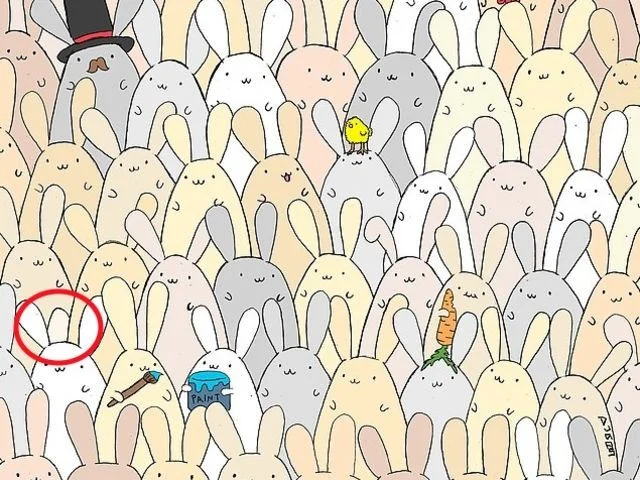
12. Find the egg standing somewhere among these rabbits.
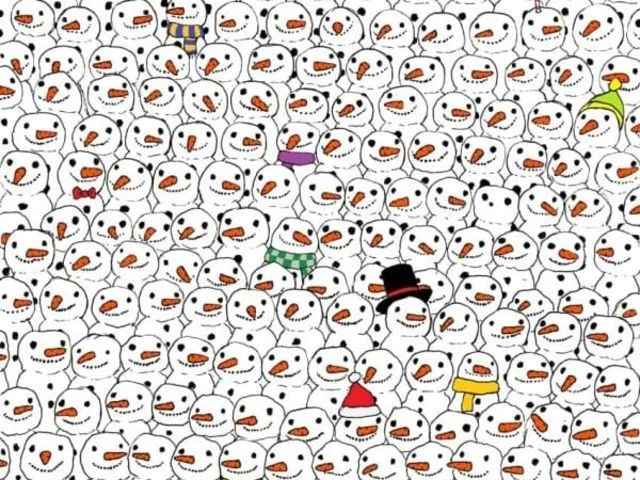
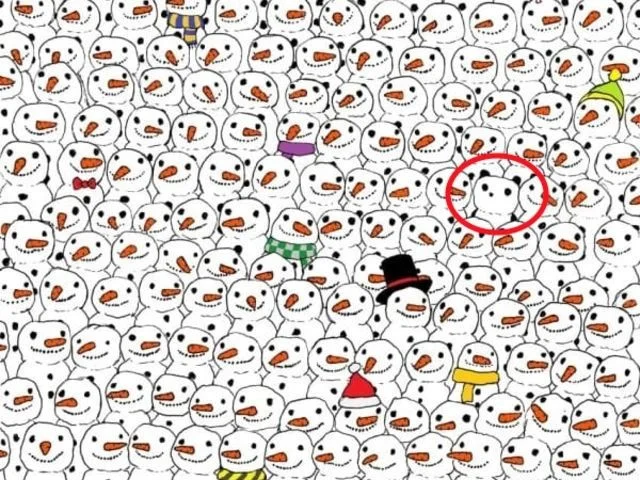
13. Find the panda among the snowmen.
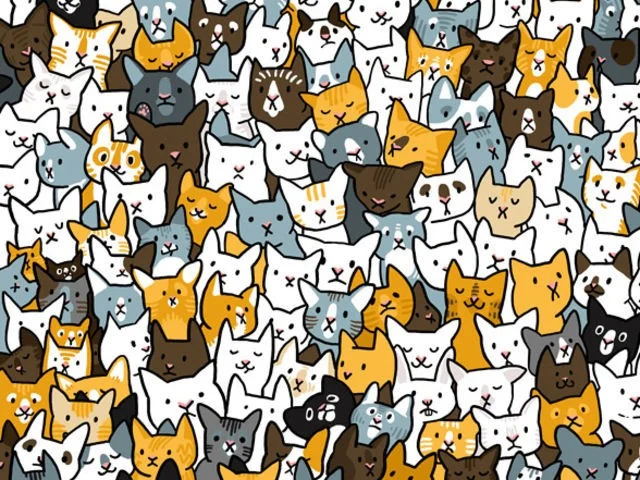
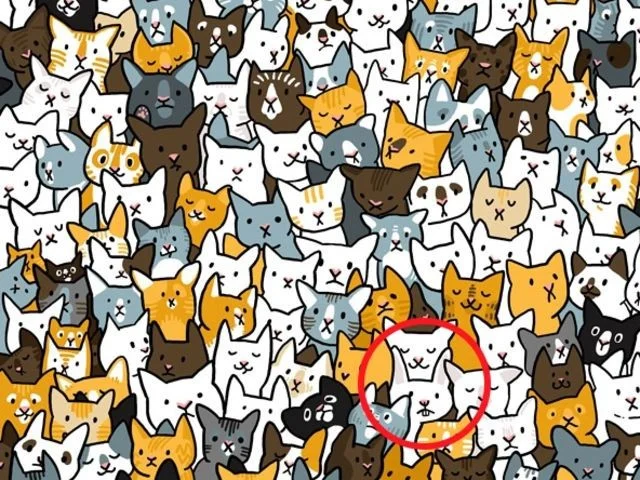
14. Find the rabbit in the cats below.
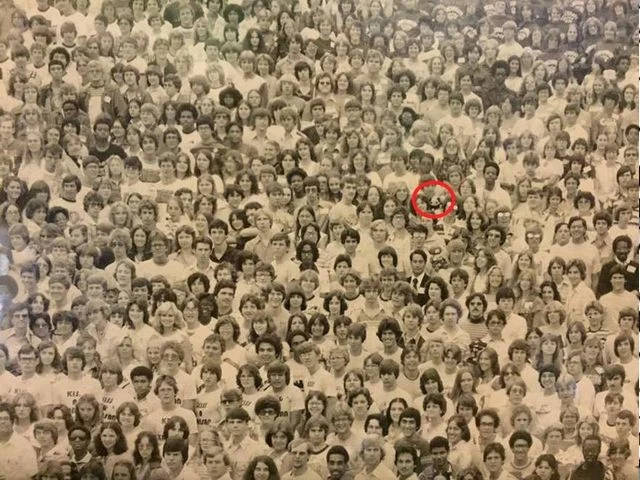
15. Find the panda standing somewhere among these people.
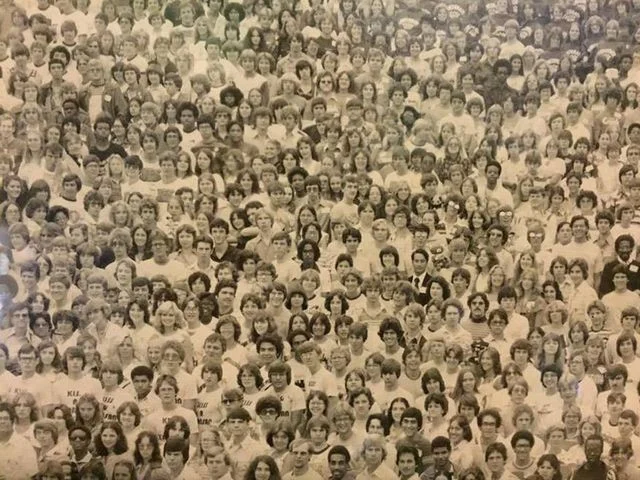
Have you seen anything special in the pictures below? If so, please mark it.
Now compare with the answer to see if you found the correct location.
Answer
1. The blue letter T is upside down in the picture.
2. The panda is standing in the 4th row from the top, on the right side.
3. Queen Elizabeth II is standing in the 4th row from the bottom, on the left.
4. This is a dog. Its nose is different from a panda's.
5. The 4 leaf clover is on the top right side.
6. The cat is standing in the third row from the bottom, on the left side.
7. It's hard to see the panda in this picture, right? Focus your eyes near the middle of the picture on the left side.
8. The letter C is in the 4th row from the bottom and 7th from the right.
9. The potato is standing in the third row from the bottom on the right.
10. Look closely and you will see a panda standing here. It is easily recognizable by its round head.
11. The 4 leaf clover is in the red circle
12. Pay attention to the second row from the bottom!
13. Panda is in 4th place in 5th row
14. The rabbit is standing in the third row from the bottom.
15. Pandas are so small among people. Pay attention to the red circle.
See more articles:
Have fun!
Skype Free Phone Calls let you connect with friends and family worldwide at no cost. Follow this guide to set up and start making free calls quickly and easily.
Stuck in the Discord Update Failed Loop? Follow these targeted fixes to break the cycle and complete the update without repeated failures or reinstalls.
Travel planning used to mean folders full of printed confirmations, handwritten notes, guidebooks, and a slightly terrifying number of browser tabs. Now, pretty much everything you need for a trip can live on the device already in your pocket.
Discover how Canva Free for Teachers gives educators full access to premium design tools at no cost. Verify your status and start creating classroom materials in minutes.
Skype How to Call International is simple and cost-effective once you set up credit and use the right country codes. Follow this guide to place clear calls from anywhere.
Make Skype to Skype Calls Free in minutes with this clear guide. Set up your account, add contacts, and start unlimited voice and video calls at no cost.
Fix the Your Connection is Not Private Chrome error quickly with these exact steps. Restore secure browsing by addressing certificate and settings issues in minutes.
Record heat has lifted air-conditioning demand while gas-market shocks have returned volatility to power prices. That creates a real risk of painful bills—but not a guaranteed, Europe-wide price explosion.
Large format printing has long faced criticism for its environmental impact. Traditional substrates, solvent-based inks, and short-lived promotional campaigns have all contributed to the perception that eye-catching graphics come at a high environmental cost.
Long-distance travel can involve heavy traffic, changing weather conditions, and rider fatigue. If you are also dealing with the responsibilities of moving home, such as packing belongings or coordinating accommodation, a long ride may add unnecessary pressure to an already busy schedule.





