Canva Power Point Template
Create professional slides fast with a Canva Power Point Template. Follow this guide to search, edit, and export directly to PowerPoint format in minutes.
If you use a messaging app to stay in contact with family and friends, you’re already familiar with Facebook Messenger and WhatsApp. Both are free, user-friendly apps that are available to anyone in the world who has a smart phone and Wi-fi access. But what makes these apps so popular?

This article will take a close look at Messenger and WhatsApp, describing what makes them different from each other, as well as the unique features that set them apart from the rest of the competition.
A Comparison – Messenger vs WhatsApp
Here are the three main aspects that users look for in an app:
Although both apps share many functions such as the ability to create groups, edit photos in-app, and pay for purchases in-app, we did find some major differences between the features that WhatsApp and Facebook Messenger offer.
1. Privacy and Security
Privacy and security are priorities for most people on any messaging service. Here’s how Messenger and WhatsApp measure up against each other when it comes to keeping your communications secure and free from market research surveillance.
WhatsApp Privacy and Security
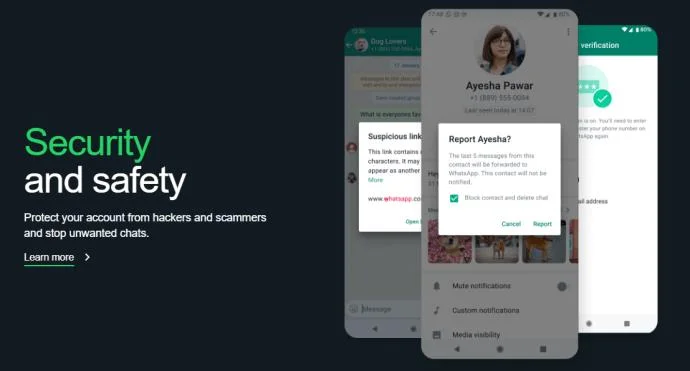
When it comes to protecting privacy, WhatsApp is clearly superior to Facebook Messenger. All its communications including chat texts, calls, files and photos are encrypted end to-end. This means that only the sender and the recipient can read them.
Pros
Cons
Facebook Privacy and Security

Facebook, which also owns Instagram, doesn’t offer encryption but it does offer texting in “Vanish Mode” which eliminates all trace of a chat history once the text has been typed.
Pros
Cons
2. Sending Media
Both WhatsApp and Facebook Messenger have a lot in common when it comes to sending texts, emojis, photos, and videos, including the fact that photos and videos must be uploaded from a third-party app such as your camera storage, Google Storage, or Air Drop.
Sending Media on WhatsApp
WhatsApp is versatile, allowing you to share your photos on any other app you want, including Facebook.
Pros
Cons
Sending Media on Facebook

Facebook is versatile, allowing you to share and download photos on the chat unless permission to share is restricted by the sender.
Pros
Cons
Sending Texts and Making Calls
Both Facebook and WhatsApp provide free VOIP video and text chats as long as you have internet connectivity.
Sending Texts and Making Calls on WhatsApp
WhatsApp Messenger is your best choice if you need to international or rural calls as it integrates smoothly on 5G, 3G and 2G networks.
Pros
Cons
Making Calls on Facebook Messenger

Facebook Messenger excels at group chats, allowing large group chats, and the ability to contact businesses with Facebook chats.
Pros
Cons
FAQs
What happens if a desired contact on WhatsApp has a phone that can’t read a barcode?
In this case, the sender must compare a string of 60 digitized numbers to verify that both sides of the WhatsApp chat are encrypted by manually entering them into the application.
How do I sign up for Messenger without a Facebook Account?
To sign up for Messenger without a Facebook account, go to messenger.com or download the Messenger app and choose “Not on Facebook.” The app will then ask you to register a Messenger account with your name, phone number, and optional photo.
WhatsApp Has a Slight Edge Over Facebook Messenger
Our comparison found that the two apps shared many good aspects including being free to download and being compatible with Android, iOS, and PC. However, WhatsApp allows users to upload larger 100b files, call larger groups, and is fully encrypted. Facebook Messenger is less secure allowing surveillance of your data history, browser history, and financial info. That said, both apps are free so there’s no reason that you can’t have them both.
Do you use Messenger or WhatsApp or both? What do you like best about each messaging app? Let us know in the comments section below.
Create professional slides fast with a Canva Power Point Template. Follow this guide to search, edit, and export directly to PowerPoint format in minutes.
Skype Free Phone Calls let you connect with friends and family worldwide at no cost. Follow this guide to set up and start making free calls quickly and easily.
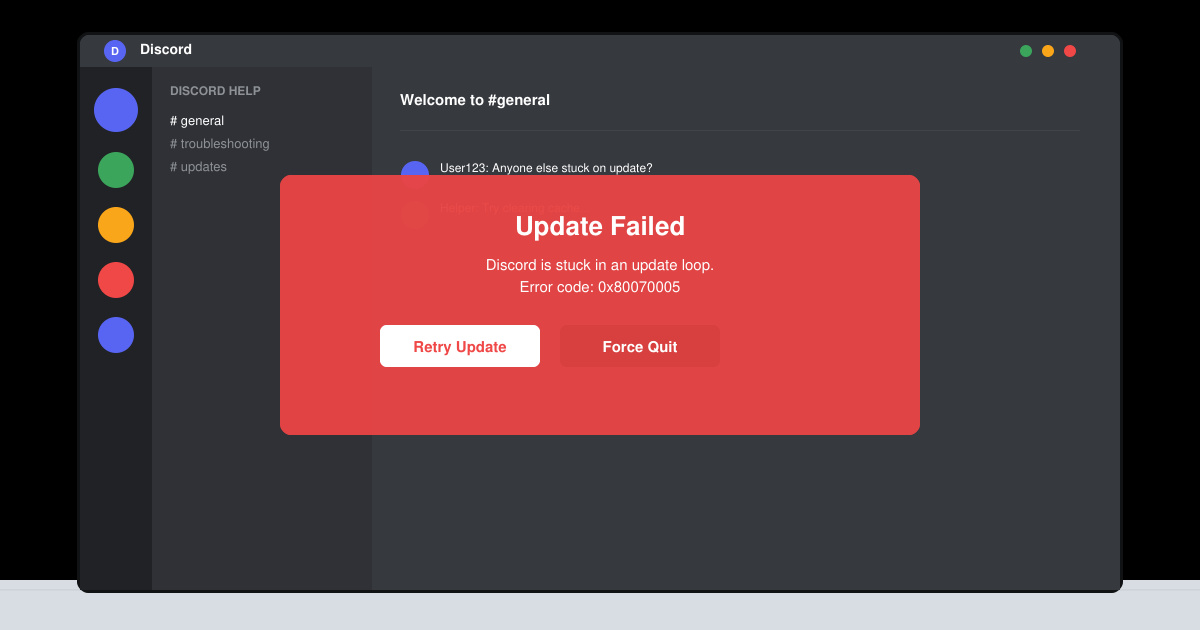
Stuck in the Discord Update Failed Loop? Follow these targeted fixes to break the cycle and complete the update without repeated failures or reinstalls.
Travel planning used to mean folders full of printed confirmations, handwritten notes, guidebooks, and a slightly terrifying number of browser tabs. Now, pretty much everything you need for a trip can live on the device already in your pocket.
Discover how Canva Free for Teachers gives educators full access to premium design tools at no cost. Verify your status and start creating classroom materials in minutes.
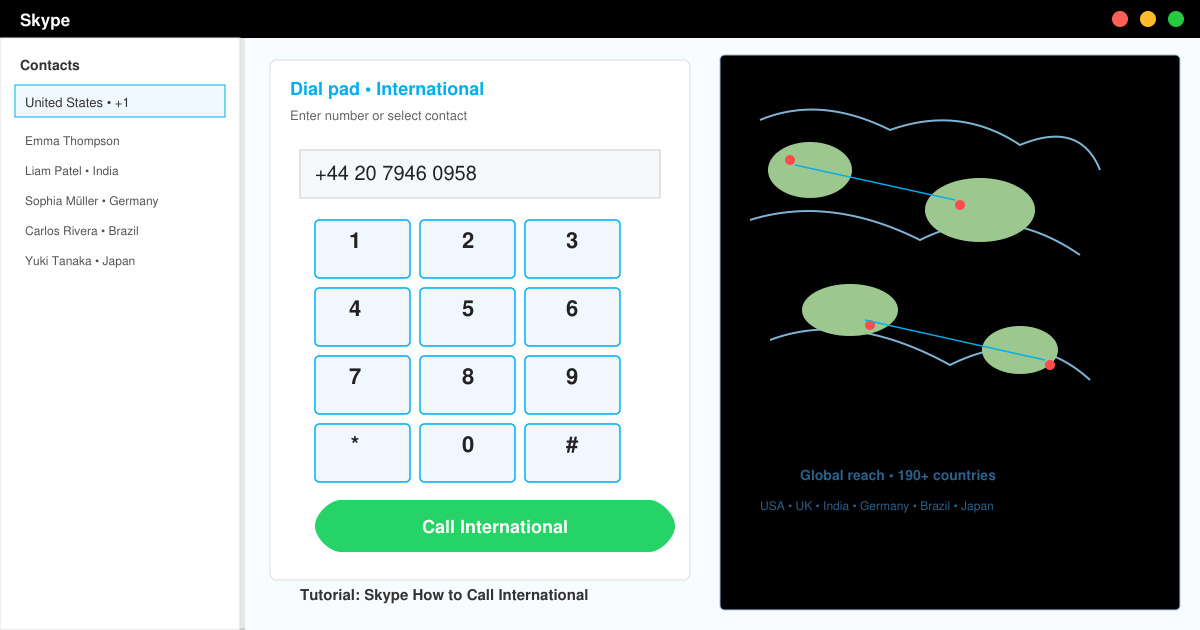
Skype How to Call International is simple and cost-effective once you set up credit and use the right country codes. Follow this guide to place clear calls from anywhere.
Make Skype to Skype Calls Free in minutes with this clear guide. Set up your account, add contacts, and start unlimited voice and video calls at no cost.
Fix the Your Connection is Not Private Chrome error quickly with these exact steps. Restore secure browsing by addressing certificate and settings issues in minutes.
Record heat has lifted air-conditioning demand while gas-market shocks have returned volatility to power prices. That creates a real risk of painful bills—but not a guaranteed, Europe-wide price explosion.
Large format printing has long faced criticism for its environmental impact. Traditional substrates, solvent-based inks, and short-lived promotional campaigns have all contributed to the perception that eye-catching graphics come at a high environmental cost.